Obtaining and Renewing a CERN Grid Certificate in LHCb
Working with LHCb resources requires a valid grid certificate. Here’s a step-by-step guide for obtaining and renewing your certificate…
Obtaining and Renewing a CERN Grid Certificate in LHCb

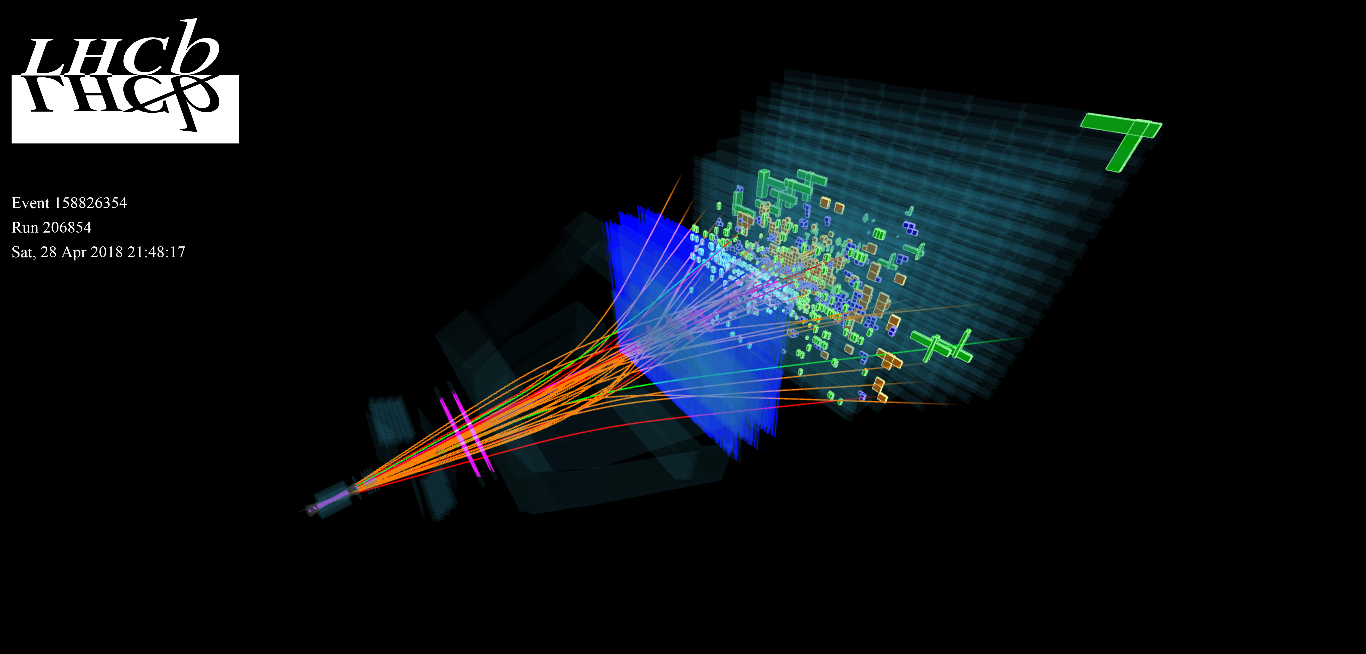
Photo by Marián Hubinský, licensed under CC BY-SA 4.0, via Wikimedia Commons.
Working with LHCb resources requires a valid grid certificate. Here’s a step-by-step guide for obtaining and renewing your certificate, tailored for lxplus and LHCb DIRAC access.
Obtaining a Certificate
Instructions: Official LHCb Certificate Guide
- Use Firefox — Chrome and other browsers may not work well for certificate management.
- Import all required certificates into Firefox (as described in the link above).
- Import your personal certificate into Firefox. You’ll be prompted to set an import password — remember it!
- Transfer the certificate to your
lxplusaccount withscp:
scp MyCertificate.p12 username@lxplus.cern.ch:~- SSH into lxplus:
ssh -Y <username>@lxplus.cern.ch- Convert the certificate to PEM format (you’ll be asked to set a PEM passphrase — use a different one than the import password):
lb-dirac dirac-cert-convert MyCertificate.p12- Join the LHCb Virtual Organisation (VO) via the VOMS registration page. You may need to wait ~24 hours for validation.
- Once validated, initialize your proxy on
lxplus:
lhcb-proxy-initEnter your PEM passphrase when prompted.
✅ You now have access to the LHCb DIRAC portal.
Renewing a Certificate
- Download your renewed certificate from the CERN Certification Authority.
- Transfer it to lxplus:
scp NewCertificate.p12 <username>@lxplus.cern.ch:- In Firefox, delete the old certificate and import the new
.p12one. - Update your IAM profile:
- Visit IAM Profile
- Under
X.509 certificates, unlink the old certificate. - Then, link the new certificate you just imported.
- On lxplus, clear your previous credentials:
rm -rf ~/.globus- Convert the new certificate to PEM as before:
lb-dirac dirac-cert-convert NewCertificate.p12- Test your setup: Follow this checklist to ensure everything is working.
- Optionally run:
lhcb-dirac- Finally, reinitialize your proxy:
lhcb-proxy-init✅ You have renewed your certificate.
Originally published at https://fotisgiasemis.com on February 5, 2023.
메타데이터
- post_id
- ecf252e54587
- slug
- obtaining-and-renewing-a-cern-grid-certificate-in-lhcb-ecf252e54587
- url
- https://medium.com/@fotisgiasemis/obtaining-and-renewing-a-cern-grid-certificate-in-lhcb-ecf252e54587
- canonical_url
- https://medium.com/@fotisgiasemis/obtaining-and-renewing-a-cern-grid-certificate-in-lhcb-ecf252e54587
- author_url
- https://medium.com/@fotisgiasemis
- status
- ok
- fetched_at
- 2026-06-20 20:29:01