Breaking the “Unreal Look”: Implementing a Custom Cel Shading Model in Unreal Engine
Why Non-Photorealistic Rendering?
Breaking the “Unreal Look”: Implementing a Custom Cel Shading Model in Unreal Engine
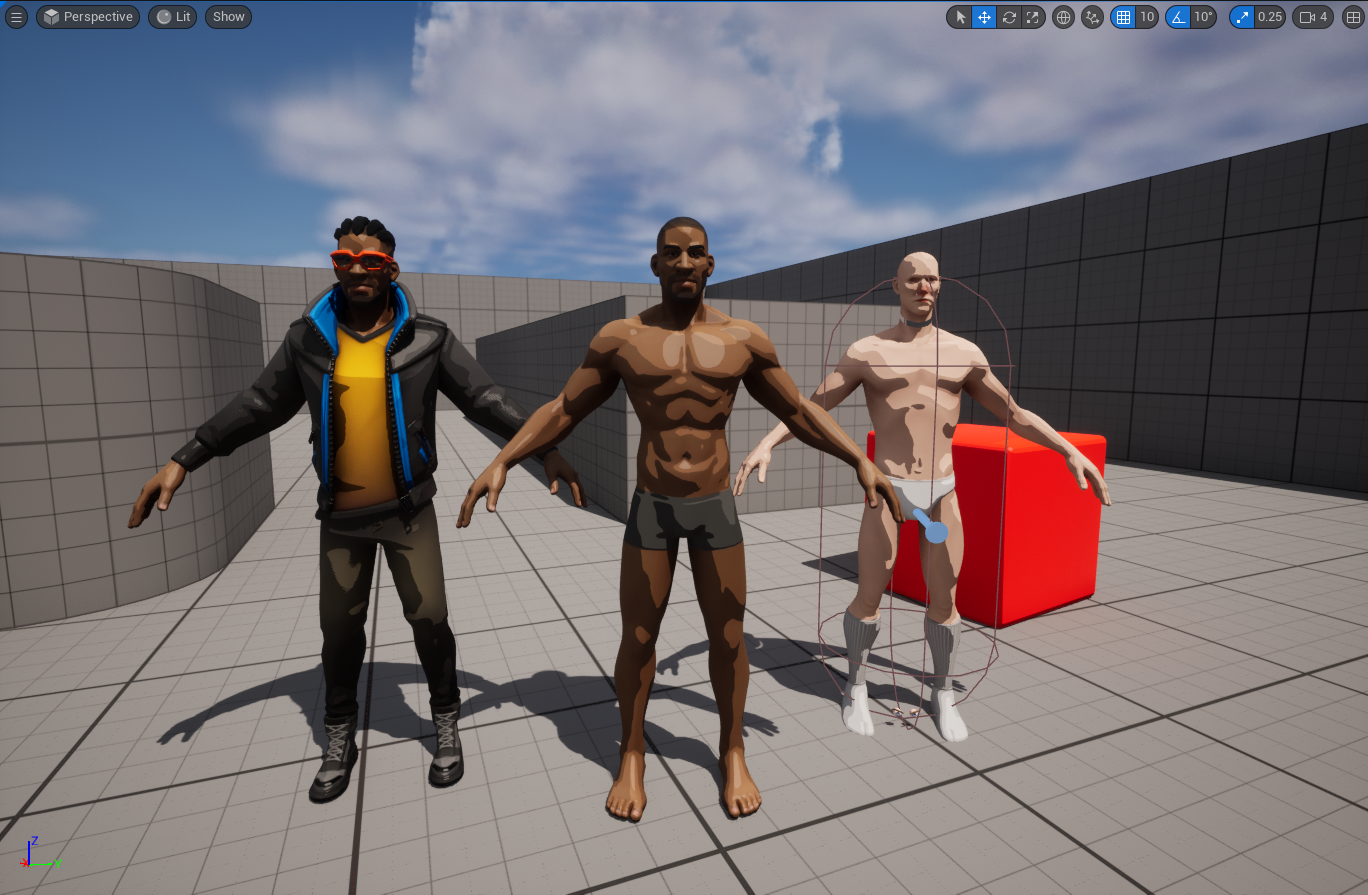
Why Non-Photorealistic Rendering?
When you spend enough time with Unreal Engine, you start to notice a pattern many games end up looking very similar. The physically based shading model does a lot of heavy lifting, but it also makes most projects converge toward a “cinematic realism” look. That’s great when realism is the goal, but I’ve always been personally drawn to Non-Photorealistic Rendering (NPR) styles.

Games like Jet Set Radio, Borderlands, and more recently 2XKO (Riot’s upcoming fighter) really stuck with me because of their bold, stylized shading. They reminded me that shading models aren’t just about simulating light, they define the entire mood and identity of a game. That curiosity pushed me to explore what it would take to implement a custom cel-shading model inside Unreal Engine itself, not just through post-processing tricks.
But why a Custom Shading Model?

Most NPR effects in Unreal are done using materials, post-process passes, or hacks on top of the default shading system. That works, but it comes with limitations: you’re still bending a PBR-centric pipeline to do something it wasn’t really built for. I wanted to see if I could go deeper, add a shading model at the engine level that integrates cleanly with lighting, forward rendering, and other parts of the pipeline.
This was also driven by a personal project I’m working on, which is built around Forward Rendering, so I deliberately skipped the G-Buffer path.
The Process (Conceptual)
Instead of going step-by-step through engine code (amazing tutorial by One3y3 covers a lot of that), I’ll keep it high-level to make it compact and mention overview steps only:
→ Defined a new shading model entry in the engine, alongside the existing ones like Default Lit and Subsurface.

→ Looked at Unreal’s physically-based approach, which relies on GGX microfacet distributions and BRDFs to approximate how light reflects off rough surfaces. Set up the BRDF function to perform a cel-shading calculation instead of a smooth PBR falloff.

→ Integrated light ramping and shadow banding directly at the shading stage rather than faking it later.

→ And Focused on forward rendering compatibility from the start.
The cool part? Once the model was wired into the engine, I could assign it directly to materials, and Unreal treated it as a first-class citizen, no extra render passes or fragile material hacks.(Don't even ask me how many times I failed until this was achieved ;-;)

Celshading models wired directly into the engine
I’ll be honest: the process was frustrating, cumbersome, and filled with tons of engine crashes. Working in an complex engine like Unreal and also at the rendering pipeline level means a lot of trial and error, and even a small misstep can bring everything down. But once the pieces finally clicked, it was absolutely worth the effort: the results felt amazing.

Horrors of playing around with engine source code.
Another key lesson was that playing around with the graphs is necessary. The quality and style you achieve depend heavily on tweaking the light ramps, shadow thresholds, and banding curves. It’s less about following a fixed formula and more about tuning until the look matches the artistic vision.

One of the Color Curve which seemed to work well
Optimization & Performance
One of the biggest concerns when modifying the rendering pipeline is performance. A common assumption is that a custom shading model will add overhead but in this case, the cel-shading implementation turned out to be extremely lightweight.

In fact, when applied at the material level, the shader adds only one extra instruction compared to the default. That means the cost of using this model is almost negligible, making it viable even for performance-sensitive projects.

Aurora from paragon costing almost the same with its Default and Celshaded materials
For me, that was an important takeaway: NPR rendering doesn’t always have to mean “expensive hacks” or heavy post-processing. With the right integration point, you can achieve a unique look while keeping the GPU cost practically unchanged.
Results

Right: Aurora with base materials || Left: Aurora with cel shading model
Even in early tests, the look was dramatically different from Unreal’s default. Surfaces broke down into flat tones, lights acted differently between ramps, and the whole scene started taking on that stylized, illustrative look. Unlike a post-process solution, the effect held up under dynamic lighting and interacted naturally with the environment.
[embed]
It’s still experimental, but for me it proved the point: Unreal’s rendering pipeline is more flexible than most people realize, and you can push it toward highly stylized art directions if you’re willing to tinker under the hood.
Lessons Learned
- Engine-level work is fragile: Expect crashes and long debugging cycles when diving into the rendering pipeline. Small mistakes can break the build.
- Iteration matters: Achieving the right NPR look requires constant tweaking of light ramps, shadow bands, and thresholds. The “formula” is artistic, not fixed.
- Performance can surprise you: A well-placed custom shading model can be almost cost-free — in this case, just one extra instruction per material.
- Style is identity: NPR isn’t just a visual flourish; it can fundamentally change how a game feels and distinguishes itself from the default Unreal aesthetic.
- Theoretical depth matters: Working on NPR shading forced me to explore how Unreal manages light and materials at a low level , and how concepts like GGX, macrofacet distributions and BRDFs shape the rendering pipeline. Even when simplifying to cel shading, understanding the math behind realistic shading helped me know what to bend and where to break convention.
Closing Thoughts
This was less about building a production-ready shader and more about breaking out of the default Unreal “look”. But seems like its pretty optimal for a game(who knows i might be working on something already 👀). I wanted to see how far I could push the engine toward NPR at the core shading level — and it gave me a whole new appreciation for the relationship between rendering models and game identity.
It also opened a door into the theory behind shading. Playing with NPR meant rethinking how light interacts with surfaces, which pushed me to better understand BRDFs, microfacet models, and Unreal’s approach to light transport. Even though cel shading discards some of those complexities, knowing how the underlying system works is what made it possible to repurpose it for a stylized result.
For me, this experiment reinforced why NPR matters: it’s not just an art style, it’s a design choice that sets the tone of a game as much as mechanics or story. And Unreal, despite its realism bias, can absolutely be bent toward those directions(while being a pain to do so, lol).
I’ve been documenting my learnings around Unreal Engine internals, Performance and Tooling across blogs, feel free to explore the rest if this resonated with you. **Check out more of my Blogs. I enjoy exchanging ideas around game performance, tools, and engine-level problem solving or you want any help with your projects, so feel free to reach out at [nikhil.maurya1201@gmail.com](mailto:nikhil.maurya1201@gmail.com)**.
메타데이터
- post_id
- edf9892db110
- slug
- breaking-the-unreal-look-implementing-a-custom-cel-shading-model-in-unreal-engine-edf9892db110
- url
- https://medium.com/@GroundZer0/breaking-the-unreal-look-implementing-a-custom-cel-shading-model-in-unreal-engine-edf9892db110
- canonical_url
- https://medium.com/@GroundZer0/breaking-the-unreal-look-implementing-a-custom-cel-shading-model-in-unreal-engine-edf9892db110
- author_url
- https://medium.com/@GroundZer0
- status
- ok
- fetched_at
- 2026-07-08 08:37:11