Why Creatives Are Moving from Photoshop to Affinity Photo
For years, Adobe Photoshop has been the undisputed king of photo editing. It’s powerful, deeply integrated into creative workflows, and…
Why Creatives Are Moving from Photoshop to Affinity Photo
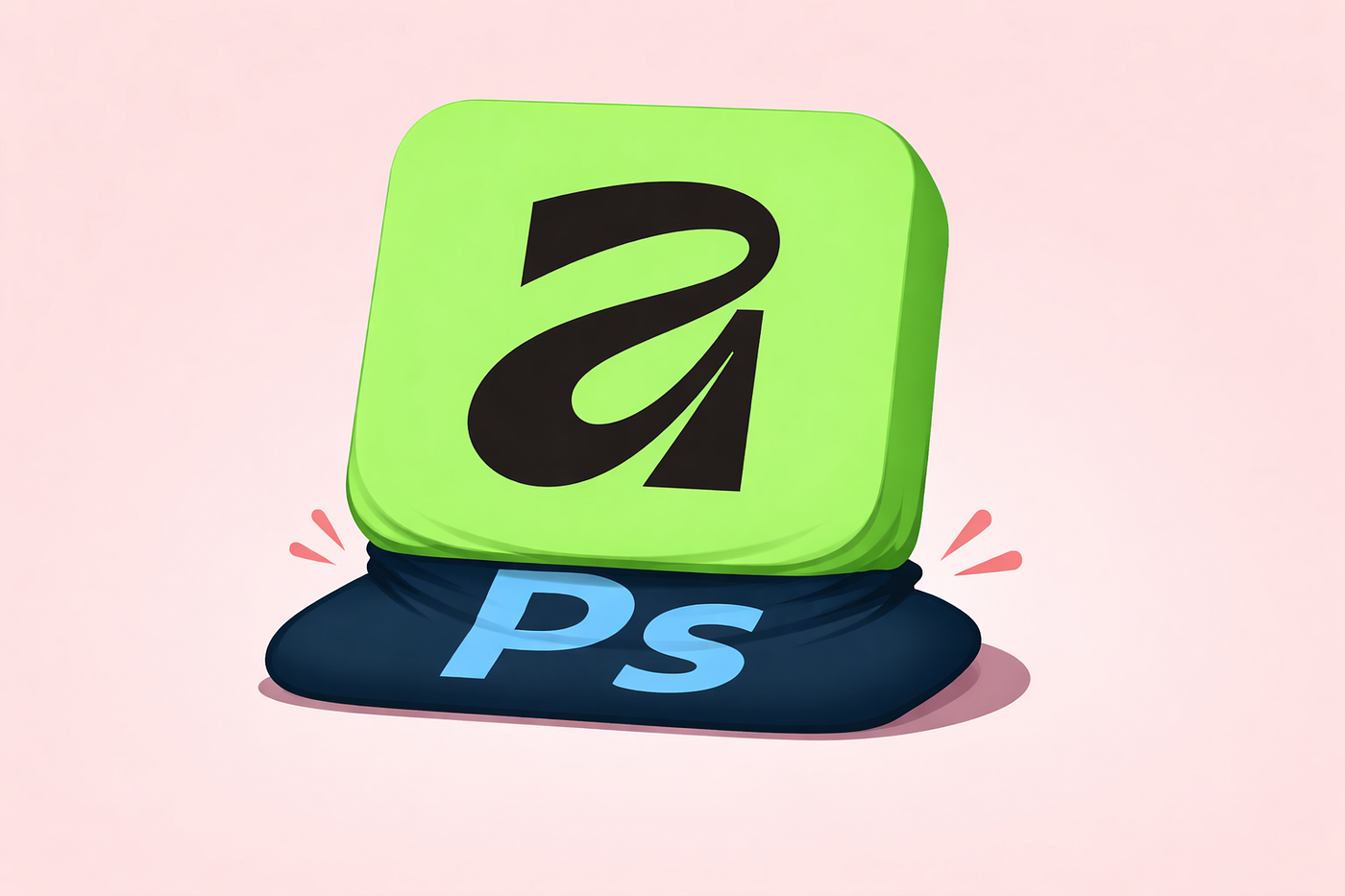
For years, Adobe Photoshop has been the undisputed king of photo editing. It’s powerful, deeply integrated into creative workflows, and widely taught across industries. But in recent years, a noticeable shift has been happening: designers, photographers, and hobbyists alike are moving to Affinity Photo.
This isn’t just a passing trend, it’s a response to changing expectations around cost, performance, and usability. Let’s explore why Affinity Photo is gaining ground and what’s driving users away from Photoshop
The Subscription Fatigue Is Real
One of the biggest catalysts behind the migration is Adobe’s subscription model. While Creative Cloud offers access to a wide range of tools, it comes with a recurring monthly cost that adds up quickly over time.
Many users feel locked into paying indefinitely for software they may only use occasionally. This frustration is amplified by the fact that even basic access requires ongoing payments, with no option to “own” the software outright.
Affinity Photo flips this model entirely. It offers a one-time purchase (perpetual license) the same as just one or two months of Adobe’s subscription. For freelancers, hobbyists, and even small studios, this pricing structure is not just appealing it’s liberating.
Lightweight, Fast, and Focused
Another common complaint about Adobe’s ecosystem is bloat. Creative Cloud apps often come with background processes, auto-updaters, and integrations that consume system resources even when you’re not actively using them.
Affinity Photo, by contrast, feels lean and efficient. It launches quickly, runs smoothly, and doesn’t rely on a heavy background ecosystem. For users tired of sluggish startups and unnecessary overhead, this alone is a compelling reason to switch.
Surprisingly Easy Transition
One of the biggest fears when switching software is the learning curve. Photoshop has decades of legacy and complexity, and many users assume alternatives won’t match its familiarity.
But Affinity Photo defies that expectation.
Its interface is intuitive and remarkably similar to Photoshop, making it easy for experienced users to transition. Tools are where you expect them to be, workflows feel familiar, and the overall experience is refreshingly straightforward.
For new users, it’s even better: Affinity Photo is often described as a breeze to learn and use, without sacrificing depth
Feature Parity That Actually Delivers
A few years ago, alternatives to Photoshop often fell short in terms of capability. That’s no longer the case.
Affinity Photo has matured into a fully professional-grade tool. It supports advanced features like:
- Non-destructive editing
- RAW processing
- Layer-based workflows
- Advanced selection tools
- High-end retouchin
- HDR merging and panorama stitching
For most users, it can do everything they need and in many cases, everything Photoshop can do.
This is why many reviewers confidently say that Affinity Photo gives Photoshop a real run for its money.
A Better Experience for Everyday Creators
Beyond specs and pricing, there’s something more subtle driving the shift: user experience.
Creators consistently highlight how enjoyable Affinity Photo feels to use. The interface is clean, the tools are responsive, and the workflow doesn’t feel cluttered or overwhelming.
As one common sentiment goes:
“I really enjoyed using Affinity Photo. The interface was easy to learn and the features were very versatile. I was able to easily improve the quality of my photos and add personal touches with ease.”
This combination of power + simplicity is hard to ignore.
Affinity vs Photoshop: A Practical Comparison
When comparing the two, the differences become clear:
Photoshop
- Industry standard with deep ecosystem
- Subscription-based pricing
- Feature-rich but often complex
- Heavier system footprint
Affinity Photo
- One-time purchase (no subscription)
- Fast, lightweight performance
- Intuitive and familiar interface
- Professional-grade features without the clutter
For many users, the question is no longer “Can Affinity replace Photoshop?” but rather “Why am I still paying for Photoshop?”
The Bottom Line
Affinity Photo represents a shift in what creatives expect from their tools: transparency in pricing, efficiency in performance, and simplicity in design.
It’s not about dethroning Photoshop entirely Adobe still dominates in enterprise and collaborative environments. But for individuals and small teams, Affinity Photo offers something incredibly compelling:
Freedom.
Freedom from subscriptions. Freedom from bloated software. Freedom to create without friction.
And for a growing number of users, that’s more than enough reason to make the switch.
메타데이터
- post_id
- ee3ce4d51ade
- slug
- why-creatives-are-moving-from-photoshop-to-affinity-photo-ee3ce4d51ade
- url
- https://medium.com/@muireann.aoi.nicsuibhne/why-creatives-are-moving-from-photoshop-to-affinity-photo-ee3ce4d51ade
- canonical_url
- https://medium.com/@muireann.aoi.nicsuibhne/why-creatives-are-moving-from-photoshop-to-affinity-photo-ee3ce4d51ade
- author_url
- https://medium.com/@muireann.aoi.nicsuibhne
- status
- ok
- fetched_at
- 2026-08-01 01:10:46