Gemini Notebook: You Don’t Even Need One to Get Its Best Feature Anymore
I built my whole workflow around uploading documents into notebooks first. Turns out that step isn’t always necessary anymore.
Gemini Notebook: You Don’t Even Need One to Get Its Best Feature Anymore
I built my whole workflow around uploading documents into notebooks first. Turns out that step isn’t always necessary anymore.
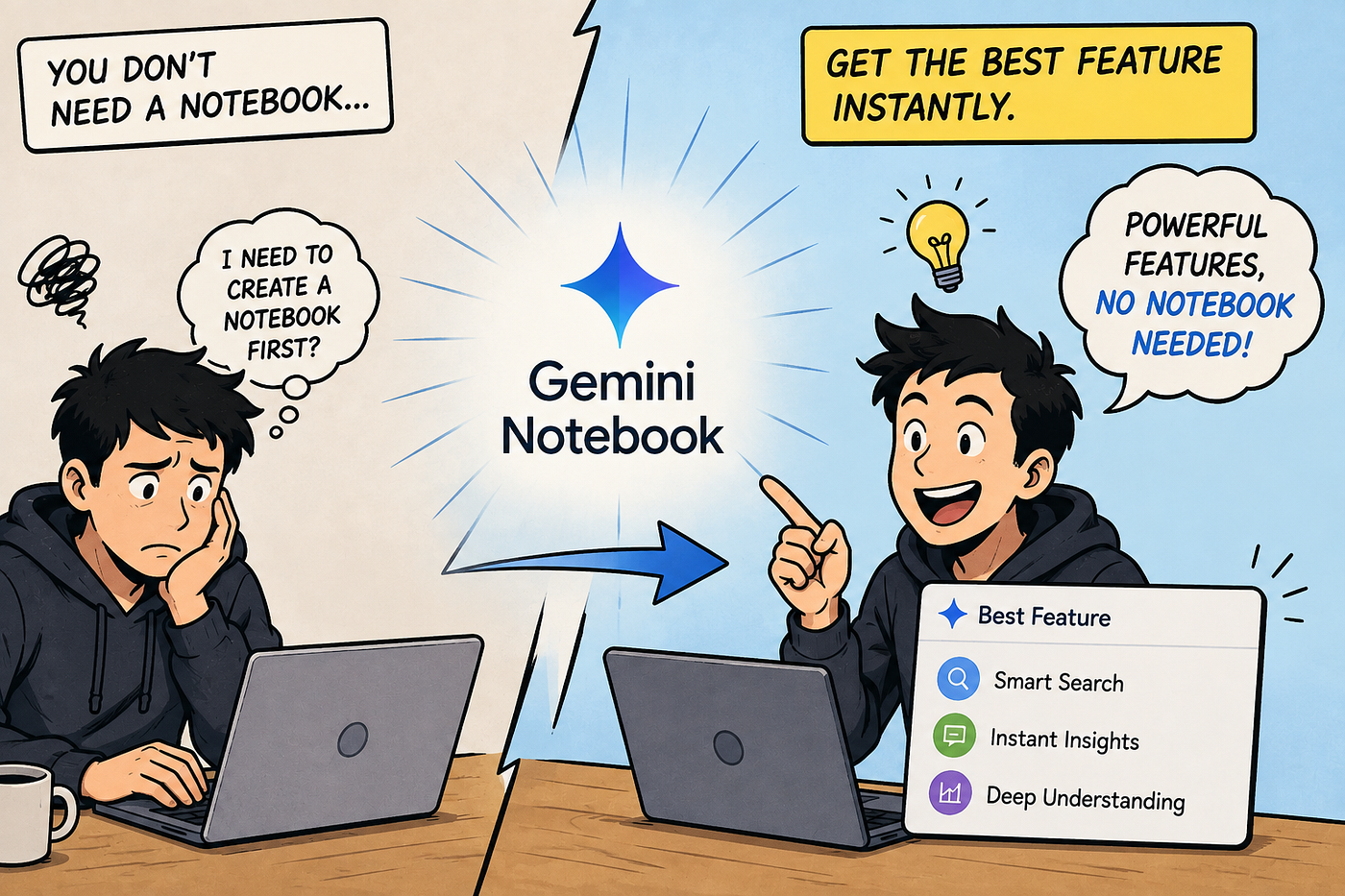
For as long as I’ve been writing about this tool, the workflow has always started the same way: create a notebook, upload your sources, then generate whatever output you need from inside that notebook. I’ve written entire articles built around that sequence — client notebooks, research notebooks, one notebook per project. That’s still the right approach for anything you’re going to revisit and build on over time.
But I recently ran into something that made me realize I’d been overcomplicating a specific, common use case. One of Gemini Notebook’s most well-liked features — the podcast-style Audio Overview that turns your source material into a conversation between two AI hosts — doesn’t actually require a notebook at all anymore. You can generate one directly inside the regular Gemini app, from a document, a slide deck, or even a Deep Research report, without ever creating a dedicated notebook first.
Figuring out the fastest way to actually use these tools well — not just the most obvious way — is most of the value in getting good at any of this. **I’ve put together a complete system** covering the workflows that make the difference. It’s still named after the tool’s old identity, NotebookLM, but everything in it applies directly to Gemini Notebook.
👉 Get Your Copy of The NotebookLM Operating System
What Actually Changed
The underlying technology is the same one that powers Audio Overviews inside Gemini Notebook. What’s different is where you can trigger it. Inside the main Gemini app — the general chat interface most people already have open throughout the day — you can now upload a file directly into a conversation and generate that same podcast-style discussion on the spot, without the intermediate step of building a notebook around it first.
For a one-off document you’re never going to touch again, that’s a meaningfully shorter path. Upload, generate, listen. No notebook to name, no sources to organize, no dedicated workspace to maintain afterward for something you only needed once.
Why I’d Been Missing This
I think the reason this wasn’t obvious to me sooner is that I’d mentally filed Audio Overviews as a Gemini Notebook feature specifically, rather than as a capability that happens to live inside Gemini Notebook but isn’t exclusively tied to it. Once you’ve built a habit — create notebook, upload sources, generate output — it’s easy to keep following that sequence even in situations where a lighter-weight option would actually serve you better.
The distinction that actually matters here is between material you’ll want to keep, build on, and query repeatedly, versus material you just need processed once. A client’s ongoing brief, ongoing project notes, accumulated research on a topic you keep returning to — that belongs in a proper notebook, where it stays queryable and grows more useful over time. A single report someone sent you that you just want a fast audio digest of before a meeting in twenty minutes — that’s exactly the case where skipping the notebook and generating directly in the main Gemini app saves real time.
Knowing when to use a full notebook versus a quicker, lighter-weight option is its own skill, and it’s one that compounds the more you actually use these tools regularly. **I’ve put together a complete system** covering both — when to build something durable and when to just get a fast answer.
Where This Actually Comes In Handy
A few specific situations where I’ve found the notebook-free version genuinely useful rather than just a marginal convenience.
Before a meeting where someone’s sent over a document at the last minute, generating a quick audio digest while getting ready or commuting beats trying to speed-read the whole thing cold. It’s a fast way to walk in oriented rather than starting from zero.
For a single long article or report you want to absorb without committing to reading it in full at your desk, this turns “I should really read that” into something you can actually get through during a walk or a drive, without the friction of first deciding it’s worth building a whole notebook around.
And for evaluating whether something is even worth a deeper look — a report someone recommended, a document you’re not sure merits real time investment — a fast audio overview lets you triage before deciding whether it earns a proper notebook and a closer read.
Where a Real Notebook Still Wins
I don’t want to overstate this. For anything you’re going to return to — ongoing client work, a research topic you’re actively building understanding of, course material for a class that runs all semester — a proper notebook is still clearly the better tool. It accumulates. You can ask follow-up questions grounded in everything you’ve added over time, not just a single document in isolation. The Audio Overview generated inside a rich, established notebook also tends to be more substantive, because it’s synthesizing across more material rather than just one file.
The lighter-weight version inside the main Gemini app is genuinely best understood as a shortcut for the specific, common case of a single document you need processed once — not a replacement for the deeper, cumulative value a real notebook builds over weeks and months.
The Actual Lesson Here
What I take from this, beyond the specific feature itself, is a reminder to periodically check whether a workflow I’ve settled into is still the most efficient version of itself. I’d built a habit around always starting with a notebook, and that habit was right often enough that I never questioned it — until a simpler path for a specific, common situation turned out to already exist and I just hadn’t noticed.
If you’ve been defaulting to building a notebook for absolutely everything, it’s worth asking, task by task, whether what you’re dealing with is actually going to be revisited — or whether it’s a one-off that a faster, lighter tool would handle just as well.
Knowing which tool fits which situation — a full notebook, a quick in-app generation, or something else entirely — is most of what separates people who get real value from this ecosystem and people who get frustrated by it. **The NotebookLM Operating System** covers exactly that: 120+ ready-to-use prompts, 20 frameworks, and 15 complete workflows for research, learning, writing, and business use cases.
메타데이터
- post_id
- eee450c628f8
- slug
- gemini-notebook-you-dont-even-need-one-to-get-its-best-feature-anymore-eee450c628f8
- url
- https://medium.com/@C.Fir/gemini-notebook-you-dont-even-need-one-to-get-its-best-feature-anymore-eee450c628f8
- canonical_url
- https://medium.com/@C.Fir/gemini-notebook-you-dont-even-need-one-to-get-its-best-feature-anymore-eee450c628f8
- author_url
- https://medium.com/@C.Fir
- status
- ok
- fetched_at
- 2026-08-13 00:29:11





