.NET 9 Minimal APIs Tutorial: Build Fast & Scalable REST APIs Step-by-Step
Minimal APIs were introduced to simplify building fast and lightweight HTTP APIs. In .NET 9 they are more polished, more flexible, and…
.NET 9 Minimal APIs Tutorial: Build Fast & Scalable REST APIs Step-by-Step
Minimal APIs were introduced to simplify building fast and lightweight HTTP APIs. In .NET 9 they are more polished, more flexible, and ready for production use. In this guide, you will learn when to use Minimal APIs, why they matter, and how to build them step by step with clear examples.
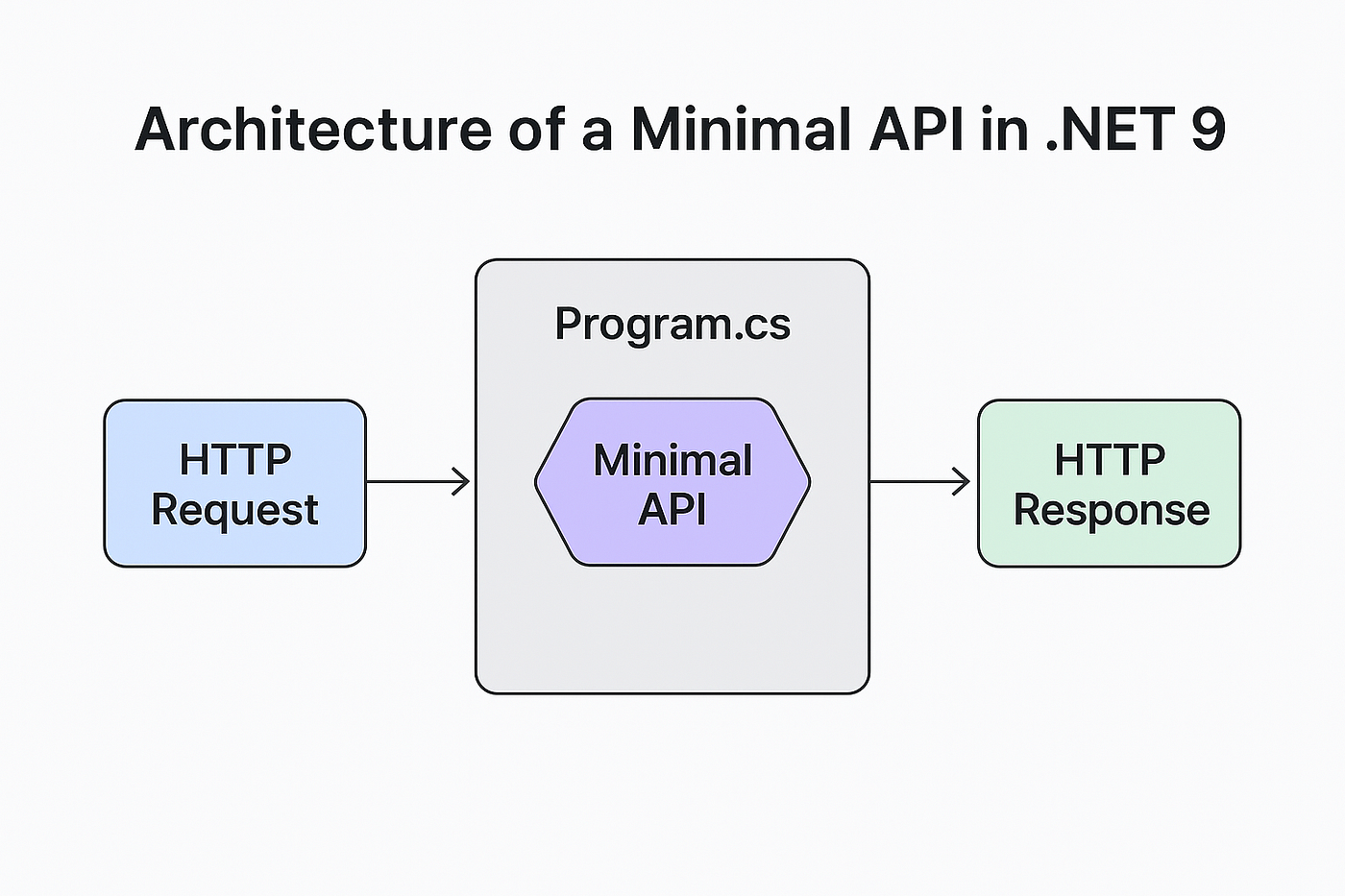
1. What Are Minimal APIs?
Minimal APIs allow you to build HTTP endpoints with the smallest possible setup.
You do not need controllers, attributes, or bulky configurations. You start with a simple Program.cs and map your routes directly.
They are perfect when you want:
- Fast startup
- Less ceremony
- Clear and small codebase
- Quick prototypes or microservices
2. When Should You Use Minimal APIs?
Use Minimal APIs when:
- Your application is small or medium in size
- You want simple CRUD endpoints
- You are building microservices
- You do not need full MVC features
- You want faster performance and fewer layers
Avoid Minimal APIs when:
- You need heavy validation using attributes
- You require Razor Views or MVC patterns
- You expect a large and complex domain
- You want strong separation of concerns with controllers

3. Starting a Minimal API in .NET 9
Create a new project:
dotnet new web -n MinimalApiDemoThis creates a simple Web project using Minimal API style.
4. Basic Setup (Program.cs)
Below is the simplest Minimal API example:
var builder = WebApplication.CreateBuilder(args);
var app = builder.Build();

app.MapGet("/", () => "Welcome to .NET 9 Minimal APIs");
app.Run();
Run the project and open the browser.
You should see: Welcome to .NET 9 Minimal APIs
5. Creating a Simple CRUD API
Let’s build a basic Product API using Minimal APIs.
Step 1: Create a Model
public record Product(int Id, string Name, decimal Price);Step 2: Add In-Memory Data
var products = new List<Product>
{
    new Product(1, "Keyboard", 3000),
    new Product(2, "Mouse", 1500)
};
Step 3: Define Endpoints
app.MapGet("/products", () => products);

app.MapGet("/products/{id}", (int id) =>
{
    var product = products.FirstOrDefault(p => p.Id == id);
    return product is null ? Results.NotFound() : Results.Ok(product);
});

app.MapPost("/products", (Product product) =>
{
    products.Add(product);
    return Results.Created($"/products/{product.Id}", product);
});

app.MapPut("/products/{id}", (int id, Product updated) =>
{
    var index = products.FindIndex(p => p.Id == id);
    if (index == -1) return Results.NotFound();

    products[index] = updated;
    return Results.Ok(updated);
});

app.MapDelete("/products/{id}", (int id) =>
{
    var product = products.FirstOrDefault(p => p.Id == id);
    if (product is null) return Results.NotFound();

    products.Remove(product);
    return Results.Ok(product);
});
Now you have a full CRUD system in under 40 lines.
6. Adding Dependency Injection
Minimal APIs support DI seamlessly:
builder.Services.AddSingleton<IProductService, ProductService>();Inject it in your endpoint:
app.MapGet("/products", (IProductService service) => service.GetAll())This keeps your code clean and testable.
7. Adding Validation
Starting in .NET 8/9, Minimal APIs support parameter binding and validation:
app.MapPost("/products", (ProductDto dto) =>
{
    if (string.IsNullOrWhiteSpace(dto.Name))
        return Results.BadRequest("Name is required.");

    // Save to database
});
8. Why Choose Minimal APIs?
Choose Minimal APIs because they offer:
- Faster performance
- Lower memory usage
- Cleaner and shorter code
- Quicker development flow
- Easy learning curve
They are strong enough for microservices or small medium APIs and flexible enough to grow when needed.
9. Conclusion
Minimal APIs in .NET 9 provide a simple and efficient way to build lightweight services. They reduce boilerplate, improve performance, and help you stay focused on the logic instead of the structure. Use them when your application needs speed, clarity, and small size. For larger or UI heavy applications, traditional MVC is still a better fit. The key is choosing the right approach based on your project’s needs.
메타데이터
- post_id
- eef1e300f6c5
- slug
- net-9-minimal-apis-tutorial-build-fast-scalable-rest-apis-step-by-step-eef1e300f6c5
- url
- https://medium.com/@asad072/net-9-minimal-apis-tutorial-build-fast-scalable-rest-apis-step-by-step-eef1e300f6c5
- canonical_url
- https://medium.com/@asad072/net-9-minimal-apis-tutorial-build-fast-scalable-rest-apis-step-by-step-eef1e300f6c5
- author_url
- https://medium.com/@asad072
- status
- ok
- fetched_at
- 2026-06-26 21:52:29






