AWS Kiro IDE: Amazon’s Spec-Driven AI IDE That’s Quietly Changing How We Code (2026 Review)
I spent a week using Kiro on real projects. Here’s what nobody is telling you.
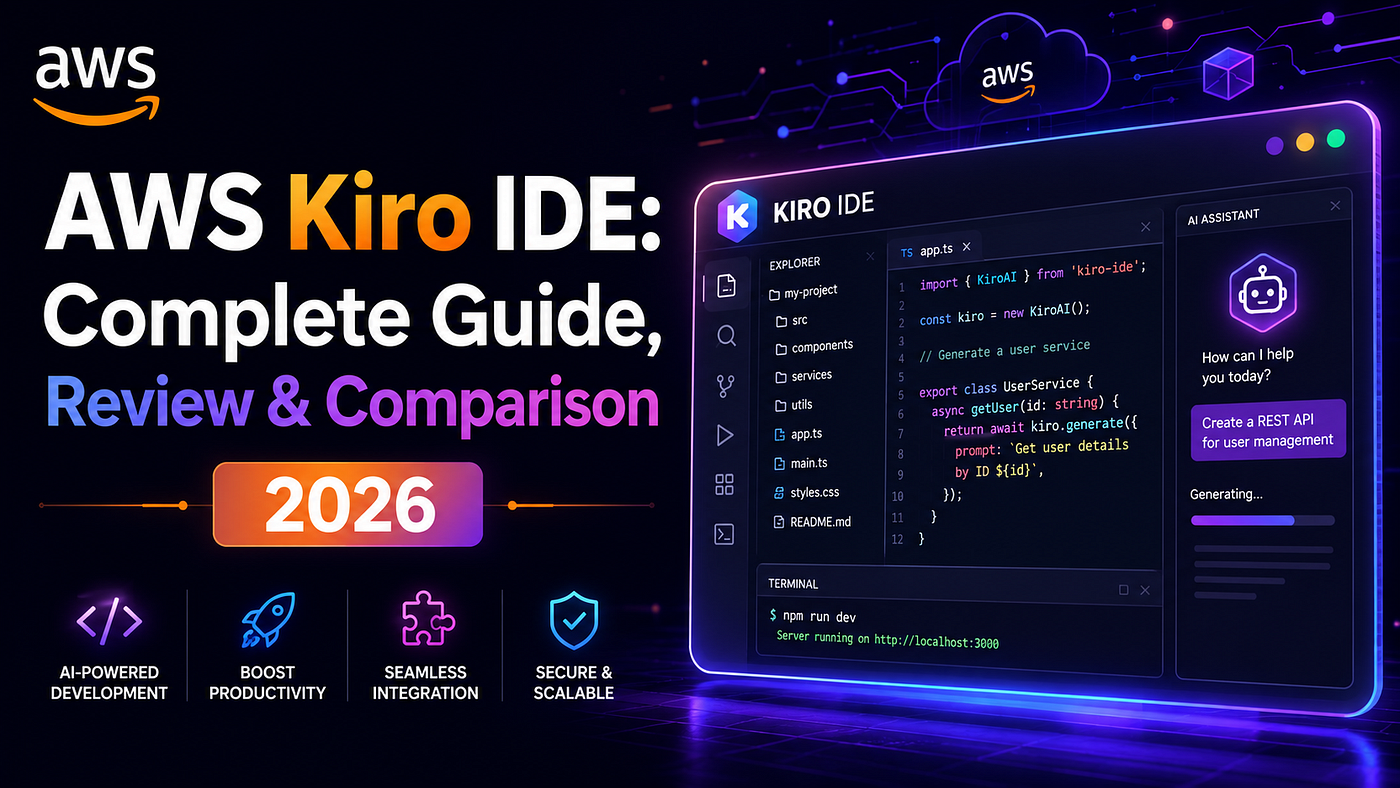
AWS Kiro IDE: Amazon’s Spec-Driven AI IDE That’s Quietly Changing How We Code (2026 Review)
AWS Kiro IDE: Amazon’s Spec-Driven AI IDE That’s Quietly Changing How We Code (2026 Review)
I spent a week using Kiro on real projects. Here’s what nobody is telling you.
Most developers missed it. On May 7, 2026, Amazon quietly retired Amazon Q Developer and replaced it with something fundamentally different — AWS Kiro. Not an update. Not a rebrand. A completely different philosophy about how AI should fit into your coding workflow.
I’ve been using Kiro on real projects for the past few weeks, and I need to talk about what’s actually happening here — because the hype (and the criticism) is both missing the point.
What Is AWS Kiro, Really?
Kiro is an agentic AI IDE built on Amazon Bedrock, primarily powered by Claude models. It’s open-source, runs on Windows/macOS/Linux, and replaces Amazon Q Developer entirely.
But the architecture isn’t what makes it interesting. The philosophy is.
Kiro introduces spec-driven development — and if you’ve never encountered it, the concept takes about 10 minutes to understand and potentially years to fully appreciate.
Here’s the difference in practice:
With Cursor or Copilot: You write a prompt → AI generates code → you review → iterate.
With Kiro: You describe what you want → Kiro generates a complete specification (user stories, data models, API contracts, edge cases) → you review and edit the spec → then code gets written.
That sounds like extra friction. First time I tried it, I thought so too. Then I caught an authentication edge case at the spec stage that would have surfaced as a subtle production bug two weeks later. Forty minutes of spec review saved me significantly more debugging time. My mind changed fast.
The Amazon Q Developer Situation — What You Need to Know
If you’re currently on Q Developer, here’s the timeline that matters:
- May 7, 2026: Kiro launches, Q Developer officially retired
- May 15, 2026: New Q Developer accounts blocked
- May 29, 2026: Latest models (Claude Opus 4.7+) moved exclusively to Kiro
- April 30, 2027: Q Developer Pro reaches end of support
The practical problem: staying on Q Developer means you’re locked to an older model stack. That gap widens every month as new models ship only to Kiro. It’s not just a deadline — it’s a capability freeze.
Kiro’s Two Modes: When to Use Which
Spec Mode — The Real Differentiator
For complex features. Describe what you want to build, Kiro generates a structured spec document, you edit and approve it, then code generation begins. Costs $0.20 per credit.
This is where Kiro earns its place. On a 500-line module I built recently, spec mode caught a critical edge case that would have been invisible in a prompt-to-code workflow. One caught bug at spec stage easily justifies 40 minutes of upfront planning.
Vibe Mode — The Fast Lane
For quick tasks, prototypes, scripts. Traditional AI coding assistant experience — natural language prompt, direct code generation, fast iteration. Costs $0.04 per credit.
Most developers end up splitting roughly 60/40 between Spec and Vibe. Complex features → Spec. Quick tasks → Vibe.
Kiro vs Cursor vs GitHub Copilot — The Honest Comparison
I’ve written a detailed breakdown in Cursor vs Windsurf vs GitHub Copilot 2026, but here’s the direct Kiro comparison:
AWS Kiro Cursor GitHub Copilot Type Standalone AI IDE AI-native IDE (VS Code fork) Multi-IDE extension Philosophy Spec-first, then code Code-first, fast iteration AI-assisted, editor-native Pricing Free + $20/mo Pro Free + $20/mo Pro $10/mo individual Tab Completion ⚠️ Slower ✅ Best in class ✅ Fast Complex Features ✅ Spec mode excels ✅ Strong with Composer ⚠️ Limited context AWS Integration ✅ Native ❌ Minimal ⚠️ GitHub ecosystem only Open Source ✅ Yes ❌ No ❌ No GovCloud ✅ Yes ❌ No ❌ No
My honest take: Cursor is still faster on tab completion — even Kiro’s supporters admit that. But for complex features on AWS infrastructure, Kiro’s spec workflow saves real time that Cursor can’t replicate.
The pattern I see among experienced developers in 2026: Cursor for daily editing, Kiro for complex architectural work. Not a replacement — a specialization. I also compared this trio directly in Claude Code vs Cursor vs GitHub Copilot 2026 if you want the broader agentic tool comparison.
Pricing Breakdown — Is the Free Tier Enough?
Free Tier: Enough for evaluation and light usage. Good for getting a real feel for the tool.
Pro Plan: $20/month — roughly 225 vibe-mode + 125 spec-mode requests per month. That’s fewer raw requests than Q Developer’s ~1,000/month.
The volume reduction sounds worse than it is. One spec-mode session building a complex feature can replace 15–20 vibe-mode iterations. Output quality per credit is meaningfully higher.
Enterprise note: GovCloud support is a genuine differentiator. If your org has compliance requirements that block standard cloud tools, Kiro clears that bar in a way that Cursor and Copilot don’t.
Agent Hooks — The Underrated Feature
Agent Hooks let you define custom automation triggers inside your development workflow. Examples:
- Run type checking automatically when a file saves
- Generate documentation when a PR is created
- Trigger tests when specific files change
- Hook Lambda updates and CloudFormation changes into your coding workflow
If you’re already deep in the AWS ecosystem, this is genuinely powerful. It’s Kiro’s most underrated feature and the one that makes the “native AWS IDE” positioning meaningful rather than just marketing.
How to Set Up Kiro in 15 Minutes
- Download from kiro.dev — Windows, macOS, Linux
- Connect your AWS account or create a standalone Kiro account
- Import your VS Code profile (optional but recommended — ~80% of settings transfer cleanly)
- Open your project — Kiro scans and builds context automatically
- Run your first spec — Command palette → “New Spec” → describe a feature you’re planning to build
JetBrains users: CLI-based ACP integration is available, no native plugin yet.
Visual Studio / Eclipse users: No native Kiro support currently. This is a real blocker, not a minor gap.
Once you’re set up, browser-based tools stay useful alongside any IDE — things like JWT Decoder & Verifier, Regex Tester, Unix Timestamp Converter, and JWT Secret Key Generator are IDE-independent and stay in your workflow regardless of what you’re building in.
Who Should Switch — The Straight Version
✅ Switch to Kiro if:
- You’re on Amazon Q Developer (migration is inevitable, sooner is better)
- You work with AWS services regularly (Lambda, Bedrock, ECS, RDS, CloudFormation)
- You build complex features where spec-driven planning reduces rework
- You need GovCloud compliance
- You care about open-source tooling
⚠️ Hold off if:
- You use JetBrains, Visual Studio, or Eclipse as your primary IDE
- Tab completion speed is your top priority
- You’re primarily on GCP or Azure with no AWS plans
- You’re a solo developer who primarily needs fast prototyping
The Bigger Picture — Why This Matters
Kiro isn’t just a new tool. It’s Amazon’s bet on fully agentic development workflows — where AI plans, implements, and tests features with humans reviewing rather than driving every step.
The data supports this direction. Gartner recorded a 1,445% surge in multi-agent system inquiries between Q1 2024 and Q2 2025. Enterprises are actively planning for AI agents to handle significant portions of the development lifecycle.
If you want to understand where this is heading, I’ve written a detailed breakdown of autonomous AI agents and agentic workflows, and separately covered vibe coding as a workflow philosophy — both of which connect directly to what Kiro is building toward.
The real question isn’t “will Kiro replace Cursor?” (it won’t, Cursor has 1M+ users and $2B+ ARR). The question is: as agentic development becomes the professional default, which tools are built for that future? Kiro’s architecture is. Cursor and Copilot, both designed around a different paradigm, aren’t yet.
My Verdict
For the right use case — genuinely worth it.
If you’re migrating from Q Developer, the timing question is just about when, not whether. For AWS developers building complex features, the spec workflow delivers measurable time savings I’ve verified personally.
If you’re on Cursor and not in the AWS ecosystem, there’s no urgent reason to switch your entire setup. But trying Kiro as a secondary tool for one complex feature is worth 15 minutes of your time. Spec Mode on a real feature you’re planning to build — that experiment tells you more than any benchmark.
Download it. Import your VS Code profile. Run one spec session on something real.
What’s your experience with spec-driven development? Are you still on Q Developer, or have you made the switch? Drop a comment below — I’m curious how different teams are handling the transition.
Tags: AWS AI Tools Developer Tools Programming Software Development Amazon IDE Cursor GitHub Copilot Agentic AI
메타데이터
- post_id
- f04447ec9de7
- slug
- aws-kiro-ide-amazons-spec-driven-ai-ide-that-s-quietly-changing-how-we-code-2026-review-f04447ec9de7
- url
- https://medium.com/@webtoolshub/aws-kiro-ide-amazons-spec-driven-ai-ide-that-s-quietly-changing-how-we-code-2026-review-f04447ec9de7
- canonical_url
- https://medium.com/@webtoolshub/aws-kiro-ide-amazons-spec-driven-ai-ide-that-s-quietly-changing-how-we-code-2026-review-f04447ec9de7
- author_url
- https://medium.com/@webtoolshub
- status
- ok
- fetched_at
- 2026-06-17 16:37:43