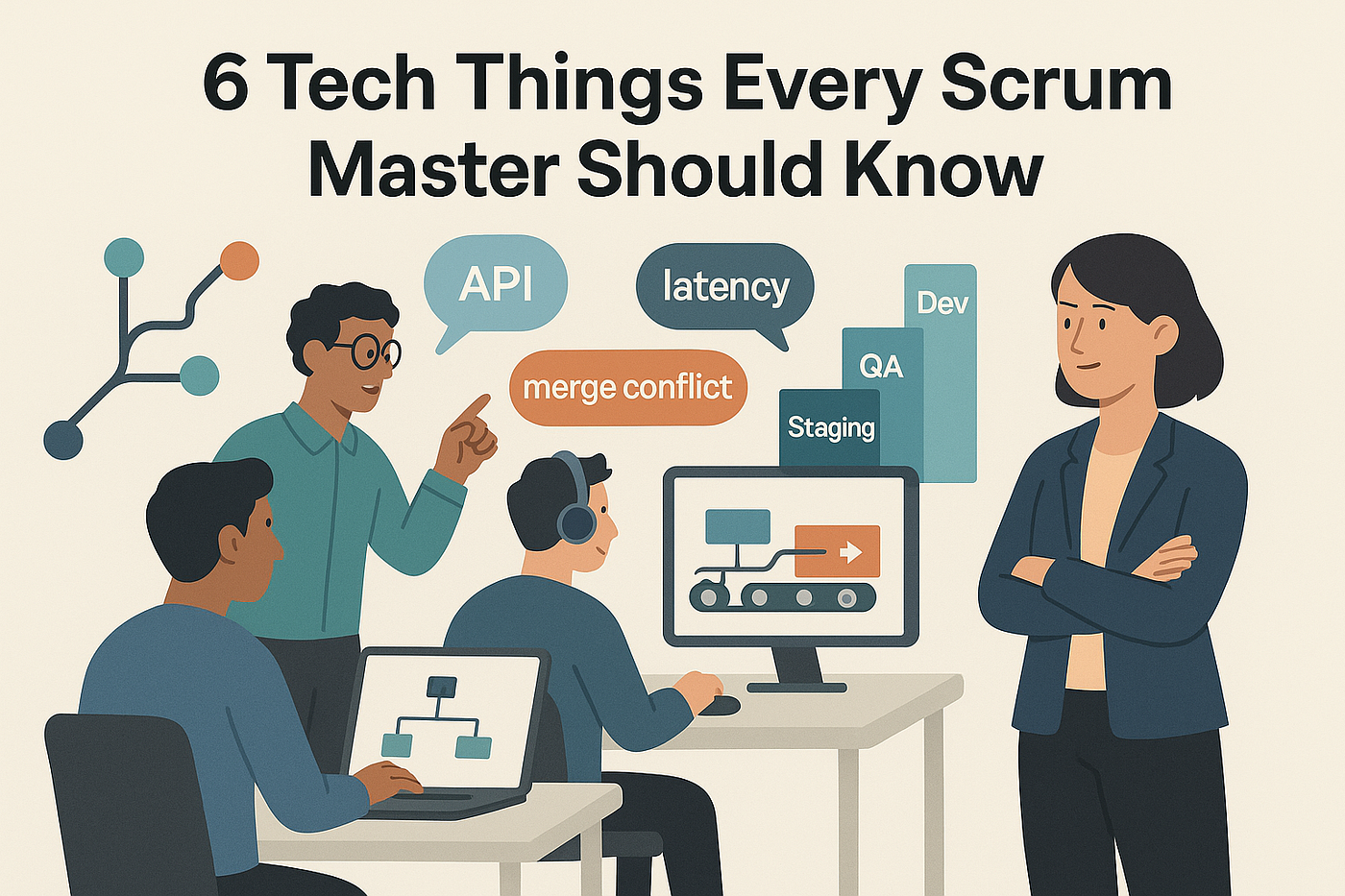
6 Tech Things Every Scrum Master Should Know
(To Actually Do Your Job Better — Not Just Look Busy in Standups)
6 Tech Things Every Scrum Master Should Know
(To Actually Do Your Job Better — Not Just Look Busy in Standups)
Not a Medium member? Click here to read this story for free.
Let’s be clear from the start: Scrum Masters are not supposed to be developers.
But if you’re a Scrum Master in a tech team and you don’t understand how software actually gets made, your ability to unblock, coach and facilitate? Severely limited.
The truth is: you’re the connective tissue between the product world, the dev world and the delivery timeline. If you can’t speak even a bit of the technical dialect, you’ll spend your days nodding in meetings, missing context and watching your backlog turn into a black hole.
So let’s bridge the gap.
Here are 6 technical concepts every Scrum Master should understand — not to become a developer, but to become indispensable.
1. Understand the Developer Workflow: Git, Branching, and CI/CD
Let’s start with the plumbing of software delivery.
Most developers live in Git.
Git is like version control on steroids. Think of it as Google Docs’ “version history”- but for code. Devs don’t just edit files; they create branches, which are copies of the codebase where they can safely make changes without messing with the original.
- Feature branch: where a new piece of work is developed.
- Pull request (PR): when the dev finishes their branch and asks to merge it into the main code.
- Merge conflicts: happen when two branches change the same part of the code and Git doesn’t know which one wins. Yikes.
Enter CI/CD (Continuous Integration/Continuous Delivery). This is the automation pipeline that takes the code from Git, runs tests, builds the application and — if all goes well — pushes it to a testing or live environment.
Why this matters to you:
If builds are failing or merges are getting blocked, those tickets you’re tracking in Jira? They’re not moving. Knowing this flow helps you ask the right questions in standups and spot patterns before they explode into sprint-end chaos.
✨Pro Tip: Ask your devs to walk you through a full commit-to-deploy cycle during a quiet retro. It’s like watching how the sausage gets made — but with less blood and more Jenkins.
2. Become a Jira Power user (or Whatever Tool You Use)
No, you’re not just a ticket-pusher. But you are the guardian of flow and your tools should work for you — not the other way around.
Jira isn’t just a digital corkboard — it’s a tool that reflects your team’s delivery heartbeat. But only if you know how to read it.
Go beyond dragging cards. Learn:
- Custom filters: “Show me all bugs unresolved in the past 7 days” = instant retro gold.
- Swimlanes by epic or assignee: See who’s overloaded or if an epic is stuck.
- Workflow schemes: Understand what each status actually means. Does “Ready for QA” mean it’s deployed? Tested? Just marked as such?
Also, learn to spot board rot — zombie subtasks, stalled bugs and “To Do” items from last quarter.
Why this matters to you:
If your board doesn’t tell a story, neither can you. You’ll struggle to explain progress, blockers or priorities to stakeholders — and worse, so will your team.
3. Know What “Done” Really Means — Technically
Let’s debunk a myth: “Done” is not “the dev said it’s done.”
The Definition of Done is a shared, explicit contract between devs, testers, the PO and you. But to make that meaningful, you need to understand what “done” looks like from a technical lens.
Here’s what might be in a robust Definition of Done:
- Code has been peer-reviewed (via PR)
- All automated tests have passed (unit, integration, smoke)
- The code is deployed to a non-prod environment (e.g., staging)
- QA has verified the story meets acceptance criteria
- Documentation is updated (tech or user-facing)
Why this matters to you:
Without technical awareness, you may call things “done” that still live in dev limbo. That kills trust with stakeholders and pollutes your sprint metrics.
4. Understanding Environments (Dev → QA → Prod)
Quick quiz:
- What’s the difference between staging and production?
- Does your team test in QA or in a local sandbox?
- What breaks in lower environments that never hits prod?
If you don’t know, ask. These environments are where bugs hide and timelines slip.
Software doesn’t go from code editor to customer in one jump. It hops across environments:
- Dev: for initial coding and local tests.
- QA/Test: where testers manually or automatically verify the feature.
- Staging: a mirror of production for final testing.
- Prod (Production): live for end users.
Each environment may have different data, configurations and permissions. Sometimes, code works in Dev but fails in Staging. That’s not a developer being sloppy — it’s real-world complexity.
Why this matters to you:
When testers say “the staging environment is broken,” your job isn’t to shrug and say, “hope it’s fixed soon.” It’s to understand the risk, notify the right people and adjust your sprint plans if needed.
✨Pro Tip: Create an “environment 101” cheat sheet. Ask your team: who owns each? How often are they refreshed? What’s the rollback plan if staging breaks prod?
5. Learn to Decode Dev Speak
Imagine being in a planning session and hearing this:
“We’ll just expose an endpoint, wrap it in a container and call it from the orchestrator.”
You don’t need to build it. But you do need to follow the plot.
Start by building a light glossary of common terms:
- API: A bridge between software systems. Like a waiter taking your order to the kitchen.
- Latency: The delay between a request and response.
- Refactoring: Cleaning up code without changing functionality
- Container: A portable package of software that runs the same way everywhere.
- Middleware: Glue between systems. Think: the translator at a diplomatic summit.
Why it matters:
You’ll have richer convos, spot risk earlier and gain more trust from your devs.
🚫 Don’t pretend to understand something you don’t. Ask once, write it down and own it the next time.
6. Know Your Tests: Unit, Integration, Regression & More
You don’t need to write Selenium scripts or run test cases, but you should absolutely know:
- What types of testing your team does (and doesn’t)
- When testing happens (shift-left? only after dev?)
- What “coverage” means
- Who handles bugs and how they’re tracked
- What tools are in use (TestRail? Postman? Playwright?)
Testing is part of every sprint. And if it’s not discussed in planning or retros, it’s probably being ignored.
Testing isn’t a checkbox — it’s your early warning system.
Here’s what you should understand:
- Unit test: Tests a small piece of code in isolation.
- Integration test: Verifies how modules interact (e.g., frontend and backend).
- Regression test: Ensures that old features still work after new changes.
- Smoke test: A basic test to check if the app is stable enough to proceed.
- UAT (User Acceptance Testing): Does it do what the user actually wants?
Ask your testers what they cover and what they don’t. Many teams skip regression tests — then wonder why old bugs keep returning like unwanted guests.
Why this matters to you:
If a story is “done” but keeps failing in QA, you need to understand what kind of test failed and why. Otherwise, you’re just relaying messages instead of solving problems.
Final Thoughts: Technical Fluency = Better Leadership
You’re not here to write code. But you are here to lead teams that do.
That means knowing how the work flows, what can break, and where the bottlenecks hide. The more fluent you become in the tech your team uses, the more respect you’ll earn — not because you’re “pretending to be technical,” but because you’re making delivery smoother.
So go ask questions. Watch a build. Sit with a tester. You’ll be surprised how much you can learn just by showing interest.
📌 Want this as a printable cheat sheet?
I’ve created a one-page infographic to keep on your desk (or slap into your next retro).
🎁 Subscribe to my Substack newsletter and grab it for free:
메타데이터
- post_id
- f0e69918079f
- slug
- 6-tech-things-every-scrum-master-should-know-f0e69918079f
- url
- https://medium.com/leadership-forge/6-tech-things-every-scrum-master-should-know-f0e69918079f
- canonical_url
- https://medium.com/leadership-forge/6-tech-things-every-scrum-master-should-know-f0e69918079f
- author_url
- https://medium.com/@siminafodor
- status
- ok
- fetched_at
- 2026-07-24 10:37:27