Xhorse FT-OBD Tool + VVDI Key Tool Max Add Toyota Remote
How to add a new Toyota remote by using the Xhorse XDMOT0GL FT-OBD Tool & VVDI Key Tool Max? This is the first time I’m going to try on…
Xhorse FT-OBD Tool + VVDI Key Tool Max Add Toyota Remote
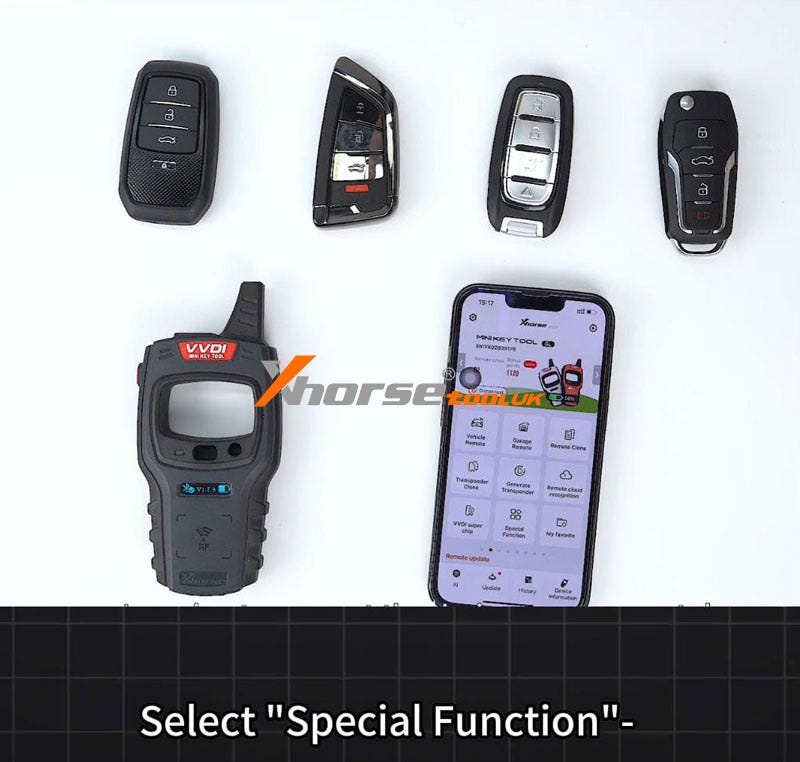
How to add a new Toyota remote by using the Xhorse XDMOT0GL FT-OBD Tool & VVDI Key Tool Max? This is the first time I’m going to try on this device. Prepare a working key and a new Toyota remote for ready.
Put the Xhorse Toyota Mini Tool into OBD, and connect it via Bluetooth.


Remote system >> Type 2 >> Start execution >> Remote adding Please switch the ignition on and open the driver’s door at the same time, and click “OK”. Please complete the following operations within 30s. You will hear the system beep after completing it.


Click both the LOCK and UNLOCK buttons of the remote for 4s. Then click the LOCK button for 1s. (If not programmed, please click both the LOCK and UNLOCK buttons of the key for 4s, after releasing click the UNLOCK and LOCK buttons at the same time).
The match ends, please check if the remote can be used.
Check the new remote, it’s working. Fine, so I’m successfully using the Toyota Mini OBD TOOL to add a new remote.


메타데이터
- post_id
- f0ecece0bc12
- slug
- xhorse-ft-obd-tool-vvdi-key-tool-max-add-toyota-remote-f0ecece0bc12
- url
- https://medium.com/@autoobd2.it/xhorse-ft-obd-tool-vvdi-key-tool-max-add-toyota-remote-f0ecece0bc12
- canonical_url
- https://medium.com/@autoobd2.it/xhorse-ft-obd-tool-vvdi-key-tool-max-add-toyota-remote-f0ecece0bc12
- author_url
- https://medium.com/@autoobd2.it
- status
- ok
- fetched_at
- 2026-07-24 12:11:42