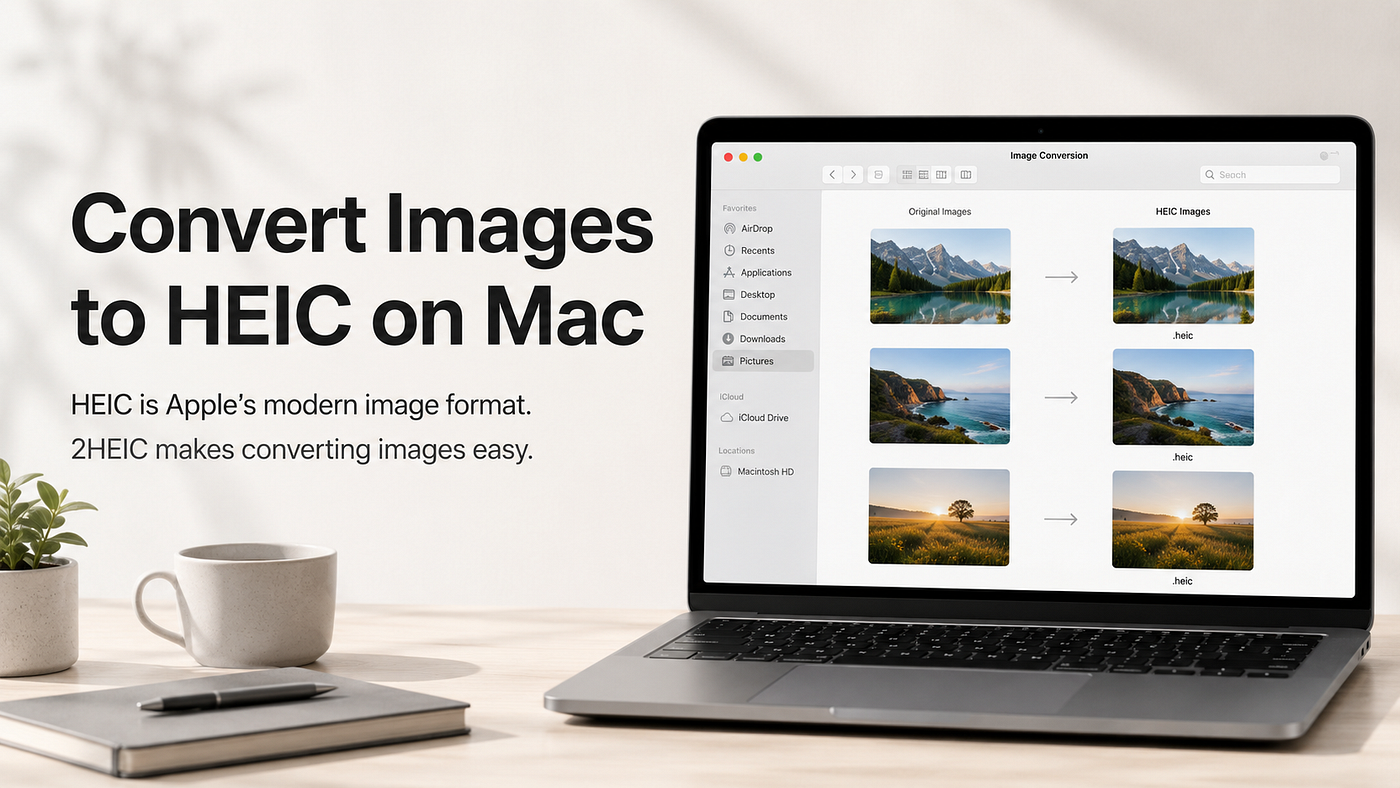
Convert Images to HEIC on Mac
HEIC is Apple’s modern image format.
Convert Images to HEIC on Mac
HEIC is Apple’s modern image format.
Convert Images to HEIC on Mac
It is widely used by iPhone, iPad and macOS because it can store high-quality images with smaller file sizes than traditional JPEG. For Apple users, HEIC feels natural: Photos, Preview, Finder and iCloud all understand it well.
But there is one common problem:
Many images do not start as HEIC.
You may have PNGs, JPGs, screenshots, website images or exported graphics — and want to save them as HEIC for smaller storage, better Apple compatibility, or a cleaner photo workflow.
That is where **2HEIC** makes sense.
Drag images into the app and get converted HEIC files right next to the originals.
No complex editor. No command-line tools. No confusing export workflow.
Just a simple Mac app for converting images to HEIC.
HEIC is already at home on Mac. 2HEIC makes it easy to create.
메타데이터
- post_id
- f184c8ee4d6c
- slug
- convert-images-to-heic-on-mac-f184c8ee4d6c
- url
- https://medium.com/@chris.ahrweiler/convert-images-to-heic-on-mac-f184c8ee4d6c
- canonical_url
- https://medium.com/@chris.ahrweiler/convert-images-to-heic-on-mac-f184c8ee4d6c
- author_url
- https://medium.com/@chris.ahrweiler
- status
- ok
- fetched_at
- 2026-06-17 08:20:12