How to Add a 2019–2012 Chevrolet Spark Key with Autel KM100?
Adding a remote on this 2019–2012 Chevrolet Spark is done through the GM Remote Learning menu with Autel MaxiIM KM100. The main thing is…
How to Add a 2019–2012 Chevrolet Spark Key with Autel KM100?
Adding a remote on this 2019–2012 Chevrolet Spark is done through the GM Remote Learning menu with Autel MaxiIM KM100. The main thing is getting the vehicle selection right and following the remote button sequence.
Vehicle Selection
- Make sure Autel KM100 is connected to the network, then press OK.
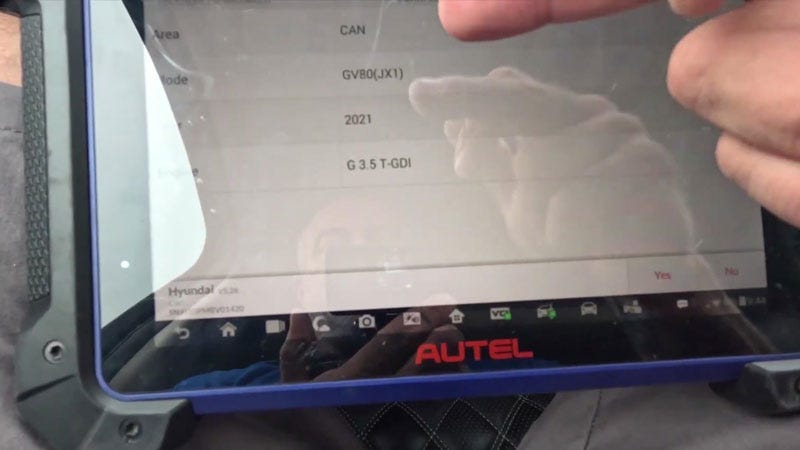
- Go to IMMO >> GM >> Manual Selection >> Chevrolet >> South America >> Spark >> 2019–2012 >> Blade Key, then press Yes to confirm the vehicle information.


Remote Learning
- Go to Control Unit >> Remote System (ISO) >> Remote Learning and switch the ignition on.
- Press and hold Lock + Unlock on the remote for at least 0.5 seconds. Release both buttons and wait at least 0.5 seconds, then press and hold either Lock or Unlock for at least 0.5 seconds.
- Repeat the sequence five times. The current remote will be matched. When asked to match the next remote, select No.
Verification
Test the new remote and start the vehicle. It should start normally and the basic remote functions should work.


Contact Info: Email: sales@AutelShop.de Wechat: +86–13429866263 Whatsapp: +86–13429866263 www.autelshop.de
메타데이터
- post_id
- f1aec08d8cf7
- slug
- how-to-add-a-2019-2012-chevrolet-spark-key-with-autel-km100-f1aec08d8cf7
- url
- https://medium.com/@autelshopde/how-to-add-a-2019-2012-chevrolet-spark-key-with-autel-km100-f1aec08d8cf7
- canonical_url
- https://medium.com/@autelshopde/how-to-add-a-2019-2012-chevrolet-spark-key-with-autel-km100-f1aec08d8cf7
- author_url
- https://medium.com/@autelshopde
- status
- ok
- fetched_at
- 2026-08-28 19:58:59