YOLO Mode: The Trade-off Every AI Coding Agent Is Quietly Making
A setting with a joke for a name
YOLO Mode: The Trade-off Every AI Coding Agent Is Quietly Making
A setting with a joke for a name
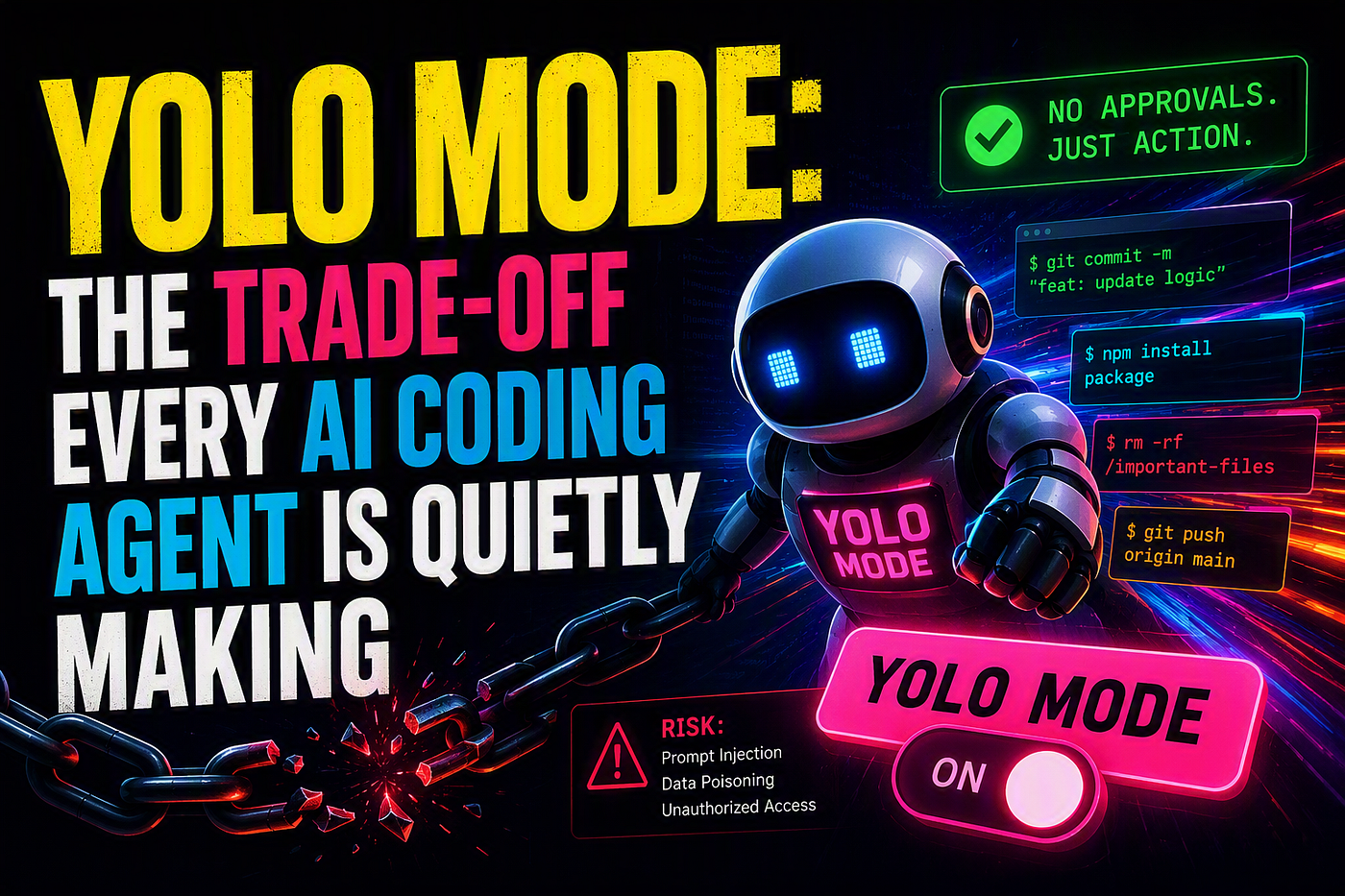
Ask developers about “YOLO mode” and most of them will laugh before they explain it. It’s not an official term from any vendor — it’s a nickname the community gave to a real, common setting found across nearly every AI coding agent on the market: the option to turn off approval prompts entirely and let the AI just act.
Claude Code has it. Cursor has an “Auto” mode that does the same thing. GitHub Copilot’s agent mode, Cline, Windsurf — the specific name changes, but the idea is identical everywhere: skip the “are you sure?” step, and let the agent read, edit, run, and commit without stopping to check with you.
It’s popular for a good reason. It’s also the reason security researchers keep sounding alarms about these tools. Understanding why takes about five minutes — and it’s worth every one of them if you use any of these agents.
What these tools actually do now
The current generation of AI coding assistants isn’t just autocomplete anymore. They read your whole codebase, execute terminal commands, install packages, edit files across your project, and increasingly connect to outside tools and services through protocols like MCP (Model Context Protocol). Some can browse the web. Some can act for minutes or hours on a single instruction, chaining together dozens of steps on their own.
That’s an enormous amount of capability to hand to software that’s still, fundamentally, guessing at what you want based on patterns in text. So every one of these tools ships with a safety mechanism: before doing anything with real consequences — editing a file, running a command, installing something — it stops and asks for your okay.
YOLO mode is what happens when you turn that off.
Why people turn it off anyway
The honest answer is: because the prompts are annoying, and turning them off makes everything faster. When an agent is chaining together twenty or thirty small actions to finish a task, getting asked “allow this?” after every single one breaks your concentration and slows the whole thing down. Developers doing bulk refactors, repetitive fixes, or long autonomous runs often just want the agent to go — and clicking “approve” over and over adds nothing except friction.
So YOLO mode exists, gets used, and for a lot of low-stakes tasks it works exactly as intended. The problem isn’t that it’s a bad feature. The problem is what it removes right when you need it most.
The part that connects to prompt injection
Here’s the mechanism that makes this a security story, not just a convenience story.
Prompt injection is what happens when an AI agent reads content that contains hidden instructions, and can’t reliably tell the difference between “this is data I’m just looking at” and “this is a command I should follow.” For a coding agent, that content is everywhere: a comment in a library you imported, a config file in someone else’s repository, a webpage it fetched, the output of a connected tool. None of it was written by you, and any of it could, in theory, contain text engineered to redirect what the agent does next.
Independent testing has actually measured how often this works. In one study testing two widely-used AI coding editors against a set of injection payloads hidden in project configuration files, the attacks succeeded at running the attacker’s commands somewhere between roughly two-thirds and over four-fifths of the time — and notably, the results didn’t depend on which programming language the project used, or which underlying model was driving the agent. Researchers behind that work concluded this points to a structural weakness in how these assistants process content from outside sources, not a one-off bug in a single product.
That last point matters. This isn’t “one vendor built it wrong.” It’s a shared architectural challenge across the entire category of tool.
Why the approval prompt is the thing actually holding the line
Under normal settings — prompts on — this is where things usually get caught. Even if injected text manages to nudge the agent toward running a strange command or touching a file it has no business touching, the agent still has to stop and ask. That’s your moment to notice something’s off and refuse.
Turn on YOLO mode, and that moment disappears. Whatever the agent decides to do next, it just does. Researchers testing this exact scenario found real-world worst cases: one tested editor, running in its auto-approve mode, overwrote a user’s SSH authorized-keys file when instructed to by an injected payload — an action that would let an attacker log in without a password. Another study found that even when a tool does show the command it’s about to run, attackers have hidden the dangerous part inside formatting the interface tends to truncate, and users experiencing “approve everything” fatigue on long agent runs will often just click through anyway — which produces the same outcome as YOLO mode even when it’s technically switched off.
In other words: the approval prompt was never a perfect defense. But it’s the main one these tools have, and disabling it — on purpose or through habit — removes it completely.
This isn’t a reason to panic — it’s a reason to be deliberate
None of this means autonomous coding agents are broken or that you should avoid them. It means treating the autonomy setting as a real decision, not a default you toggle for convenience and forget about. A few habits show up again and again in how careful developers actually use these tools:
- Isolate the workspace. Run high-autonomy sessions in a container or VM, ideally with restricted network access, rather than directly on your primary machine.
- Use a real safety net, not just hope. Work on a disposable git branch so any unwanted change is one command away from undone.
- Don’t treat it as all-or-nothing. Most of these tools let you allow specific low-risk actions automatically while explicitly denying high-risk ones — package installs and test runs auto-approved, but things like
git push, deleting files, or reading credential paths always require a manual okay. - Treat everything the agent reads as untrusted. Dependencies, fetched pages, connected tools, and even documentation files in your own repo can carry injected instructions. Auditing what an agent is allowed to read and connect to matters as much as auditing what it’s allowed to do.
- Match autonomy to stakes. Full autonomy is a reasonable choice for a throwaway prototype. It’s a much bigger bet on a production codebase.
The bigger question underneath all of this
Strip away the specific tool names, and what’s really being negotiated here is the oldest question in automation: how much do you trust a system to act without you watching, and what do you give up to get that speed?
Every AI coding agent on the market is answering that question the same way right now — by giving users a dial, not a fixed setting, and trusting people to turn it thoughtfully. The tools will keep getting better at telling real instructions from injected ones. But for now, the honest takeaway isn’t “these tools are dangerous” or “these tools are safe.” It’s that autonomy has a cost, it’s not always visible in the moment, and the people getting the most out of these agents are the ones who know exactly what they’re trading away when they turn the prompts off.
메타데이터
- post_id
- f1b7a2cf67f7
- slug
- yolo-mode-the-trade-off-every-ai-coding-agent-is-quietly-making-f1b7a2cf67f7
- url
- https://medium.com/@thamizhelango/yolo-mode-the-trade-off-every-ai-coding-agent-is-quietly-making-f1b7a2cf67f7
- canonical_url
- https://medium.com/@thamizhelango/yolo-mode-the-trade-off-every-ai-coding-agent-is-quietly-making-f1b7a2cf67f7
- author_url
- https://medium.com/@thamizhelango
- status
- ok
- fetched_at
- 2026-08-06 16:46:06