Adding Authentication Quickly with AWS Cognito — A Simple End-to-End Explanation
When building a product, especially an MVP or early prototype, one of the biggest questions is how to add authentication quickly without…
Adding Authentication Quickly with AWS Cognito — A Simple End-to-End Explanation
When building a product, especially an MVP or early prototype, one of the biggest questions is how to add authentication quickly without spending weeks building login systems. In oucase, we wanted a solution that was secure, fast to implement, and easy to maintain, while allowing real users to start trying the product as soon as possible.
AWS Cognito provides exactly that by acting as a managed identity service that handles user authentication, password security, and session management, so the application itself does not need to implement these complex pieces. This approach is especially suitable when the goal is to launch quickly, validate ideas, or build internal tools where strong security is required but development time is limited.
Instead of building a custom authentication server, we rely on industry standards like OpenID Connect (OIDC), which allows an application to delegate login to a trusted identity provider such as Cognito.
At a high level, the system has three main parts: the user, the frontend application running in the browser, and Cognito acting as the identity provider, while the backend API verifies tokens to ensure requests are authenticated.
Understanding the Frontend Authentication Flow
When a user opens the application, the frontend first checks whether there is an existing authenticated session by looking for valid tokens stored from a previous login.
If valid tokens are present, the user is considered signed in and can immediately access the application without needing to log in again.
If no valid session exists, the application shows a sign-in option instead of protected features.
When the user clicks the sign-in button, the frontend does not collect credentials directly but instead redirects the browser to Cognito’s hosted login page.
This design ensures that passwords are handled only by Cognito, reducing security risks and simplifying the application.
On the Cognito login page, the user enters their credentials, and Cognito performs authentication checks such as verifying the password, confirming account status, and optionally enforcing multi-factor authentication.
If authentication succeeds, Cognito creates a login session and generates an authorization code, which is a temporary credential used to obtain tokens securely.
Cognito then redirects the browser back to the application using a preconfigured redirect URL, including the authorization code in the request.
The frontend authentication library automatically exchanges this authorization code with Cognito for a set of tokens, including an ID token, access token, and refresh token.
The ID token contains information about the user’s identity, while the access token is used when calling backend services, and the refresh token allows the session to continue without requiring the user to log in again.
Once tokens are received, the frontend marks the user as authenticated and updates the interface accordingly.
Whenever the application needs to call a backend API, it includes the token in the request so the backend can verify that the user is authenticated.
When the user logs out, the frontend redirects the browser to Cognito’s logout endpoint, which clears the session and ensures the user is fully signed out.
This flow allows authentication to be handled securely without requiring the frontend to manage sensitive credentials.
What Happens Inside Cognito
Cognito acts as a centralized identity provider that manages user accounts, protects passwords using cryptographic hashing, and enforces authentication policies.
When a user submits their credentials, Cognito compares the provided password against the securely stored hash rather than storing or processing passwords in plain text.
Cognito also checks whether the account is active, whether additional verification steps such as multi-factor authentication are required, and whether any security rules apply.
After successful authentication, Cognito generates JSON Web Tokens, which are digitally signed tokens that prove the user’s identity and authorization status.
These tokens are signed using cryptographic keys so that other systems can verify them without contacting Cognito directly.
Cognito maintains session state and tracks token expiration, ensuring that authentication remains secure over time.
If a user logs out, Cognito invalidates the session so tokens can no longer be used.
By handling these responsibilities, Cognito removes the need for applications to implement complex authentication logic.
Backend Token Verification Flow
When the frontend sends a request to the backend, it includes the authentication token as proof that the user has successfully logged in.
The backend does not blindly trust this token but instead performs several validation checks before allowing access.
First, the backend verifies the digital signature to ensure the token was issued by Cognito and has not been tampered with.
Next, it checks whether the token has expired, since tokens are only valid for a limited time.
The backend also verifies that the token was issued for the correct application and by the expected identity provider.
If all checks pass, the backend extracts identity information from the token, such as the user’s unique identifier or email address, and uses it to process the request.
If any validation fails, the backend rejects the request with an unauthorized response.
Because tokens are self-contained and verifiable, the backend does not need to maintain session state, which makes the system scalable and efficient.
End-to-End Flow Summary
The complete flow begins when the user opens the application and chooses to sign in.
The frontend redirects the user to Cognito, which authenticates the user and issues tokens.
The frontend receives and stores these tokens and uses them when communicating with the backend.
The backend verifies tokens before allowing access to protected resources.
When the user logs out, Cognito clears the session and the frontend removes stored authentication data.
Why This Approach Works Well for MVPs
Using Cognito allows teams to focus on building product features instead of implementing authentication infrastructure.
It provides strong security practices such as token signing, password protection, and standards-based authentication without requiring deep expertise in identity systems.
Because the architecture is stateless and relies on widely adopted protocols, it scales naturally as the application grows.
Most importantly, it reduces development time while maintaining production-grade security.
Final Mental Model
You can think of Cognito as a trusted authority that verifies users and issues secure identity proofs.
The frontend acts as a coordinator that redirects users and carries tokens.
The backend acts as a verifier that checks tokens before granting access.
Together, they form a simple and secure authentication system that can be implemented quickly and extended later as the product evolves.
Perfect — here’s a single, clean SSO section with repetitions removed, written in the same simple, sentence-wise style so it fits smoothly into your existing blog.
You can paste this as one section.
Adding Single Sign-On (SSO) with Google via Cognito
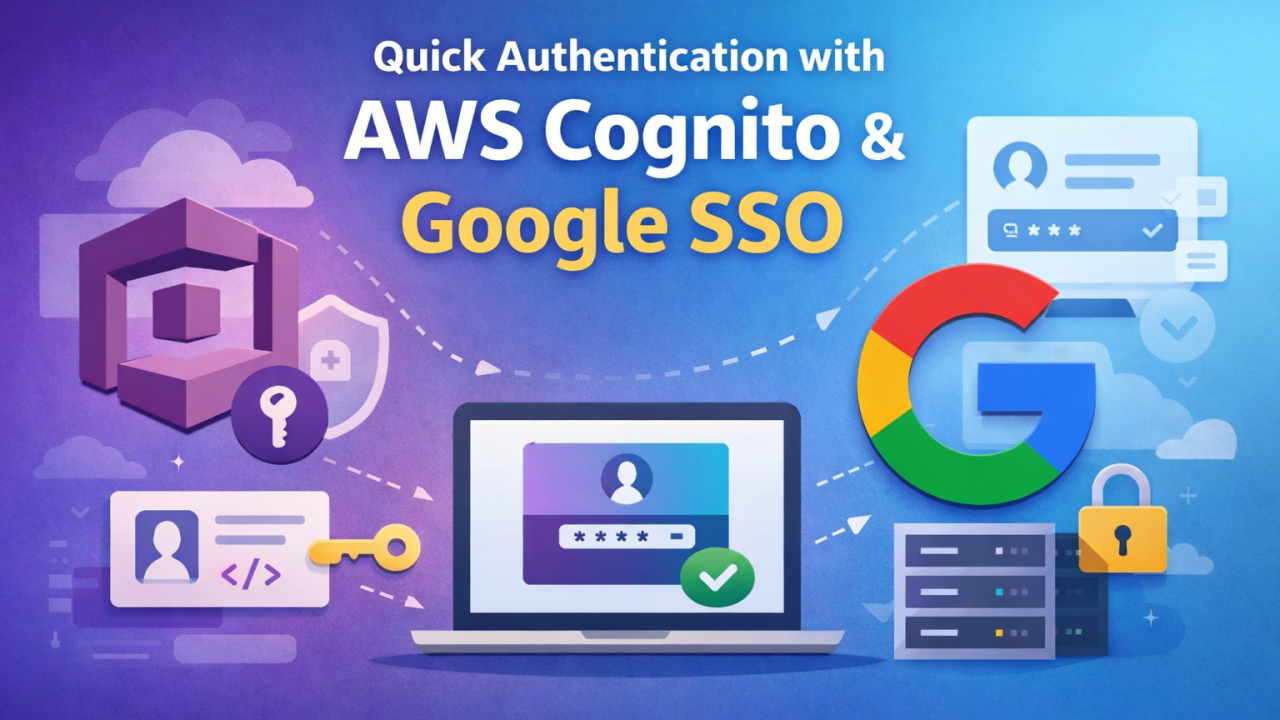
As the application evolved, we extended the authentication flow to support Single Sign-On using Google, allowing users to sign in with their existing Google accounts instead of creating new credentials.
Single Sign-On reduces friction during login while maintaining strong security by relying on trusted external identity providers.
Rather than integrating Google authentication directly into the application, we used Cognito’s federated identity capability, which allows Cognito to act as an intermediary between the application and Google.
From the application’s perspective, Cognito remains the only identity provider it communicates with, while Cognito manages the interaction with Google behind the scenes.
When a user chooses to sign in with Google, the application redirects the user to Cognito, which then forwards the authentication request to Google’s login page.
The user authenticates with Google and grants permission to share basic identity information such as their email address.
After successful authentication, Google redirects the user back to Cognito, and Cognito creates or links a user record within the user pool and issues signed tokens representing the authenticated session.
The frontend receives these tokens and treats the user as authenticated in the same way as any other login, without requiring additional logic.
Because Cognito issues the tokens regardless of the login method, the backend continues to validate requests using the same token verification process, checking signature, expiration, and issuer before allowing access.
This unified approach ensures that adding SSO does not introduce extra complexity to the frontend or backend while still providing a seamless login experience for users.
By centralizing authentication in Cognito, introducing new identity providers becomes primarily a configuration change, making it easy to expand authentication options as the product grows.
The key idea is that SSO integrates into the existing architecture without changing how the application trusts user identity, since Cognito continues to issue and manage tokens consistently across all login methods.
메타데이터
- post_id
- f2cdee7ddf3e
- slug
- adding-authentication-quickly-with-aws-cognito-a-simple-end-to-end-explanation-f2cdee7ddf3e
- url
- https://medium.com/@WMRayan/adding-authentication-quickly-with-aws-cognito-a-simple-end-to-end-explanation-f2cdee7ddf3e
- canonical_url
- https://medium.com/@WMRayan/adding-authentication-quickly-with-aws-cognito-a-simple-end-to-end-explanation-f2cdee7ddf3e
- author_url
- https://medium.com/@WMRayan
- status
- ok
- fetched_at
- 2026-08-08 10:40:55