AWS Theory | ELB: Keeping the Connection: A Guide to Sticky Sessions (Session Affinity)
📌 Notice
AWS Theory | ELB: Keeping the Connection: A Guide to Sticky Sessions (Session Affinity)
📌 Notice
This is a Theory blog accompanying the blog post:
🔹 Episode 6: AWS Cloud Practitioner Quiz
🔹 Episode 6: AWS Solution Architect Preparation Quiz
🌟 Introduction
In the usual load balancer setup, your requests are like a game of musical chairs. Server A might receive one request, and Server B might receive the subsequent request. Performance-wise, this is usually fantastic, but what if Server A is storing your shopping cart information or your login session and Server B is suddenly unaware of it? This is where sticky sessions (also known as session affinity) are used to solve our problem.
What are sticky sessions?
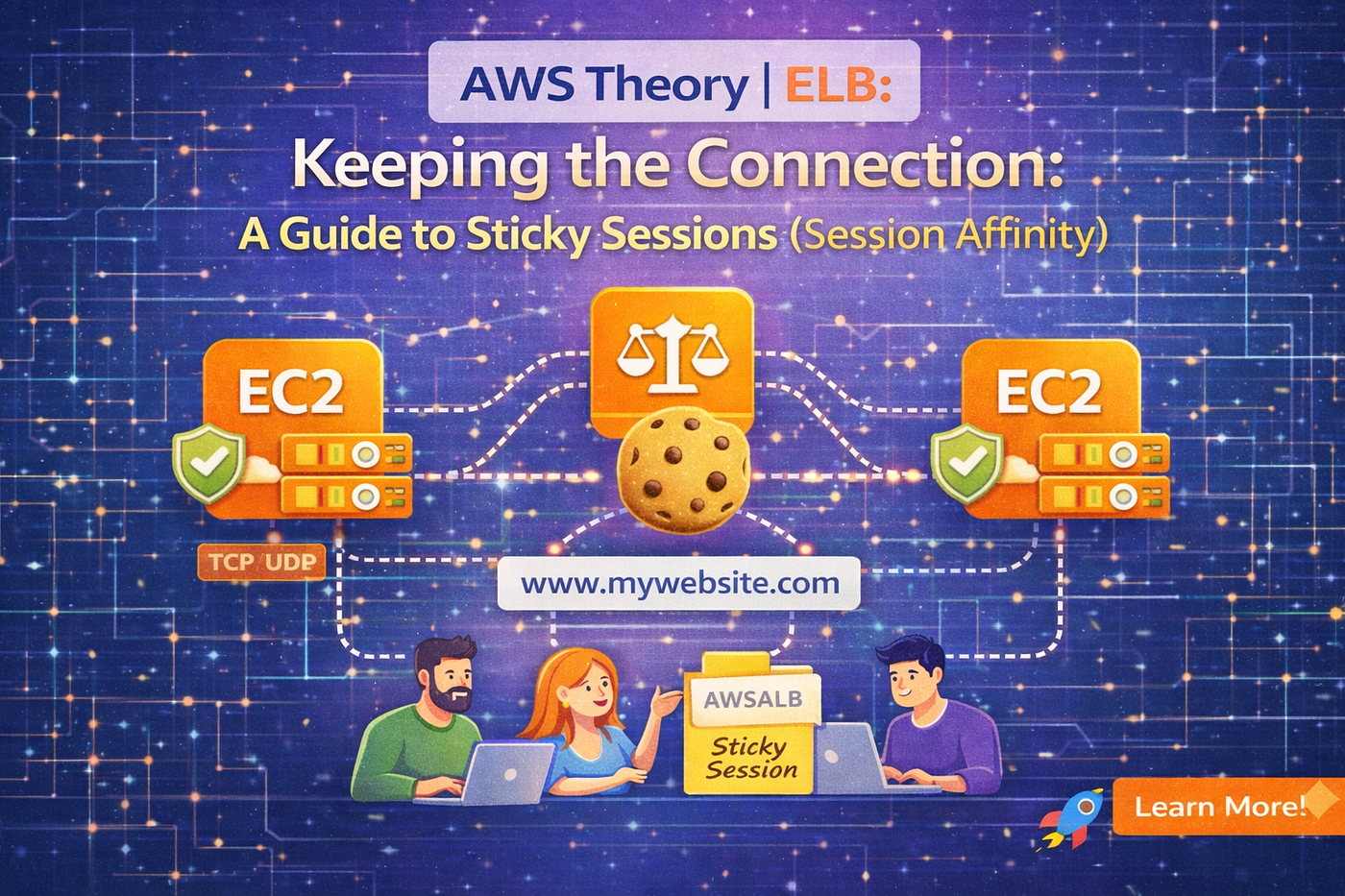
Sticky sessions help to ensure that a client stays on a specific backend instance throughout their session. Instead of the load balancer spreading every single request across all instances, it remembers which server handled the first request and keeps sending that specific user back to the same place.

Why use them?
- Session Continuity: Prevents users from getting logged out or losing their cart because they moved to a different server.
- Performance: Allows servers to utilize local RAM caches for user-specific data, making subsequent requests faster.
The Downside: Imbalance
The biggest trade-off is load imbalance. If you have a few heavy users who are stuck to one instance while others are idle, that one instance might get overwhelmed while the others sit doing nothing.
The Secret Sauce: Cookies
Stickiness is managed using HTTP cookies. When a client first connects, then the load balancer (or the app) drops a cookie in the user’s browser. On every following request, the browser sends that cookie back, and the load balancer uses it as a VIP pass to the correct server.
There are two main types of cookies used:

Hands-On: Enabling Sticky Sessions
Guys, are you ready to see it in action? We’ll use a load balancer-generated cookie to keep things simple.
Step 1: Access Your Target Group
- Navigate to the EC2 Dashboard and click Target Groups on the left.
- Select the target group currently linked to your application load balancer.
- Click on the Attributes tab and then click Edit.
Step 2: Turn on Stickiness
- Scroll down to the Target selection configuration section.
- Find Stickiness and toggle the switch to On.
- For the stickiness type, select Load balancer generated cookie.
- Set the stickiness duration for example 1 day and click Save changes.
Step 3: Test the Stickiness
- Open your load balancer’s DNS name in a new browser tab.
- Open your Developer Tools in browser (press
F12orCtrl+Shift+I). - Go to the Network tab and refresh the page.
- Click on the request for your URL and look for the Cookies sub-tab.
- Observe: You should see a cookie named
AWSALB. Notice that no matter how many times you refresh, the Instance ID on the page stays the same! You are now "stuck."
Step 4: Cleanup
To return to a standard load-balancing behavior, go back to your target group attributes and disable stickiness.
🧾 Conclusion
When your application isn’t ready to be stateless, sticky sessions are a useful tool. By keeping data local to a server, they offer a smooth user experience. To effectively manage sessions across any server, you may want to investigate Centralized Session Stores (such as Redis or DynamoDB) as your application expands. This enables you to attain ideal load balance and turn off stickiness.
To stay informed on the latest technical insights and tutorials, connect with me on Medium, LinkedIn, and Dev.to. For professional inquiries or technical discussions, please contact me via email. I welcome the opportunity to engage with fellow professionals and address any questions you may have. All blogs in this series will be optimized, fine-tuned, developed, and updated in a timely manner to reflect the latest AWS changes, exam updates, and real-world best practices.
메타데이터
- post_id
- f2cf5ace11c0
- slug
- aws-theory-elb-keeping-the-connection-a-guide-to-sticky-sessions-session-affinity-f2cf5ace11c0
- url
- https://medium.com/@issackpaul95/aws-theory-elb-keeping-the-connection-a-guide-to-sticky-sessions-session-affinity-f2cf5ace11c0
- canonical_url
- https://medium.com/@issackpaul95/aws-theory-elb-keeping-the-connection-a-guide-to-sticky-sessions-session-affinity-f2cf5ace11c0
- author_url
- https://medium.com/@issackpaul95
- status
- ok
- fetched_at
- 2026-06-09 15:37:30






