What Are the Best Solutions for NET ERR_EMPTY_RESPONSE?
Encountering the NET ERR_EMPTY_RESPONSE error can be frustrating, especially when trying to access important websites. This error typically…
What Are the Best Solutions for NET ERR_EMPTY_RESPONSE?
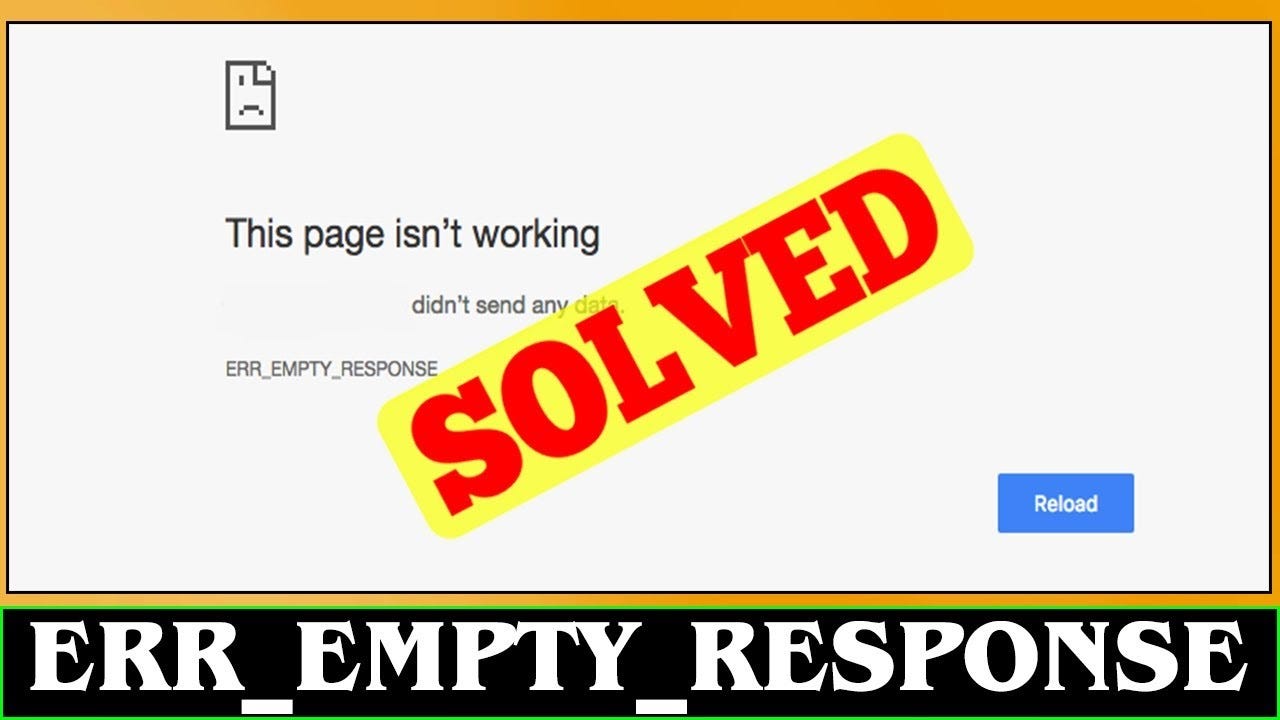
Encountering the ***NET ERR_EMPTY_RESPONSE*** error can be frustrating, especially when trying to access important websites. This error typically occurs when the browser fails to receive data from the server. Fortunately, there are multiple solutions available to resolve this issue effectively.
Causes of NET ERR_EMPTY_RESPONSE
Several factors can trigger this error, including:
- Corrupted browser cache
- Faulty or incompatible browser extensions
- Network connectivity issues
- DNS configuration problems
- Firewall or antivirus software interference
- Outdated or faulty network drivers
- Malware infections
Solution 1: Clear Browser Cache and Cookies
Steps:
- Open your browser settings.
- Navigate to Privacy and Security.
- Click on Clear browsing data.
- Select Cookies and Cached Images.
- Click Clear data.
- Restart your browser and check if the issue is resolved.
Solution 2: Disable Browser Extensions
Steps:
- Open your browser.
- Navigate to Extensions or Add-ons.
- Disable all extensions.
- Restart your browser.
- Enable extensions one by one to identify the problematic one.
Solution 3: Reset Network Settings
Steps:
- Open Command Prompt (Admin).
- Type: nets int Ip reset
- Press Enter.
- Restart your PC and check if the issue persists.
Solution 4: Flush DNS Cache
Steps:
- Open Command Prompt (Admin).
- Type: ipconfig /flushness
- Press Enter.
- Restart your browser.
Solution 5: Disable Firewall and Antivirus Temporarily
Steps:
- Open Control Panel > Windows Security.
- Navigate to Firewall & Network Protection.
- Turn off Firewall temporarily.
- Test website access.
- Re-enable Firewall once tested.
Solution 6: Use a Different Browser
Try opening the same webpage in an alternative browser like Mozilla Firefox, Microsoft Edge, or Brave. If the page loads correctly, your primary browser might be the issue.
Solution 7: Update or Reinstall Network Drivers
Steps:
- Open Device Manager.
- Navigate to Network Adapters.
- Right-click and select Update Driver.
- Restart your PC.
Solution 8: Check for Malware
Run a full system scan using tools like Malwarebytes or Windows Defender to detect and remove malware that might be interfering with your network.
Solution 9: Change DNS Settings
Steps:
- Open Network Settings.
- Select Change Adapter Options.
- Right-click your active network > Properties.
- Select Internet Protocol Version 4 (TCP/IPv4).
- Choose Use the following ***DNS*** servers:
- Preferred: 8.8.8.8
- Alternate: 8.8.4.4
- Click OK and restart your PC.
Solution 10: Restart Your Router and Modem
Steps:
- Turn off your modem and router.
- Unplug for 5 minutes.
- Plug back in and restart.
- Test your internet connection.
Conclusion
NET ERR_EMPTY_RESPONSE can be resolved with the right troubleshooting steps. Start by clearing your browser cache, disabling extensions, and checking your network settings. If the issue persists, consider resetting network configurations or updating your drivers. By following these solutions, you should be able to browse the web without interruptions.
FAQs
1. What is NET ERR_EMPTY_RESPONSE?
This error occurs when a browser fails to receive data from a website’s server.
2. Can a VPN cause NET ERR_EMPTY_RESPONSE?
Yes, VPNs can sometimes interfere with network requests and cause this error.
3. Will resetting my browser fix the issue?
Yes, resetting your browser can help resolve corrupted settings causing the error.
4. Is there a permanent fix for NET ERR_EMPTY_RESPONSE?
There is no one-size-fits-all solution, but keeping your browser and network settings optimized helps prevent recurrence.
5. Does this error affect all browsers?
It mostly affects Chrome, but it can occur on Firefox, Edge, and others.
6. How do I know if my firewall is blocking my connection?
Try disabling the firewall temporarily and check if the issue is resolved.
메타데이터
- post_id
- f2e2d1204b65
- slug
- what-are-the-best-solutions-for-net-err-empty-response-f2e2d1204b65
- url
- https://medium.com/@techinpost/what-are-the-best-solutions-for-net-err-empty-response-f2e2d1204b65
- canonical_url
- https://medium.com/@techinpost/what-are-the-best-solutions-for-net-err-empty-response-f2e2d1204b65
- author_url
- https://medium.com/@techinpost
- status
- ok
- fetched_at
- 2026-08-02 20:48:00