How to Un-Precompose Layers in After Effects in One Click
If you’ve been using After Effects for any length of time, you’ve probably run into this situation. Layers buried inside a precomp that…
How to Un-Precompose Layers in After Effects in One Click
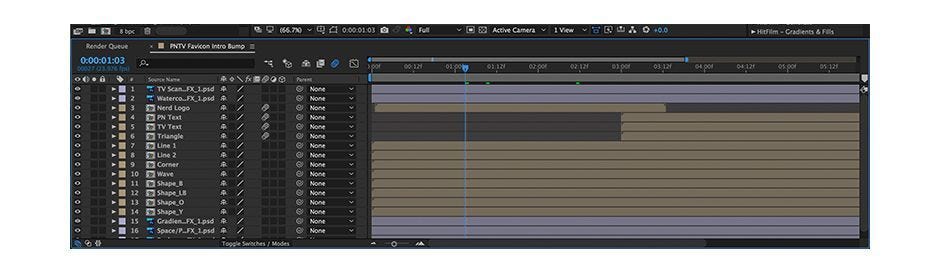
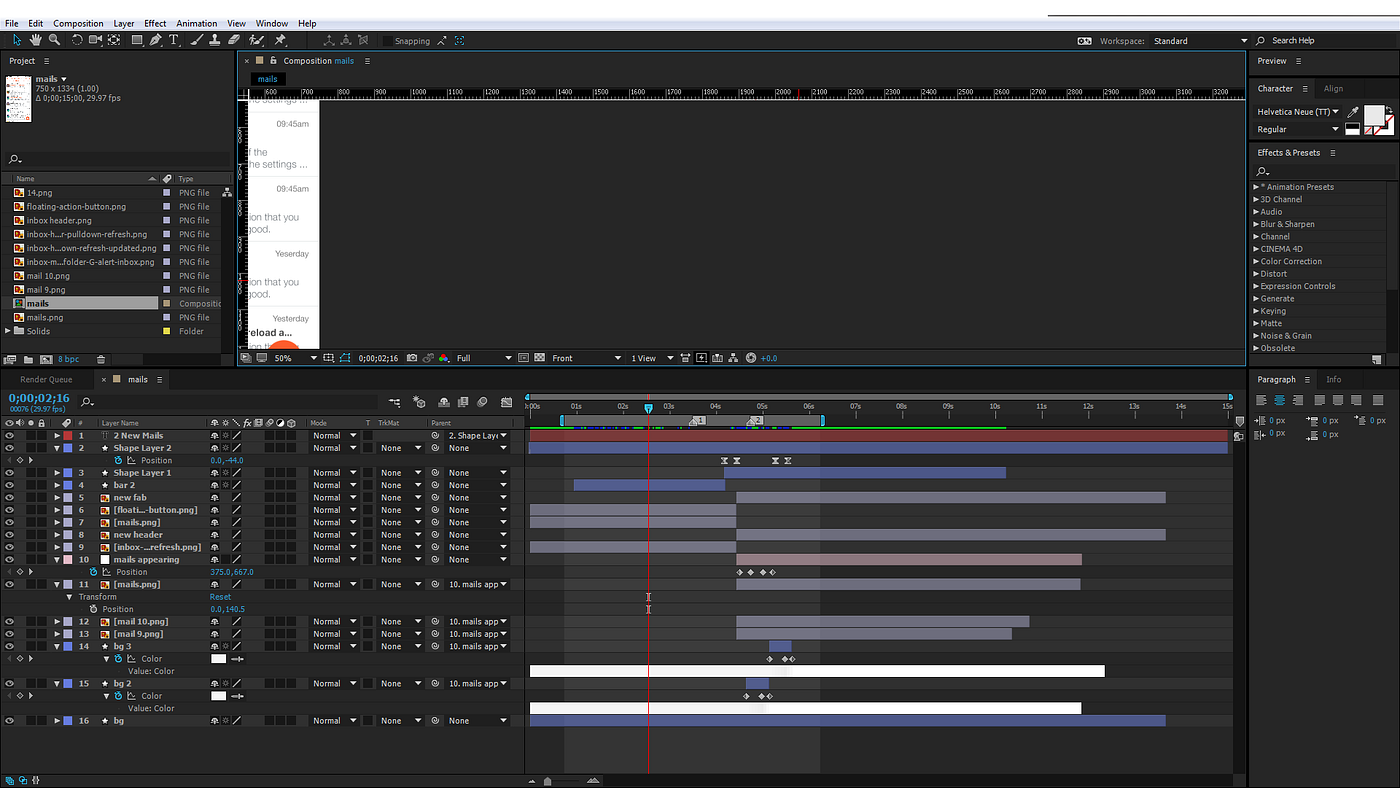
If you’ve been using After Effects for any length of time, you’ve probably run into this situation. Layers buried inside a precomp that you need back in the main composition. Maybe a client sent you the project, maybe you precomposed things earlier and now regret it, or maybe Premiere Pro’s Dynamic Link just dumped an entire timeline into individual precomps automatically.
Whatever the reason — getting those layers out manually is a nightmare. You open the precomp, copy the layers, paste them into the parent comp, then spend 20 minutes fixing timing because nothing landed in the right place. Multiply that by 20 precomps and you’ve lost half your day.
THE EASY WAY
After dealing with this problem for years on client projects, I built a tool called PrecompTools that handles everything automatically.
Select your precomp layers. Click Extract Layers. Every layer inside lands in the parent composition with correct timing, correct layer order, and transforms preserved. The whole operation is wrapped in a single undo so if anything looks wrong you just press Ctrl+Z.
WHAT GETS PRESERVED
- Layer timing — recalculated into parent comp time automatically
- Layer order — comes out exactly as it was inside the precomp
- Keyframes — all animation is fully intact
- Transforms — position, scale, rotation and opacity carried over correctly
- Batch support — select 20 precomps and extract them all at once
HOW TO GET IT
PrecompTools is $10–$15 one-time. Works on After Effects 2021–2025, Windows and Mac.
👉 https://uza007.gumroad.com/l/vdyiq
Installs in under 2 minutes via ZXP Installer. If you work with precomps regularly this tool will pay for itself the first time you use it.
메타데이터
- post_id
- f2f52352a0dc
- slug
- how-to-un-precompose-layers-in-after-effects-in-one-click-f2f52352a0dc
- url
- https://medium.com/@uhbfilms/how-to-un-precompose-layers-in-after-effects-in-one-click-f2f52352a0dc
- canonical_url
- https://medium.com/@uhbfilms/how-to-un-precompose-layers-in-after-effects-in-one-click-f2f52352a0dc
- author_url
- https://medium.com/@uhbfilms
- status
- ok
- fetched_at
- 2026-06-20 20:29:01