Advanced JavaScript SEO: A Deep Dive into Optimizing Single-Page Applications
This comprehensive guide delves into advanced strategies for optimizing SPAs, ensuring that your cutting-edge web application is not only…
Advanced JavaScript SEO: A Deep Dive into Optimizing Single-Page Applications
This comprehensive guide delves into advanced strategies for optimizing SPAs, ensuring that your cutting-edge web application is not only user-friendly but also fully visible and indexable by search engines.
Server-Side Rendering (SSR) vs. Client-Side Rendering (CSR): The Performance and SEO Trade-Offs
At the heart of JavaScript SEO lies the rendering debate: where and when is the content of a webpage turned into the pixels a user sees in their browser? The two primary approaches, and Server-Side Rendering (SSR) , have profound implications for both performance and search engine visibility. Client-Side Rendering (CSR)
Client-Side Rendering (CSR) is the hallmark of traditional SPAs. The server sends a minimal HTML shell, and JavaScript is then responsible for fetching data and rendering the content directly in the user’s browser.
- User Experience: CSR can provide a fluid, seamless experience after the initial load, as subsequent navigation and interactions don’t require full page reloads.
- SEO Challenges: Search engine crawlers, while more capable of processing JavaScript than in the past, can still struggle with complex client-side rendered applications. This can lead to incomplete indexing or a failure to see the final rendered content, negatively impacting rankings.
- Performance: The initial page load can be slow as the browser must download, parse, and execute a significant amount of JavaScript before any meaningful content is displayed. This can lead to poor Core Web Vitals scores, particularly for First Contentful Paint (FCP) and Largest Contentful Paint (LCP).
Server-Side Rendering (SSR) , in contrast, involves rendering the initial of a page on the server before sending it to the browser.
- SEO Advantage: SSR delivers a fully-formed HTML page to the browser, making it immediately crawlable and indexable by search engines. This is the most reliable method for ensuring your content is seen by Googlebot and other crawlers.
- Performance Benefits: Users see content much faster as the browser doesn’t have to wait for JavaScript to execute to display the initial view. This directly improves FCP and LCP scores.
- Complexity: Implementing SSR can add complexity to your application’s architecture and increase server load.
The Verdict: For content-heavy websites and applications where organic search traffic is a critical acquisition channel, SSR is the superior approach for ensuring optimal SEO performance.
However, for highly interactive, behind-a-login applications where SEO is less of a concern, CSR can be a viable option.
Advanced Prerendering Techniques: Bridging the Gap with Puppeteer and Rendertron
For those who want to retain the benefits of a CSR architecture while still achieving excellent SEO, prerendering offers a powerful middle ground. Prerendering involves generating static HTML versions of your JavaScript-rendered pages, specifically for search engine crawlers.
Harnessing the Power of Puppeteer for Custom Prerendering
, a Node library developed by Google, provides a high-level to control headless Chrome or Chromium. This makes it an excellent tool for creating a custom prerendering solution.
Here’s a basic example of how you could use Puppeteer to prerender a page:
const puppeteer = require('puppeteer'); const fs = require('fs'); async function prerender(url, outputPath) { const browser = await puppeteer.launch(); const page = await browser.newPage(); await page.goto(url, { waitUntil: 'networkidle0' }); // Wait until the network is idle const html = await page.content(); await browser.close(); fs.writeFileSync(outputPath, html); console.log(`Prerendered ${url} to ${outputPath}`); } prerender('https://your-site.com/some-page', './prerendered/some-page.html');In this example, Puppeteer navigates to the specified URL, waits for all network activity to cease (ensuring all dynamic content has loaded), and then saves the fully rendered HTML to a file. This static file can then be served to search engine bots.
Simplifying Prerendering with Rendertron
For a more off-the-shelf solution, Google’s Rendertron provides a ready-to-use prerendering service. Rendertron runs as a separate server that takes a URL as input and returns the rendered HTML.
To use Rendertron, you typically configure your web server to detect requests from search engine crawlers (based on their user-agent string) and proxy those requests to your Rendertron instance.
Here’s a conceptual example of how you might configure an Nginx server to use Rendertron:
location / { set $prerender 0; if ($http_user_agent ~* "googlebot|bingbot|slurp") { set $prerender 1; } if ($prerender = 1) { # Proxy the request to your Rendertron instance proxy_pass http://your-rendertron-instance.com/render/$scheme://$host$request_uri; } try_files $uri $uri/ /index.html; }This configuration checks the user-agent of the incoming request. If it matches a known search engine bot, the request is forwarded to the Rendertron service to get the prerendered HTML. Otherwise, the standard SPA is served.
Dynamic Rendering: The Cloaking Conundrum and How to Avoid Penalties
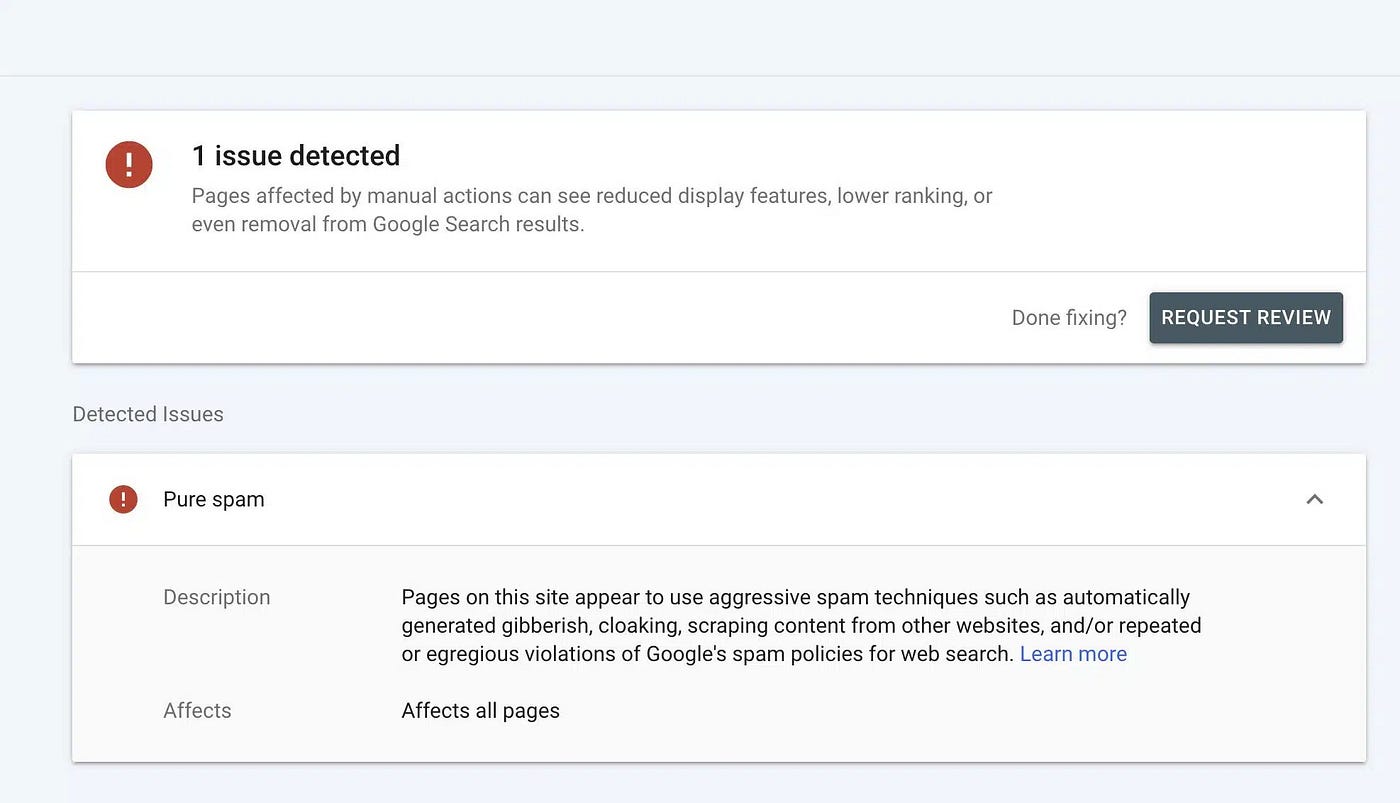
Cloaking is deceptive and aims to show search engines content that is fundamentally different from what a user sees, often to manipulate rankings.
Dynamic rendering , when implemented correctly, serves search engines a version of the page that is substantially similar to the user-facing version. The goal is to aid crawlers in understanding the content, not to mislead them. Google has explicitly stated that it does not consider proper dynamic rendering to be cloaking.
Key Principles for Safe Dynamic Rendering:
- Content Equivalence: The prerendered version of your page must contain the same core content as the client-side rendered version. This includes headings, text, links, and images with appropriate alt text.
- User-Agent Detection: Reliably identify search engine crawlers by their user-agent strings.
- Serve the Right Version: Configure your server to deliver the prerendered HTML to identified crawlers and the standard SPA to regular users.
By adhering to these principles, you can leverage dynamic rendering to improve your SPA’s SEO without risking penalties from search engines.
Testing Your JavaScript SEO: Mastering Chrome DevTools and Lighthouse CI
Thorough testing is non-negotiable for ensuring your JavaScript SEO efforts are successful. Fortunately, modern web development tools provide powerful capabilities for auditing and validating your implementation.
Manual Inspection with Chrome DevTools
- View Page Source (Ctrl+U or Cmd+Option+U): This shows you the raw HTML that the server initially sends to the browser. For an SSR or prerendered page, you should see the fully rendered content here. For a CSR page, you’ll likely see a minimal HTML shell with a <script> tag.
- Inspect Element (Right-click > Inspect): This shows you the live, rendered after JavaScript has executed. You can use this to verify that your dynamic content is being correctly inserted into the page.
- Mobile-Friendly Test: Use Google’s Mobile-Friendly Test to see how Googlebot renders your page on a mobile device. This is crucial as Google primarily uses a mobile-first index.
Automated Audits with Lighthouse
Lighthouse , an open-source automated tool by Google, provides a comprehensive audit of your web pages, including a dedicated SEO section. You can run Lighthouse directly from Chrome DevTools (in the “Lighthouse” tab).
The Lighthouse SEO audit checks for a variety of best practices, including:
Continuous Integration with Lighthouse CI
To ensure ongoing SEO health and prevent regressions, you can integrate Lighthouse into your continuous integration (CI) workflow using Lighthouse CI. This allows you to automatically run Lighthouse audits on every code commit or pull request.
name: Lighthouse CI on: [push] jobs: lighthouse: runs-on: ubuntu-latest steps: - uses: actions/checkout@v3 - name: Use Node.js uses: actions/setup-node@v3 with: node-version: '18' - name: Install dependencies and build run: | npm ci npm run build - name of: Run Lighthouse CI run: | npm install -g @lhci/cli@0.12.x lhci autorunBy setting up Lighthouse CI, you can establish performance and SEO budgets, track your scores over time, and catch potential issues before they reach production.
Optimizing Single Page Applications for search engines is no longer a dark art.
By understanding the fundamental trade-offs between rendering methods, leveraging advanced techniques like prerendering, and implementing a robust testing strategy, you can build SPAs that deliver both exceptional user experiences and top-tier SEO performance.
The key is to move beyond a one-size-fits-all mentality and adopt a holistic approach that considers the unique needs of your application, your users, and the search engines you aim to attract.
Originally published at https://www.linkedin.com.
메타데이터
- post_id
- f40ef1d7503d
- slug
- advanced-javascript-seo-a-deep-dive-into-optimizing-single-page-applications-f40ef1d7503d
- url
- https://medium.com/@adil-balti/advanced-javascript-seo-a-deep-dive-into-optimizing-single-page-applications-f40ef1d7503d
- canonical_url
- https://medium.com/@adil-balti/advanced-javascript-seo-a-deep-dive-into-optimizing-single-page-applications-f40ef1d7503d
- author_url
- https://medium.com/@adil-balti
- status
- ok
- fetched_at
- 2026-07-21 01:33:17