Midjourney Info 20 — Week of June 22nd, 2026
Office Hours Notes, A Quick Tour of an SREF in Style Explorer, A Unique MJ Daily Theme Prompt, 28 Images from SREF IDs
Midjourney Info 20 — Week of June 22nd, 2026
Office Hours Notes, A Quick Tour of an SREF in Style Explorer, A Unique MJ Daily Theme Prompt, 28 Images from SREF IDs
banner image for “Midjourney Info 20 — Week of June 22nd, 2026” — created by the author in Midjourney and PhotoPea
This is my weekly posting of Midjourney News and Information for Midjourney Enthusiasts.
The Contents
- Midjourney Office Hours Recap of Meeting on June 24th, 2026
- A Style from the Style Explorer — SREF ID: 1670403326
- A Profile Code from the Daily Theme Channel on the Midjourney Discord Server
- 28 Beautiful Flamingo Images Created with SREF IDs
Let’s get right to it!
Midjourney Office Hours Recap
My Notes from the Meeting on June 24th, 2026:
The first thing that David spoke about was the announcement last week of the “Midjourney Medical Division” which currently has a team of 9 out of 70–80 Midjourney employees. David assured everyone that the majority of staff were still focused on core Midjourney products. Other secret projects are still in development, including consumer-focused hardware initiatives.
Two URLs for Midjourney Medical — https://www.midjourney.com/medical and https://www.midjourney.com/medical/blogpost.
There is still a lot of confusion and speculation about what the other projects will be. David felt that everyone would be less confused over the next six months as each project is unveiled.
He also recapped the releases of two new features that were dropped last week, the “large batch” draft mode and the preview command.
The draft mode button creates a grid of 24 images at low resolution which can then be subtly varied via a “vary subtle button” which is displayed upon mousing over a draft image.
The preview will let you create an image using the preview version of the v8.2 model. David indicate that the v8.2 version would be released soon probably within the next two weeks. He advised users to test — preview now to experience upcoming V8.2 changes.
The “new editing model” is still being developed which should include inpainting and outpainting capability, image editing, image prompting and some kind omni-reference system for including characters and objects in an image generation.
He thought the editor would be released in incremental versions rather than as a complete feature in one release. He said that the omni-reference system might be the first part to be released followed by the inpainting/outpainting. Other features could follow as they were completed.
The website redesign is a large ongoing project. Changes will be coming in increments beginning with a conservative redesign that would be followed by more sweeping changes. Expect the interface to be changing over the next few months.
They are also working a redesign specifically for mobile device use.
Midjourney version 9 (V9) is continuing to be developed and initial V9 training runs have begun. David expects V9 will be released before the end of the year and he hopes the new datasets will be included in it.
David indicated that the move to the new compute clusters appear to be largely complete.
The team is exploring some advanced versions of current features. They are considering an even faster preview generation system with smaller low resolution thumbnail images to help users explore their ideas without using fast hours for full generations.
He also mentioned a new “ — sref random” command that would create individual SREFs for each generated image.
Another hardware announcement is planned within the next few months. The expectation is that some future hardware products may be directly available for purchase.
David took some time to answer questions from attendees via the HiveMind product. There were several question about the Midjourney Scanner. Most of the answers by David were that a lot of functions of the scanner would have to meet whatever regulations may come up.
There were some questions about prompt coherence and accuracy and David restated his belief that the Midjourney culture was mainly concerned with creating visual beauty and aesthetic quality and making it fun to create the images. He felt that the Midjourney company does not intend to sacrifice artistic quality solely to maximize the adherence to a prompt.
David closed the meeting just after the hour was completed.
Let’s go now to some Midjourney Fan items with styles and style references.
A Style from the Style Explorer — SREF ID: 1670403326
Today as I logged on to the Midjourney website this SREF style was showing on the Style Explorer page. I really like the basic “cartoonyness” of this style so I went to the style page at **https://www.midjourney.com/styles/0_1670403326**.
If you don’t use the Style Explorer, here is a quick tour.
The style page shows 8 sample images creating with that SREF ID. In this case the SREF ID is 1670403326.
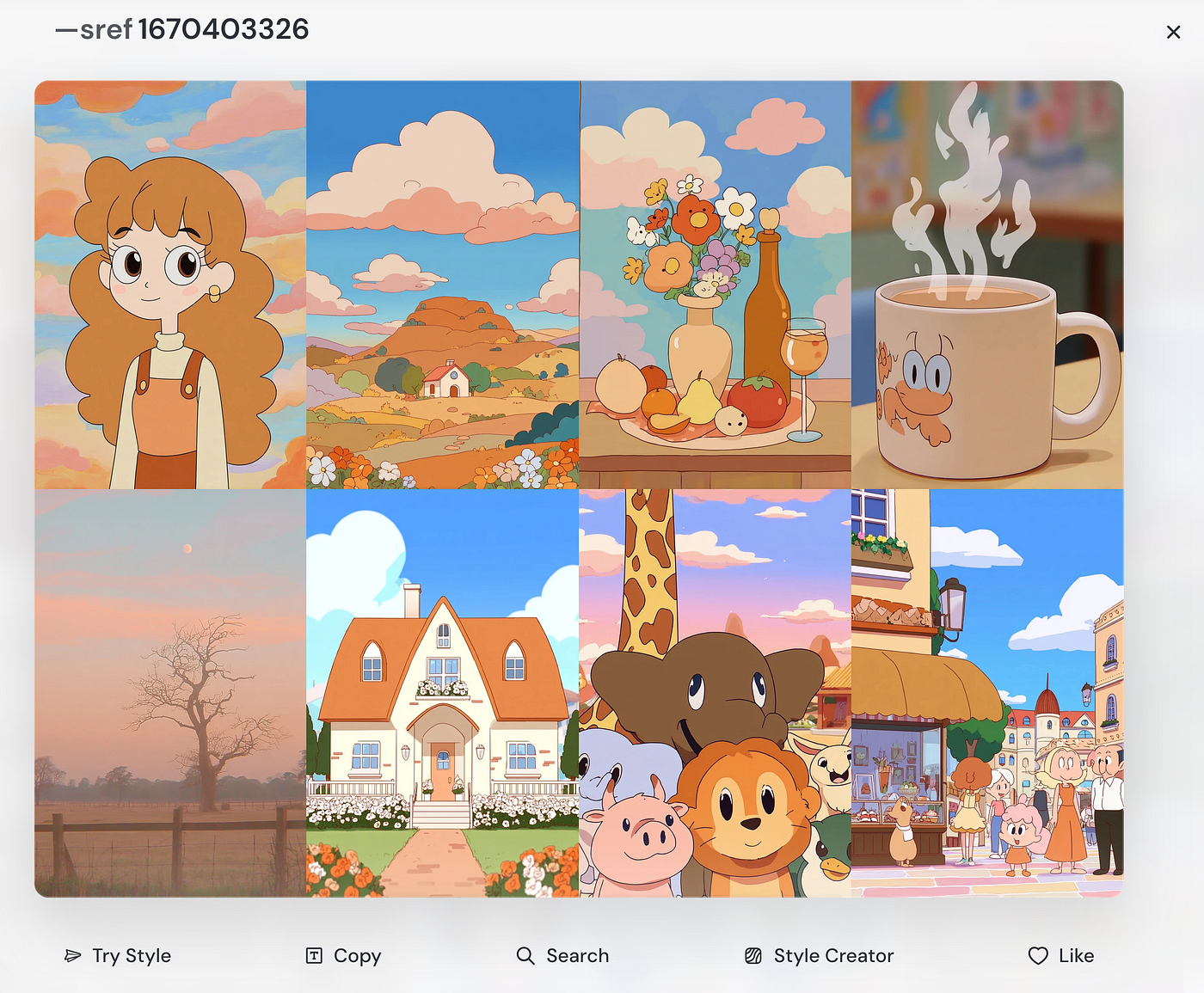
a screen capture of the SREF ID style page
The 8 samples were made using the text words or phrases — “portrait”, “landscape”, “still life”, “hot cup of coffee”, “tree”, “house”, “animal”, and “street scene” in order.
You can enter the SREF ID into your prompt box at the top of the page by clicking the bold SREF number above the sample images.
If you already have text in the prompt box you can click Try Style below the samples and your text with the SREF ID attached to it will be automatically sent to the Create page. Click Create to see the preview images.
Clicking the Copy button will place the SREF ID in the prompt box and also put it on your computer’s clipboard so that you can paste it anywhere you want.
Clicking the Search button will put the SREF ID in the Style Explorer search box and will pull up similar SREF IDs for you to explore.
Clicking the Style Creator button will take you to the Style Creator and load some styles you can use to build your own SREF. (Note: David Holz has been saying that the Midjourney team is working on a new version of a “Style Creator” which might replay the current version.)
Clicking the Like button will add the style to your Likes tab of the Explore page (to the right of Random, Hot, and Top Day tabs).
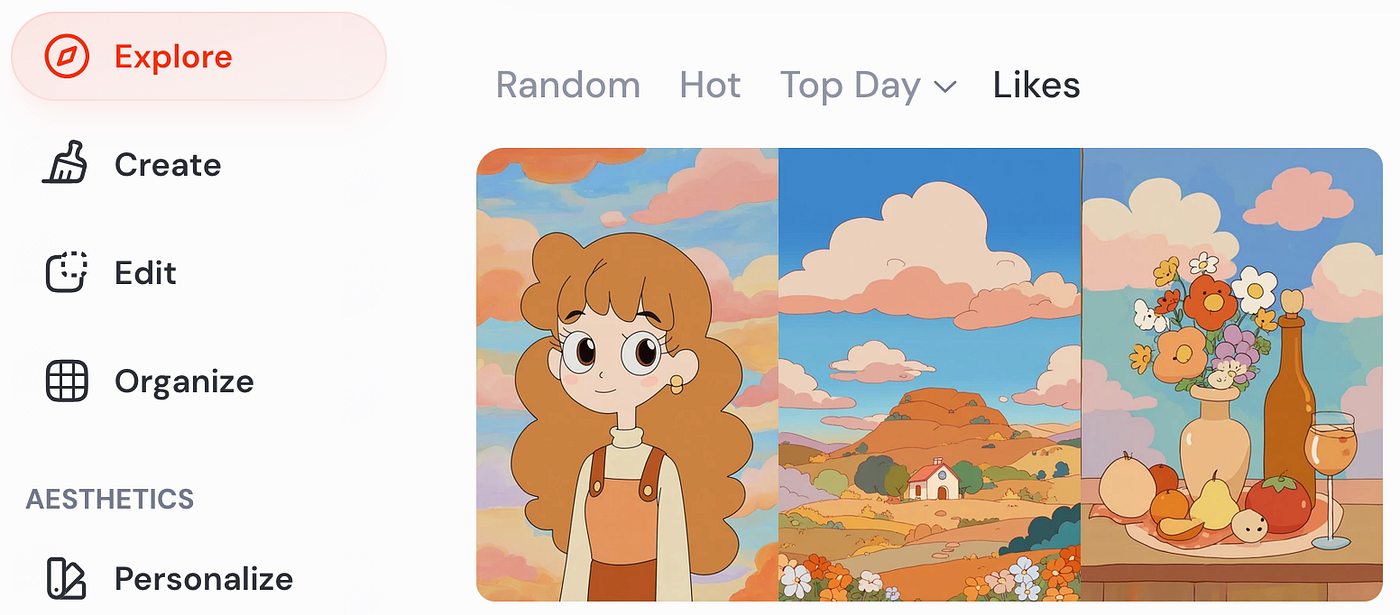
screen capture of the Explore page with the Likes tab option clicked
If you would like to explore the style page for SREF ID: 1670403326, here is the URL again — **https://www.midjourney.com/styles/0_1670403326**.
Make your own using these prompts:
portrait --v 8.1 --ar 2:3 --sref 1670403326

landscape --v 8.1 --ar 2:3 --sref 1670403326

still life --v 8.1 --ar 2:3 --sref 1670403326

hot cup of coffee --v 8.1 --ar 2:3 --sref 1670403326

tree --v 8.1 --ar 2:3 --sref 1670403326

house --v 8.1 --ar 2:3 --sref 1670403326

animal --v 8.1 --ar 2:3 --sref 1670403326

street scene  --v 8.1 --ar 2:3 --sref 1670403326
Now let’s look at another group of images this time created with a unique profile code.
A Profile Code from the Daily Theme Channel on the Midjourney Discord Server
Recently I explored the #daily-theme channel on the Midjourney Discord Server because it had a very unique theme. The theme for that day was “ — niji 7 — p vnhyso7 — s 1000”. It isn’t often that prompt codes appear as the daily theme and this uses the Niji 7 model, a profile code, and a stylize value of 1000.
Lots of discord users wrote really interesting text prompts but I decided to use the same 8 prompt words and phrases from the Style Explorer so that I could put together a collage like the one above for comparison.
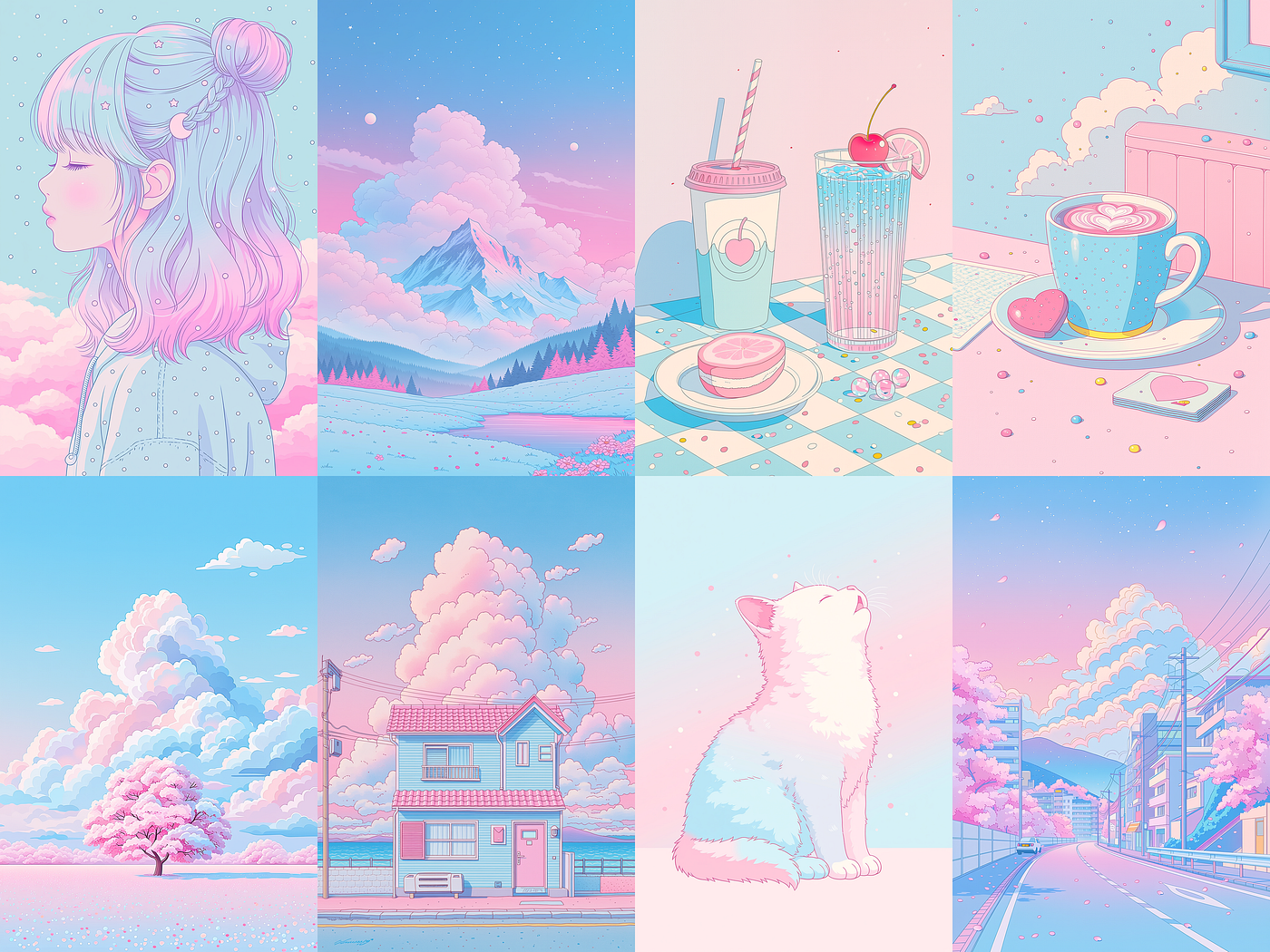
a collage using the 8 text prompts from the style explorer (“portrait”, “landscape”, “still life”, “hot cup of coffee”, “tree”, “house”, “animal”, and “street scene”) with the profile code: vnhyso7 and the Niji 7 model
As many images created with the Niji 7 model these images have a very illustration or cartoon aesthetic to them. I definitely like the gentle styling and pastel colors of the profile code combined with the Niji model.
Here full-size examples of the 8 samples that I created.
The Portrait
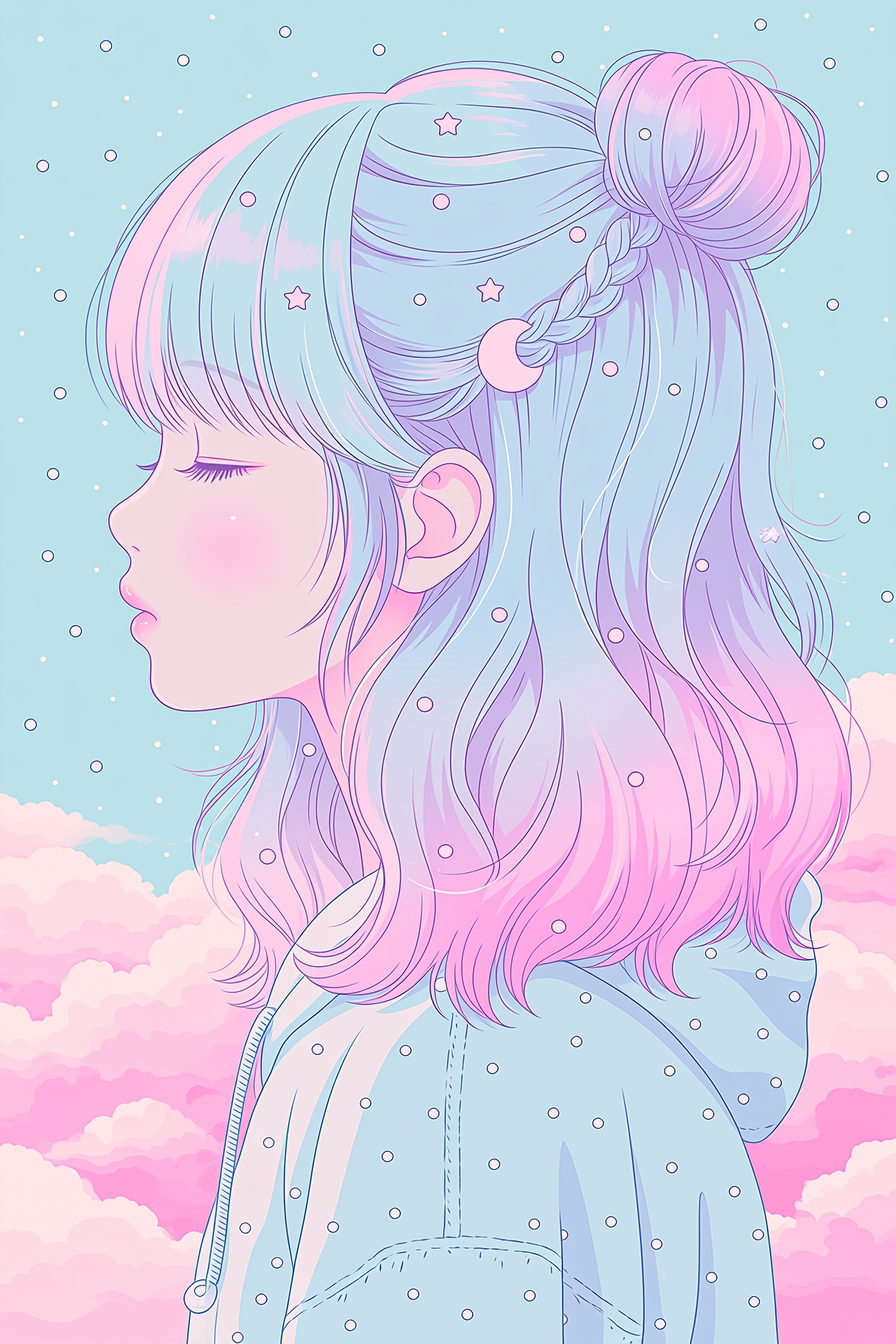
a portrait image using profile code: vnhyso7 in Niji 7 — created by the author in Midjourney Niji 7
The Landscape
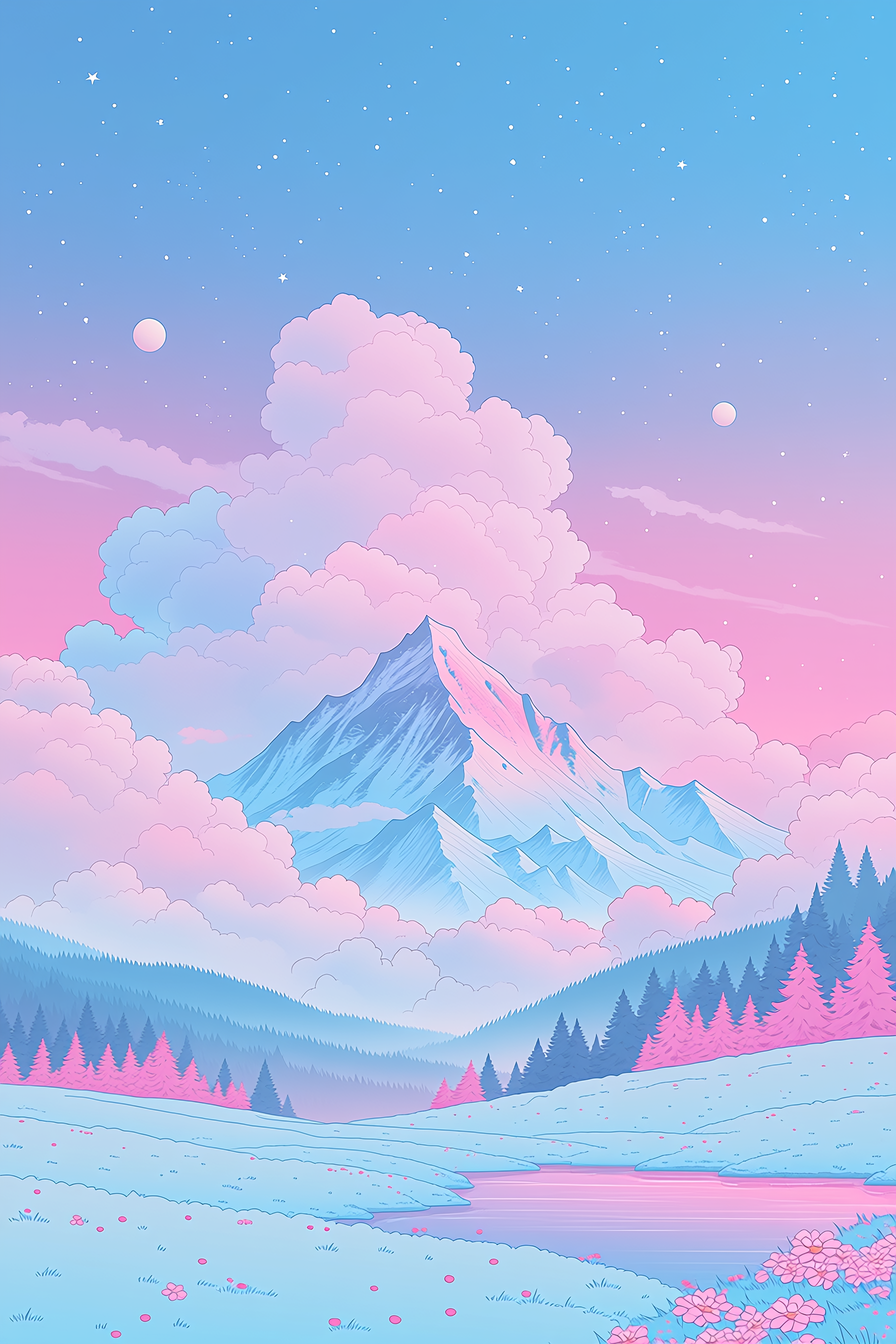
a landscape image using profile code: vnhyso7 in Niji 7 — created by the author in Midjourney Niji 7
The Still Life
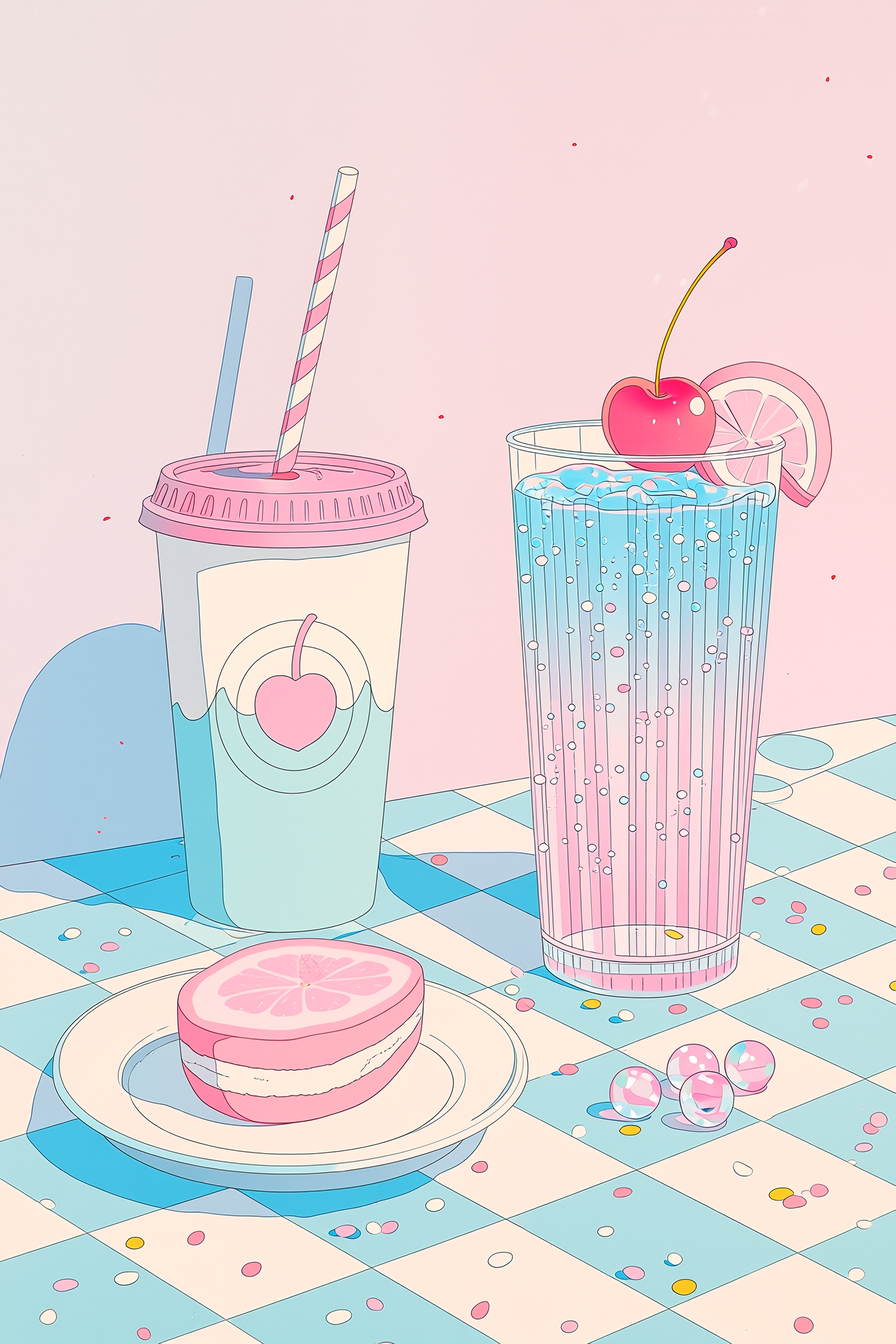
a still life image using profile code: vnhyso7 in Niji 7 — created by the author in Midjourney Niji 7
The Hot Cup of Coffee
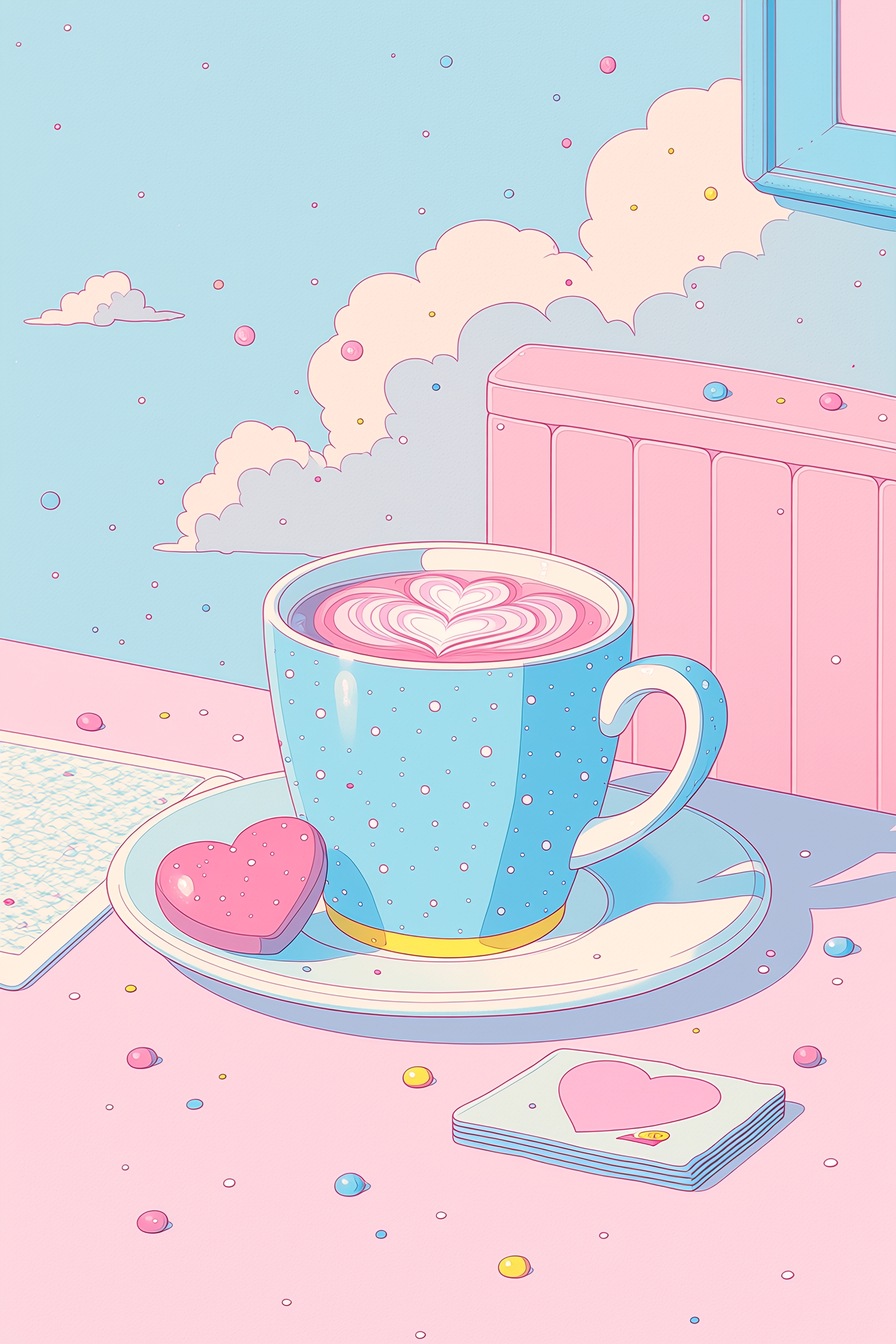
a cup of hot coffee image using profile code: vnhyso7 in Niji 7 — created by the author in Midjourney Niji 7
The Tree
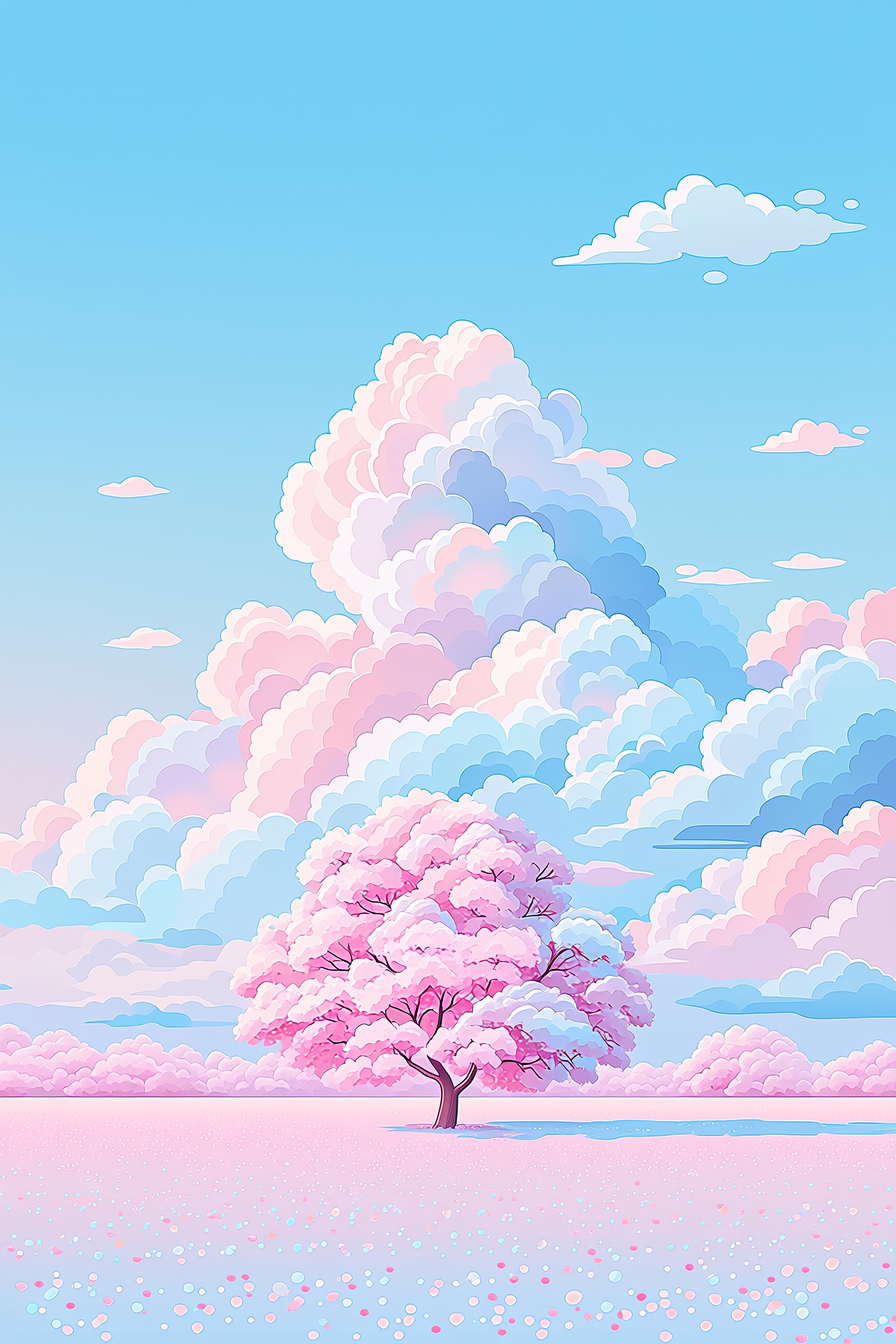
a tree image using profile code: vnhyso7 in Niji 7 — created by the author in Midjourney Niji 7
The House
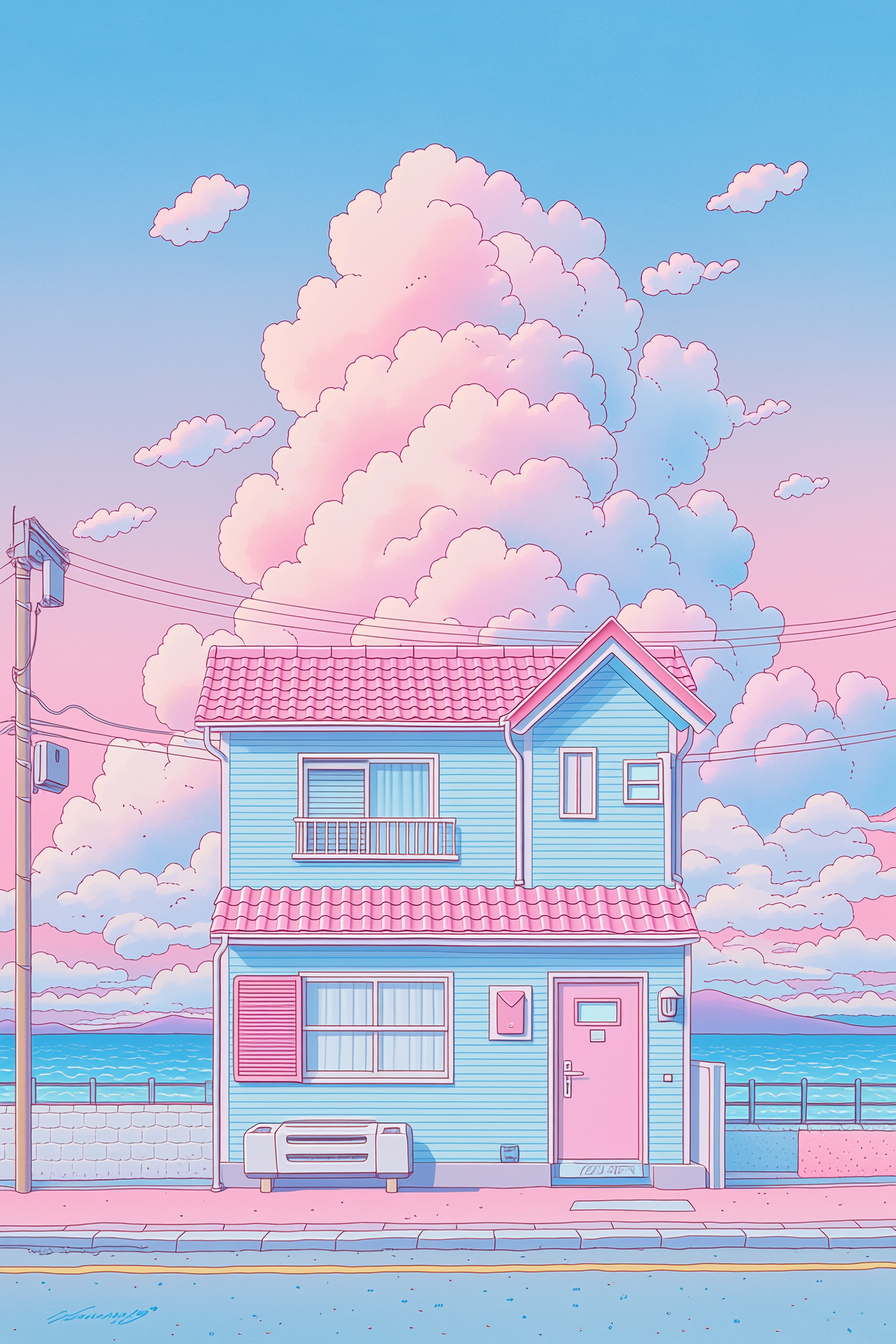
a house image using profile code: vnhyso7 in Niji 7 — created by the author in Midjourney Niji 7
The Animal
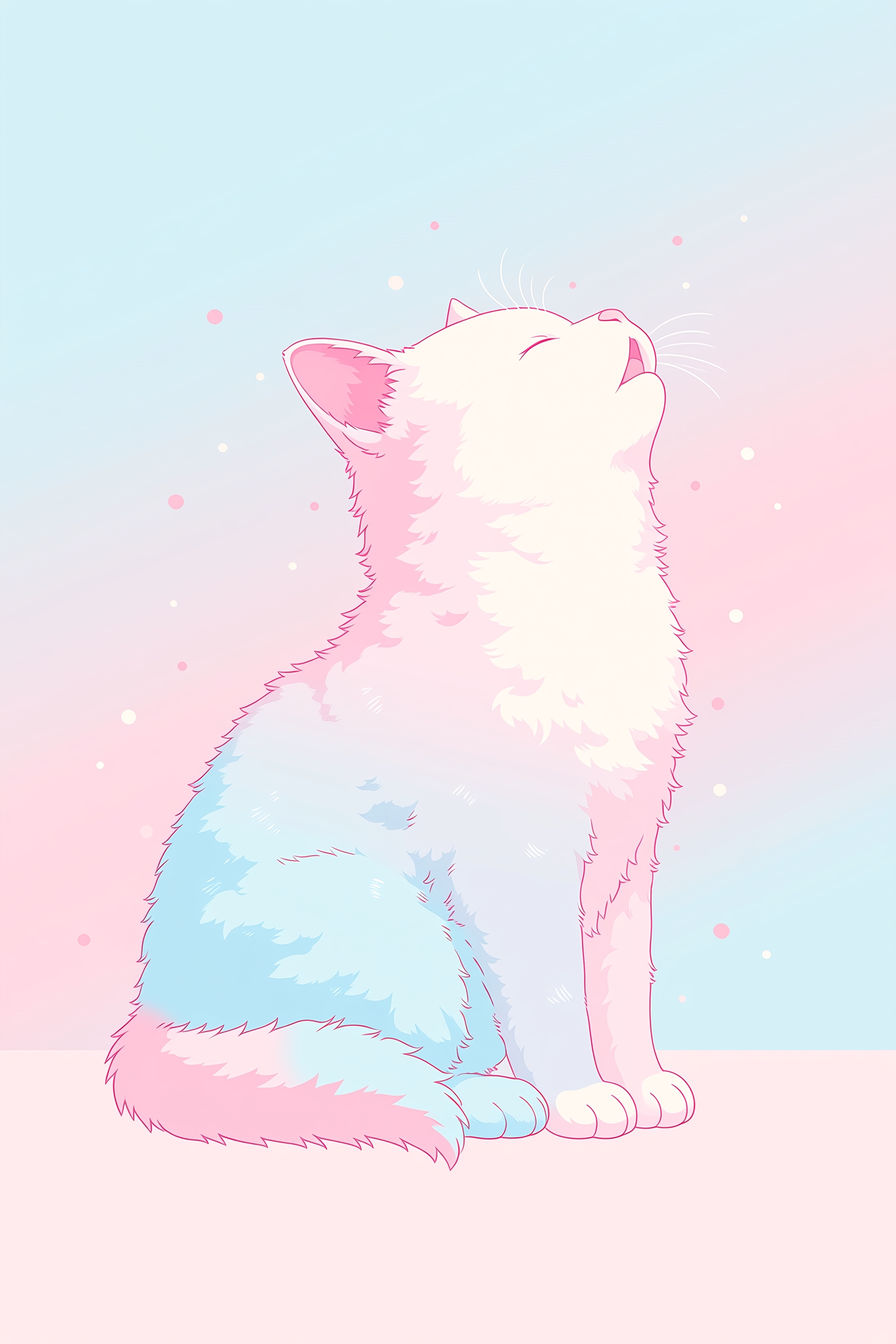
an animal image using profile code: vnhyso7 in Niji 7 — created by the author in Midjourney Niji 7
The Street Scene
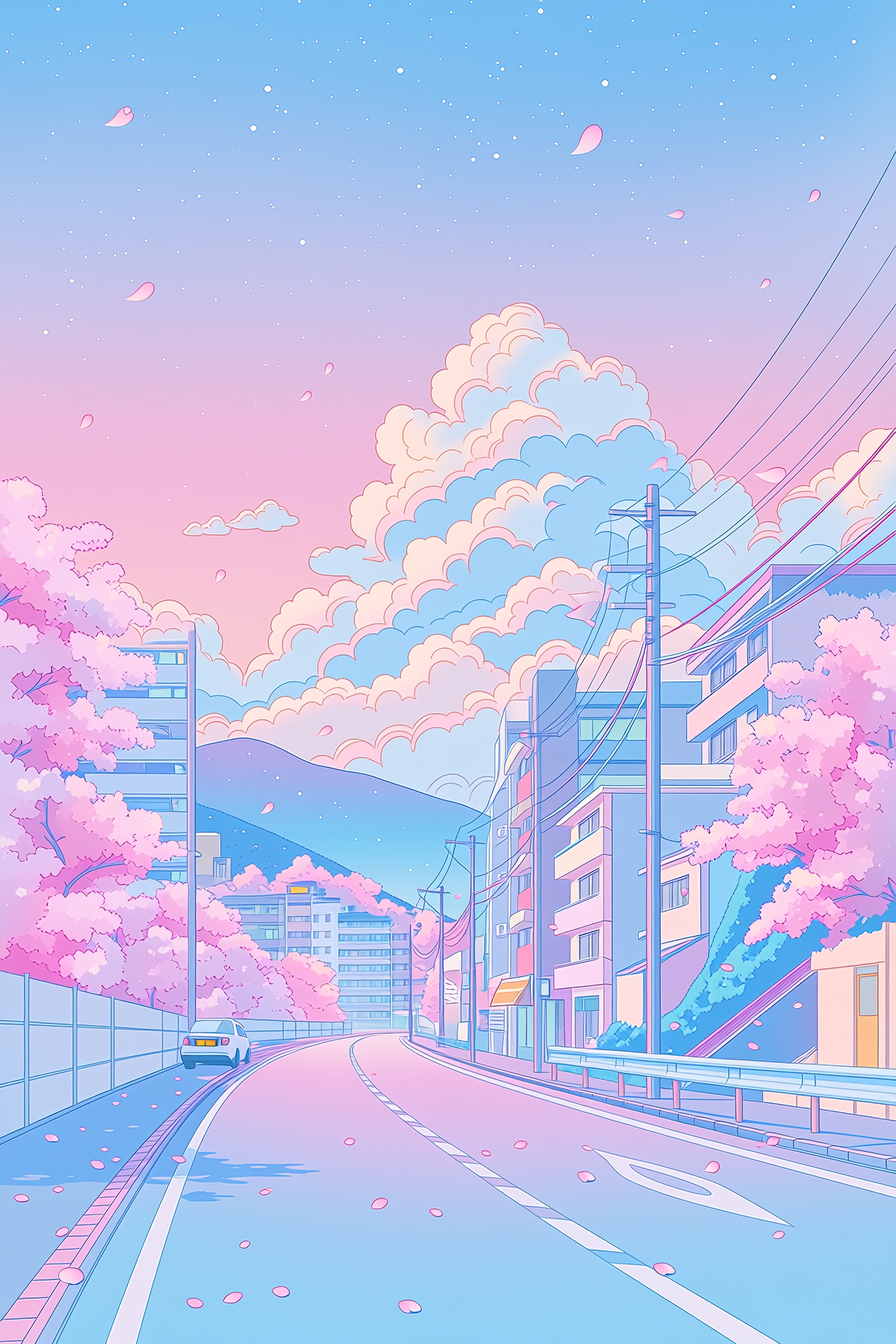
a street scene image using profile code: vnhyso7 in Niji 7 — created by the author in Midjourney Niji 7
The list of actual prompts that I used:
portrait --niji 7 --ar 2:3 --profile vnhyso7 --stylize 1000

landscape --niji 7 --ar 2:3 --profile vnhyso7 --stylize 1000

still life --niji 7 --ar 2:3 --profile vnhyso7 --stylize 1000

hot cup of coffee --niji 7 --ar 2:3 --profile vnhyso7 --stylize 1000

tree --niji 7 --ar 2:3 --profile vnhyso7 --stylize 1000

house --niji 7 --ar 2:3 --profile vnhyso7 --stylize 1000

animal --niji 7 --ar 2:3 --profile vnhyso7 --stylize 1000

street scene --ar 2:3 --profile vnhyso7 --stylize 1000
Now let’s look at one more group of images made from SREF IDs.
A Gallery of 28 Beautiful Flamingo Images Created with SREF IDs
Today’s daily theme in the Discord Server was simply “flamingo”. As I viewed some of the images in the channel I saw a lot SREF IDs being used so I added them to my “scraping” list for the day, and I share them with you now. All of these SREFs were used in prompts from discord users today.
My basic prompt was:
a portrait of a beautiful pink flamingo --v 8.1 --ar 4:5 --s 500 All I had to do was to add the “sref” prefix and the ID number for each image generation. (The actual prompts are included after the gallery.)
Here they are.
Beautiful Pink Flamingo Image #1: using SREF code: 262462698
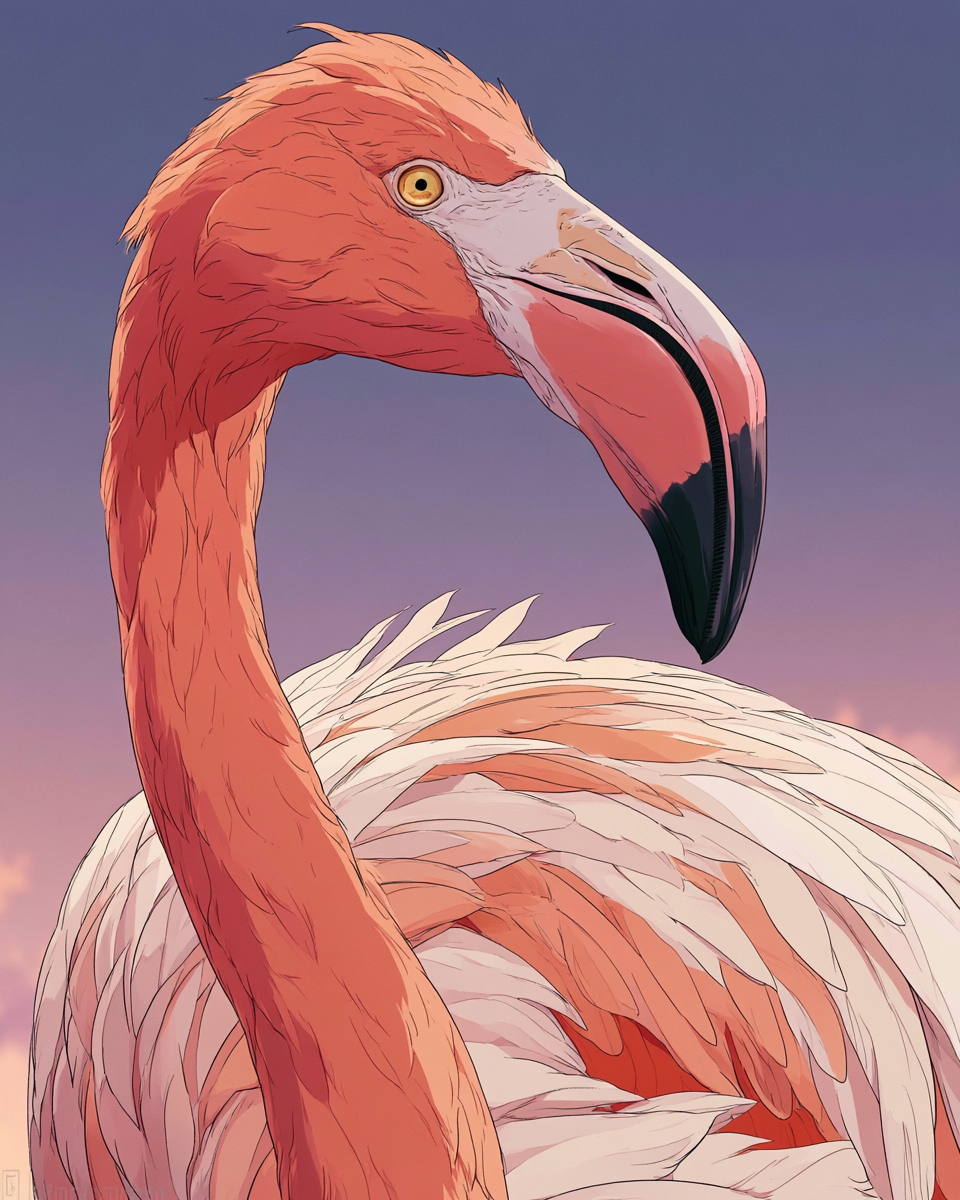
a beautiful flamingo image using SREF code: 262462698 — created by the author in Midjourney v8.1
Beautiful Pink Flamingo Image #2: using SREF code: 504762628
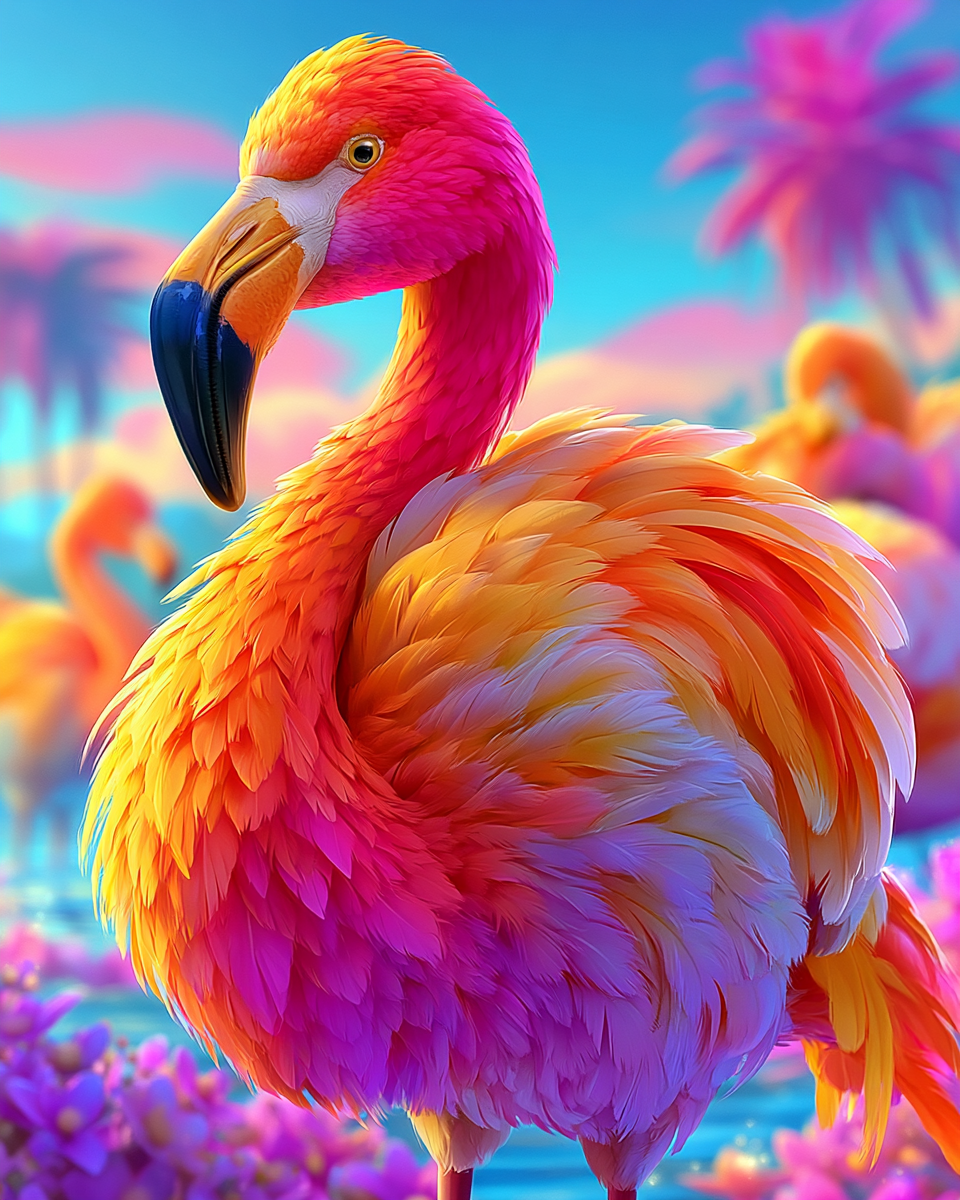
a beautiful flamingo image using SREF code: 504762628 — created by the author in Midjourney v8.1
Beautiful Pink Flamingo Image #3: using SREF code: 563194186
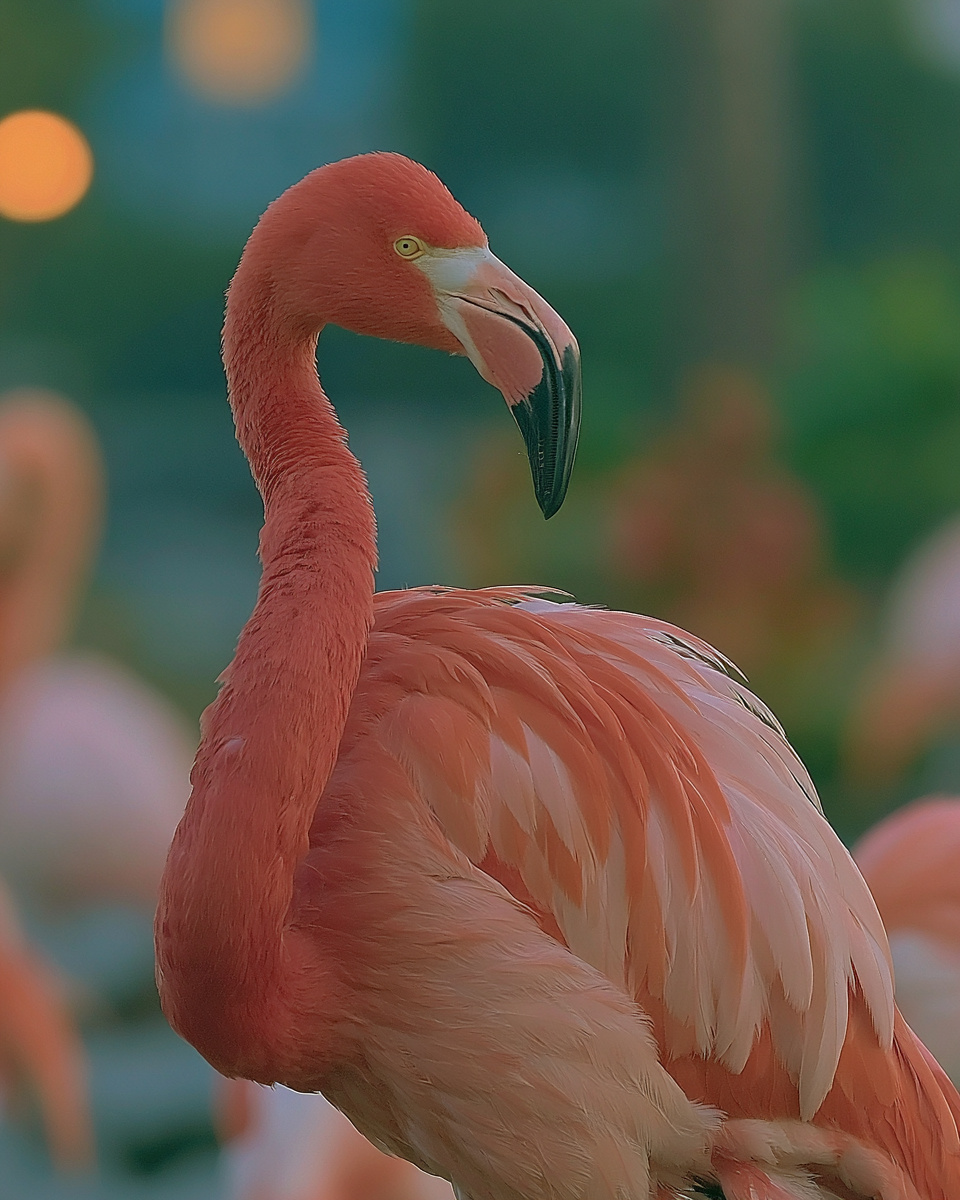
a beautiful flamingo image using SREF code: 563194186 — created by the author in Midjourney v8.1
Beautiful Pink Flamingo Image #4: using SREF code: 782755392
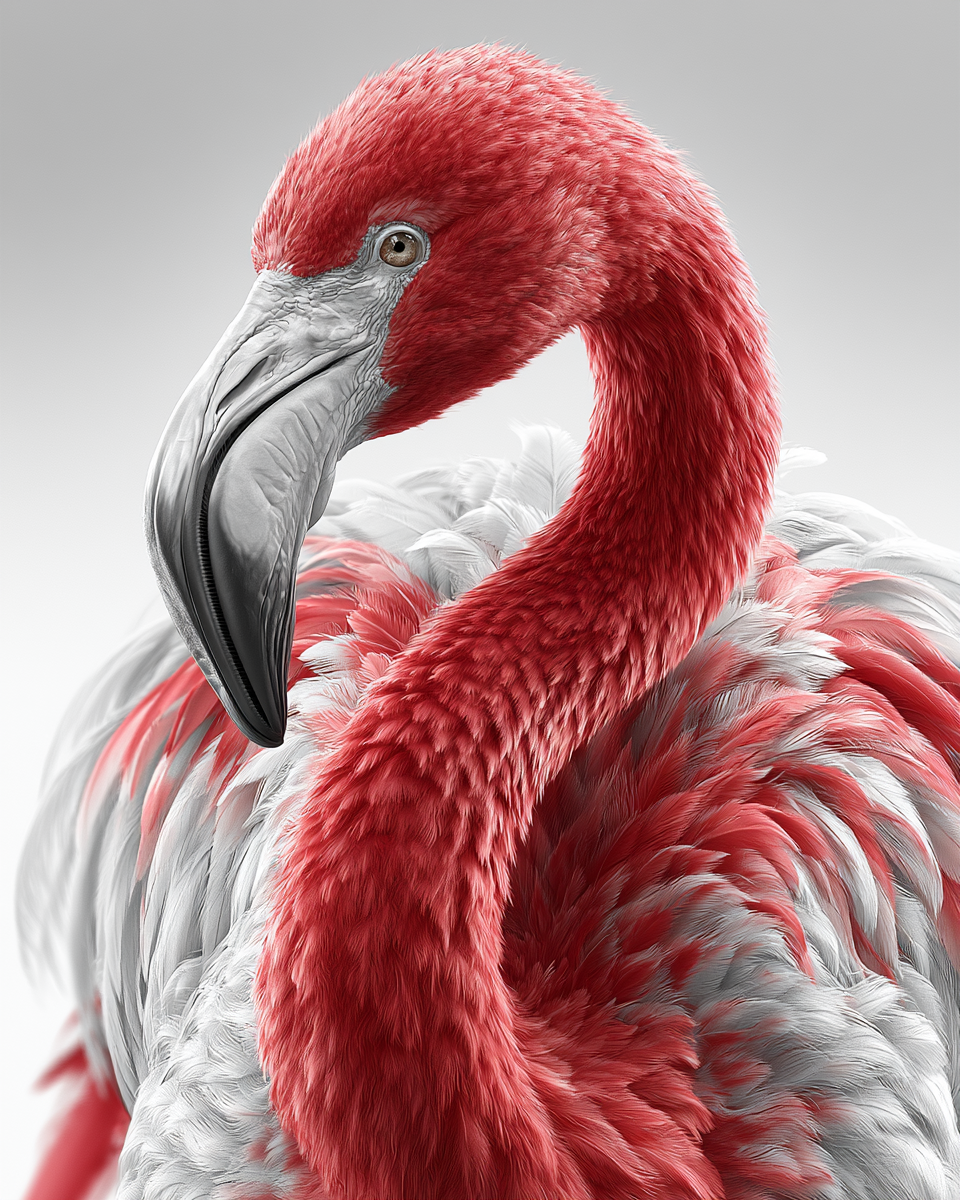
a beautiful flamingo image using SREF code: 782755392 — created by the author in Midjourney v8.1
Beautiful Pink Flamingo Image #5: using SREF code: 1814548513
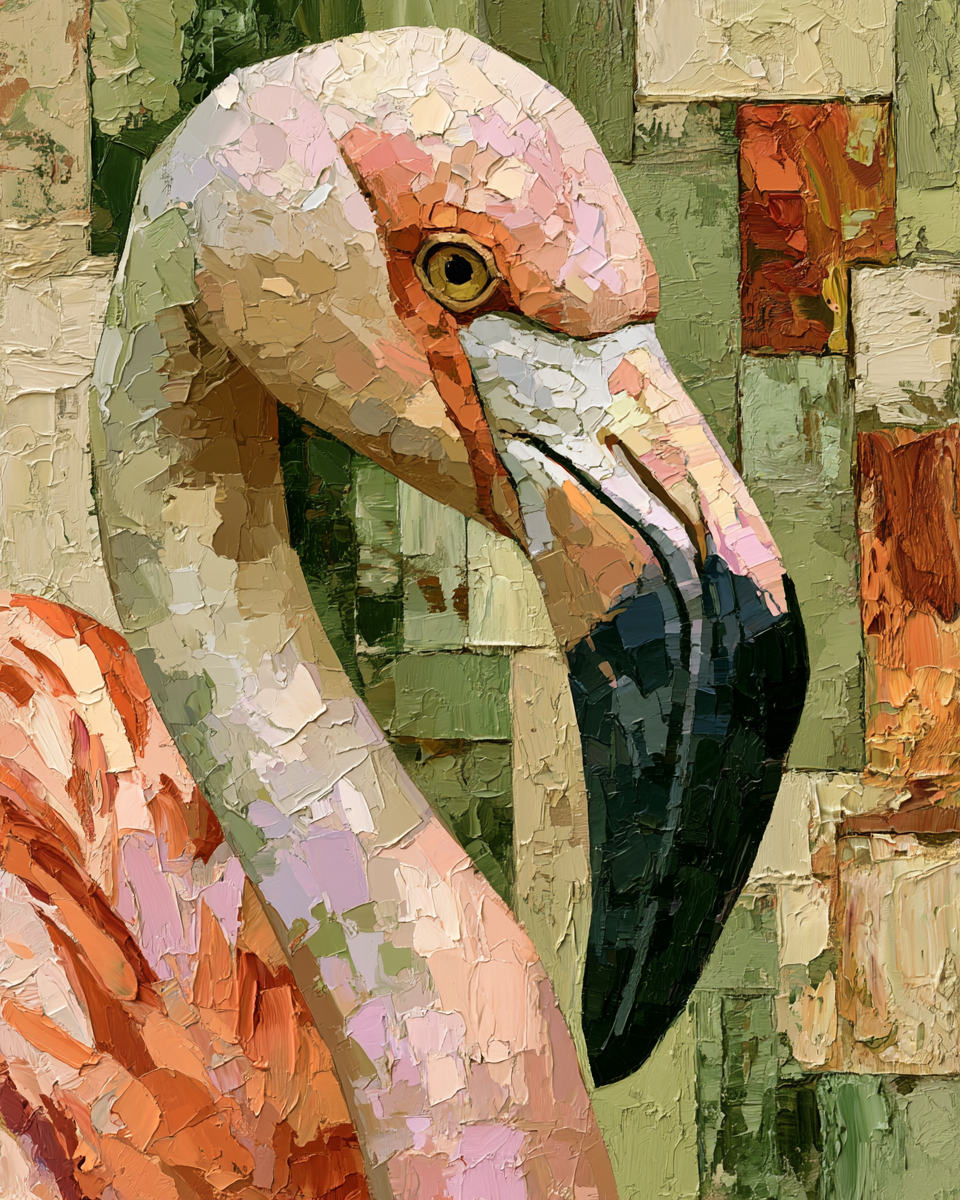
a beautiful flamingo image using SREF code: 1814548513 — created by the author in Midjourney v8.1
Beautiful Pink Flamingo Image #6: using SREF code: 1942998646
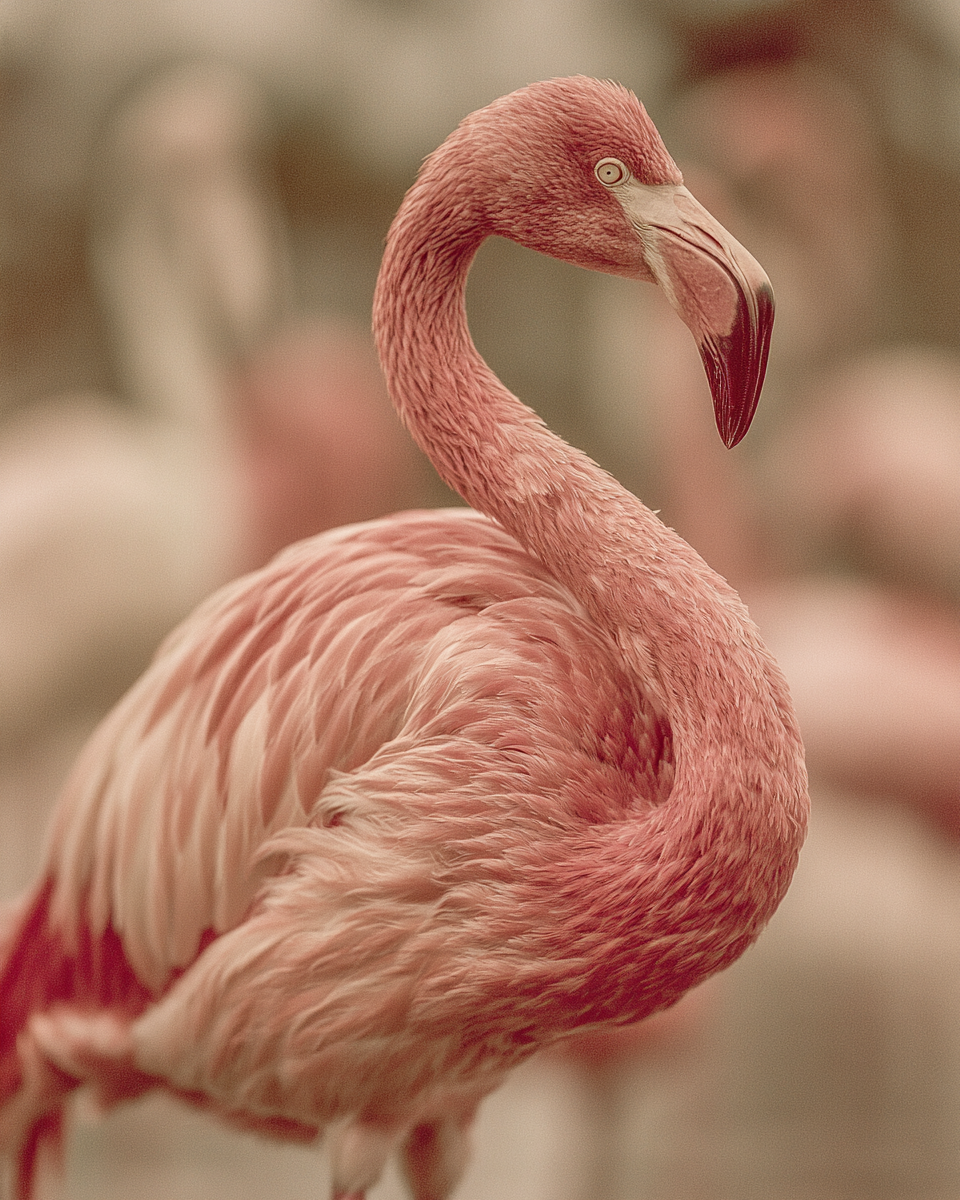
a beautiful flamingo image using SREF code: 1942998646 — created by the author in Midjourney v8.1
Beautiful Pink Flamingo Image #7: using SREF code: 1999999999
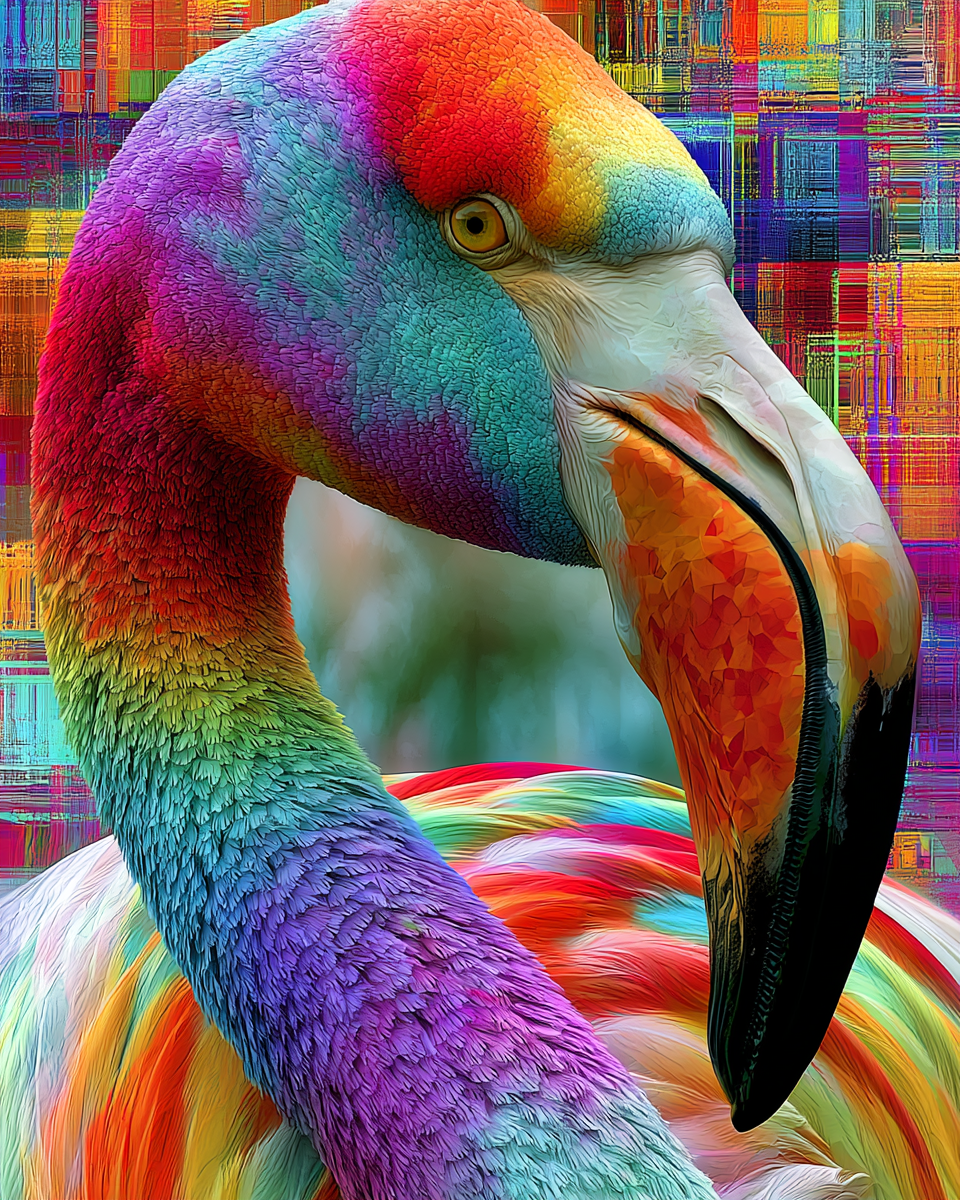
a beautiful flamingo image using SREF code: 1999999999 — created by the author in Midjourney v8.1
Beautiful Pink Flamingo Image #8: using SREF code: 2420903008
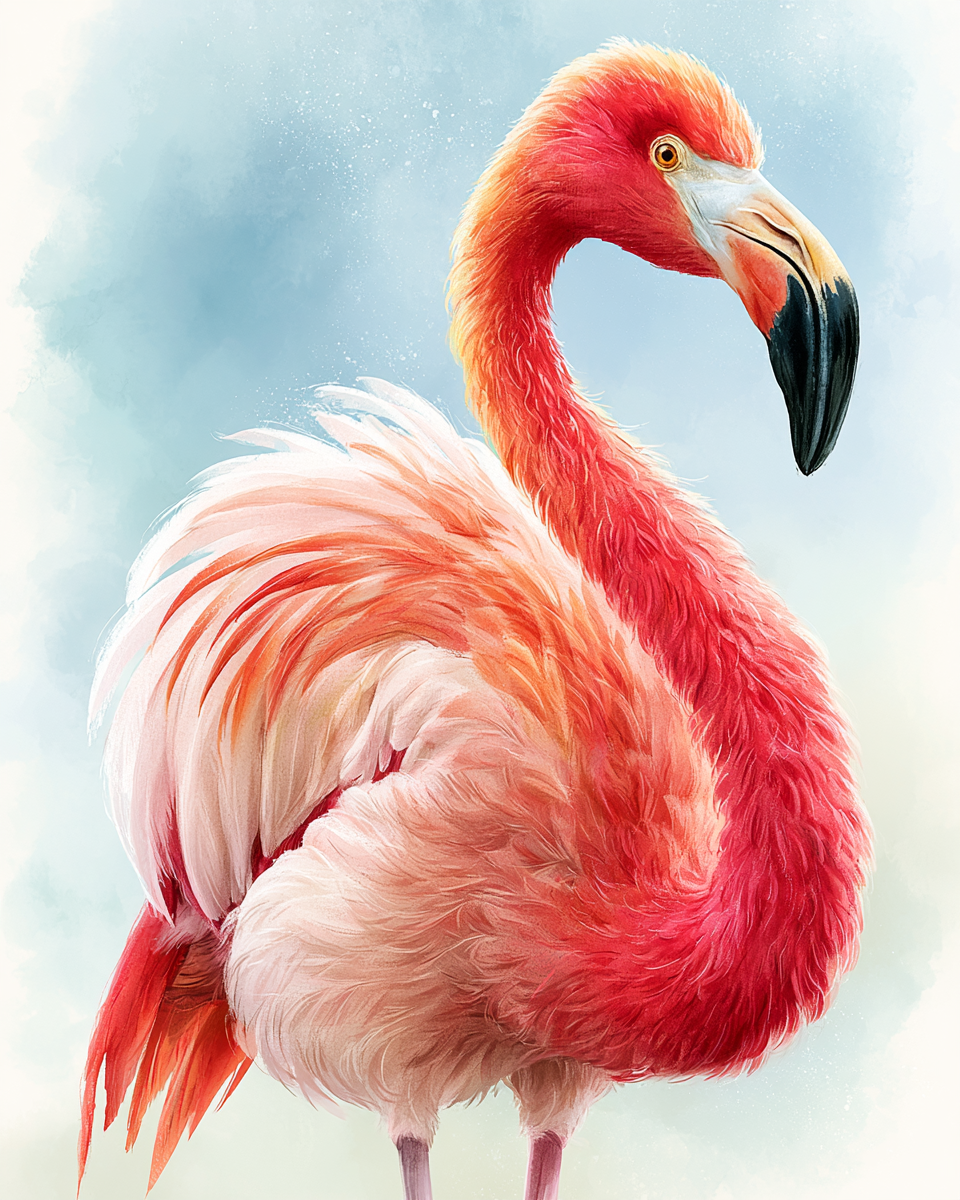
a beautiful flamingo image using SREF code: 2420903008 — created by the author in Midjourney v8.1
Beautiful Pink Flamingo Image #9: using SREF code: 2440316879
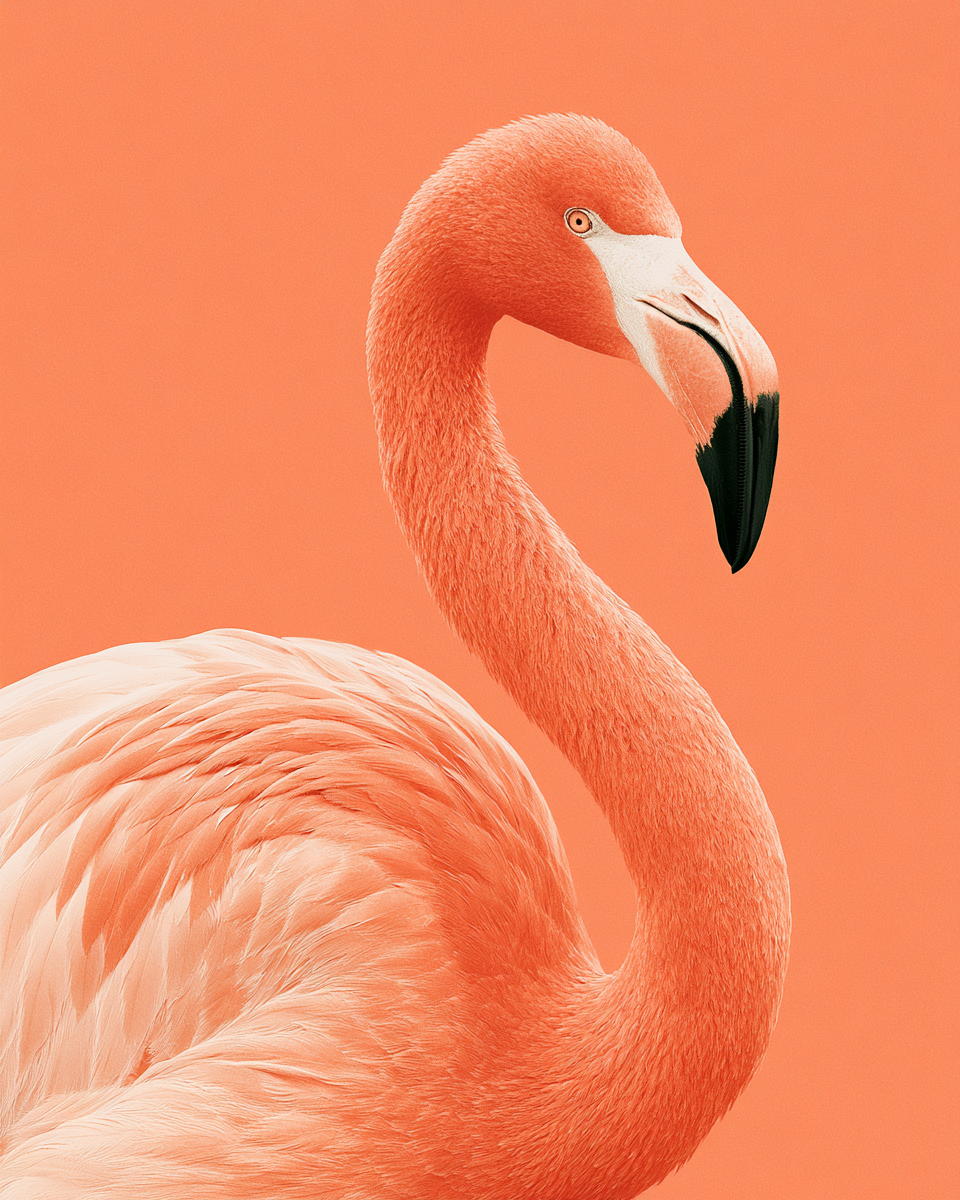
a beautiful flamingo image using SREF code: 2440316879 — created by the author in Midjourney v8.1
Beautiful Pink Flamingo Image #10: using SREF code: 2491782768
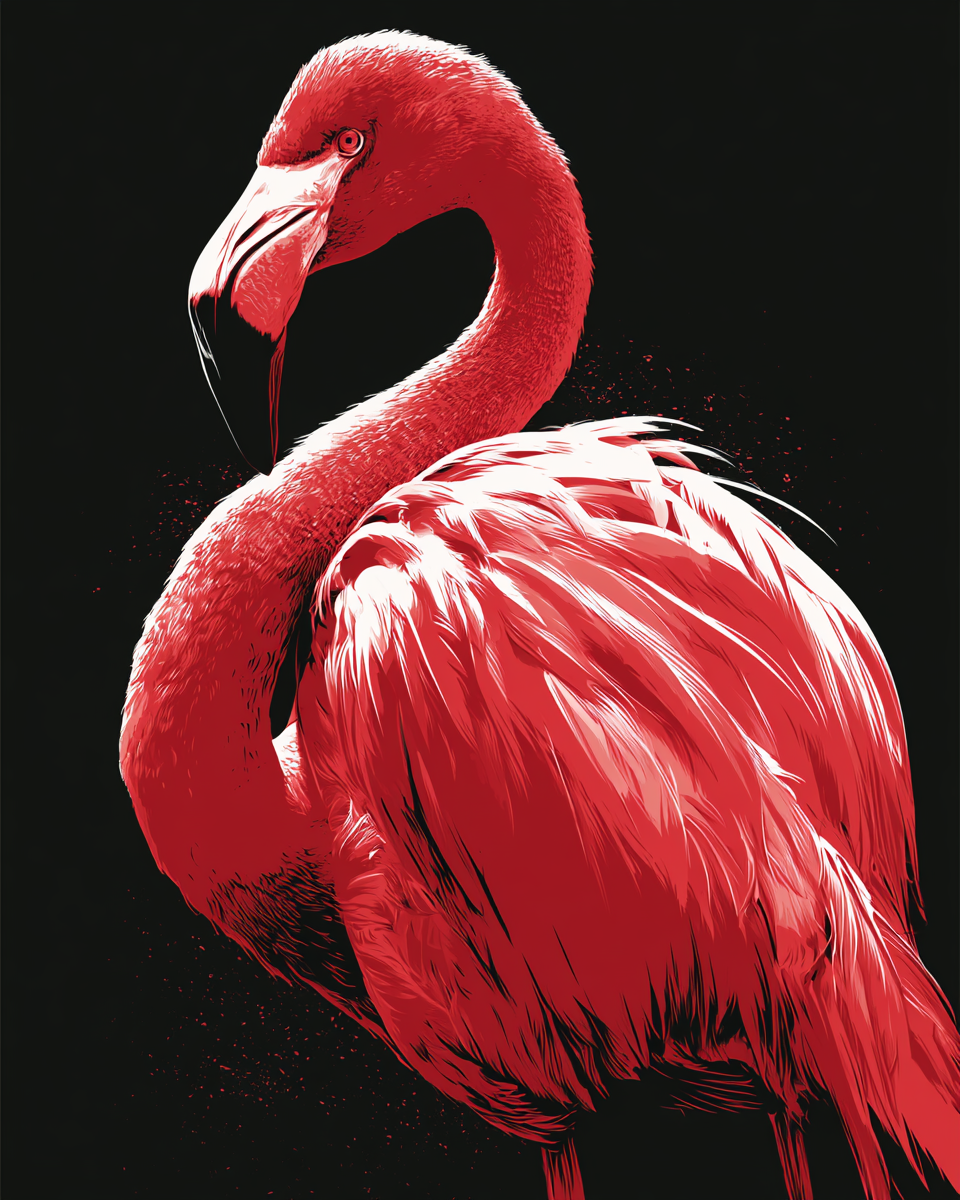
a beautiful flamingo image using SREF code: 2491782768 — created by the author in Midjourney v8.1
Beautiful Pink Flamingo Image #11: using SREF code: 2562257410
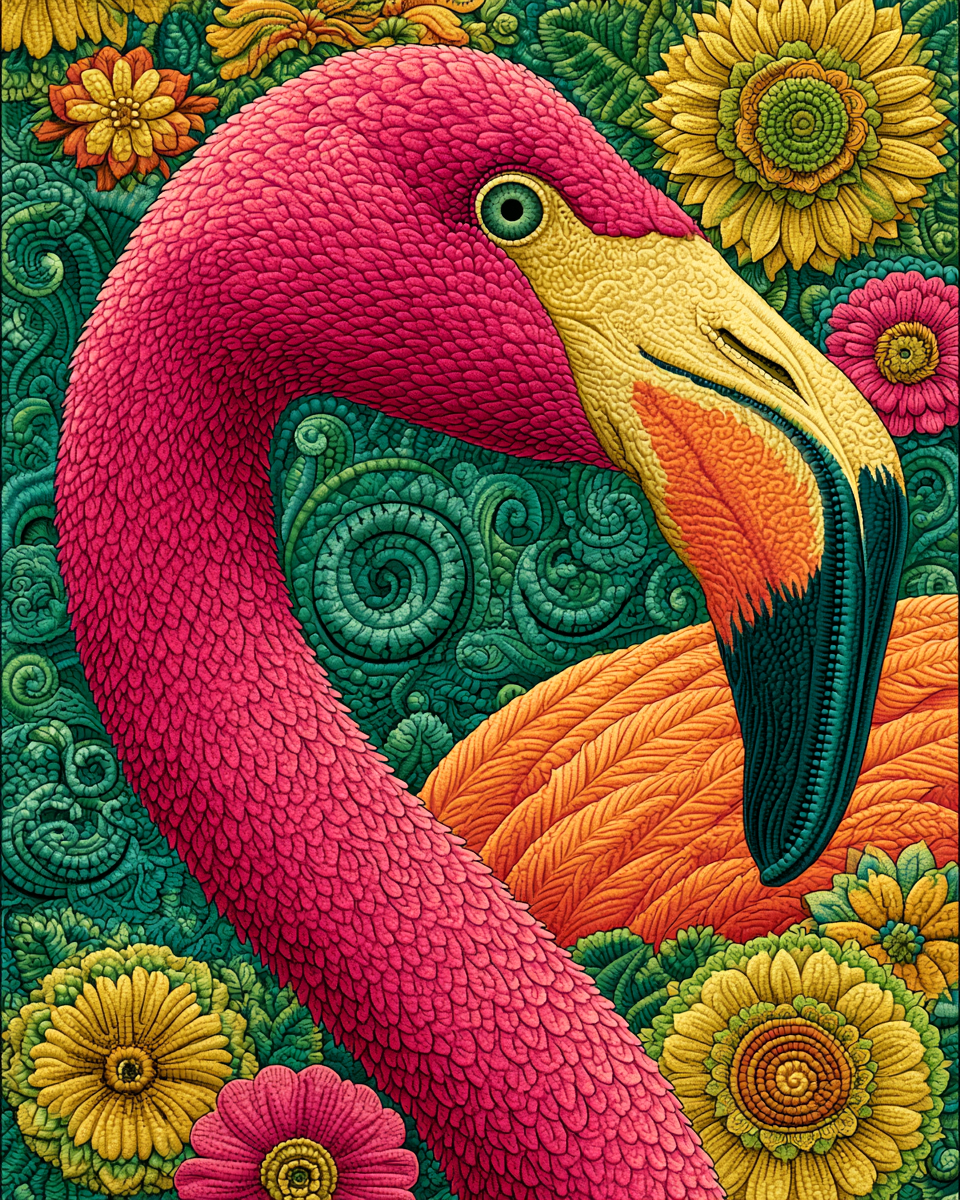
a beautiful flamingo image using SREF code: 2562257410 — created by the author in Midjourney v8.1
Beautiful Pink Flamingo Image #12: using SREF code: 2670409239
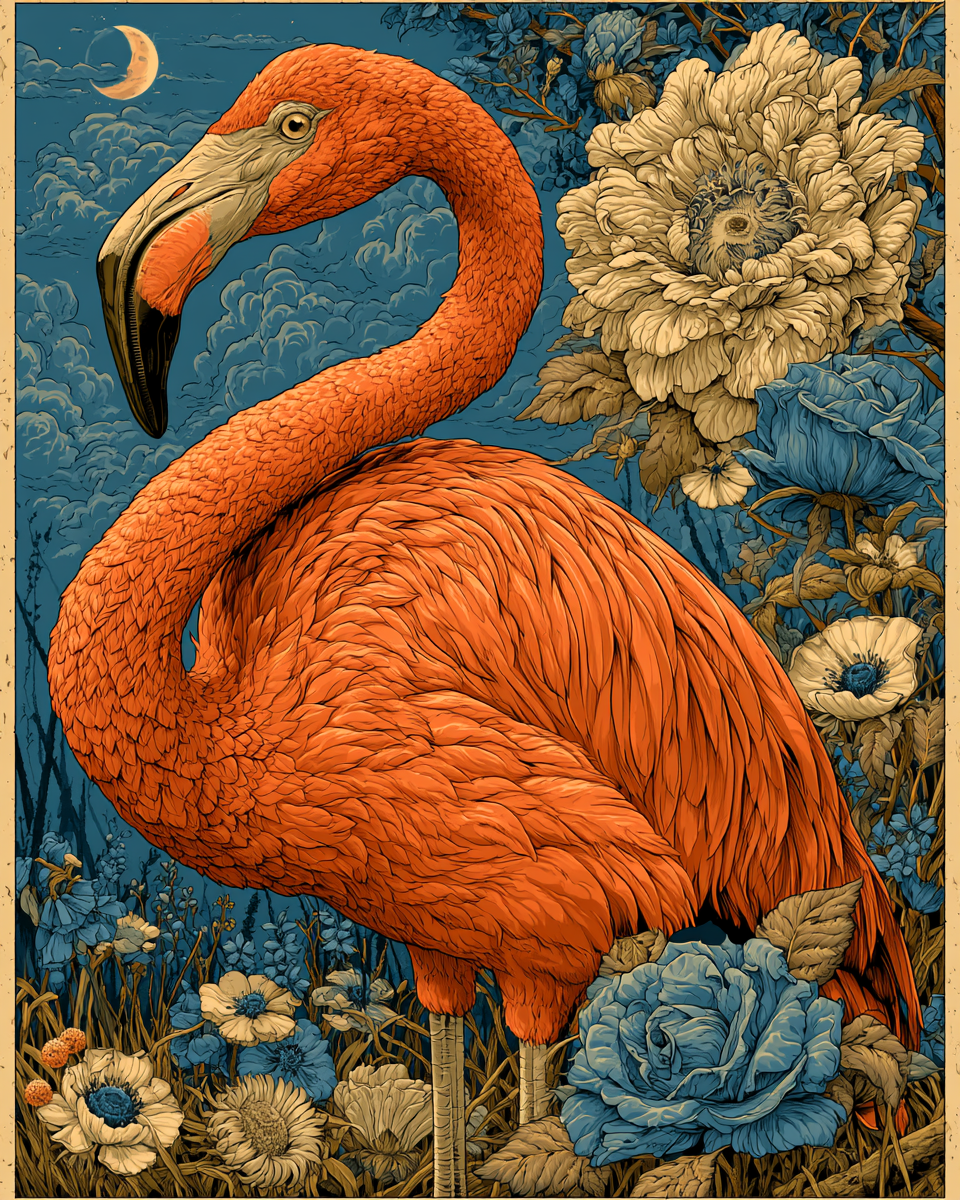
a beautiful flamingo image using SREF code: 2670409239 — created by the author in Midjourney v8.1
Beautiful Pink Flamingo Image #13: using SREF code: 2950048572
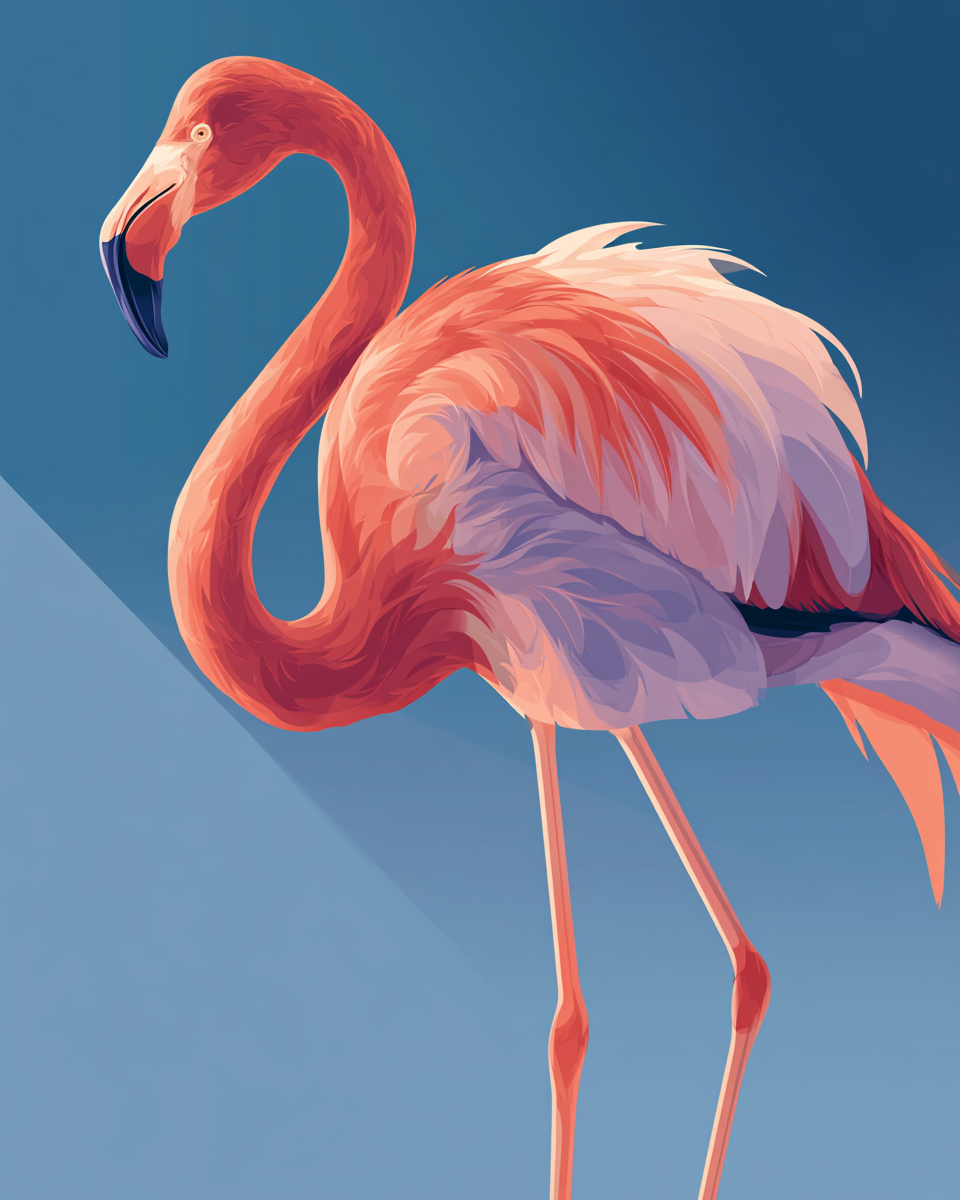
a beautiful flamingo image using SREF code: 2950048572 — created by the author in Midjourney v8.1
Beautiful Pink Flamingo Image #14: using SREF code: 3119259992
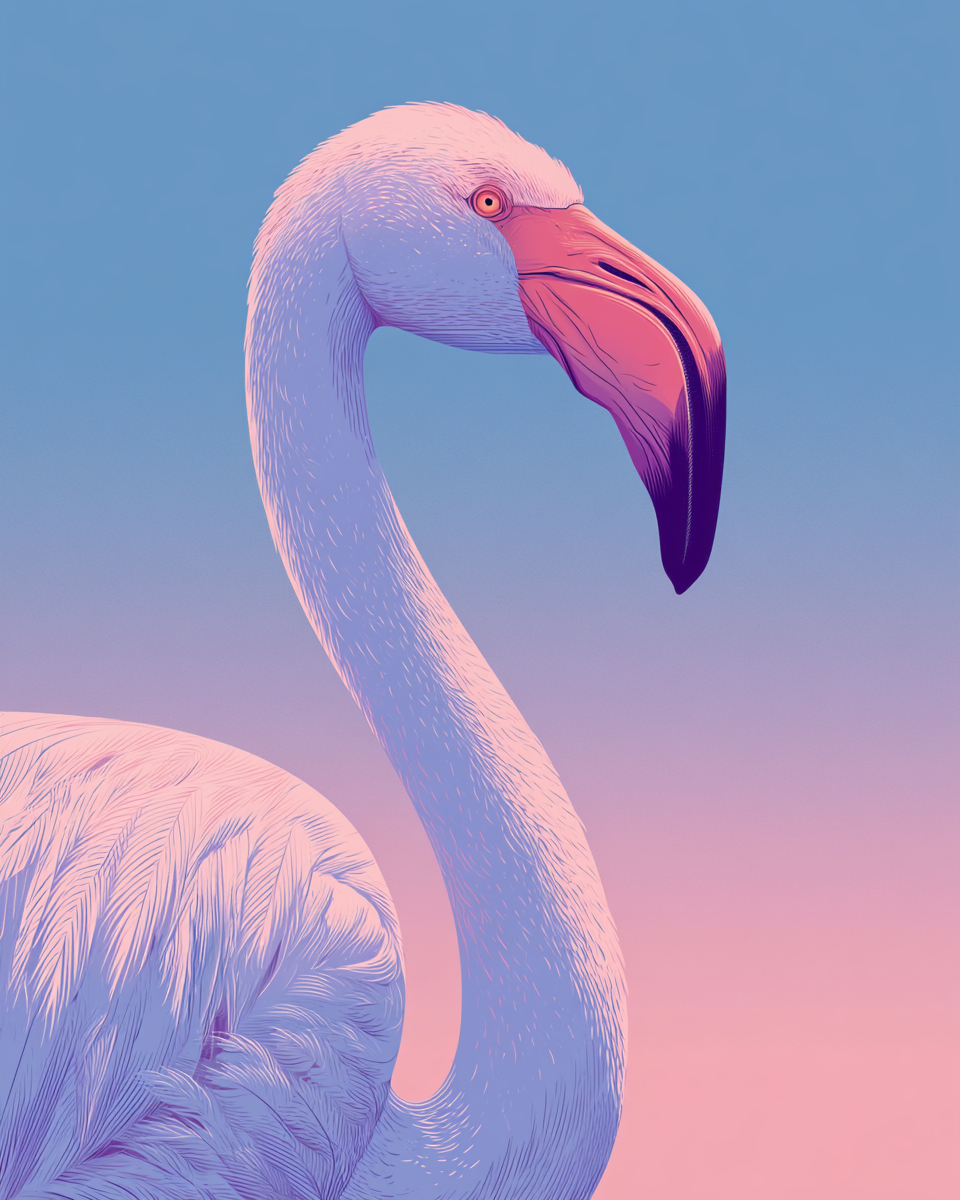
a beautiful flamingo image using SREF code: 3119259992 — created by the author in Midjourney v8.1
Beautiful Pink Flamingo Image #15: using SREF code: 3124409535
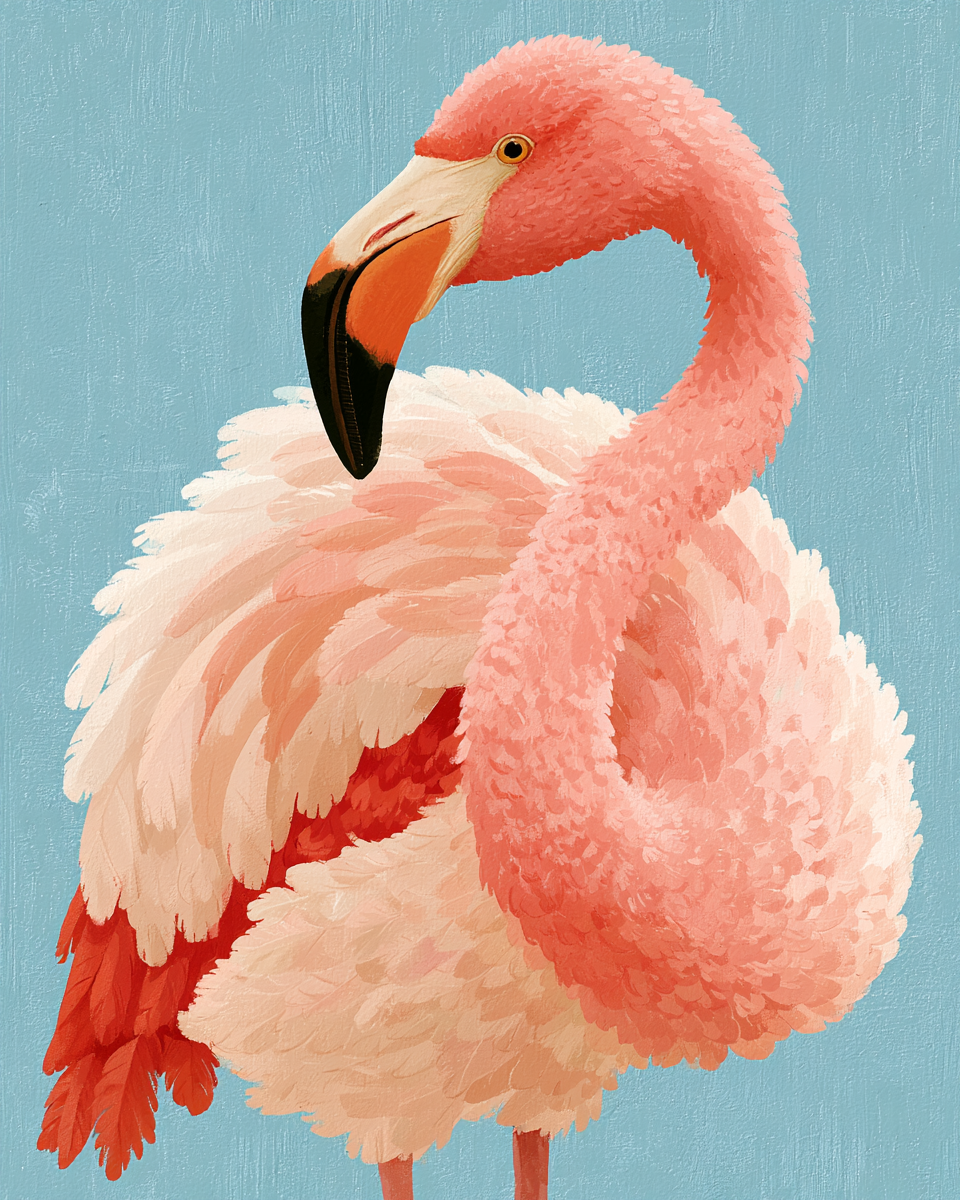
a beautiful flamingo image using SREF code: 3124409535 — created by the author in Midjourney v8.1
Beautiful Pink Flamingo Image #16: using SREF code: 3194177021
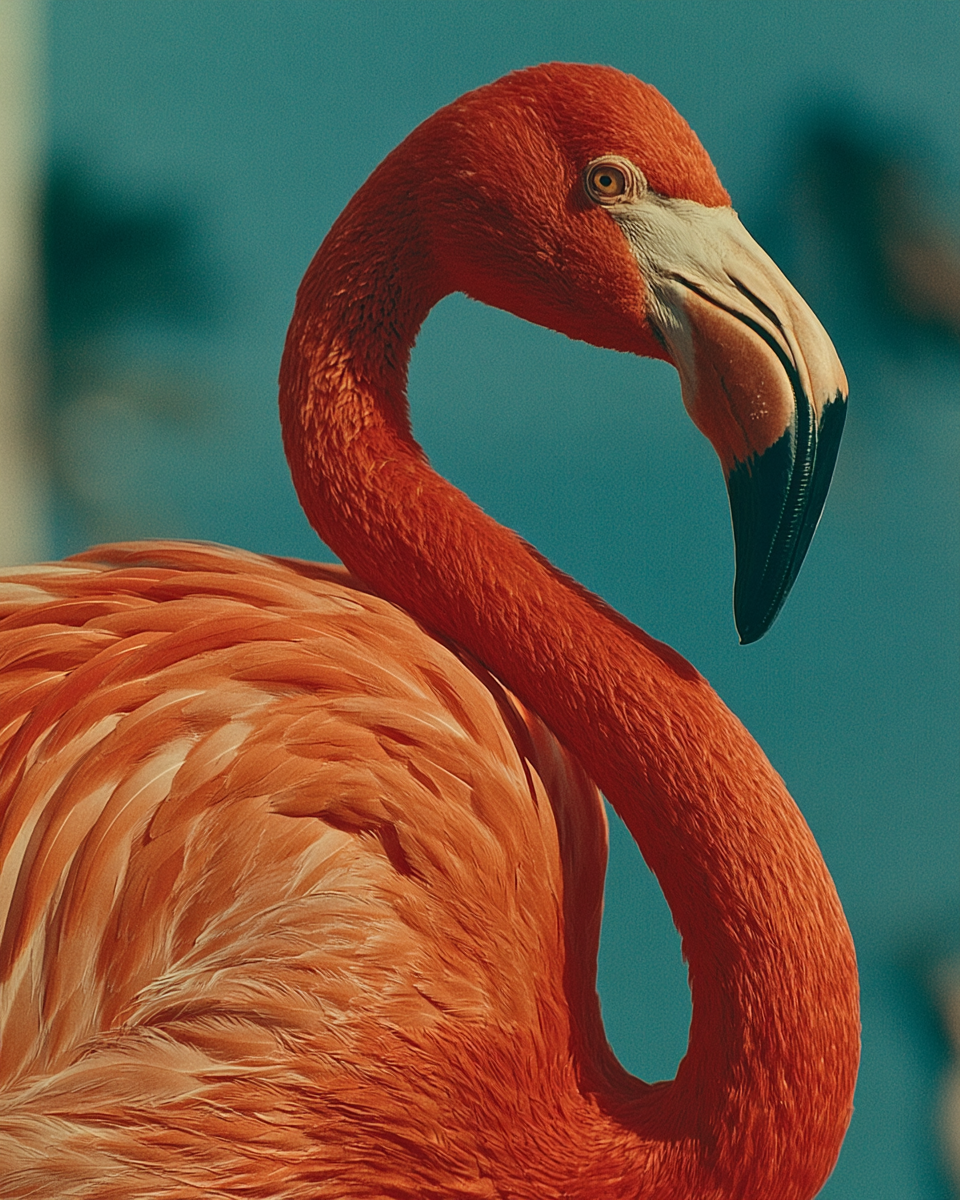
a beautiful flamingo image using SREF code: 3194177021 — created by the author in Midjourney v8.1
Beautiful Pink Flamingo Image #17: using SREF code: 3196071335
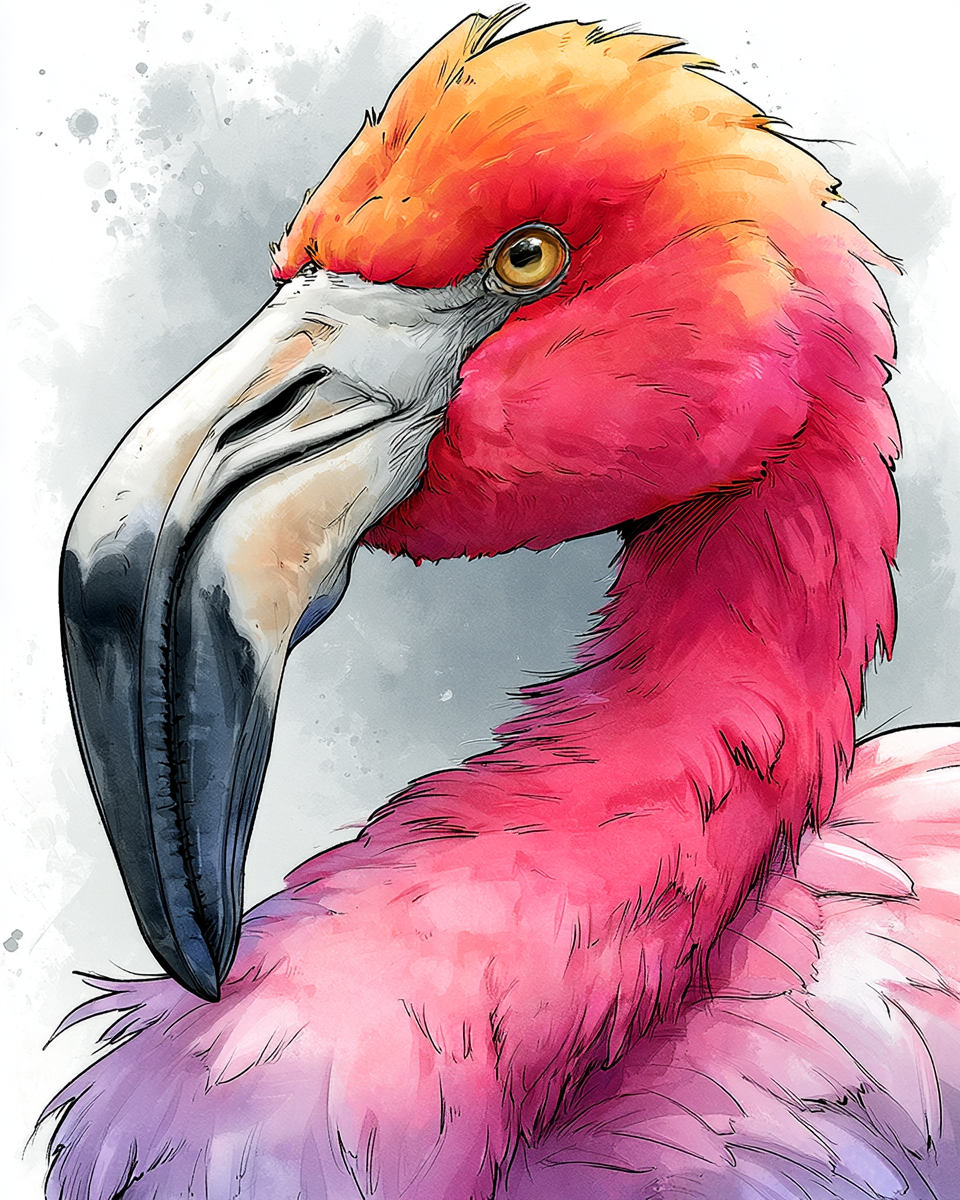
a beautiful flamingo image using SREF code: 3196071335 — created by the author in Midjourney v8.1
Beautiful Pink Flamingo Image #18: using SREF code: 3236811427
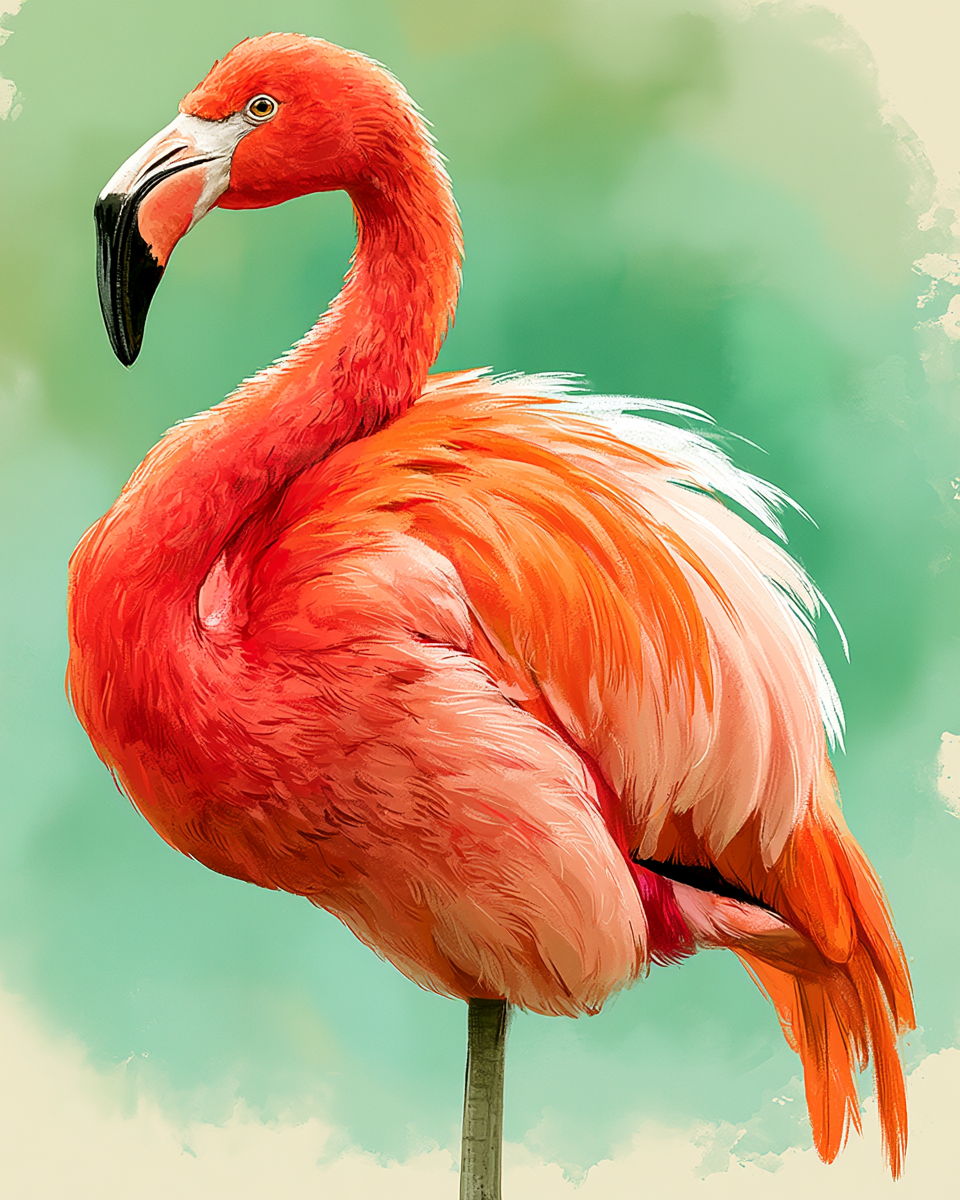
a beautiful flamingo image using SREF code: 3236811427 — created by the author in Midjourney v8.1
Beautiful Pink Flamingo Image #19: using SREF code: 3490742447
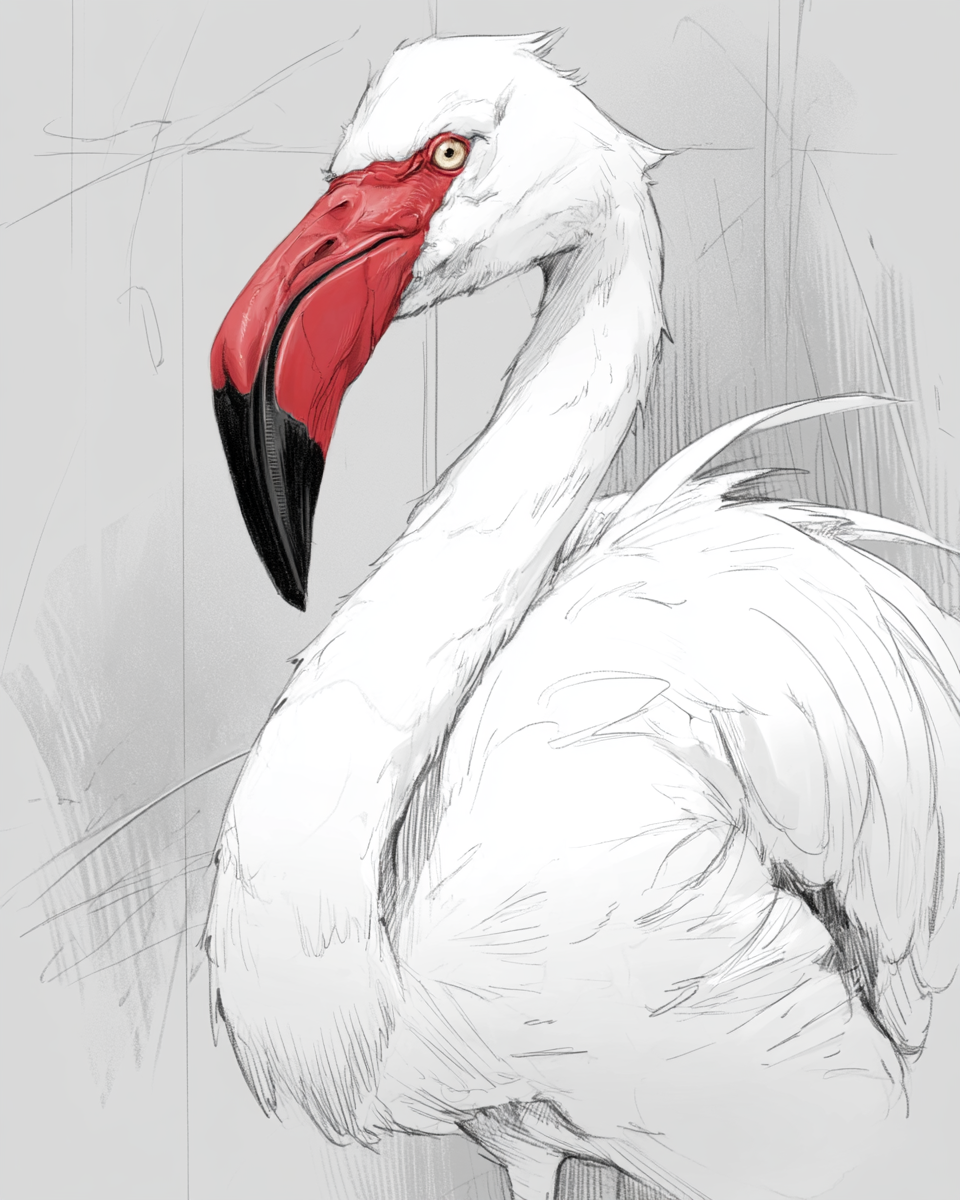
a beautiful flamingo image using SREF code: 3490742447 — created by the author in Midjourney v8.1
Beautiful Pink Flamingo Image #20: using SREF code: 3545412622
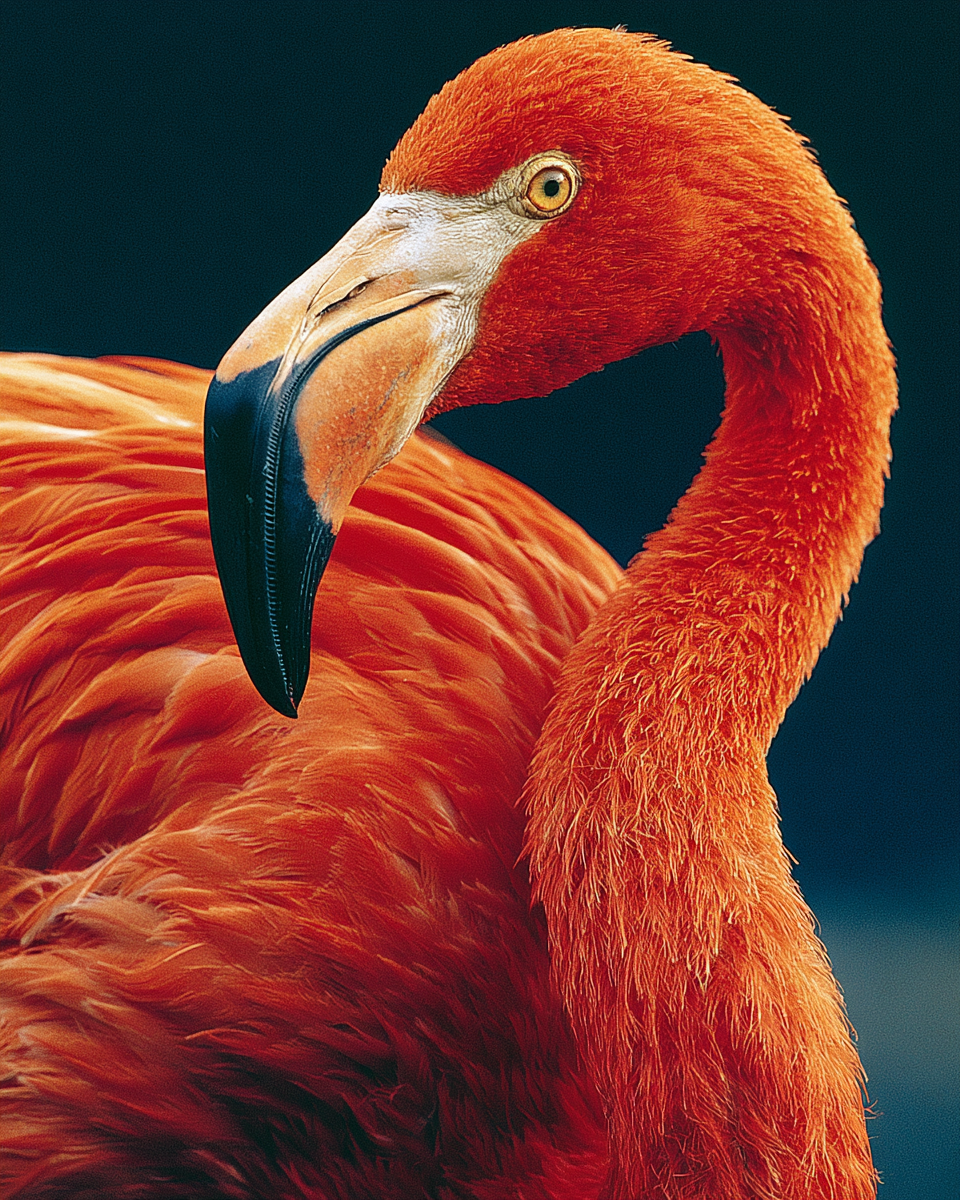
a beautiful flamingo image using SREF code: 3545412622 — created by the author in Midjourney v8.1
Beautiful Pink Flamingo Image #21: using SREF code: 3603535333
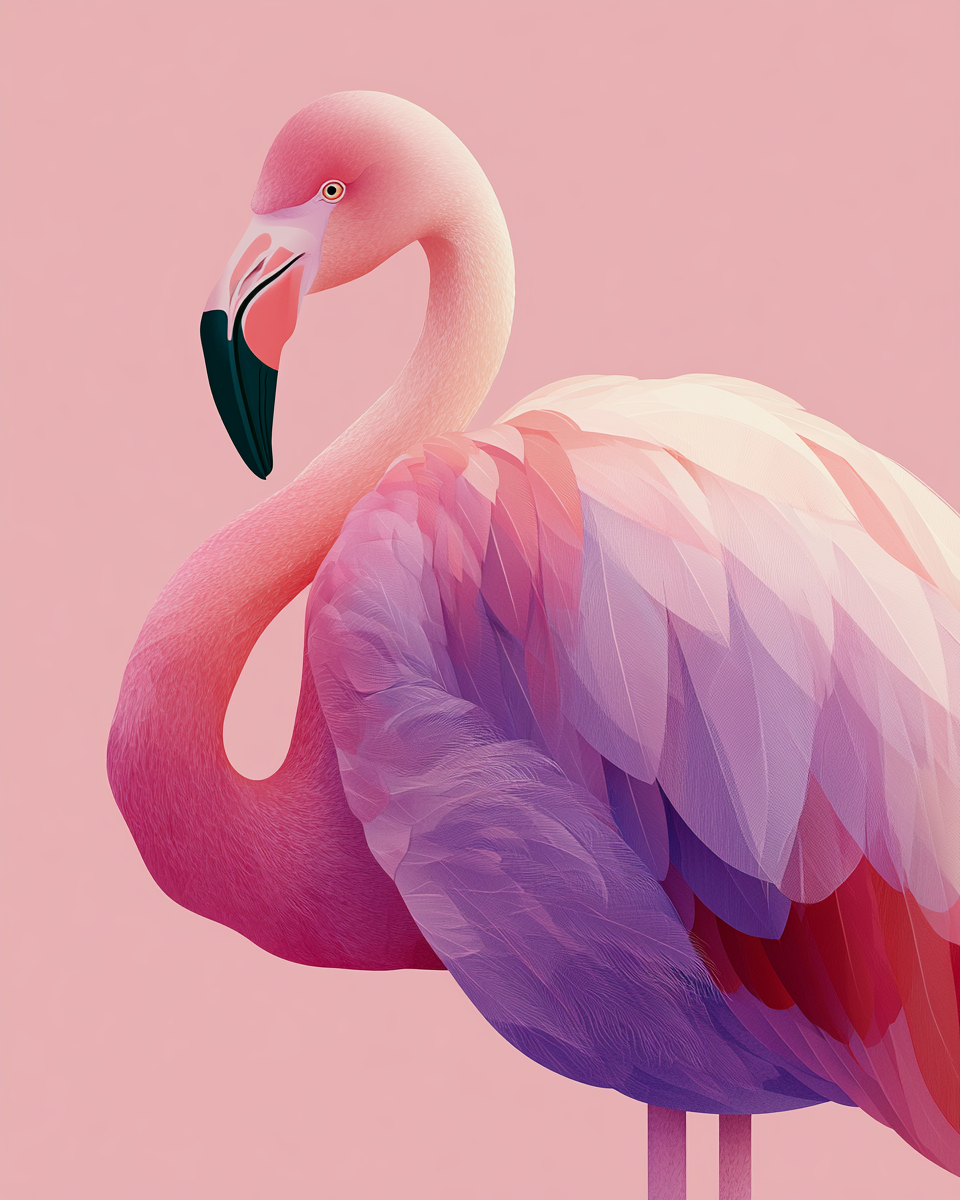
a beautiful flamingo image using SREF code: 3603535333 — created by the author in Midjourney v8.1
Beautiful Pink Flamingo Image #22: using SREF code: 3643183506
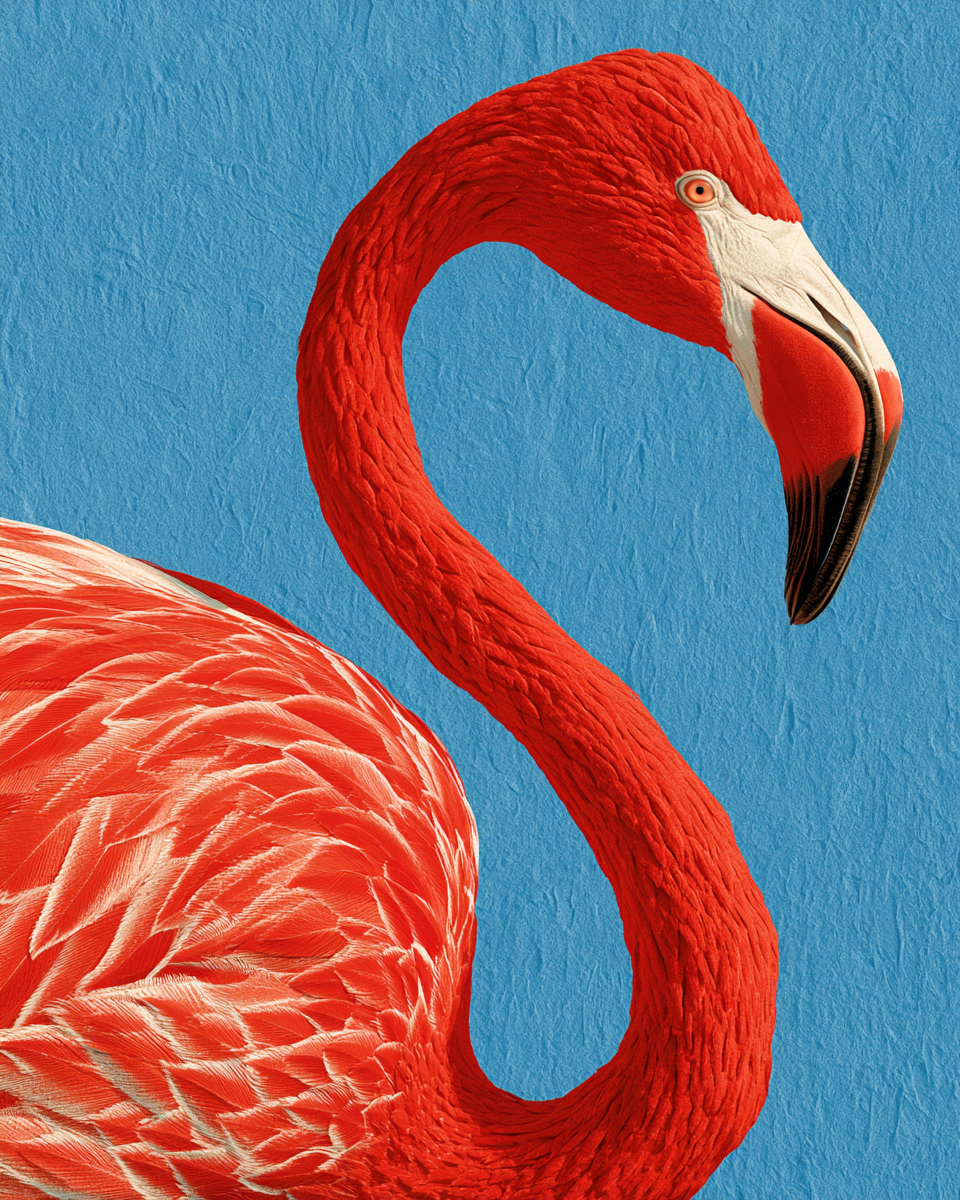
a beautiful flamingo image using SREF code: 3643183506 — created by the author in Midjourney v8.1
Beautiful Pink Flamingo Image #23: using SREF code: 3820911457
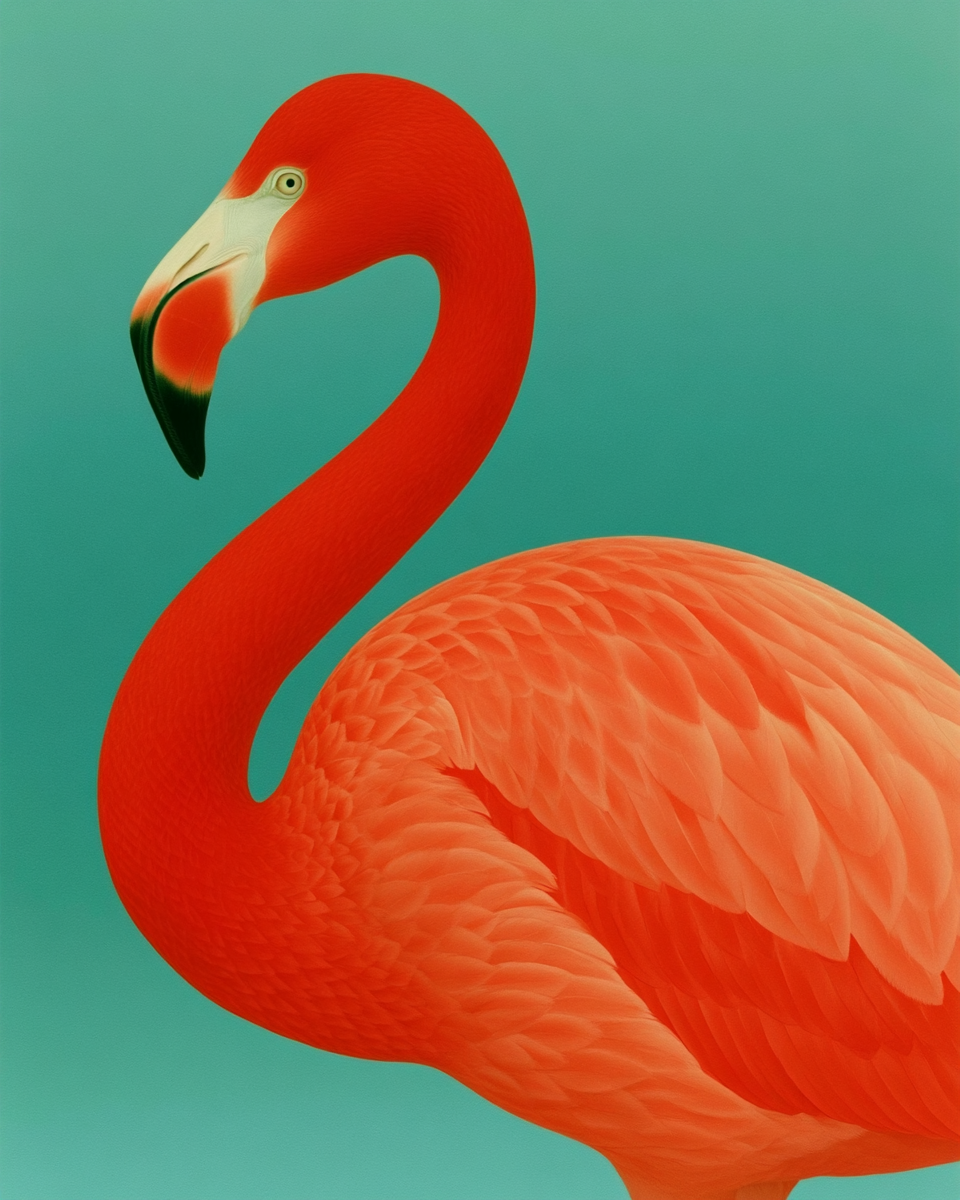
a beautiful flamingo image using SREF code: 3820911457 — created by the author in Midjourney v8.1
Beautiful Pink Flamingo Image #24: using SREF code: 4255324368
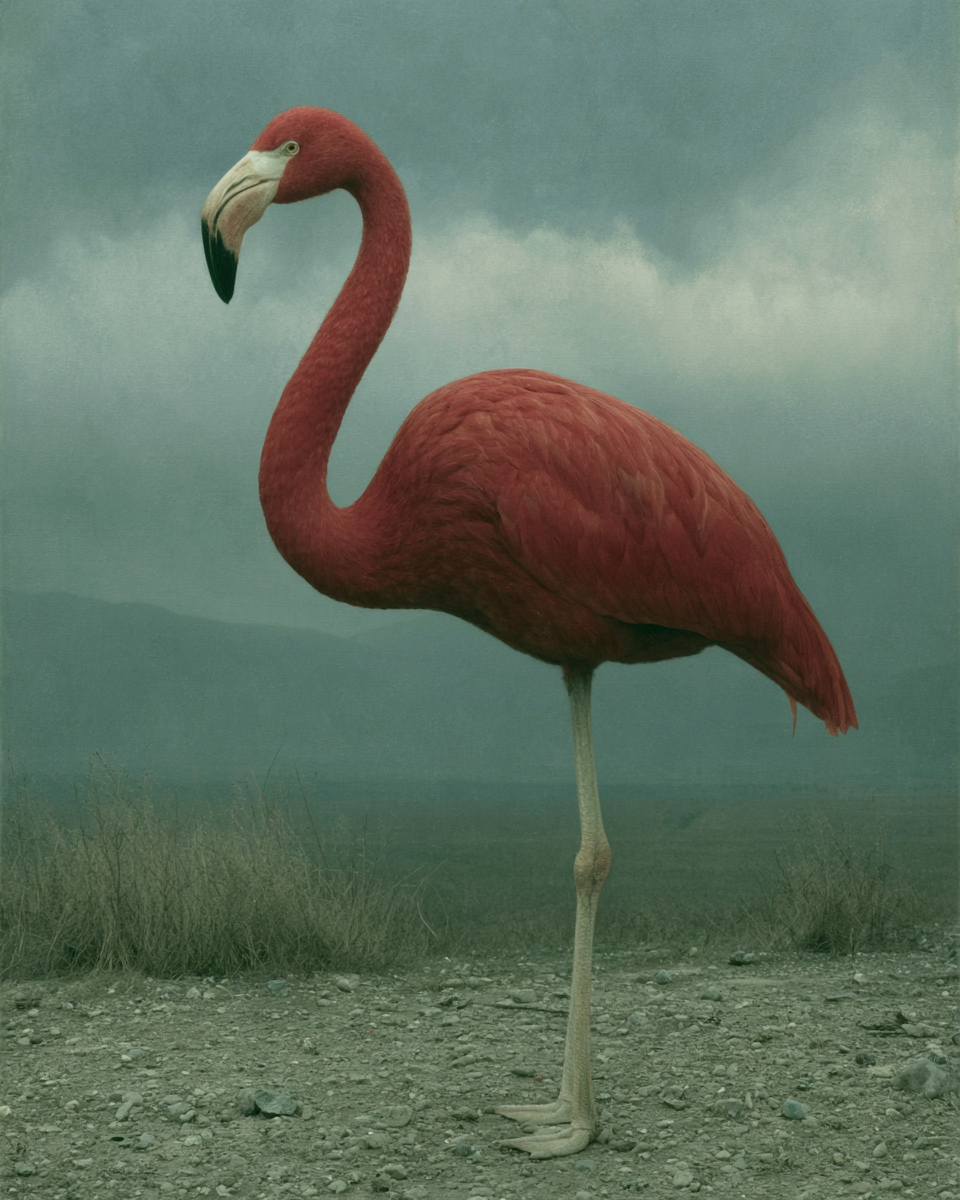
a beautiful flamingo image using SREF code: 4255324368 — created by the author in Midjourney v8.1
Beautiful Pink Flamingo Image #25: using SREF code: 4272658143
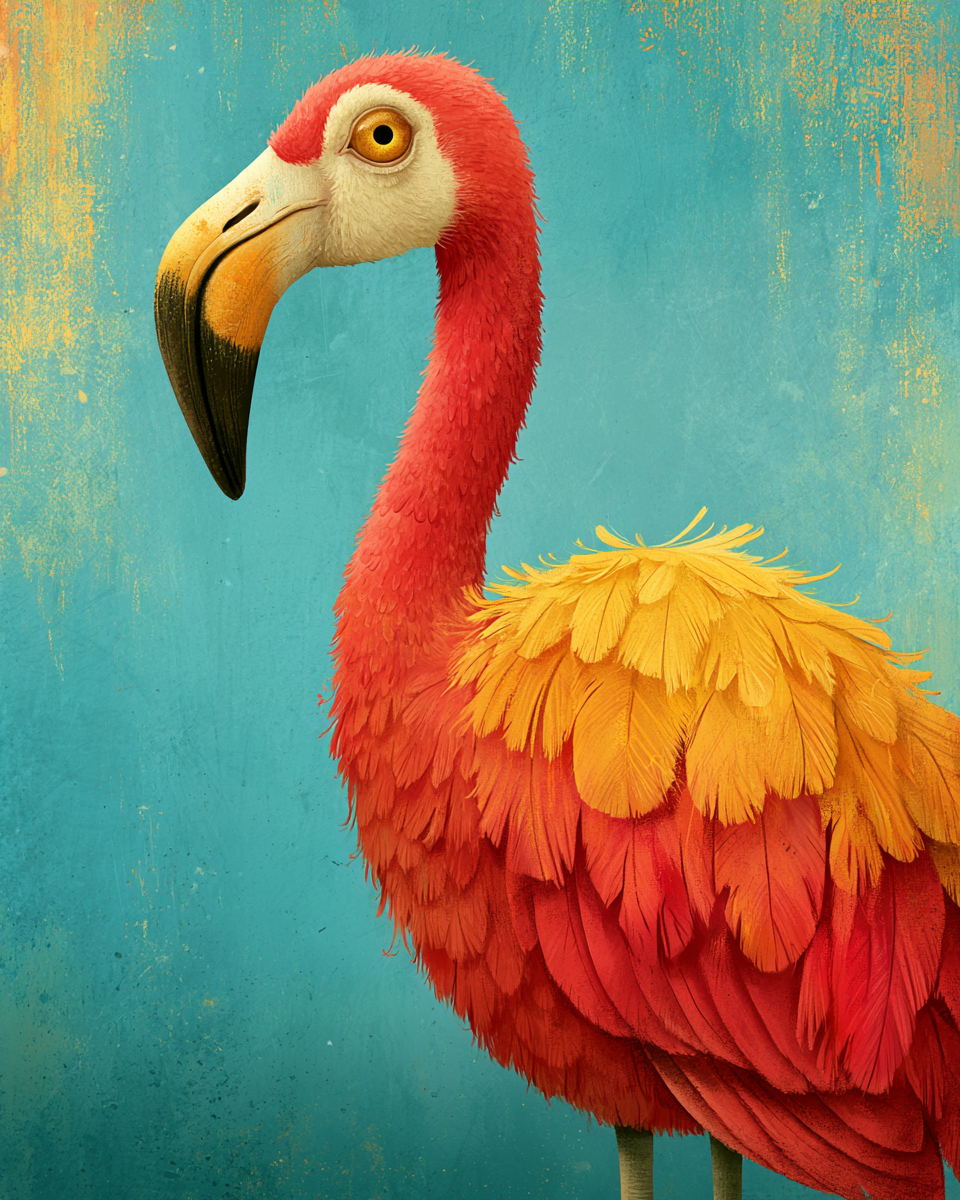
a beautiful flamingo image using SREF code: 4272658143 — created by the author in Midjourney v8.1
The next 3 images were made with blends of 2, 5, and 8 SREFs. This image was made using 2 blended SREF IDs.
Beautiful Pink Flamingo Image #26: using 2 Blended SREF codes: 30966 3296781383
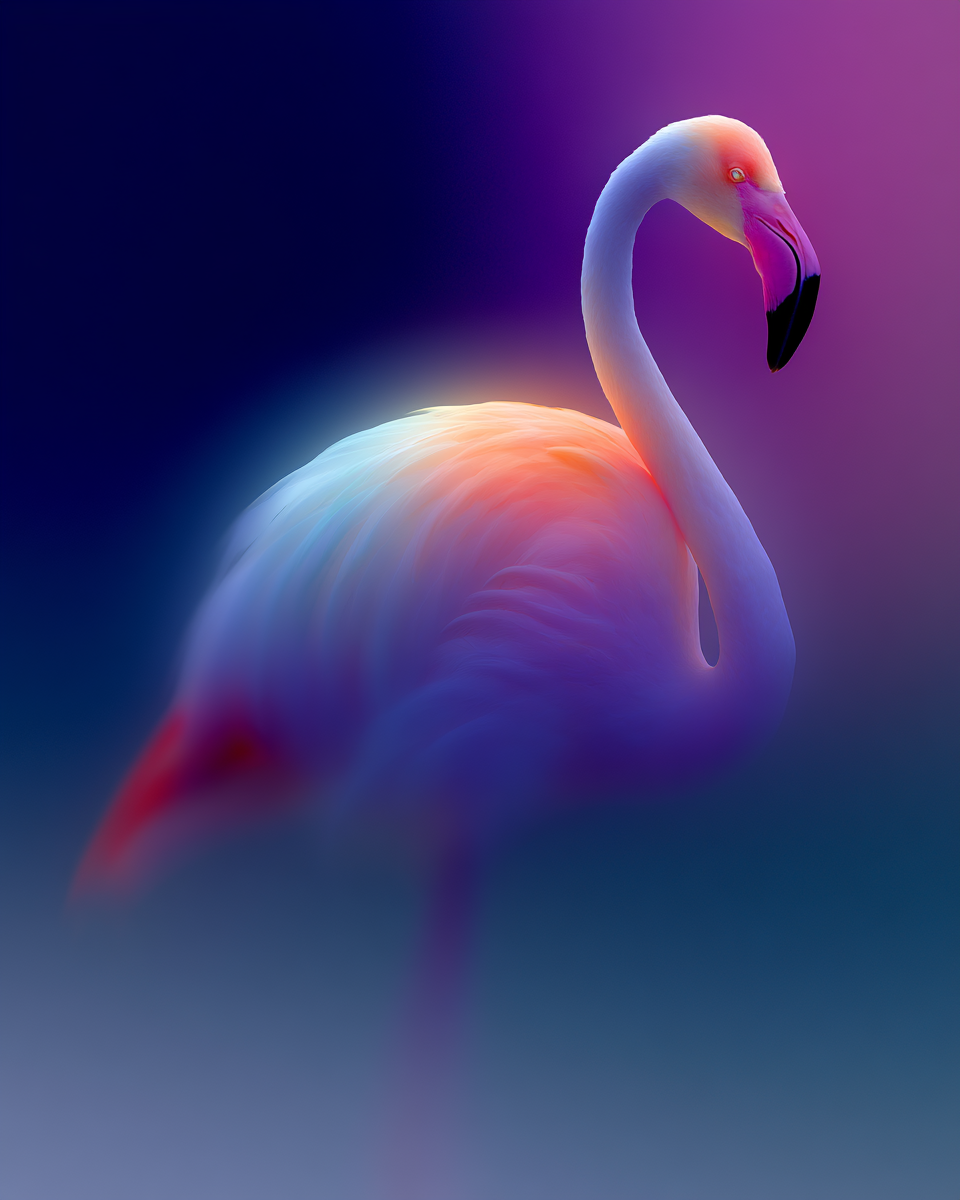
a beautiful flamingo image using 2 Blended SREF codes: 30966 3296781383 — created by the author in Midjourney v8.1
This image was made using 5 blended SREF IDs.
Beautiful Pink Flamingo Image #27: using 5 Blended SREF codes: 90000042 680572301 3278139926 446107457 696968 73
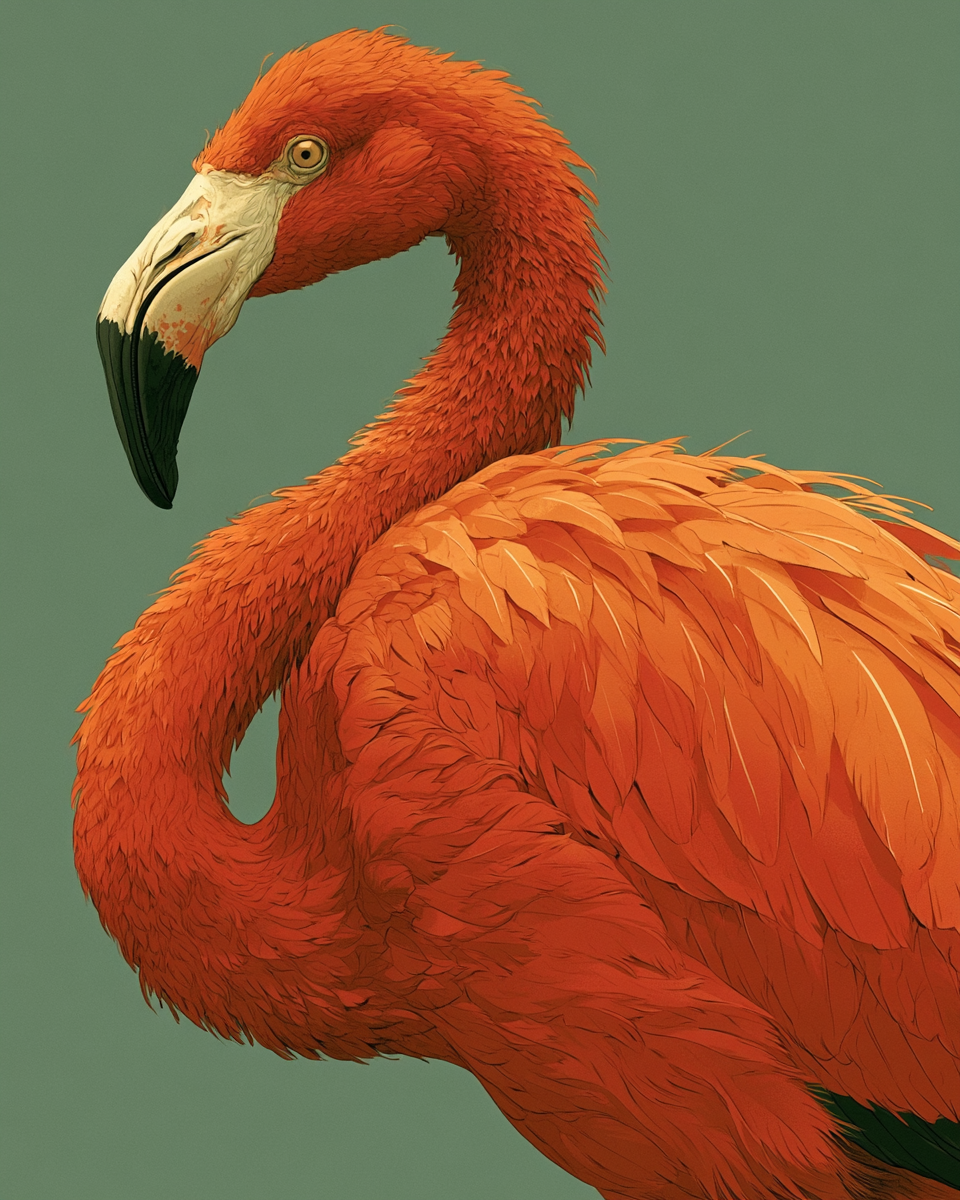
a beautiful flamingo image using 5 Blended SREF codes: 90000042 680572301 3278139926 446107457 696968 73 — created by the author in Midjourney v8.1
This image was made using 8 blended SREF IDs.
Beautiful Pink Flamingo Image #28: using 8 Blended SREF codes: 3730124356 2461417593 3523709400 4096276690 35832124 3992791901 3017929449 2715232873
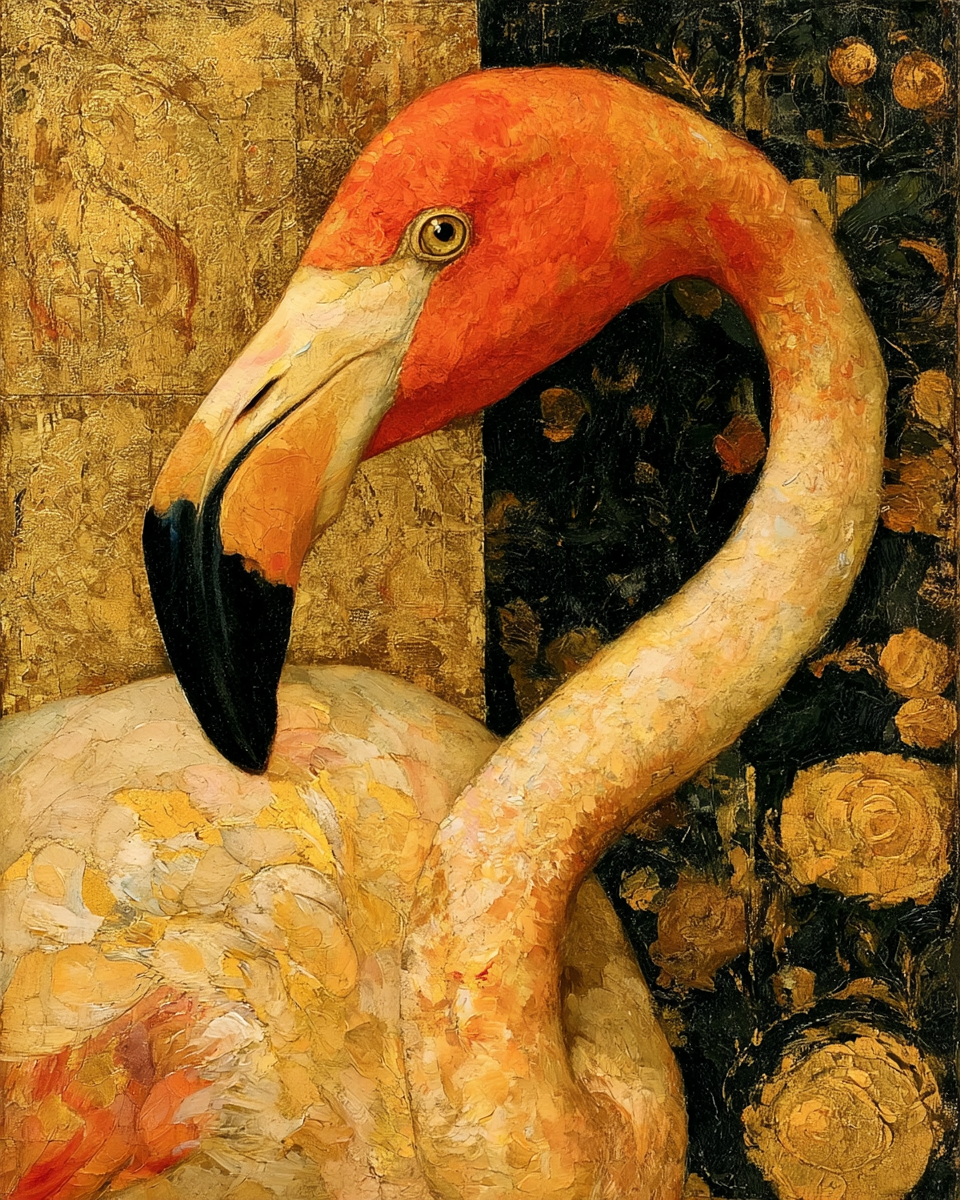
a beautiful flamingo image using 8 Blended SREF codes: 3730124356 2461417593 3523709400 4096276690 35832124 3992791901 3017929449 2715232873 — created by the author in Midjourney v8.1
Here are the actual prompts used for each image displayed above.
a portrait of a beautiful pink flamingo
--v 8.1 --ar 4:5 --s 500 --sref 262462698

a portrait of a beautiful pink flamingo
--v 8.1 --ar 4:5 --s 500 --sref 504762628

a portrait of a beautiful pink flamingo
--v 8.1 --ar 4:5 --s 500 --sref 563194186

a portrait of a beautiful pink flamingo
--v 8.1 --ar 4:5 --s 500 --sref 782755392

a portrait of a beautiful pink flamingo
--v 8.1 --ar 4:5 --s 500 --sref 1814548513

a portrait of a beautiful pink flamingo
--v 8.1 --ar 4:5 --s 500 --sref 1942998646

a portrait of a beautiful pink flamingo
--v 8.1 --ar 4:5 --s 500 --sref 1999999999

a portrait of a beautiful pink flamingo
--v 8.1 --ar 4:5 --s 500 --sref 2420903008

a portrait of a beautiful pink flamingo
--v 8.1 --ar 4:5 --s 500 --sref 2440316879

a portrait of a beautiful pink flamingo
--v 8.1 --ar 4:5 --s 500 --sref 2491782768

a portrait of a beautiful pink flamingo
--v 8.1 --ar 4:5 --s 500 --sref 2562257410

a portrait of a beautiful pink flamingo
--v 8.1 --ar 4:5 --s 500 --sref 2670409239

a portrait of a beautiful pink flamingo
--v 8.1 --ar 4:5 --s 500 --sref 2950048572

a portrait of a beautiful pink flamingo
--v 8.1 --ar 4:5 --s 500 --sref 3119259992

a portrait of a beautiful pink flamingo
--v 8.1 --ar 4:5 --s 500 --sref 3124409535

a portrait of a beautiful pink flamingo
--v 8.1 --ar 4:5 --s 500 --sref 3194177021

a portrait of a beautiful pink flamingo
--v 8.1 --ar 4:5 --s 500 --sref 3196071335

a portrait of a beautiful pink flamingo
--v 8.1 --ar 4:5 --s 500 --sref 3236811427

a portrait of a beautiful pink flamingo
--v 8.1 --ar 4:5 --s 500 --sref 3490742447

a portrait of a beautiful pink flamingo
--v 8.1 --ar 4:5 --s 500 --sref 3545412622

a portrait of a beautiful pink flamingo
--v 8.1 --ar 4:5 --s 500 --sref 3603535333

a portrait of a beautiful pink flamingo
--v 8.1 --ar 4:5 --s 500 --sref 3643183506

a portrait of a beautiful pink flamingo
--v 8.1 --ar 4:5 --s 500 --sref 3820911457

a portrait of a beautiful pink flamingo
--v 8.1 --ar 4:5 --s 500 --sref 4255324368

a portrait of a beautiful pink flamingo
--v 8.1 --ar 4:5 --s 500 --sref 4272658143

a portrait of a beautiful pink flamingo
--v 8.1 --ar 4:5 --s 500 --sref 30966 3296781383

a portrait of a beautiful pink flamingo
--v 8.1 --ar 4:5 --s 500 --sref 90000042 680572301
3278139926 446107457 696968 73

a portrait of a beautiful pink flamingo
--v 8.1 --ar 4:5 --s 500 --sref 3730124356 2461417593
3523709400 4096276690 35832124 3992791901 3017929449 2715232873
Here is a list of just the SREF IDs from this section:
--sref 262462698
--sref 504762628
--sref 563194186
--sref 782755392
--sref 1814548513
--sref 1942998646
--sref 1999999999
--sref 2420903008
--sref 2440316879
--sref 2491782768
--sref 2562257410
--sref 2670409239
--sref 2950048572
--sref 3119259992
--sref 3124409535
--sref 3194177021
--sref 3196071335
--sref 3236811427
--sref 3490742447
--sref 3545412622
--sref 3603535333
--sref 3643183506
--sref 3820911457
--sref 4255324368
--sref 4272658143
--sref 30966 3296781383
--sref 90000042 680572301 3278139926 446107457 696968 73
--sref 3730124356 2461417593 3523709400 4096276690
       35832124 3992791901 3017929449 2715232873
Thank you for reading my article.
Each week I try to share interesting information about Midjourney.
It is you my readers who are very important to me. Please share your comments and thoughts with me so that I can write better articles.
Feel free to send me a response to this article.
If you would like to see other articles that I have written you can find them on **my Medium profile, and in the publications, [Kinomoto AI](https://medium.com/kinomoto-mag) and [Enthusiastically Midjourney](https://medium.com/enthusiastically-midjourney)**.
Thanks again for reading and have a great week. Keep on Midjourneying along! David
The two articles below have a lot of SREFs for you to experiment with — Enjoy Them!
메타데이터
- post_id
- f413e49534d0
- slug
- midjourney-info-20-week-of-june-22nd-2026-f413e49534d0
- url
- https://medium.com/enthusiastically-midjourney/midjourney-info-20-week-of-june-22nd-2026-f413e49534d0
- canonical_url
- https://medium.com/enthusiastically-midjourney/midjourney-info-20-week-of-june-22nd-2026-f413e49534d0
- author_url
- https://medium.com/@David_Bates
- status
- ok
- fetched_at
- 2026-07-09 20:10:33