Visual FoxPro to SQL Server Migration: Complete Guide for Businesses
Many businesses continue to rely on Visual FoxPro applications that have supported operations for years. While these systems often remain…
Visual FoxPro to SQL Server Migration: Complete Guide for Businesses
Many businesses continue to rely on Visual FoxPro applications that have supported operations for years. While these systems often remain functional, the challenges of maintaining legacy technology continue to increase. Limited developer availability, outdated architecture, security concerns, integration limitations, and growing business requirements have made migration a strategic priority for many organizations.
Migrating from Visual FoxPro to SQL Server allows businesses to modernize their data infrastructure while improving performance, scalability, security, reporting, and long-term maintainability. Whether your goal is to preserve a legacy application, improve database performance, or prepare for a complete application modernization project, understanding the migration process is essential.
This guide explains everything business owners, IT managers, and decision-makers need to know about Visual FoxPro to SQL Server migration.
What Is Visual FoxPro to SQL Server Migration?
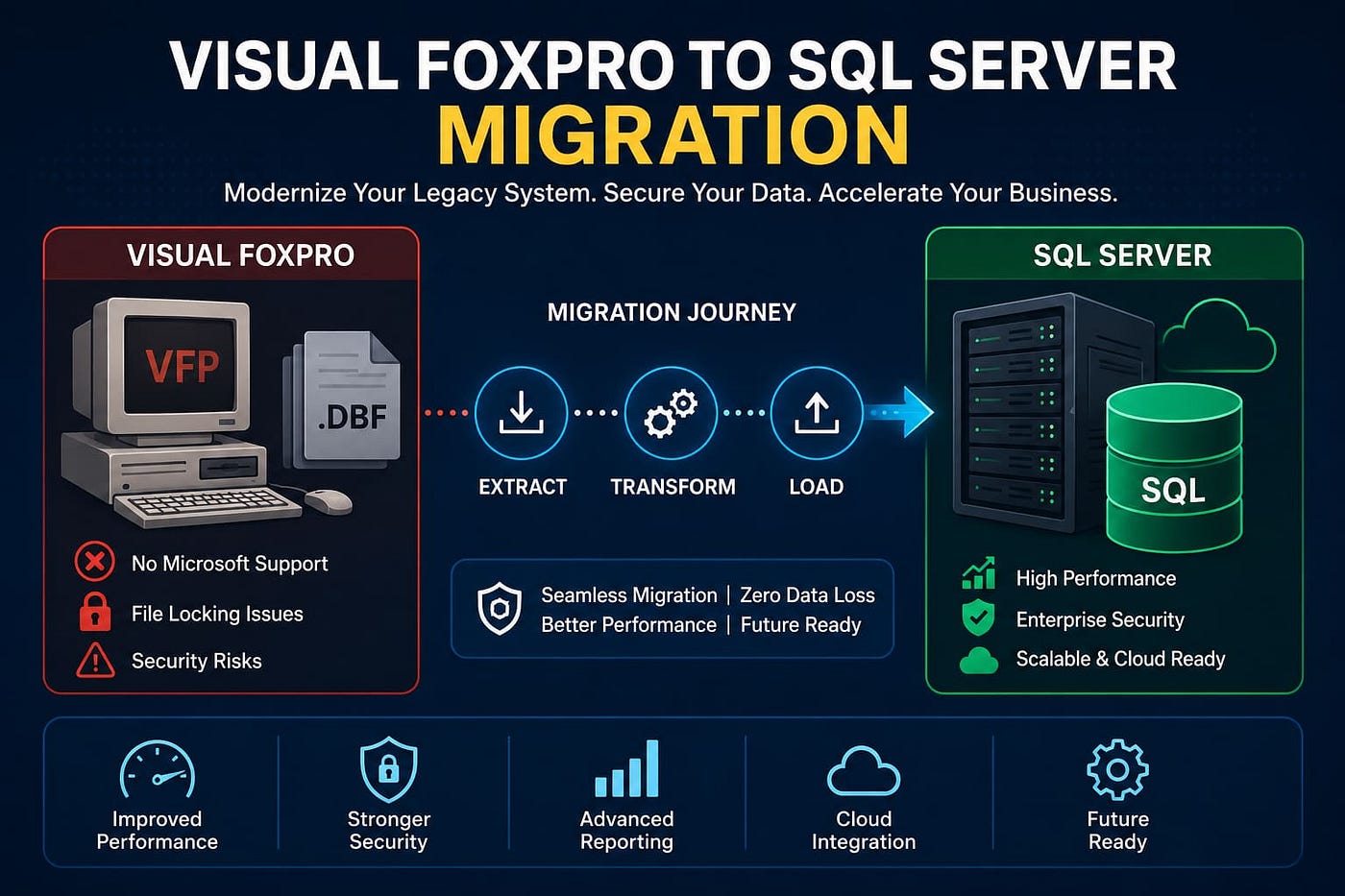
Visual FoxPro to SQL Server migration is the process of moving data, database structures, business logic, and application functionality from a Visual FoxPro environment into Microsoft SQL Server.
A migration project may involve:
- Converting DBF tables to SQL Server databases
- Migrating indexes and relationships
- Rebuilding stored business rules
- Optimizing queries
- Modernizing reporting systems
- Improving application architecture
- Preparing systems for cloud deployment
The scope varies depending on the complexity of the existing FoxPro application.
Why Businesses Are Migrating from Visual FoxPro
End of Product Lifecycle
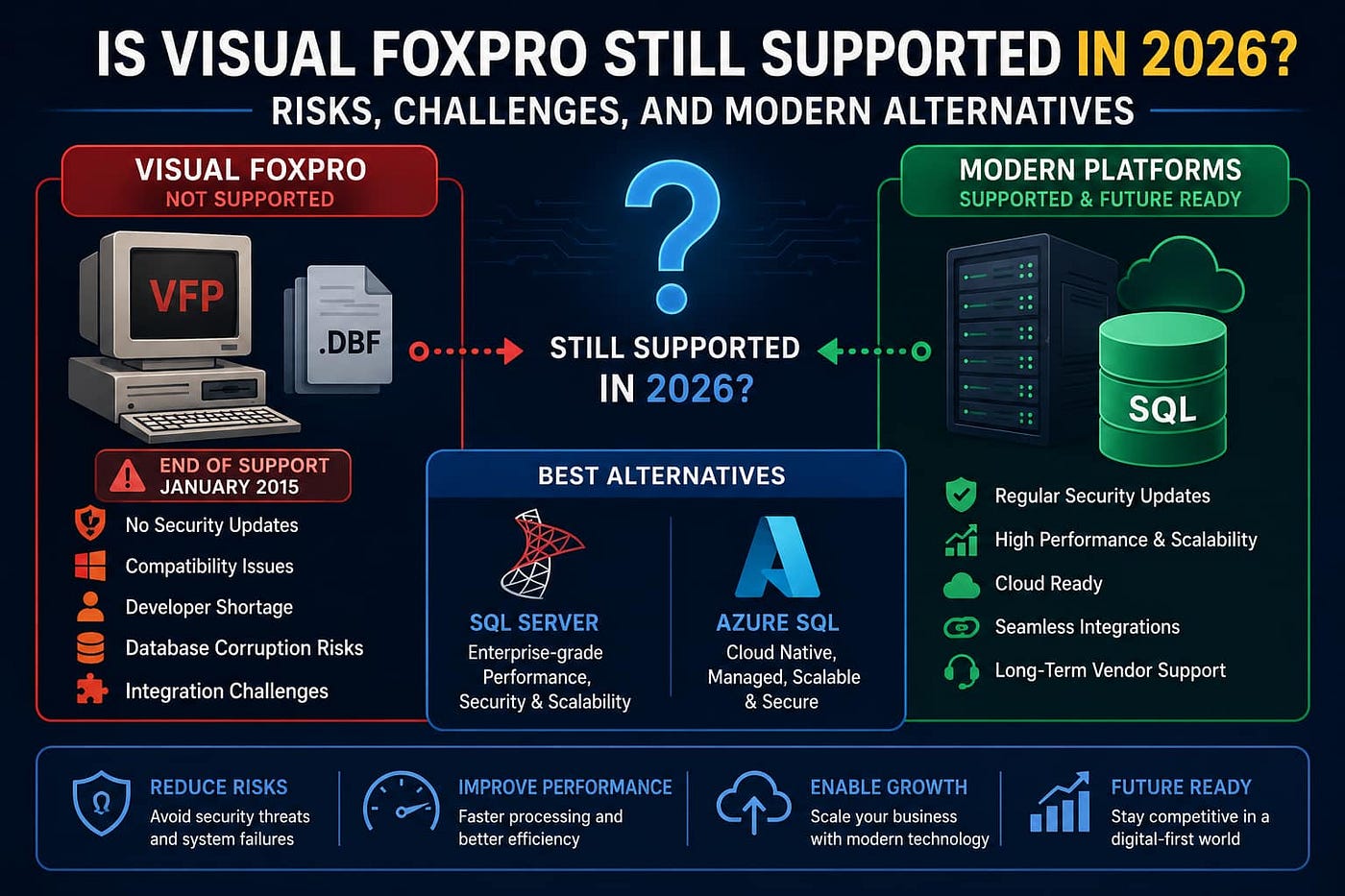
Visual FoxPro is no longer actively developed, making long-term support increasingly difficult. Businesses face challenges in maintaining applications that depend on aging technology.
Increasing Security Risks
Legacy systems often struggle to meet modern cybersecurity and compliance requirements.
Common concerns include:
- Unsupported software environments
- Outdated authentication methods
- Limited encryption capabilities
- Audit and compliance challenges
Scalability Limitations
As businesses grow, Visual FoxPro applications can experience:
- Slower performance
- File locking issues
- Multi-user limitations
- Reporting bottlenecks
SQL Server is designed to support larger databases and concurrent users more efficiently.
Integration Challenges
Modern organizations require seamless connectivity with:
- ERP systems
- CRM platforms
- Business intelligence tools
- APIs
- Cloud applications
SQL Server provides significantly greater integration flexibility.
Developer Availability
Finding experienced Visual FoxPro developers continues to become more difficult each year, increasing support and maintenance risks.
Key Benefits of Migrating to SQL Server
Improved Performance
SQL Server uses a robust client-server architecture that handles large data volumes more efficiently than file-based systems.
Better Data Security
Organizations gain access to:
- Role-based access controls
- Encryption features
- Audit logging
- Secure authentication
- Compliance support
Enhanced Reporting and Analytics
SQL Server integrates with:
- Power BI
- SQL Server Reporting Services
- Data warehouses
- Business intelligence platforms
Improved Reliability
Built-in backup, recovery, and high-availability capabilities help reduce operational risks.
Future Scalability
SQL Server supports growing business requirements without the limitations commonly associated with legacy database environments.
How Much Does a Visual FoxPro to SQL Server Migration Cost?
Migration costs vary based on application size, database complexity, integrations, and modernization requirements.
Typical Cost Factors
- Number of DBF files
- Database size
- Custom business logic
- Reporting complexity
- Third-party integrations
- User count
- Application modernization requirements
General Project Ranges
Project Type — — — — — — — — — — Estimated Cost Range
Small Application — — — — — — —-$5,000 — $15,000
Medium Business System — — — -$15,000 — $50,000
Enterprise Application — — — — — $50,000 — $250,000+
Actual costs depend on technical complexity and project scope.
Visual FoxPro Migration Timeline
The migration timeline depends on application architecture, testing requirements, and modernization goals.
Project Size — — — — — — — — — — — — Estimated Timeline
Small Database Migration — — — — — -2–6 Weeks
Medium Business Application — — — -1–3 Months
Large Enterprise System — — — — — — -3–12 Months
Proper planning significantly reduces project risks and implementation delays.
Common Challenges During Visual FoxPro Migration
Data Structure Conversion
Visual FoxPro and SQL Server use different database architectures and data types. Proper mapping is essential to maintain data integrity.
Legacy Business Logic
Many FoxPro applications contain embedded business rules that must be carefully identified and recreated.
Report Conversion
Legacy reports often require redesign or replacement using modern reporting tools.
Data Quality Issues
Years of accumulated data can introduce:
- Duplicate records
- Inconsistent formats
- Invalid values
- Missing relationships
Data cleansing is often necessary before migration.
Integration Dependencies
Organizations frequently discover undocumented integrations that must be addressed during migration.
Why Visual FoxPro Migration Projects Fail
Many migration projects encounter problems because businesses underestimate the complexity of legacy systems.
Common reasons include:
Incomplete System Assessment
Organizations often focus only on database conversion while overlooking application dependencies.
Lack of Documentation
Older FoxPro systems frequently lack accurate technical documentation.
Poor Data Quality
Data inconsistencies can significantly delay migration projects.
Insufficient Testing
Skipping comprehensive testing increases the likelihood of post-migration issues.
Unrealistic Timelines
Aggressive schedules can result in incomplete migrations and operational disruptions.
Recommended Visual FoxPro to SQL Server Migration Process
Phase 1: Discovery and Assessment
Evaluate:
- Database structures
- DBF files
- Application architecture
- Reports
- Integrations
- Business rules
Deliverables include:
- Migration roadmap
- Risk assessment
- Project timeline
Phase 2: Database Design
Design a SQL Server architecture that supports:
- Performance
- Security
- Scalability
- Future growth
Phase 3: Data Migration
Activities include:
- Data extraction
- Data cleansing
- Data validation
- Database conversion
- Import into SQL Server
Phase 4: Business Logic Migration
Rebuild legacy business rules using:
- Stored procedures
- APIs
- Modern application frameworks
Phase 5: Testing and Validation
Testing should include:
- Functional testing
- Data validation
- Security testing
- Performance testing
- User acceptance testing
Phase 6: Deployment and Support
After deployment:
- Monitor performance
- Train users
- Optimize queries
- Provide ongoing support
Best SQL Server Options for Visual FoxPro Migration
SQL Server 2022
Ideal for organizations requiring on-premises control and enterprise-grade features.
Azure SQL Database
Suitable for businesses pursuing cloud-first strategies.
Azure SQL Managed Instance
Provides compatibility with traditional SQL Server environments while delivering cloud benefits.
The best option depends on business requirements, compliance obligations, and growth plans.
Modernization Options After SQL Server Migration
Migration does not necessarily end with database conversion.
Many organizations choose to modernize applications using:
ASP.NET Core
Suitable for scalable web applications.
Blazor
Provides modern Microsoft-based web application development.
React with .NET APIs
Popular choice for responsive business applications.
Cloud-Based SaaS Platforms
Allows organizations to move toward subscription-based software delivery models.
Hybrid Modernization
Combines SQL Server migration with phased application upgrades.
ROI of Visual FoxPro to SQL Server Migration
Businesses often achieve measurable returns through:
Reduced Maintenance Costs
Modern platforms are easier and less expensive to maintain.
Improved Productivity
Faster systems and reporting capabilities increase operational efficiency.
Reduced Downtime
Modern infrastructure improves reliability and availability.
Better Decision Making
Advanced reporting and analytics provide greater business visibility.
Future Technology Readiness
Organizations can more easily adopt cloud, AI, automation, and business intelligence solutions.
Frequently Asked Questions
Can Visual FoxPro databases be migrated directly to SQL Server?
Yes. DBF files can be converted into SQL Server databases through structured migration processes.
Will migration require rebuilding the entire application?
Not always. Some businesses migrate only the database initially and modernize applications later.
Is SQL Server suitable for large enterprise systems?
Yes. SQL Server is widely used by organizations ranging from small businesses to large enterprises.
What is the biggest migration risk?
Incomplete assessment of business rules, integrations, and data relationships is one of the most common migration challenges.
Should businesses migrate now or continue using Visual FoxPro?
Organizations planning future growth, cloud adoption, stronger security, or application modernization typically benefit from beginning migration planning sooner rather than later.
Conclusion
Visual FoxPro has served businesses reliably for decades, but the limitations of legacy technology continue to create operational and strategic challenges. Migrating to SQL Server provides a foundation for improved performance, stronger security, enhanced reporting, greater scalability, and long-term sustainability.
A successful Visual FoxPro to SQL Server migration is more than a database conversion project. It is an opportunity to modernize business systems, reduce technical debt, improve operational efficiency, and prepare for future digital transformation initiatives.
Businesses that approach migration with proper planning, assessment, and execution can significantly reduce risk while maximizing long-term return on investment.
메타데이터
- post_id
- f45a65eba17c
- slug
- visual-foxpro-to-sql-server-migration-complete-guide-for-businesses-f45a65eba17c
- url
- https://medium.com/@digitalseo196/visual-foxpro-to-sql-server-migration-complete-guide-for-businesses-f45a65eba17c
- canonical_url
- https://medium.com/@digitalseo196/visual-foxpro-to-sql-server-migration-complete-guide-for-businesses-f45a65eba17c
- author_url
- https://medium.com/@digitalseo196
- status
- ok
- fetched_at
- 2026-07-08 22:18:54