Can my boss see what websites I visit if I change my DNS
This is a question I get all the time from people working from home who just want a bit of privacy. The short answer is: It depends…
Can my boss see what websites I visit if I change my DNS
This is a question I get all the time from people working from home who just want a bit of privacy. The short answer is: It depends entirely on whose computer you are using. If you are on your own personal laptop, changing your DNS is a great move. But if you are on a company-issued device, the “handshake” happening at the DNS level is only one small part of how they keep tabs on things.
The “Managed Device” Factor
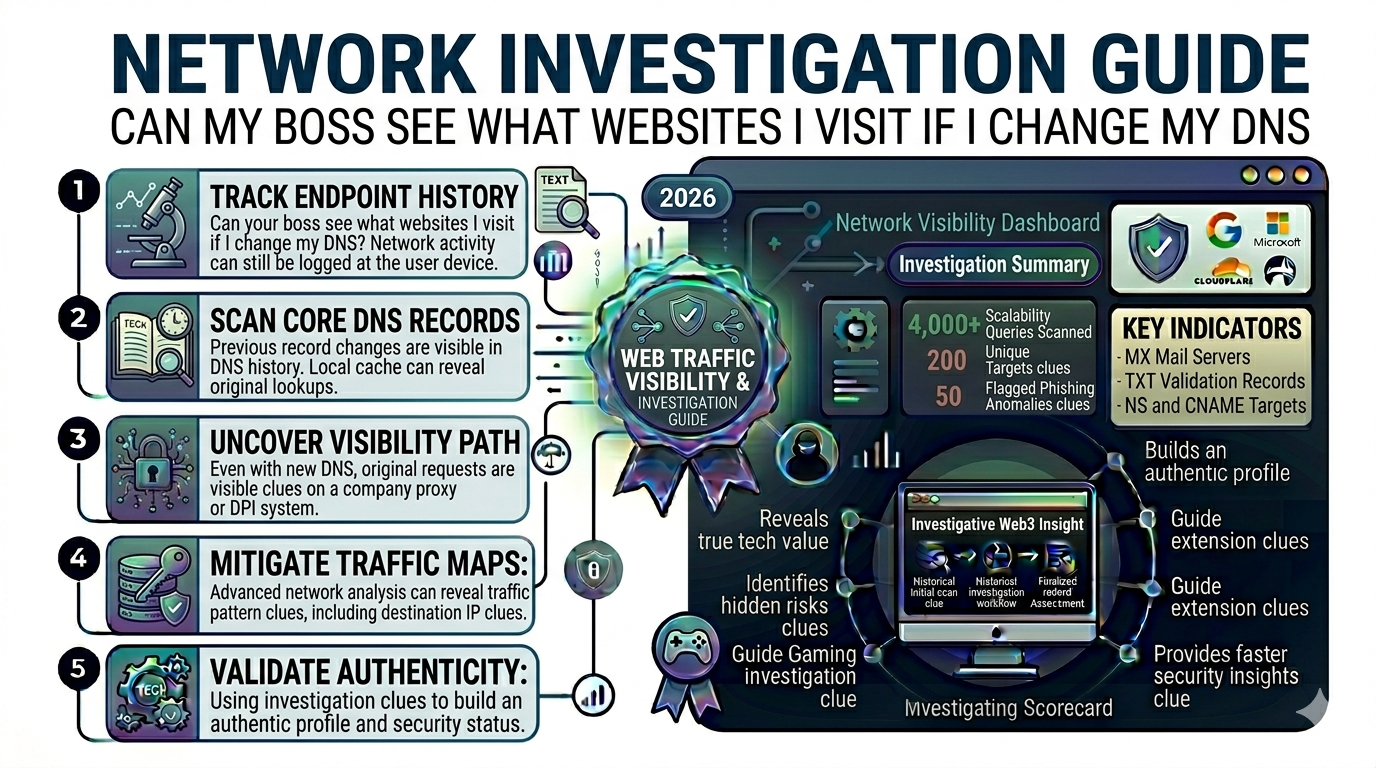
If your boss gave you a laptop, they likely have “Endpoint” software installed on it. This software lives directly on the hard drive and it doesn’t care what your DNS settings are. It is basically a silent observer inside the house.
- Local Logging: Even if you use a super-secret DNS, the software on the laptop can log the names of the windows you have open or the URLs you type into the browser before the DNS even gets involved.
- Company VPNs: If you have to log into a work VPN to access your files or email, all of your traffic is being funneled through the company’s “tunnel.” At that point, they are the ones acting as your ISP, and they can see everything.
- Screenshots & Activity: Some stricter companies use tools that track “active” time or even take random screenshots. No amount of DNS tweaking can hide what is physically appearing on your screen.
When changing your DNS actually helps
Now, if you are working from your own personal computer and just using your home internet, changing your DNS is a solid way to keep your ISP and anyone else on your local network from snooping.
How to check for “Shadow” monitoring
If you want to be a bit of a detective, you can use a **DNS Checker** to see who is actually resolving your requests. If you think you’ve changed your settings to Google (8.8.8.8) but the checker says your traffic is still going through a company server, then your laptop has a “hard-coded” override.
I always tell people that the only 100% safe way to browse personal stuff is to keep a “church and state” separation. Use the work laptop for work, and use your phone or personal tablet for everything else.
Staying proactive with your privacy
If you are worried about your data being logged by accident, the best thing you can do is stay consistent. Use a dedicated **DNS Monitor** on your personal devices to make sure your settings haven’t been reset by an update.
At the end of the day, your boss usually isn’t sitting there watching your screen in real-time they have better things to do. But if they ever need a reason to let someone go, those automated logs are the first place they look. It is much better to just keep your personal browsing on a device you actually own.
메타데이터
- post_id
- f4a1e35fc077
- slug
- can-my-boss-see-what-websites-i-visit-if-i-change-my-dns-f4a1e35fc077
- url
- https://medium.com/@dns-monitor/can-my-boss-see-what-websites-i-visit-if-i-change-my-dns-f4a1e35fc077
- canonical_url
- https://medium.com/@dns-monitor/can-my-boss-see-what-websites-i-visit-if-i-change-my-dns-f4a1e35fc077
- author_url
- https://medium.com/@dns-monitor
- status
- ok
- fetched_at
- 2026-07-26 13:20:33