AI UI Review Workflow: How Developers Should Validate Agent-Built Interfaces
AI coding agents can build a frontend faster than most teams can review it. That is the new bottleneck.
AI UI Review Workflow: How Developers Should Validate Agent-Built Interfaces

AI coding agents can build a frontend faster than most teams can review it. That is the new bottleneck.
A coding agent can now take a ticket like “add a dashboard overview page” and return a working React view, route, test file, and pull request before a human has finished reading the design notes. That speed is useful. It is also where teams get careless.
The first version often looks close enough. The cards render. The button works. The page does not crash. But users do not experience “close enough.” They experience awkward spacing, broken mobile states, weak contrast, strange loading behavior, inconsistent components, and flows that technically pass tests while feeling unfinished.
This article is for developers, AI builders, founders, and engineering leads using tools like OpenAI Codex, Claude Code, Gemini CLI, GitHub Copilot, Cursor, Replit Agent, or internal coding agents to create frontend work. The goal is to let agents move fast without quietly lowering the quality bar.
The question is no longer “Can an AI agent build this screen?” The better question is “Can we prove this screen is usable, consistent, accessible, and safe to ship?”
Why AI-Generated UI Needs a Different Review Process
Traditional frontend review assumes a human developer made intentional choices. Agent-built UI changes that. The agent may produce a large diff from a short instruction, invent a component instead of reusing the design system, satisfy one viewport while breaking another, or create plausible copy and states that were never requested.
Reviewing AI UI is less like checking one person’s implementation and more like validating a generated artifact. You need evidence, repeatable checks, and a clear line between what machines can verify and what humans still need to judge.
The workflow below is designed for practical teams. It works whether your frontend stack is Next.js, React, Vue, Svelte, Angular, or a server-rendered app with modern browser tests.
The Common Failure Modes in Agent-Built Frontends
Before creating a workflow, name the failures you are trying to catch. Most bad AI-generated UI does not fail in dramatic ways. It fails in small ways that compound.
1. It Creates New Components When Existing Ones Already Work
Agents are good at making local progress. If the prompt says “add a pricing card,” the agent may create a new card component inside the feature folder. That may pass the ticket, but now your app has a second pricing card with different behavior.
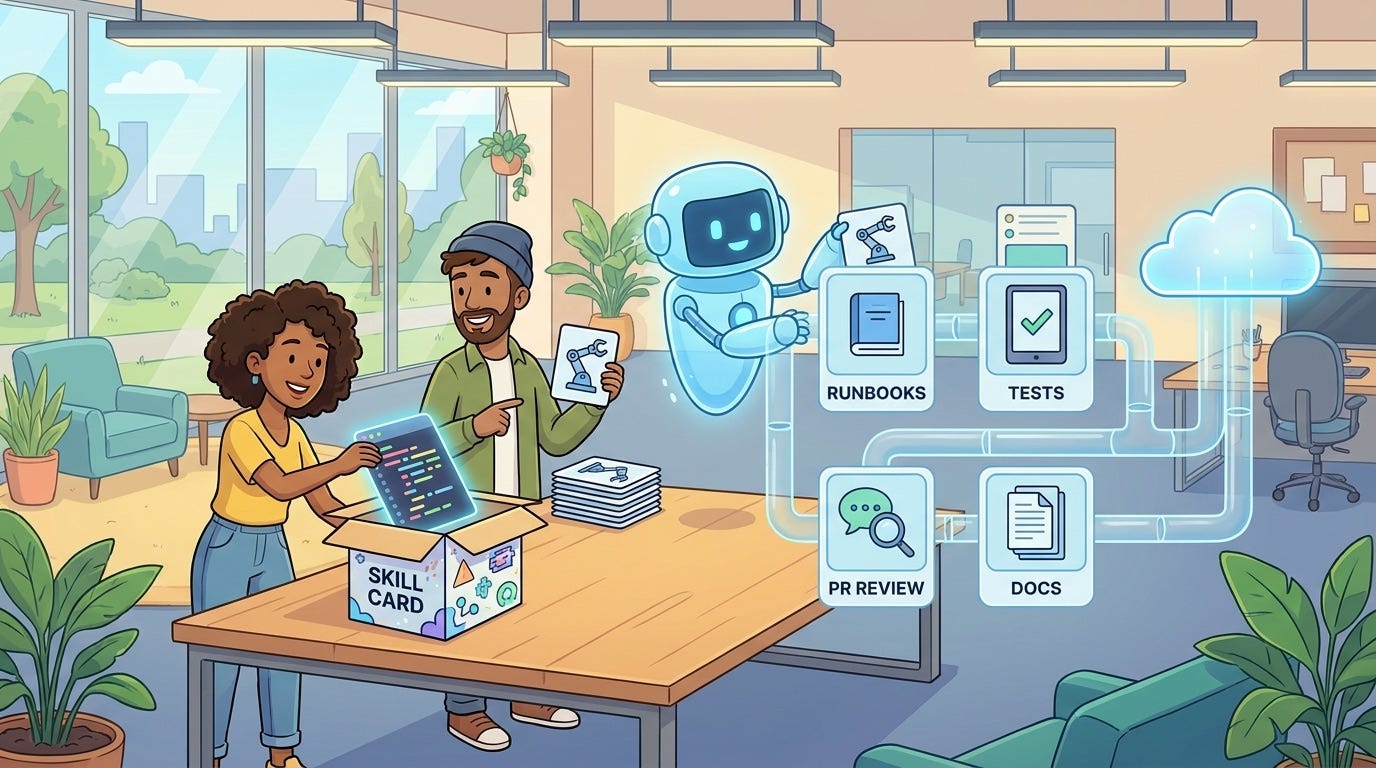
The fix is simple: make design-system reuse a review requirement. The agent should know where components live, which ones are approved, and when it must ask before inventing something new.
2. It Optimizes for the Happy Path
AI-generated screens often look best with ideal data: short names, perfect images, three items in a list, and no empty state. Real users bring long names, missing images, slow networks, failed payments, expired sessions, and tiny screens.
A good UI review workflow forces generated screens through uncomfortable states before merge.
3. It Passes Unit Tests but Fails Visual Quality
Most unit tests do not catch visual hierarchy, cramped spacing, awkward wrapping, or components that look unrelated to the rest of the product. Agents can prove the button exists while missing that it is in the wrong place.
That is why visual snapshots, responsive screenshots, and human review still matter.
4. It Treats Accessibility as an Afterthought
Generated UI may use divs as buttons, weak focus states, missing labels, low contrast, broken keyboard navigation, or status messages that screen readers never announce. Automated accessibility checks help, but they are not enough. Keyboard testing and semantic review need to be part of the path.
5. It Hides Product Decisions Inside Code
One of the most dangerous agent behaviors is making product choices silently. It may decide which fields appear in onboarding, how errors are phrased, or what happens after a user cancels. These are not only coding details. They affect conversion, trust, support load, and compliance.
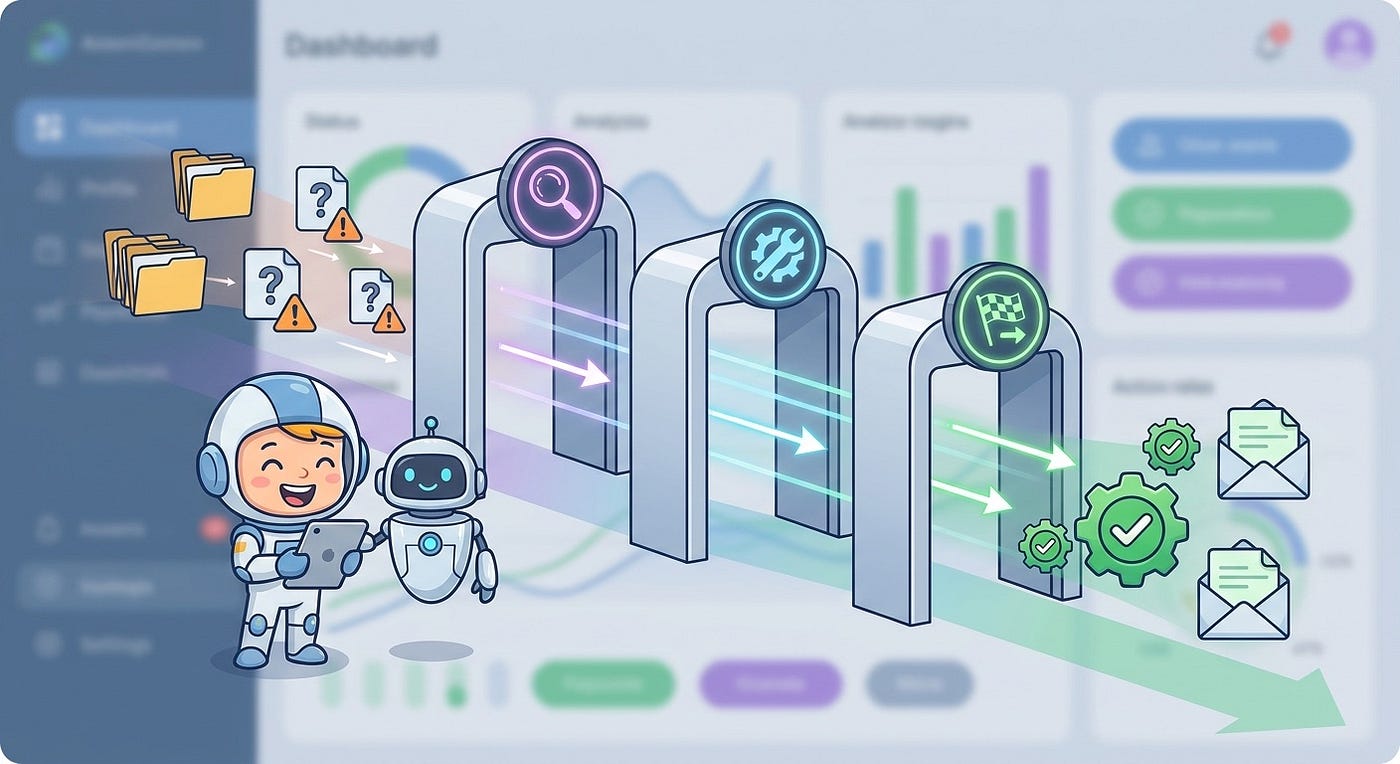
The AI UI Review Workflow
Use this workflow whenever an AI coding agent creates or modifies user-facing frontend code. You can make it lightweight for small changes and stricter for checkout, onboarding, billing, admin permissions, healthcare, finance, or other high-risk flows.
Step 1: Start With a UI Brief, Not Just a Ticket
A normal ticket might say, “Create a new analytics overview page.” That is not enough for an agent. A useful UI brief includes the user goal, approved components, data states, viewport requirements, and review gates.
Here is a stronger version:
Build an analytics overview page for account admins.User goal:
- See weekly usage, active users, and failed jobs at a glance.Use existing components:
- PageHeader
- MetricCard
- EmptyState
- Button
- DateRangePickerDo not create new shared components unless no existing component fits.Required states:
- Loading
- Empty workspace
- API error
- Long organization name
- Mobile viewportReview requirements:
- Add Playwright screenshot tests for desktop and mobile.
- Run accessibility checks.
- Include a short PR note explaining reused components.This changes the agent’s job. It is no longer guessing what “good UI” means. It has a contract.
Step 2: Ask the Agent to Produce Evidence With the PR
Do not accept “implemented dashboard page” as the only summary. Ask for review evidence in every AI-generated frontend PR:
- What user flow changed?
- Which design-system components were reused?
- Which states were tested?
- Which viewports were checked?
- What screenshots or visual diffs should reviewers inspect?
- What product choices did the agent make that need human approval?
This turns a large generated diff into something reviewers can reason about.

Step 3: Capture Screenshots Before Reading the Diff Deeply
For frontend work, screenshots often reveal problems faster than code review. Run the app, load the affected route, and capture stable screenshots across key states. If your team uses Playwright, this can be automated.
import { test, expect } from "@playwright/test";test("analytics overview renders across key viewports", async ({ page }) => {
await page.goto("/admin/analytics"); await page.setViewportSize({ width: 1440, height: 1000 });
await expect(page).toHaveScreenshot("analytics-desktop.png", {
fullPage: true
}); await page.setViewportSize({ width: 768, height: 1000 });
await expect(page).toHaveScreenshot("analytics-tablet.png", {
fullPage: true
}); await page.setViewportSize({ width: 390, height: 900 });
await expect(page).toHaveScreenshot("analytics-mobile.png", {
fullPage: true
});
});Do not use screenshots only as brittle CI gates. Use them as review artifacts. A human should be able to scan the generated UI without pulling the branch locally every time.
Step 4: Run Accessibility Checks Early
Accessibility should not be a final polish pass. If a generated screen fails basic accessibility, send the agent back before a designer or senior engineer spends time on subjective review.
Automated tools can catch missing labels, invalid ARIA, low contrast, and obvious semantic problems. They will not catch everything, but they catch enough to belong early in review.
import { test, expect } from "@playwright/test";
import AxeBuilder from "@axe-core/playwright";
test("analytics overview has no critical accessibility issues", async ({ page }) => {
await page.goto("/admin/analytics"); const results = await new AxeBuilder({ page })
.disableRules(["color-contrast"])
.analyze(); const critical = results.violations.filter((issue) =>
issue.impact === "critical" || issue.impact === "serious"
); expect(critical).toEqual([]);
});If you disable a rule, explain why. A review workflow loses value when exceptions become a hiding place for known defects.
Step 5: Review Against the Design System
This is where many AI-generated interfaces drift. The agent may use raw CSS values instead of tokens, create a similar-looking button rather than the real button, or choose icons that do not match your icon set.
Add a design-system pass with direct questions:
- Does the change reuse existing components where possible?
- Are colors, spacing, shadows, radii, and typography using tokens?
- Are component states complete: hover, focus, disabled, loading, error, empty?
- Does the UI match the density and tone of nearby product surfaces?
- Did the agent introduce one-off styles that should be removed?
If your design system is mature, link the component docs, Storybook stories, or local examples in your repo instructions. If it is informal, start by documenting the ten components agents should reuse most often.
Step 6: Test the Uncomfortable States
Good UI review is not about the prettiest screenshot. It is about the states users actually hit.
For every generated screen, ask whether these states exist and look intentional:
- Loading and slow network
- Empty data
- Partial data
- API error
- Permission denied
- Long text and localization expansion
- Small mobile viewport
- Keyboard-only navigation
- High zoom or larger text settings
Agents often skip these because prompts skip these. Make the states part of the review checklist and the generation prompt.
Step 7: Separate Machine Checks From Human Taste
Automated checks are good at repeatable facts. Humans are still better at taste, hierarchy, user empathy, and product judgment.
Let machines answer:
- Does the page render?
- Do tests pass?
- Did visual snapshots change?
- Are serious accessibility issues present?
- Did the diff create new dependencies or new shared components?
Let humans answer:
- Does this solve the right user problem?
- Is the hierarchy clear?
- Does the interface feel consistent with the product?
- Are the empty and error states respectful and useful?
- Would a user know what to do next?
This split keeps review focused and saves senior attention for problems a script cannot judge.
A Lightweight PR Checklist for AI-Generated UI
You can paste this into your pull request template or agent instruction file.
AI UI review checklist
- The PR states the user flow and product goal.
- The agent reused approved components or explained why it did not.
- Desktop, tablet, and mobile screenshots are attached or generated in CI.
- Loading, empty, error, and long-content states were checked.
- Keyboard navigation works for the changed flow.
- Automated accessibility checks show no serious issues.
- No raw design tokens were invented without approval.
- No product copy, pricing, permission, or compliance decision was made silently.
- A human reviewed the final screen, not only the code diff.
Keep the checklist short enough that people actually use it. Add stricter gates only for flows where failure is expensive.

How to Prompt Coding Agents for Better UI
Most weak AI-generated UI starts with a weak prompt. The agent cannot infer your product’s design rules, risk tolerance, or user context unless you provide them.
A strong UI prompt has five parts:
- Role: Tell the agent whether it is implementing from a design, improving an existing flow, or creating a first draft.
- Reuse: Name the existing components, routes, hooks, and examples it should inspect first.
- States: List required loading, empty, error, permission, and mobile states.
- Boundaries: Say what it must not change, invent, or decide.
- Evidence: Require screenshots, tests, and a review summary.
Here is a practical prompt pattern:
You are implementing a frontend change in an existing product.Before coding:
1. Inspect nearby routes and shared UI components.
2. Identify which components should be reused.
3. Summarize any missing product decisions.While coding:
1. Prefer existing components and tokens.
2. Add required loading, empty, error, and mobile states.
3. Avoid new dependencies unless necessary.Before final response:
1. Run tests and lint.
2. Capture desktop and mobile screenshots if tooling exists.
3. List any visual or product decisions that need human review.This style of prompt does not make the agent less creative. It makes the creativity useful.
Where Each Tool Fits
The specific agent matters less than the workflow around it, but different tools tend to fit different parts of the process.
OpenAI Codex is useful for repository-aware implementation, tests, and pull-request style changes. Claude Code is often strong for long-context refactors and explaining tradeoffs. Gemini CLI can be useful in Google-heavy workflows and command-line automation. GitHub Copilot fits naturally inside the editor for smaller iterations and inline changes.
None of these tools removes the need for review. The practical approach is to route tasks by risk:
- Use agents for first drafts, component wiring, state coverage, tests, and repetitive refactors.
- Use deterministic tools for screenshots, accessibility scans, linting, type checks, and visual diffs.
- Use human reviewers for hierarchy, product judgment, brand fit, and release risk.
The best teams will not ask, “Which coding agent wins?” They will ask, “Which parts of our UI workflow are now cheap enough to verify every time?”
Metrics That Tell You the Workflow Is Working
If you introduce this workflow, track whether it improves real outcomes. Start with a few simple metrics.
- Review escape rate: How many UI bugs reach staging or production after agent-generated frontend work?
- Design-system drift: How often do agents create one-off styles or duplicate components?
- Screenshot coverage: How many user-facing frontend PRs include visual evidence?
- Accessibility issue rate: How many serious accessibility issues appear per generated UI PR?
- Reviewer time: Are humans spending less time finding obvious issues and more time on product quality?
- Rework loops: How many times does the agent need to revise the same screen before approval?
The point is not to prove AI is perfect. The point is to make quality visible.
When to Let the Agent Ship UI Directly
Sometimes a lightweight path is fine. A low-risk internal admin change may not need a full design review. A copy-only update may not need visual regression beyond the affected component. A small bug fix in a mature component may only need tests and one screenshot.
But direct shipping should be based on risk, not optimism. Use stricter review for:
- Checkout, billing, pricing, trial, and cancellation flows
- Authentication, permissions, and admin surfaces
- Onboarding and activation flows
- Public marketing pages with SEO or conversion impact
- Accessibility-critical user paths
- Anything that changes user trust, legal copy, or data visibility
AI can make frontend iteration feel almost free. Production mistakes are not free.
A Practical Rollout Plan
If your team already uses AI coding agents, start with one high-value path.
Week 1: Add the PR Checklist
Update your pull request template and agent instructions. Require reused components, tested states, screenshots, and product decisions that need review.
Week 2: Add Screenshot Evidence
Pick one or two critical routes and add Playwright screenshot tests for desktop and mobile. Keep them stable and avoid noisy pixel gates on fast-moving pages.
Week 3: Add Accessibility Gates
Run accessibility checks in CI or as a local review command. Start with serious and critical issues.
Week 4: Document Design-System Rules for Agents
Create a short agent-readable guide that lists preferred components, token rules, examples, and anti-patterns. Link it from your repo instructions so every agent has the same source of truth.
The Real Advantage: Review Becomes a Product System
AI-generated UI is not a reason to lower standards. It is a reason to make standards executable.
The teams that benefit most will not be the teams that accept the biggest diffs fastest. They will build a clear path from generation to evidence to review to release.
That is the mature version of AI-assisted frontend development: the agent drafts the interface, and the workflow decides whether it deserves to ship.
FAQ
What is an AI UI review workflow?
An AI UI review workflow is a repeatable process for checking frontend changes created by coding agents. It usually includes a UI brief, screenshots, accessibility checks, responsive testing, design-system review, and human approval before merge.
Do AI-generated interfaces need visual regression testing?
They do not always need strict pixel-level gates, but they should have visual evidence. Screenshots across key viewports help reviewers catch spacing, hierarchy, wrapping, and responsive problems that unit tests often miss.
Can accessibility checks be automated for AI-generated UI?
Many accessibility checks can be automated with tools like axe and Playwright. Automated scans are useful for catching serious issues, but human keyboard testing and semantic review are still needed for important flows.
How do I stop AI coding agents from inventing new components?
Give the agent explicit component reuse rules. Point it to your design system, Storybook, shared component folders, and nearby examples. Then make “new component introduced” a review item that requires explanation.
Which coding agent is best for frontend UI work?
The best tool depends on your stack and workflow. Codex, Claude Code, Gemini CLI, Copilot, and similar tools can all help. The bigger differentiator is whether your team has clear prompts, review gates, screenshots, tests, and design-system rules.
Should designers review every AI-generated UI change?
No. Use risk tiers. Small internal changes can often be reviewed by developers with a checklist. High-impact flows such as onboarding, checkout, pricing, accessibility-critical paths, and public pages should get stronger design or product review.
What should be included in an AI-generated frontend pull request?
Include the user flow changed, components reused, states tested, screenshots, accessibility results, test commands, and any product decisions the agent made. This gives reviewers enough context to judge the result without reverse-engineering the whole diff.
메타데이터
- post_id
- f4dedb2f4b0f
- slug
- ai-ui-review-workflow-how-developers-should-validate-agent-built-interfaces-f4dedb2f4b0f
- url
- https://medium.com/toward-next-ai/ai-ui-review-workflow-how-developers-should-validate-agent-built-interfaces-f4dedb2f4b0f
- canonical_url
- https://medium.com/toward-next-ai/ai-ui-review-workflow-how-developers-should-validate-agent-built-interfaces-f4dedb2f4b0f
- author_url
- https://medium.com/@towardnextai
- status
- ok
- fetched_at
- 2026-07-09 13:13:48