The Cleaner Said “I Can’t Make It.” That Still Doesn’t Tell You the Shift Status.
The Cleaner Said “I Can’t Make It.” That Still Doesn’t Tell You the Shift Status.
One reply can trigger a cover problem, but the cleaner’s answer, the shift itself, and the replacement decision are three different things to keep track of.

A common Thursday-evening version of this starts with a very short message.
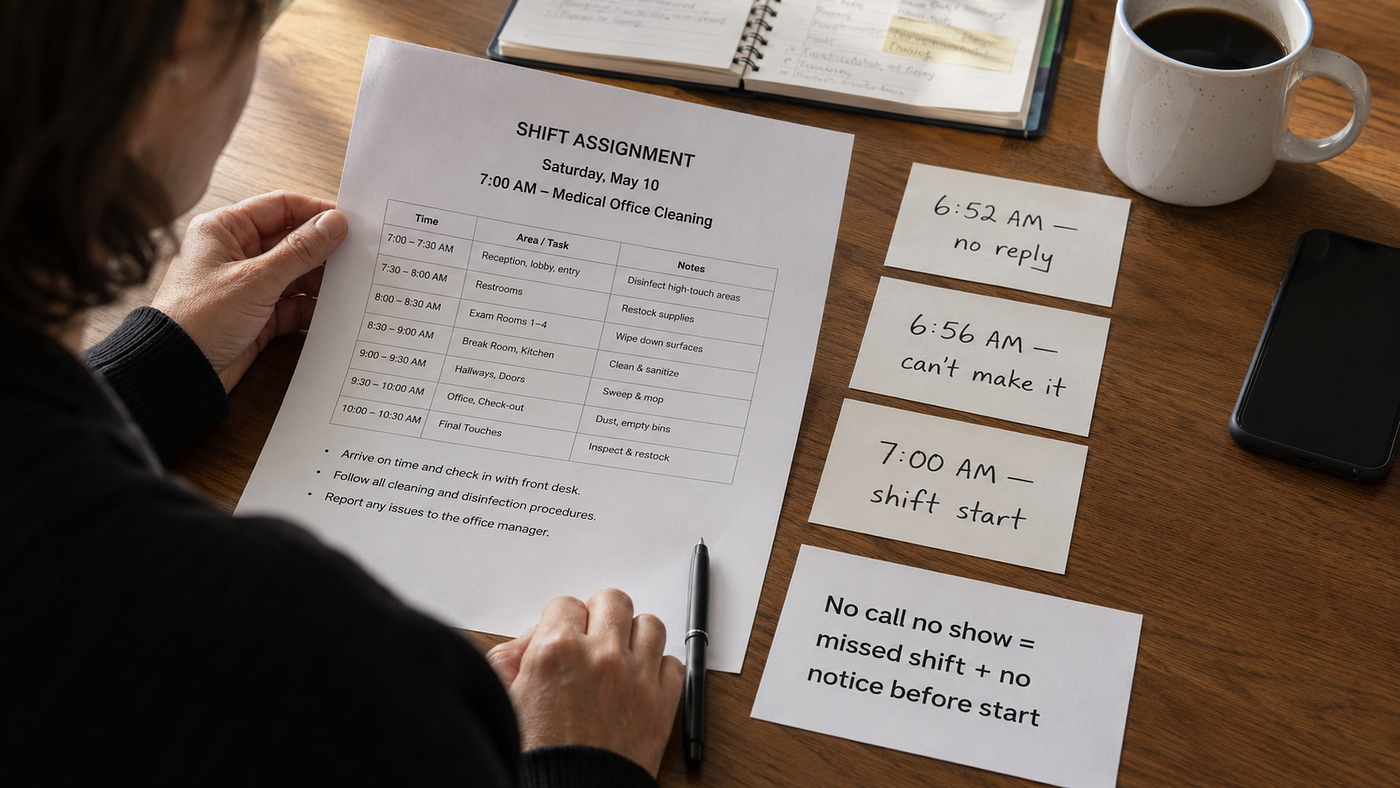
The cleaner assigned to tomorrow’s 6 PM office job replies:
- I can’t make it.
The owner opens the schedule, finds the row, and types No into the Status column.
For a few minutes, that feels accurate enough. The cleaner said no. The problem is visible.
Then the owner comes back to the sheet later.
What does No mean now?
Does it mean the cleaner cannot work? Does it mean the shift has no one assigned? Has a cover request already been sent? Did someone approve the replacement? Has the replacement cleaner actually confirmed?
The word did not become wrong. It became too small for everything that happened after it.
The cleaner’s reply is one piece of the record
When an assigned cleaner says they cannot make a shift, that answer matters.
It tells the owner something specific about the person who currently has the assignment.
What it does not do is finish the staffing decision.
The owner may still need to look for cover. A manager may need to review a replacement. Another cleaner may be selected. That cleaner may still need to say yes.
Those later steps belong to the same shift, but they are not the same piece of information as the original reply.
This is where a spreadsheet with one catch-all Status column starts making the owner carry the rest in their head.
The row says No.
The group chat says someone else might be available.
An email says a cover request was sent.
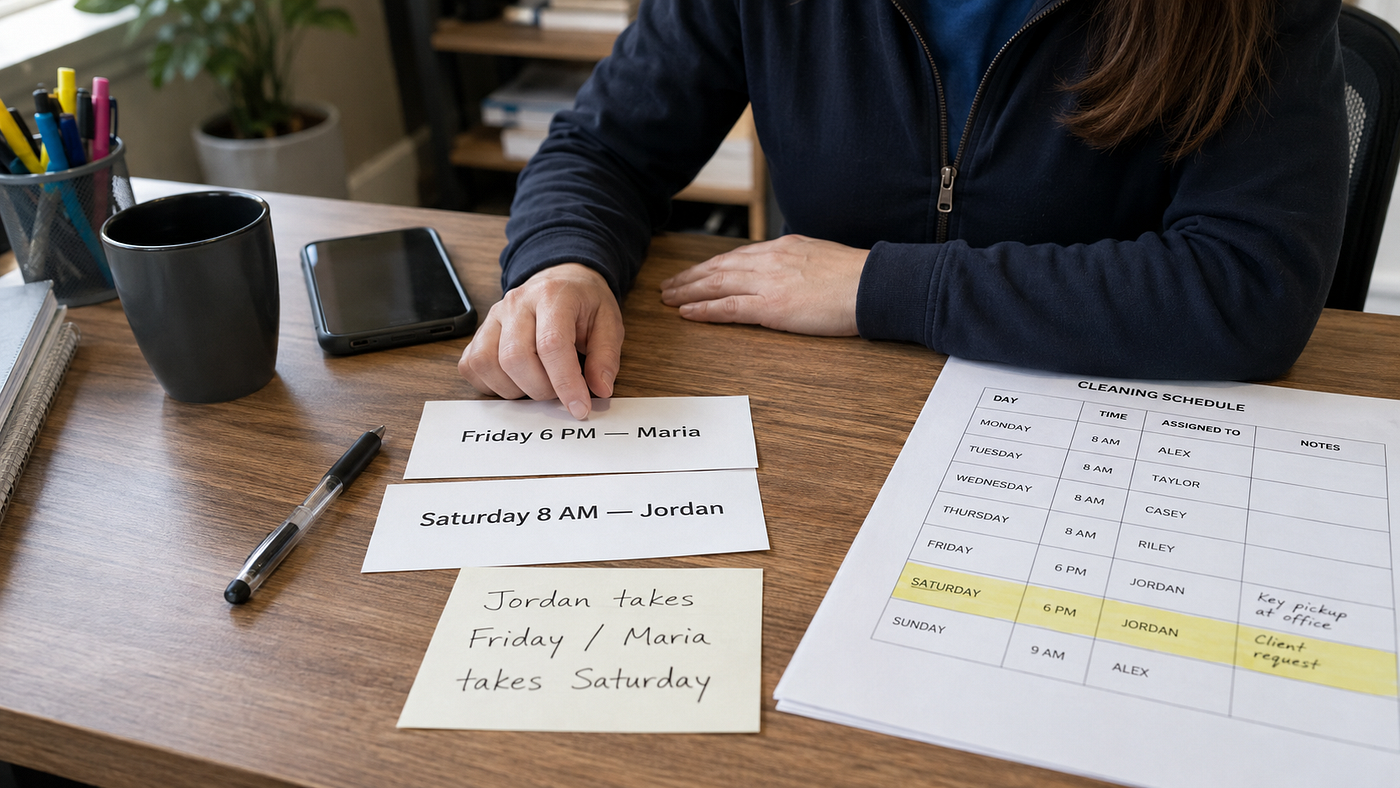
The owner remembers approving Maria, but cannot remember whether Maria ever answered.
Nothing is necessarily missing. It is just spread across different meanings.
“Cannot make it” and “Pending Cover” answer different questions
Take the same Friday job.
The assigned cleaner has already said:
- I can’t make it.
That can remain the cleaner’s response even after the owner starts working on coverage.
The shift itself can now be waiting on a replacement decision.
Later, a cover request might be approved. A new cleaner might be assigned. The original cleaner’s reply does not need to change just because the staffing situation changed.
That separation sounds fussy until someone edits the original Status cell to keep it “current.”
First it says:
Cannot make it
Then:
Need cover
Then:
Maria
Then:
Covered
By Friday morning, the row looks clean again.
What disappeared is the path that got there.
The owner can no longer tell from the record who originally responded, whether the cover decision was still pending at some point, or whether Maria actually confirmed the reassignment rather than simply having her name placed on the schedule.
For a small team, the answer is not necessarily a complicated scheduling system. Sometimes it is just a record that refuses to make one field carry four different jobs.
A cleaning shift confirmation record template can help separate the assigned cleaner’s response, the current shift situation, the Cover Request decision, and any later reassigned-cleaner confirmation instead of collapsing all of them into one Status cell.
Keep the replacement cleaner’s answer separate too
This is the part that is easy to rush when the shift is close.
The owner finds someone who can cover, adds their name, and feels the problem loosen immediately.
That is progress.
But putting a new name on the shift and getting an explicit answer from that person are still two different moments.
Suppose Maria is selected at 8:40 PM.
If the record says only:
Reassigned: Maria
the owner may look at it Friday morning and assume the job is settled.
A separate confirmation field forces a more practical question:
Did Maria actually respond?
If yes, record that answer.
If not, the owner knows exactly what still needs attention without rereading last night’s messages.
That is a much smaller burden than trying to remember which version of “covered” everyone was using.
Don’t ask the record to prove the job happened
There is another temptation once a confirmation record becomes detailed: treating it as proof of everything that happened afterward.
It is not.
Knowing that a cleaner confirmed before the shift does not tell you whether they arrived at 6 PM. It does not record clock-in time, hours worked, cleaning quality, or whether every task was completed.
Those are different records and different questions.
For this sheet, the useful stopping point is before the work begins.
Who was assigned?
What did that cleaner say?
What is happening with the shift now?
If cover was needed, what happened to that request?
If somebody new was assigned, did that person confirm?
Back at the Thursday-night schedule, No can stay exactly where it belongs – as the original cleaner’s answer.
The owner just should not have to make that one word explain everything that happened next.
메타데이터
- post_id
- f576fd4a04d3
- slug
- the-cleaner-said-i-cant-make-it-that-still-doesn-t-tell-you-the-shift-status-f576fd4a04d3
- url
- https://medium.com/@Miran969/the-cleaner-said-i-cant-make-it-that-still-doesn-t-tell-you-the-shift-status-f576fd4a04d3
- canonical_url
- https://medium.com/@Miran969/the-cleaner-said-i-cant-make-it-that-still-doesn-t-tell-you-the-shift-status-f576fd4a04d3
- author_url
- https://medium.com/@Miran969
- status
- ok
- fetched_at
- 2026-08-23 06:14:18