Bright Review: Good for Beginners or Too Basic?
Thinking about trying Bright to improve your English? Wondering if this app can really help with fluency, vocabulary, and confidence?
Bright Review: Good for Beginners or Too Basic?
Thinking about trying Bright to improve your English? Wondering if this app can really help with fluency, vocabulary, and confidence?
Hi everyone, Emma here 👋 I’m an English teacher, accent coach, and writer based in Washington, DC, and I spend a lot of time reviewing apps that promise to help English learners make real progress. Today, we’re looking at Bright — English for beginners, a mobile app that focuses heavily on short daily practice and vocabulary building.
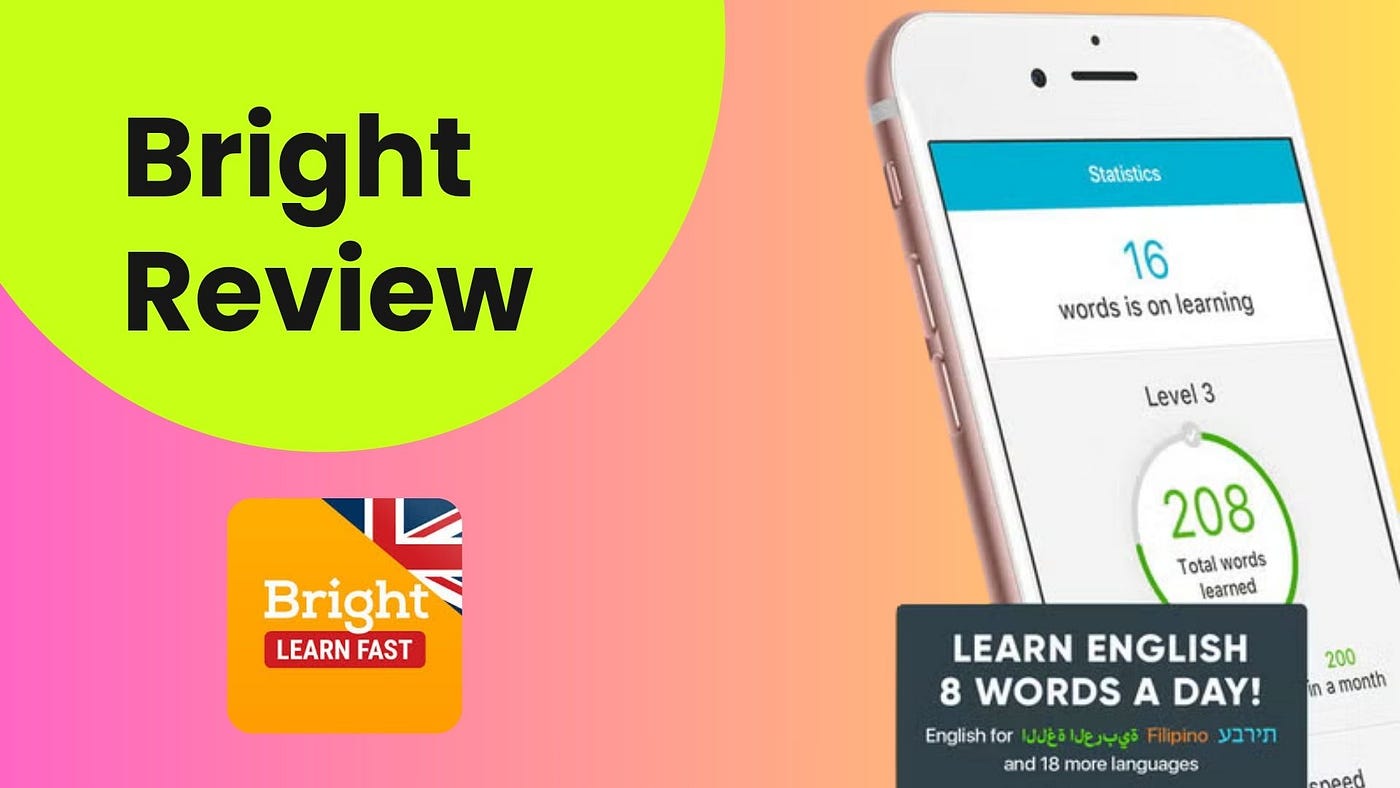
A lot of learners ask me the same questions before downloading an app like this: Is Bright worth paying for? Will it actually help me speak and understand English better, or is it mostly just vocabulary drills? In this review, I’ll walk you through how Bright works, what it seems to do best, where it falls short, and who it’s really for.
Bright Overview: A Vocabulary-First English App
Bright is a consumer English-learning app designed mainly for beginners and lower-level learners who want quick, self-guided study sessions on mobile. Its biggest promise is not a full classroom-style English course. Instead, Bright is built around learning and reviewing vocabulary in short daily sessions.
The app’s public materials say Bright helps users learn 8 words a day, build up to 200+ words a month, and study in sessions that take about 5 to 10 minutes. It also claims to include 45 thematic sets, around 6,000 essential words, native-speaker audio, and practice for spelling, listening, translation, and pronunciation.
What makes Bright a little different from a plain flashcard app is that it tries to combine spaced repetition, speech-to-text pronunciation work, and now some AI-based features such as feedback and simple conversations. Still, based on the public descriptions and user feedback, Bright seems to remain primarily a vocabulary app first, with AI and speaking features added on top rather than forming the core experience.
So overall, Bright looks best described as a polished, mobile-first English vocabulary trainer with some pronunciation and AI extras, rather than a full fluency platform.

How Bright Works
Since the app flow here is based on public descriptions and reviews rather than direct in-app testing, the most likely onboarding process looks pretty simple.
When users first open Bright, they seem to answer a few starting questions and complete a short vocabulary placement quiz. The app uses this to estimate level and build a more personalized learning program. Some store descriptions also suggest that users choose the language they are learning English from, which makes sense given how much Bright relies on translations and native-language support.
After that, the app appears to move users quickly toward a trial or subscription screen, which is something worth noting upfront because many learners mention running into the paywall early.
Once inside the learning experience, Bright seems to organize progress around daily vocabulary tasks and topic-based packs instead of a long, traditional course. Public screenshots and descriptions point to tasks such as:
- Learn new words
- Repeat words
- Translation drills
- Spelling exercises
- Fill-in-the-blank practice
- Pronunciation work with speech recognition
The lesson flow appears to work like this: the learner sees a word or phrase, hears the pronunciation, decides whether they know it, then practices it through a few small activities. The app brings difficult words back again later using spaced repetition, so the idea is not just to recognize a word once, but to keep reviewing it until it sticks.
That’s one of Bright’s clearer strengths: it does not seem to throw too much at the learner at once. The routine looks simple, repetitive, and fairly low-pressure — which can be a good thing for beginners who feel overwhelmed by more complex platforms.
Bright also seems to include an AI layer with conversation scenarios, answer explanations, and some real-time feedback, but based on both public descriptions and user comments, this does not appear to be the main way people study. The app still looks much more like a structured repetition tool than a true open-ended conversation coach.
So if you’re expecting a chatbot-heavy, speaking-first experience, Bright may feel more limited than its AI branding suggests.
Key Features of Bright
✓ Short Daily Sessions — Bright is built around five- to ten-minute sessions, which makes it easy to fit into a busy schedule.
✓ Vocabulary-Focused Learning — The app emphasizes practical word building through themed packs such as travel, work, family, city life, and slang.
✓ Spaced Repetition System — Bright recycles words at timed intervals so learners review difficult vocabulary before they forget it.
✓ Native-Speaker Audio — Words and phrases are supported by native-speaker pronunciation, with options such as male and female voices mentioned in public materials.
✓ Multiple Practice Modes — Learners do more than just read words. The app includes spelling, translation, listening, and pronunciation-focused exercises.
✓ Personalized Review Flow — Bright seems to adjust review timing and focus more attention on words that the learner struggles with.
✓ Topic-Based Progress Tracking — Instead of one giant word list, progress appears to be organized by topic, which can make studying feel more manageable.
✓ AI Conversation and Feedback Features — The app now seems to include AI-based conversation screens and answer explanations, though this appears to be a supporting feature rather than the core experience.
✓ Wide Interface Language Support — The iOS version reportedly supports English plus many additional interface languages, which helps beginners navigate the app more comfortably.
✓ Cross-Device Availability — Bright is available on Android and iOS, and the iOS listing also mentions support for iPad, Apple Watch, and Apple Vision.
Bright Pricing & Plans
Bright is free to download, but from everything publicly visible, it is clearly a paid subscription app once you move beyond the trial stage.
The most public pricing comes from the U.S. App Store listing, which shows a surprisingly wide set of purchase options, including:
- 1 week access — $9.99
- 1 month access — $19.99
- 2 months access — $29.99
- 3 months access — $12.99
- 6 months access — $19.99
- 1 year access — $79.99
- 1 year access (alternate SKU) — $94.99
- Full version forever — $39.99
- Full version for 6 months — $19.99
As you can see, the pricing menu is not especially clean. Some of these entries may reflect promotions, regional packaging, older offers, or A/B-tested subscription options rather than a simple plan structure.
Bright also advertises a free trial, and many users report seeing a 7-day free trial, but public feedback shows that there has been confusion around exactly when billing begins and how renewal works. So the safest advice here is simple: check the exact terms carefully at checkout before starting the trial.
The important takeaway is this: Bright does not really seem to offer a strong permanent free version. It is better understood as a trial-led paid app rather than a truly free learning tool with optional premium features.
Limitations & Weaknesses of Bright
Bright has a clear use case, but it also has some important limitations.
- It seems more vocabulary-focused than its marketing may suggest. If you expect a broad English fluency app with deep speaking practice, you may be disappointed. Public descriptions and user reviews both suggest that Bright is still mainly about vocabulary drills and repetition.
- AI speaking features may feel secondary. While Bright now promotes AI conversations and instant feedback, some users say those features feel slower or less central than expected.
- It may lack enough context for some learners. Several users complain that the app teaches words but not always enough definitions, example sentences, or real usage context.
- Billing and trial confusion come up repeatedly. Complaints about trial conversion, renewal timing, restore-purchase issues, and subscription clarity appear often enough that they are worth taking seriously.
- The value can feel questionable for some users. A number of reviewers say the app is simply too expensive for what is, at heart, a vocabulary trainer.
- Privacy-conscious users may hesitate. Public platform disclosures suggest Bright may collect identifiers, purchases, usage data, location, and financial information, which some learners will care about more than others.
So while Bright may work well for a very specific kind of learner, it does not look like the most complete option for someone who wants a full English system.
Best Alternative to Bright
If Bright feels too narrow, too vocabulary-heavy, or too unclear on pricing, there are stronger alternatives depending on your goals.
- ChatterFox — A strong alternative for learners who want more than word memorization. ChatterFox is an American accent training program that combines AI speech recognition with certified accent coaches. It’s especially useful for learners who want help with pronunciation, fluency, confidence, Business English, and real spoken English, not just vocabulary review.
- Duolingo — Better for learners who want a broader beginner-friendly path with a larger free layer and more gamified practice across multiple language skills.
- Promova — A better fit for learners who like mobile learning but want more variety, including pronunciation practice, role-play, grammar, and broader speaking work.
- Babbel — A good choice for adults who want more sentence-based, conversation-oriented lessons rather than mainly word review.
For serious learners who want to improve how they actually sound and communicate in English, I’d say ChatterFox is the more complete choice. Bright may help you remember words, but ChatterFox is better suited to learners who need to build clear pronunciation, stronger speaking habits, and more real-world fluency.
Emma’s Recommendation: Is Bright Worth It?
So, is Bright worth it?
I’d say it depends very heavily on your goal. If you are a beginner, you like short mobile lessons, and you mainly want a tool that helps you learn and review vocabulary consistently, Bright could be a useful option. It seems polished, easy to use, and built for people who want to study in small, repeatable chunks without too much complexity.
But if your goal is broader English fluency, stronger conversation skills, or natural pronunciation, Bright probably won’t be enough on its own. It looks strongest as a vocabulary habit app, not as a full speaking or communication platform. In that case, I’d recommend looking at ChatterFox, especially if you want support with pronunciation, American accent training, and real spoken confidence. Its mix of AI tools and certified coaches makes it a much better fit for learners who want more than just memorizing words.
메타데이터
- post_id
- f5864fa85a50
- slug
- bright-review-good-for-beginners-or-too-basic-f5864fa85a50
- url
- https://medium.com/@emmamillerw1990/bright-review-good-for-beginners-or-too-basic-f5864fa85a50
- canonical_url
- https://medium.com/@emmamillerw1990/bright-review-good-for-beginners-or-too-basic-f5864fa85a50
- author_url
- https://medium.com/@emmamillerw1990
- status
- ok
- fetched_at
- 2026-07-11 02:50:30


