Code Monkey Practice Lab — CCTV System
So, a while back, I wrote about how I was trying out the Code Monkey Problem Solving Course and how I liked the concept, but felt like the…
Code Monkey Practice Lab — CCTV System
So, a while back, I wrote about how I was trying out the Code Monkey Problem Solving Course and how I liked the concept, but felt like the exercises were a bit trivial for me. And I wound up going for a refund on the course. So, why am I doing his Game Dev Practice Lab?
Well, for one, it was free, or at least is free for now, as a contributor to his Patreon. And he does suggest that there will be some specific focus on particular game systems, something that I feel I’m a bit weak on. I came into things late enough that I missed Project 0, a city save system (although it’s still available for download), so I’m going to skip to the next project, setting up a CCTV camera system.
The Pitch
OBJECTIVES
⬜ Place 4 cameras in the highlighted spots
⬜ Animate some Cameras to look left and right
⬜ Display camera view on UI
⬜ Show active camera (big) and other camera views as thumbnails
⬜ Click UI to select active camera
BONUS OBJECTIVES
⬜ Add post processing effects on camera
⬜ Add manual control override of cameras, manually look left, right, up, down and zoom
⬜ Identify if Character is visible on camera
⬜ Implement the CCTV system in the in-world Control Center area with the Character Controller and an Interaction System instead of the UI
Thoughts
Alright, so I’ve already done something like this before, so I’m expecting this to be a bit of a review.
Still, we’re expected to make the cameras part of the UI (at least initially), and I don’t think I’ve ever successfully set up the camera to check if the player is visible (I played with the feature a while back for a game jam where I was trying to eliminate enemies as they left the field of view, but didn’t get too far.
Implementation
Much to my surprise, the first problem was loading time… the sample scene took a good 10–15 minutes to load in Unity for the first time. Once there, my first move was to locate and place the cameras.


Since the cameras are all prefabs, my first take was to simply add a Camera component to each prefab.


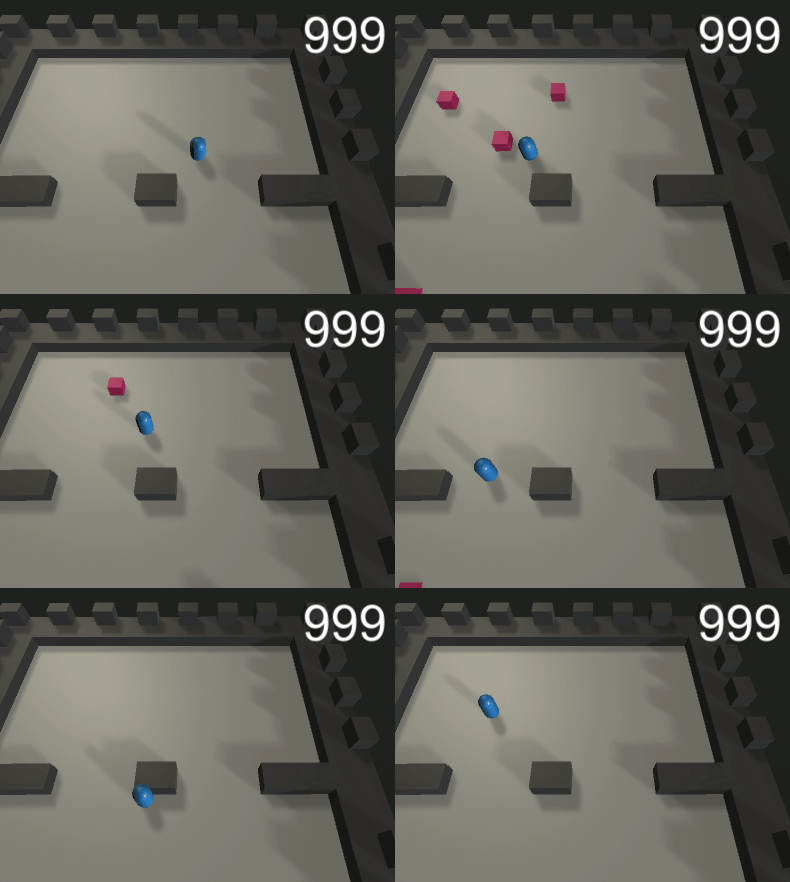
And, right away, we can see an issue, namely that the camera is clipping outside of the scene. Due to the late hour, I think I’m going to tackle that tomorrow.
메타데이터
- post_id
- f5cb649dae0a
- slug
- code-monkey-practice-lab-cctv-system-f5cb649dae0a
- url
- https://medium.com/@sean.duggan/code-monkey-practice-lab-cctv-system-f5cb649dae0a
- canonical_url
- https://medium.com/@sean.duggan/code-monkey-practice-lab-cctv-system-f5cb649dae0a
- author_url
- https://medium.com/@sean.duggan
- status
- ok
- fetched_at
- 2026-06-26 03:39:16