Creating a Fixed ePub (part 3/4)
Now I am happy with the design of the recipe introduction page it is time to move onto the ingredients and method part of the recipe. I…
Creating a Fixed ePub: audio and video (part 3/4)
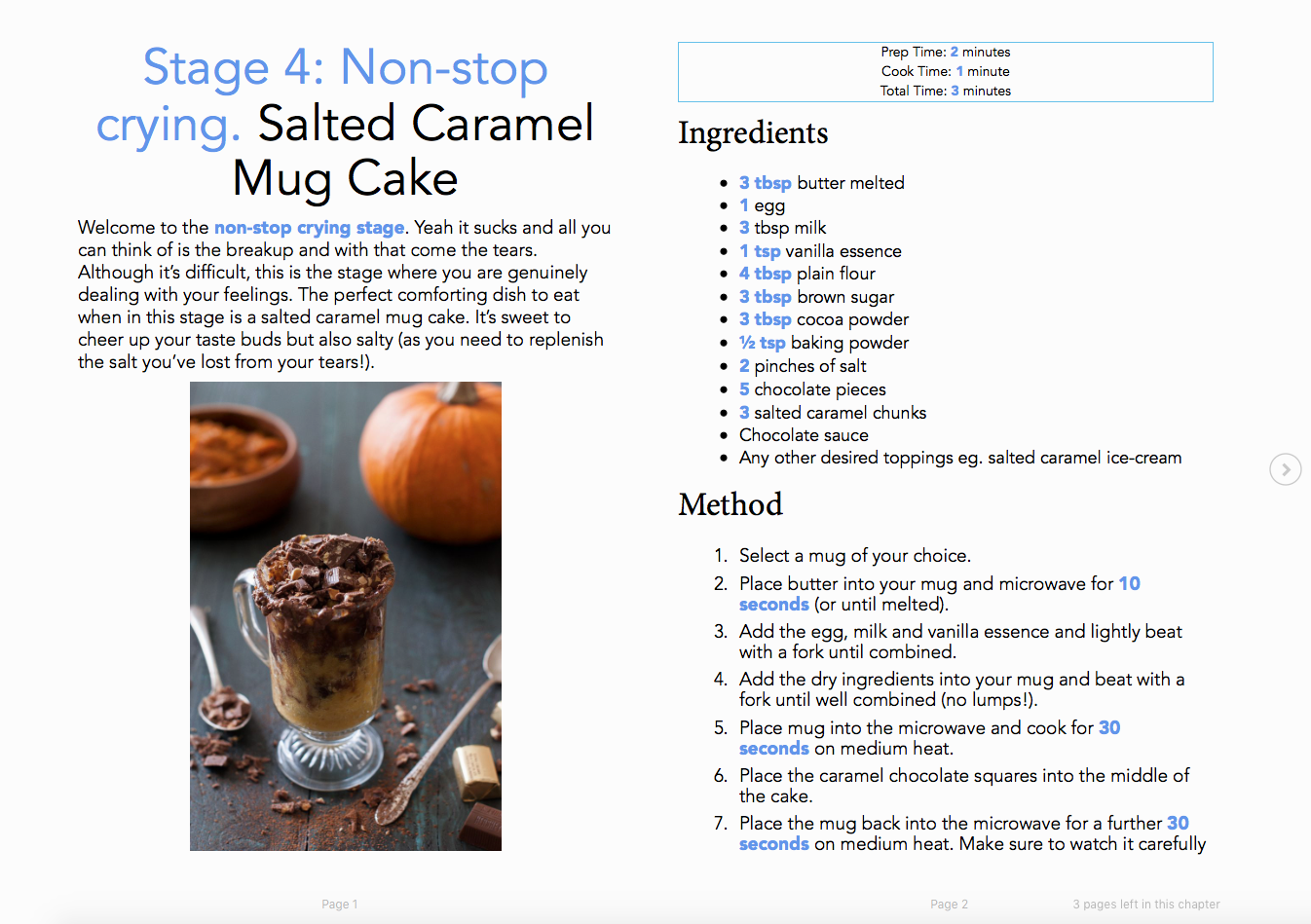
Now I am happy with the design of the recipe introduction page it is time to move onto the ingredients and method part of the recipe. I wanted to have each recipe confined to two pages which at first could have been tricky trying to keep the method and ingredients on one page without it looking cluttered. However I discovered it can be achieved through using a scrolling text box and the two column design (see Image 1).
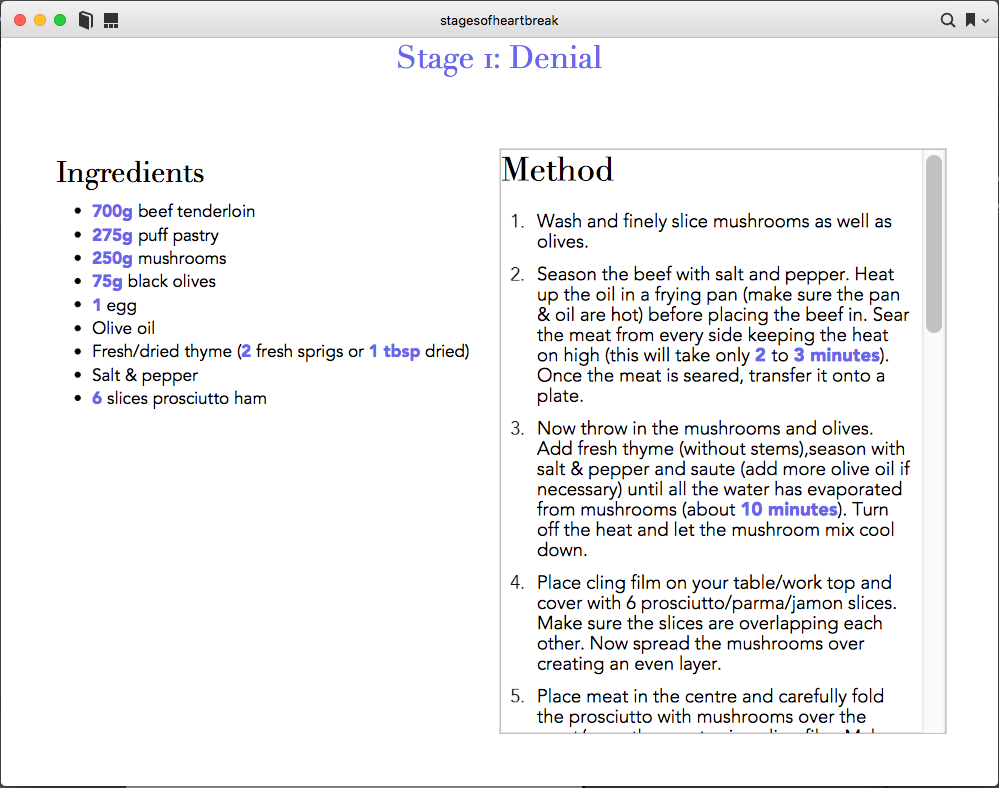
Image 1. ePub showing the scrolling text box
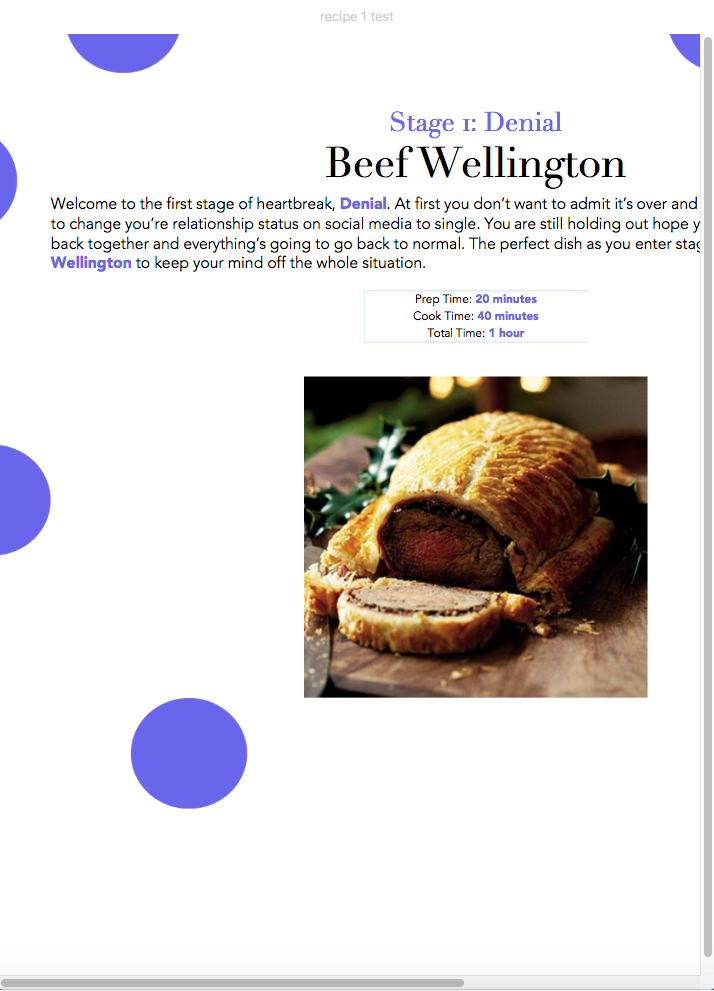
At first I had decided not to continue the circle design onto the second page of the recipe as I felt like it would over complicate the page. However I soon realised the page looked slightly bland without the circles (compare Image 1 to Image 2).
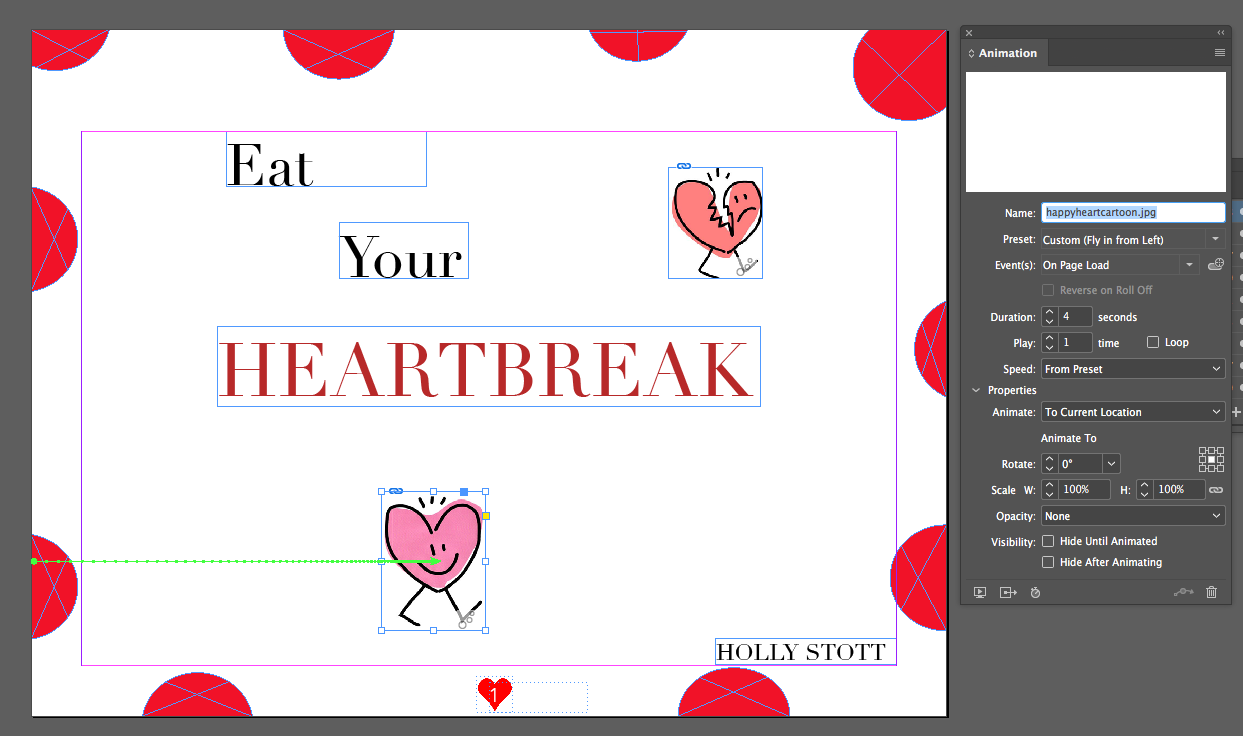
My ingredients didn’t take up as much room as I first thought and therefore I had blank space underneath which needed to be filled. I came up with the idea of including a motivational quote on the page to hopefully cheer up the heartbroken reader. To make the ePub even more interactive I decided I wanted a button (red heart seen on Image 2) where an audio recording of the quote could be played. I found these really cute heart illustrations which I have used throughout to create a solid brand identity for my book.

Image 2. Ingredients and Method page
I decided to not include a video demonstrating how to cook my recipes as the videos I found online didn’t really fit my atheistic. Although if anyone is interested in using video in their ePub I’ve attached a handy video (start at 4.48) down below explaining how to do just that!
[embed]A Video of how to add a video to a Fixed eBook on InDesign
Overall I’m extremely happy with my final design and the fact I managed to succeed in making sure each recipe is only two pages long. I believe the interactive elements I’ve used have been consistent throughout and will make my eBook more user friendly and enjoyable!
H
메타데이터
- post_id
- f5ecb6447fa8
- slug
- creating-a-fixed-epub-part-3-4-f5ecb6447fa8
- url
- https://medium.com/@16042851/creating-a-fixed-epub-part-3-4-f5ecb6447fa8
- canonical_url
- https://medium.com/@16042851/creating-a-fixed-epub-part-3-4-f5ecb6447fa8
- author_url
- https://medium.com/@16042851
- status
- ok
- fetched_at
- 2026-08-04 00:16:55