How to Create an Invoice PDF (Free & Instant)
Getting paid shouldn’t be the hard part of freelancing or running a small business. But if you’ve ever tried to make an invoice in Word…
How to Create an Invoice PDF (Free & Instant)
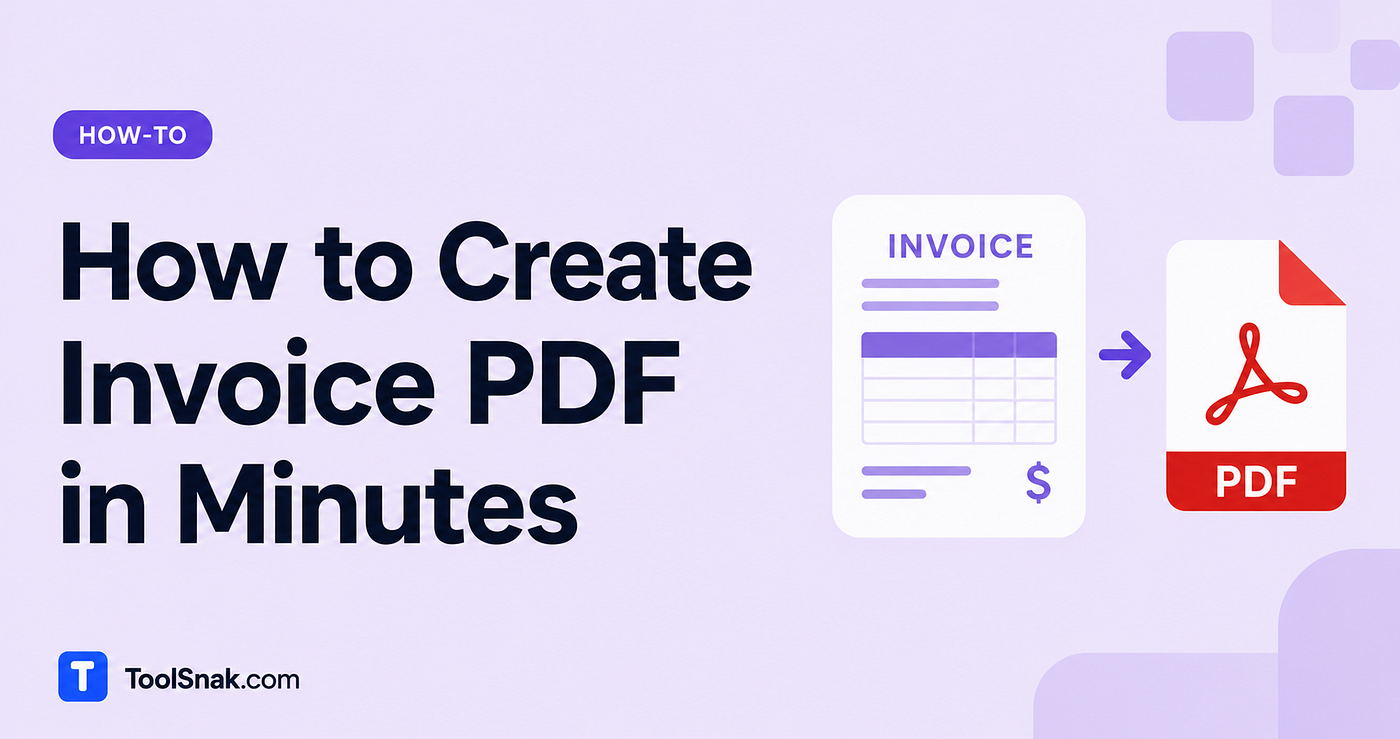
Getting paid shouldn’t be the hard part of freelancing or running a small business. But if you’ve ever tried to make an invoice in Word, you know the pain: the columns never line up, the totals don’t add themselves, and it looks a little off no matter what you do.
There’s a much faster way. A free invoice PDF generator lets you fill in a few fields, add your items, and download a clean, professional invoice in under a minute. No accounting software, no monthly subscription, no signup. And with ToolSnak, everything happens in your browser, so your client details stay private.
👉 **Try the Free Invoice PDF Generator**
What Is an Invoice PDF Generator?
An invoice PDF generator is an online tool that turns your billing details into a polished, ready-to-send PDF invoice. You enter your info, your client’s info, and your line items, and the tool builds a clean document with the math done for you. ToolSnak’s version runs entirely in your browser, so no invoice data ever gets sent to a server.
It’s made for people who don’t need a full accounting suite. Freelancers, contractors, and small business owners can create a professional invoice without paying for QuickBooks or FreshBooks, and without learning complicated software.
How to Create an Invoice PDF
- Open the Invoice PDF Generator
- In the From (Your Details) section, add your company/name, address, and email
- In the Bill To (Client Details) section, add your client’s name, address, and email
- Enter the Invoice Number, Invoice Date, and Due Date
- Choose your Currency from the dropdown (USD, EUR, GBP, INR, and more)
- Under Line Items, add a description, quantity (QTY), and rate — the Amount column fills in automatically. Click + Add Item for more rows
- Set a Tax Rate (%) if needed, and add anything else in the Notes / Payment Terms box
- Check the auto-calculated Subtotal and Total, then click Generate Invoice PDF
The amount, subtotal, tax, and total all calculate automatically as you type, so you never touch a calculator.
How It Works
You fill in the fields, and the tool assembles everything into a standard invoice layout, then exports it as a print-ready PDF. The clever part is the math, and it happens live. As you type, each line item’s Amount is worked out by multiplying QTY by Rate. Those amounts add up into the Subtotal, your tax rate gets applied, and the Total updates instantly at the bottom. No manual adding, no mistakes.
Here’s a quick example. Say you’re a freelance designer billing a client, and you add two line items:
- Logo design — QTY 1 × Rate 8,000 = 8,000
- Social media kit — QTY 1 × Rate 4,000 = 4,000
- Subtotal = 12,000
- Tax at 18% = 2,160
- Total = 14,160
Pick your currency, set the tax rate to 18, hit Generate Invoice PDF, and you get a clean invoice showing exactly that. Ready to email in seconds.
Why Use It?
- Look professional — a clean PDF beats a messy Word document every time
- Save time — the totals and tax calculate themselves
- No subscription — skip the monthly fees of accounting apps
- Get paid faster — clear invoices with due dates and payment terms leave no confusion
Key Features
- From and Bill To sections — capture your details and your client’s (name, address, email)
- Invoice number, invoice date, and due date fields for proper record-keeping
- Multiple currencies — USD, EUR, GBP, INR, and more from a simple dropdown
- Unlimited line items — add as many rows as you need with the + Add Item button
- Auto Amount column — QTY × Rate is calculated for each row instantly
- Tax Rate (%) field — add VAT, GST, or sales tax and it’s applied automatically
- Notes / Payment Terms box for bank details, UPI, or payment instructions
- Live Subtotal and Total that update as you type
- One-click Generate Invoice PDF — clean, print-ready, no watermark
- Runs in your browser — no download, no install
- Completely free, no signup, no limits
Who Uses an Invoice Generator?
- Freelancers — designers, writers, developers billing clients per project
- Small business owners — sending invoices without a finance team
- Contractors and consultants — quick, professional billing on the go
- Agencies — invoicing multiple clients in different currencies
- Anyone — who needs a one-off invoice without buying software
Invoice Generator vs Paid Software
FeatureToolSnakFreshBooks / QuickBooksPrice100% freeMonthly subscriptionSignup / accountNot neededRequiredMulti-currency10 currenciesYes, on paid plansWatermarkNoneSometimes on free tierPrivacyRuns in your browserData stored on serversInvoice limitUnlimitedOften capped on free
Best for: freelancers and small businesses who want fast, professional invoices without the monthly cost.
Tips for Best Results
- Use a consistent invoice number system (like INV-001, INV-002) so you can track payments easily
- Always set a due date — invoices with clear deadlines get paid faster
- Add payment terms in the notes — bank details, UPI, or “Net 15” so clients know how and when to pay
- Double-check the tax rate before generating, especially for GST or VAT
- Save your PDF right away and keep a folder of sent invoices for your records
Common Mistakes to Avoid
- Forgetting the due date — without one, clients delay payment. Always fill it in.
- Wrong currency selected — pick the right one before generating, especially for international clients.
- Skipping payment terms — if clients don’t know where to send money, you’ll wait longer. Add it in the notes.
- Not keeping a copy — download and save every invoice; the browser tab won’t remember it for you.
Privacy
Your client data stays yours. The whole invoice is built inside your browser, so nothing you type gets uploaded to a server. Client names, addresses, pricing, and business details never leave your device. We can’t see or store any of it. Close the tab and it’s gone. That makes this a safe choice for confidential client work.
Frequently Asked Questions
Is it free? Yes, completely free. There’s no Pro version, no signup, and no limits. You can generate as many invoice PDFs as you need, as often as you like, without paying anything or creating an account.
Is my invoice data private? Yes. All invoice generation happens right in your browser, so no data is sent to any server. Your client information, pricing, and business details stay completely private on your device. We can’t see or store any of it.
Which currencies are supported? The generator supports 10 currencies including USD, EUR, GBP, INR, CAD, AUD, JPY, CNY, AED, and SAR. Just pick your preferred currency from the dropdown before adding your line items.
Can I add taxes like GST or VAT? Yes. Enter your tax rate (for example, 18 for 18%) in the Tax Rate field, and the tool automatically calculates the tax amount and adds it to your total, so the final figure is always correct.
Related Tools
- **Sign PDF** — add your signature to any PDF
- **Merge PDF** — combine multiple PDFs into one
- **Compress PDF** — shrink PDF file size
- **Signature Maker** — create a signature for your invoices
👉 **Create your invoice PDF now — free, no signup**
🔗 Connect with ToolSnak
- 🌐 Website: https://www.toolsnak.com
- 📌 Pinterest: https://in.pinterest.com/toolsnak
- 💼 LinkedIn: https://www.linkedin.com/in/tool-snak-322aa7405/
- 📸 Instagram: https://www.instagram.com/toolsnak
- 👍 Facebook: https://www.facebook.com/profile.php?id=61587953512613
- ❓ Quora: https://www.quora.com/profile/Tool-Snak
- ✍️ Medium: https://medium.com/@toolsnak
- ✖️ X (Twitter): https://x.com/ToolSnak
- ▶️ YouTube: https://www.youtube.com/@toolsnak/shorts
메타데이터
- post_id
- f73aefcb4b5d
- slug
- how-to-create-an-invoice-pdf-free-instant-f73aefcb4b5d
- url
- https://medium.com/@toolsnak/how-to-create-an-invoice-pdf-free-instant-f73aefcb4b5d
- canonical_url
- https://medium.com/@toolsnak/how-to-create-an-invoice-pdf-free-instant-f73aefcb4b5d
- author_url
- https://medium.com/@toolsnak
- status
- ok
- fetched_at
- 2026-07-10 04:31:59