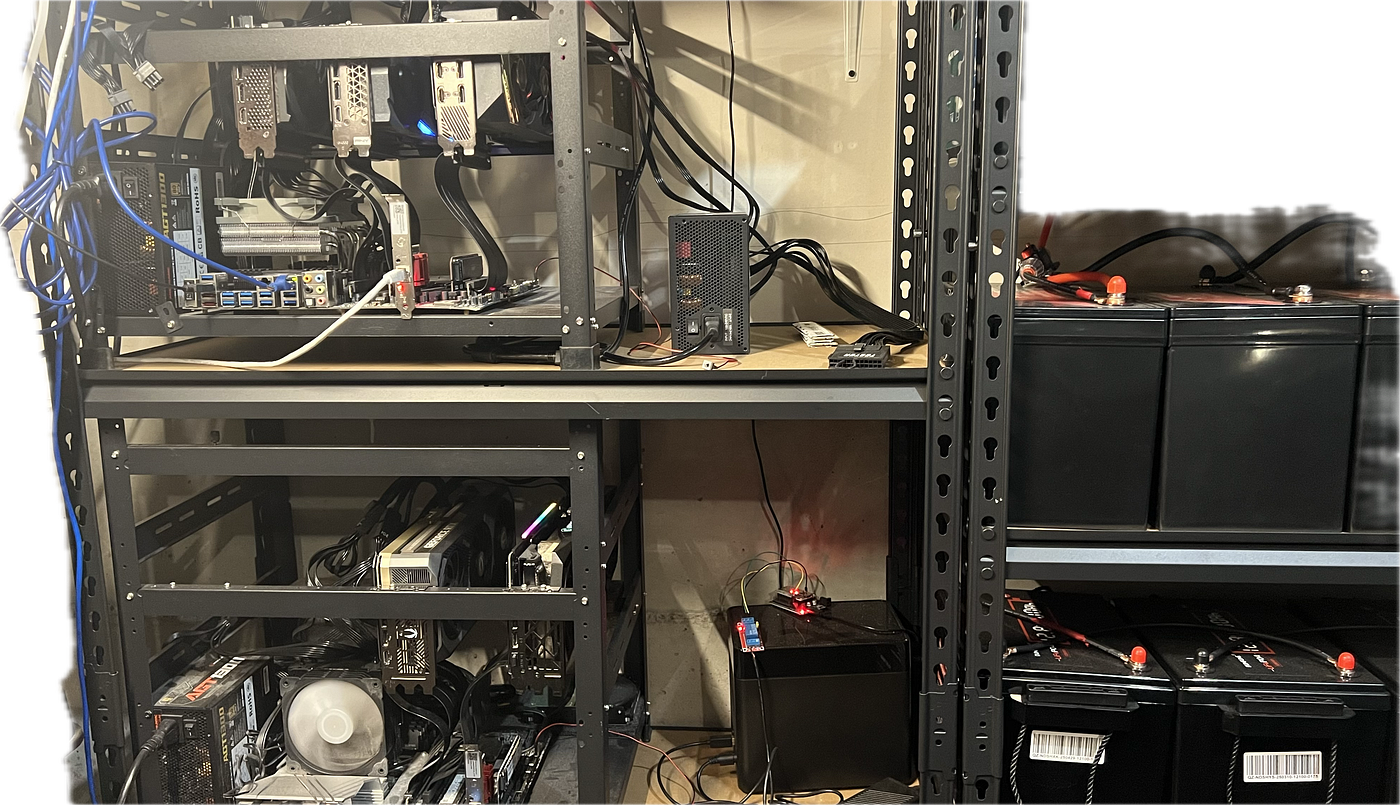
One command to unlock more VRAM from Your Macbook for Free
How to Unlock MacOS RAM Limitation for LLM inference (LMStudio)
One command to unlock more VRAM from Your Macbook for Free
How to Unlock MacOS RAM Limitation for LLM inference (LMStudio)
Why I wrote this? because ChatGPT 5.4 can’t answer this problem.
The problem
When you use LMStudio in a Macbook with, say, 64GB RAM, by default, only 51.84GB is avaliable for your LMStudio to use.
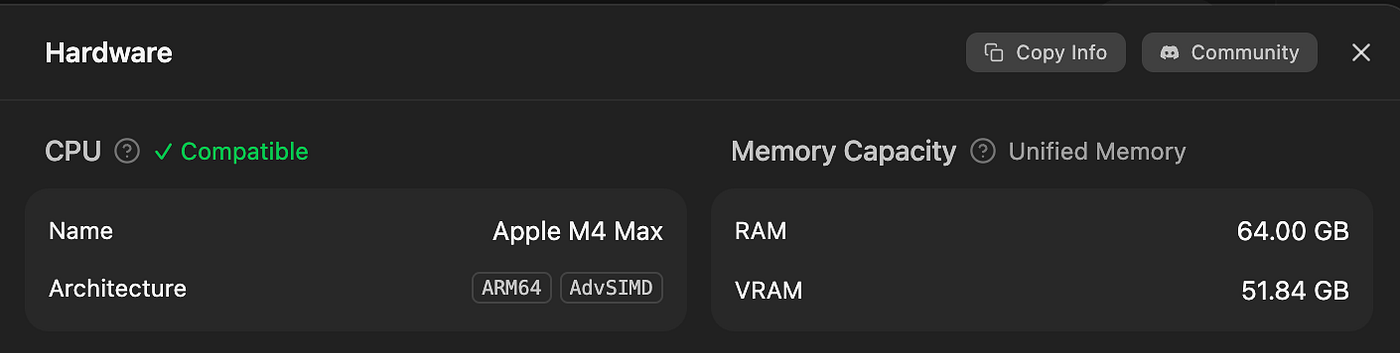
It is not LMStudio’s fault, it is MacOS’s default setting. Here are the solution that works for me. and should work for you too.
Solution
Step 1. Update your LMStudio to the latest version, the version that works for me is 0.4.7 (Build 4)
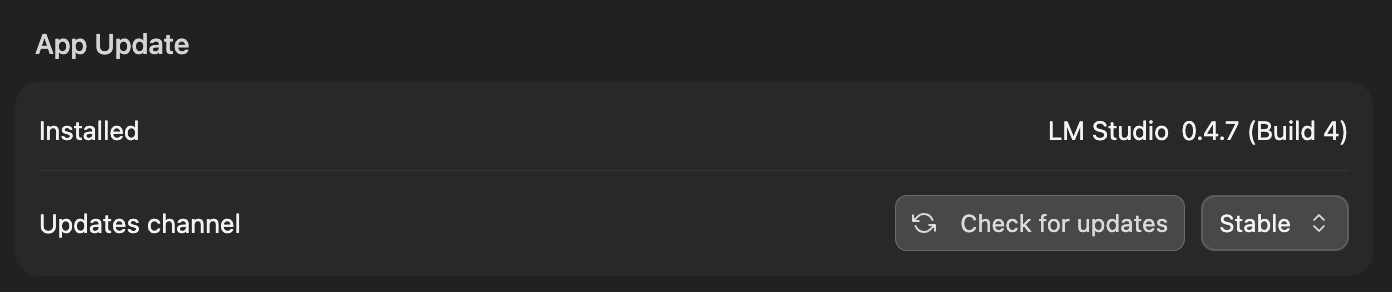
This is a must do, otherwise no matter what you do next won’t work for M4 chip.
Step 2. Run this command
sudo sysctl iogpu.wired_limit_mb=61440This will rise the limitation from 51.84GB to 60GB.
To make the limitation permanent, so you don’t have to run it every time after reboot. Add this line to your ~/.zshrc file:
echo "sudo sysctl iogpu.wired_limit_mb=61440" >> ~/.zshrc
source ~/.zshrc
Some community discussion says, M4 chip uses multiples of 12GB for memory allocation. So, allocate memory like 12, 24, 36, 48, 60 GB, etc. if your own number doesn’t work.
Say, you want set to 24GB. the number used in the above shell will be 24*1024 = 24576.
Step 3. Fully Restart your LMStudio
Result
Now I can see 60GB VRAM is avaliable.
M1Max:

M4Max:

This issue takes me lots of time to solve, and hope this helps you too.
메타데이터
- post_id
- f82aad2b24f3
- slug
- unlock-more-vram-from-your-macbook-for-free-f82aad2b24f3
- url
- https://medium.com/@xhinker/unlock-more-vram-from-your-macbook-for-free-f82aad2b24f3
- canonical_url
- https://medium.com/@xhinker/unlock-more-vram-from-your-macbook-for-free-f82aad2b24f3
- author_url
- https://medium.com/@xhinker
- status
- ok
- fetched_at
- 2026-06-20 20:29:01