Best Time Tracking Software for Small Businesses
Looking for the best time tracking software for small businesses? We’ve done the legwork for you.
Best Time Tracking Software for Small Businesses

Looking for the best time tracking software for small businesses? We’ve done the legwork for you.
We spent more than 70 hours putting the leading time tracking tools through their paces, from lightweight apps to full-featured platforms, to find out which ones genuinely serve small business owners and their teams. Our testing drew on real small business workflows: managing multiple employees, juggling client projects, running payroll, and keeping tabs on profitability.
You’ll find our complete evaluation below. If there’s a tool you’ve relied on and think we missed, we’d love to hear about it in the comments.
How we tested the tools
To make sure this guide actually helps small business owners, every tool went through a rigorous evaluation. Here’s what we looked for:
- Getting started: Could we create an account, add team members, and begin tracking time without needing IT support or a lengthy onboarding process?
- Core features: We tracked hours across multiple employees and projects, generated payroll-ready reports, and verified whether invoicing and integrations worked as advertised.
- Team management: We checked whether managers could view, edit, and approve team timesheets and whether employees could use the tool without constant hand-holding.
- Speed & reliability: We ran the desktop and mobile versions under real conditions, including slow connections, looking for syncing errors and crashes.
- Integrations: Small businesses rarely run on one tool alone. We checked compatibility with payroll software, accounting apps, and project management platforms.
- Support: We reviewed help documentation and contacted support with a realistic question to gauge response time and usefulness.
- Pricing vs. value: We compared plans carefully, watching for per-seat costs that balloon as teams grow, and features locked behind expensive tiers.
- Overall fit: Would this tool actually reduce the administrative burden on a small business owner or just add another thing to manage?
🏆 Best Overall: TMetric
Built for teams. Simple enough for everyone on them.

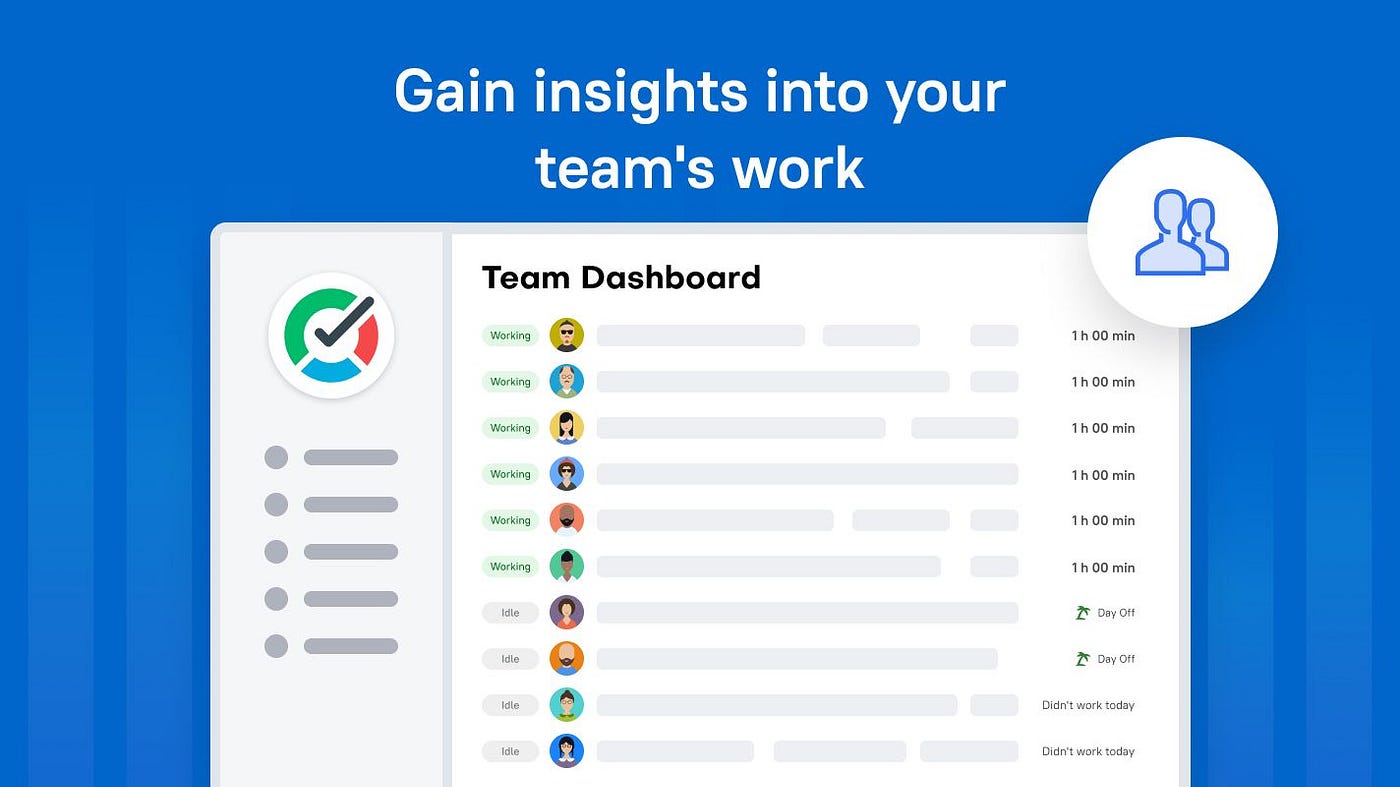
When we put TMetric through its paces, it stood out immediately as a tool that genuinely understands what small businesses need. It doesn’t overwhelm with enterprise complexity, and it doesn’t leave teams underserved with a bare-bones feature set either. TMetric lands right in the sweet spot: clean time tracking, team dashboards, project budgets, detailed reports, and integrations with the apps small businesses already use, all inside a polished, fast interface.
Check TMetric out: TMetric
Why TMetric stood out
- Team time tracking with one-click timers, manual entry, and idle detection, all in sync across devices
- Project budgets and alerts so you know before you go over, not after
- Client billing rates and billable vs. non-billable hour tracking built in
- Detailed reports exportable to PDF or CSV, filterable by project, person, tag, or date
- Integrations with Jira, GitHub, Asana, Trello, QuickBooks, and 50+ others via browser extension
- Payroll-ready data so pay runs don’t require manual tallying
- Transparent, affordable per-seat pricing with a free plan and a 14-day free trial
A few cons
- The mobile app, while functional, has fewer reporting options than the desktop
- Some advanced billing features require the Business plan
- First-time setup of integrations can take a few minutes to configure
In short: TMetric gives small business owners everything they need to track team time, manage project costs, and invoice clients accurately, without the complexity or price tag of enterprise software.
🥈 Toggl Track: Powerful Reporting, But Pricey for Teams

Toggl Track is a polished, feature-rich time tracker that many small businesses graduate to from spreadsheets. Reporting is genuinely excellent, and there are over 100 integrations. However, the per-seat pricing climbs quickly for teams, and invoicing still requires pulling data into a separate tool.
Explore Toggl: Toggl Track
What works well
- Best-in-class reporting and dashboard visualizations
- Integrates with Asana, Jira, Salesforce, and many more
- Browser extension works smoothly across most web apps
What could be better
- No native invoicing, requires a separate billing tool
- Editing past time entries can feel clunky
- Syncing occasionally lags across devices
Takeaway: Toggl Track is a solid choice for small businesses that prioritize in-depth reporting and already have a billing workflow. If you want an all-in-one experience, you’ll need to stitch tools together.
🥉 Harvest: Great for Invoicing, Weak on Team Visibility

Harvest has been a trusted time-tracking and invoicing tool for years. It handles hours-to-invoice flow elegantly, and its integrations with Basecamp, Asana, and Trello are genuinely useful. The downsides: limited team visibility, a dated mobile experience, and a free plan that barely qualifies as one.
Give it a try: Harvest
The strong points
- Smooth invoicing directly from tracked time
- Expense tracking with categories and receipts
- Profitability comparison across projects
- Multiple currencies and languages supported
Drawbacks
- No budget alerts before you overshoot
- Team overview features are limited compared to alternatives
- Mobile app is sluggish and occasionally inaccurate
- Invoice template customization is basic
Takeaway: Harvest is a reliable pick if seamless invoicing is your top priority. For more team oversight and budget visibility, you’ll likely outgrow it.
Clockify: Most Generous Free Plan, Steeper Learning Curve

Clockify is the go-to recommendation for budget-conscious small businesses, and for good reason: the free tier is genuinely unlimited — users, projects, and time entries. But the interface is dense, setup guidance is minimal, and some essential features (like project templates and time rounding) require paid plans.
See what it offers: Clockify
What stood out
- Truly unlimited users and projects on the free plan
- Wide range of reporting options
- Kiosk mode for tracking shift workers on a shared device
- Covers project tracking, scheduling, and team management
Where it falls short
- Crowded interface that takes real time to learn
- Advanced features are spread across paid tiers, making true cost harder to estimate
- Mobile app can be slow and occasionally unreliable
- Customer support is limited on lower plans
Takeaway: If your main concern is keeping costs at zero, Clockify’s free plan is hard to beat. Just budget extra time for onboarding your team.
TimeCamp: Automatic Tracking, But Gaps in the Mobile Experience

TimeCamp handles automatic time tracking well, it detects what you’re working on based on app and website activity, which appeals to small business owners who don’t want to remember to start timers. Reporting is solid. However, mobile syncing is inconsistent, and invoicing is locked to higher paid tiers.
Try it here: TimeCamp
Good stuff
- Automatic activity tracking reduces manual entry errors
- Useful attendance management for small teams
- Works across major platforms and integrations
- Free plan supports unlimited users and projects
Not so good
- Mobile app lags behind the desktop version significantly
- Syncing can fail when switching between devices
- Invoicing and budgeting require paid plans
- Support response times vary
Takeaway: TimeCamp’s automatic tracking is its best feature. For small teams doing a lot of desk work, it can significantly cut down on time-logging friction — but be prepared to work around the mobile limitations.
Hubstaff: Comprehensive for Remote Teams, Complex for Smaller Ones

Hubstaff packs in GPS tracking, activity monitoring, screenshots, payroll integrations, and scheduling, all of which can be genuinely useful for small businesses with remote or field-based employees. But the feature set is dense, the interface takes time to learn, and the pricing can stack up fast.
Check it out: Hubstaff
Strengths to note
- Strong remote team management tools, including GPS and activity levels
- Integrates with QuickBooks, Gusto, and popular project tools
- Automated payroll based on tracked hours
- Available on desktop, mobile, and web
Things we struggled with
- Navigation is not intuitive, onboarding new staff takes effort
- Some monitoring features may feel intrusive depending on your culture
- Pricing climbs quickly as you add users and features
Takeaway: Hubstaff is worth considering if you have remote or distributed employees who need accountability tools alongside time tracking. For standard office or hybrid small business use, simpler tools will serve you better.
Time Doctor: Enterprise-Grade Analytics, Small Business Overkill

Time Doctor is built for organizations that need deep productivity analytics, keystroke logs, screenshot monitoring, and distraction alerts. For a small business that trusts its team, this level of surveillance may create more friction than value. That said, the reporting depth is genuinely impressive if you need it.
Explore Time Doctor: Time Doctor
Where it impresses
- Extremely granular activity tracking and productivity analysis
- 60+ software integrations
- Meets SOC 2 Type II compliance standards
- Strong payroll and billing features
The drawbacks
- Monitoring features are intense, not a fit for every team culture
- Interface feels dense and corporate
- Pricing is higher than lighter alternatives for solo and small teams
- Mobile app lags behind the desktop version
Takeaway: If your small business operates in a regulated industry or needs audit-ready productivity records, Time Doctor earns its price. For most small teams, it’s more than you need.
RescueTime: Great for Self-Awareness, Not for Team Billing

RescueTime automatically records how time is spent across apps and websites, producing detailed productivity summaries with almost no setup. It’s the best tool we tested for helping individuals understand their own work habits, but it has no team billing, no project tracking, and no invoicing.
Find out more: RescueTime
What worked for us
- Zero-effort automatic tracking across all apps
- Excellent individual productivity reports
- Focus session tools to block distractions
- 14-day free trial included
My frustrations
- No project or client management
- No billable hours or invoice support
- Workarounds needed to make it useful for billing
Takeaway: RescueTime is excellent for helping employees and owners understand where their days actually go. It’s not a replacement for time tracking software in a billing or payroll context.
Other Tools Worth Knowing
- **Scoro: **Full business management suite; powerful but built for agencies and larger teams.
- **BigTime Software: **Strong for professional services firms; complex setup for smaller operations.
- **Replicon**: Enterprise-grade compliance and workforce management; too advanced for most small businesses.
- **Paymo: **Good freelancer tool with some team features; reporting depth is limited.
- **Everhour**: Integrates natively into Asana and Trello; limited standalone functionality.
- **Buddy Punch**: Solid for hourly shift workers; less suited to project-based billing.
- **When I Work**: Strong scheduling tool with basic time tracking; not built for project billing.
- **Deputy**: Excellent for scheduling and shift management; time tracking is a secondary feature.
Final Thoughts
Small businesses have unique demands that neither solo freelancer apps nor full enterprise platforms address well. You need team visibility without a surveillance culture, client billing without a separate invoicing tool, and reporting clear enough to actually inform decisions, all at a price that makes sense before you’ve scaled to 50 people.
The best time tracking software for small businesses strikes that balance. After 70+ hours of testing, TMetric is our top recommendation: it handles team time, project budgets, client billing, and integrations in one tidy package, at pricing that stays reasonable as you grow. Whether you’re a team of 3 or 30, it’s designed to make time tracking something that helps your business, not another administrative task on your list.
메타데이터
- post_id
- f896d5f518ef
- slug
- best-time-tracking-software-for-small-businesses-f896d5f518ef
- url
- https://medium.com/tmetric/best-time-tracking-software-for-small-businesses-f896d5f518ef
- canonical_url
- https://medium.com/tmetric/best-time-tracking-software-for-small-businesses-f896d5f518ef
- author_url
- https://medium.com/@tmetric
- status
- ok
- fetched_at
- 2026-06-22 08:33:11