How I Built a Rocket Launch Simulation
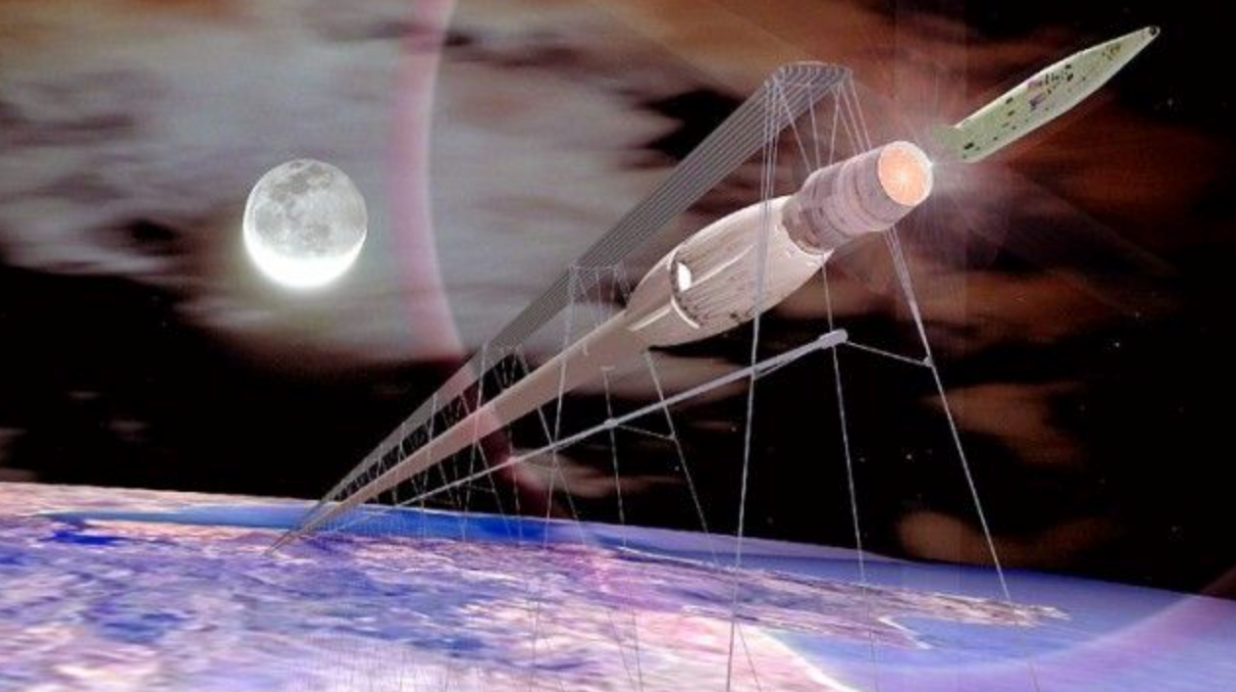
Rockets are now a new and upcoming technology in our society. Satellites are constantly being shot into space, SpaceX is making reusable…
How I Built a Rocket Launch Simulation
Rockets are now a new and upcoming technology in our society. Satellites are constantly being shot into space, SpaceX is making reusable rockets, NASA just launched Artemis II. That’s why I decided learning about rockets earlier on.
What does my simulation do?
My simulation models the vertical motion of a rocket by calculating a rocket’s velocity and height over time. The simulation prints the velocity and position of the rocket every second. It does this with the information of the force of the thrusters and with the mass of the rocket.

My simulation code

Output of my simulation
How I made my rocket
Plotting out the physics and the aspects that I need
Step 1: Calculating the force of gravity
The formula used for gravity is:
Fg = mg*
g represents gravitational acceleration, m represents the rocket’s total mass and Fg represents the force of gravity. This is extremely important for the simulation to know how much force the trusters of the rockets must overcome
Step 2: Calculating the net force
The net force formula is:
Fnet = Fthrusters - Fgravity
The Fg or the force of gravity can also be represented as m*g since that is how we calculated it in step 1. This net force is the total force that pushes the rocket upwards when taking into account the force of gravity
Step 3: Calculating acceleration
The formula to find the rocket’s acceleration is:
acceration = Fnet/mass
This acceleration is important to figure out because it determines the velocity of the rocket at certain time stamps.
Step 4: Calculating the velocity
The formula used to calculate the velocity at each time stamp is:
Vnew = Vold + acceration*dt
In this case dt is the time step that was used to determine the rocket’s velocity. The old velocity is added on to the new velocity because the rocket is not starting from a velocity of zero but the rocket is starting from a already moving velocity
Step 5: Calculating the new position and height of the rocket
The formula to calculate the height that the rocket has flown is similar to velocity’s:
Hnew = Hold + Vnew*dt
Like velocity, the new height of the rocket is added on to the old height since the rocket is continuing to move from it’s earlier position. Also the new velocity is used to calculate the new height since that’s the speed that the rocket is moving in the new time step.
Writing the code
Here is the code that I wrote for my simulation:
Gravity=9.81
Velocity=0
dt=1
Time=0
Height=0
Mass=float(input("Enter your rocket's mass in kg: "))
Thrust=float(input("Enter the thrust power in Newtons: "))
Fg=Mass*Gravity
Fnet=Thrust-Fg

while True:
    Acceleration = Fnet / Mass
    Velocity+=Acceleration*dt
    Height+=Velocity*dt
    Time+=dt
    print("Time:",round(Time,2))
    print("Height",round(Height,2))
    print("Acceleration:",round(Acceleration,2))
    print("Velocity:",round(Velocity,2))
    if Height > 500:
        print("Height above 500m")
        break
The first five lines define the variables. Velocity, height and time are all 0 since the simulation hasn’t started yet. Gravity is 9.81 since that is it’s constant acceleration and dt is the time step which I chose to be 1 second.
Gravity=9.81
Velocity=0
dt=1
Time=0
Height=0
The next two lines both have input function to make the simulation interactive.
Mass=float(input("Enter your rocket's mass in kg: "))
Thrust=float(input("Enter the thrust power in Newtons: "))
Here, users can input the mass of their rocket and their rocket’s thrust force.
The while loop and if statement are used to make the code give us information until the rocket reaches a certain height.
while True:

if Height > 500:
        print("Height above 500m")
        break
While true makes the code repeat until the the if statement is true and the “if height >500:” determines when the while loop ends.
This piece of code calculates the acceleration, the velocity, the height and the time at each time step.
    Acceleration = Fnet / Mass
    Velocity+=Acceleration*dt
    Height+=Velocity*dt
    Time+=dt
    print("Time:",round(Time,2))
    print("Height",round(Height,2))
    print("Acceleration:",round(Acceleration,2))
    print("Velocity:",round(Velocity,2))
In the physics section we saw that for velocity and height we had to add the old height to new acceleration times time stamp multiplication. In the code this is shown by the +=. For example, to get rid of the += you could also write the velocity line as Velocity = Velocity + Acceleration*dt. Then these values are being printed to show the velocity, height, acceleration and time of each time stamp.
What I learned from this project
From this project I learned a lot of physics concepts and learned how to code with python.
Physics concepts
Through this project I learned about Newton’s law, how to calculate acceleration, velcoity and a rocket’s height. I already knew a bit about these formula’s but this project helped me apply my knowledge to a real life situation.
Python
I learned how to code with pyhton which I think this a really great skill to be able to do simulations and make programs in the future. Learning this skills was a little difficult since I don’t really have a lot of coding experience but I think it was a great to learn. I found that debugging code was really fun and I loved learning about different functions and loops.
Thank you so much for reading!
About the author
Hi I’m Chloe a high school space and technology enthusiast. I love working on projects and learning about new technologies that are being developed. If you like this article please give it a 👏. Thank you so much for reading!
메타데이터
- post_id
- f8a1e7c43268
- slug
- beginner-rocket-launch-simulator-f8a1e7c43268
- url
- https://medium.com/@chloe.thieny/beginner-rocket-launch-simulator-f8a1e7c43268
- canonical_url
- https://medium.com/@chloe.thieny/beginner-rocket-launch-simulator-f8a1e7c43268
- author_url
- https://medium.com/@chloe.thieny
- status
- ok
- fetched_at
- 2026-06-09 15:37:30