What is a WMF file?
WMF stands for “ Windows MetaFile”. This is an old vector image format designed by Microsoft in the early 1990s for their Windows Operating…
What is a WMF file?
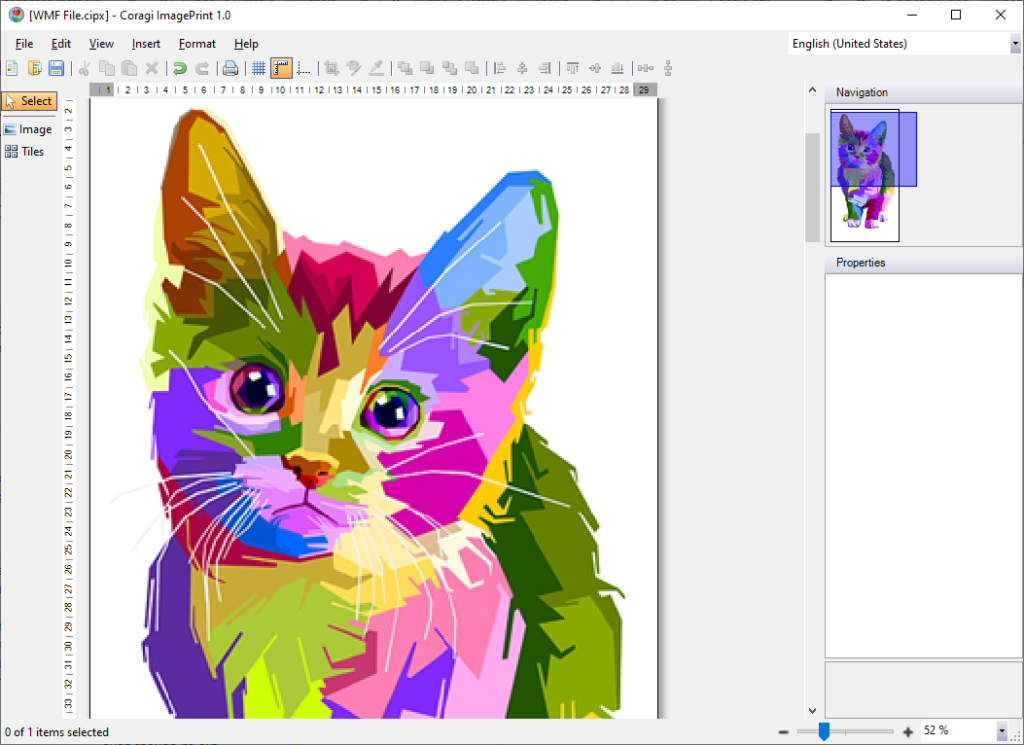
WMF stands for “ Windows MetaFile”. This is an old vector image format designed by Microsoft in the early 1990s for their Windows Operating System. The files can contain both vector graphics and raster components at the same time. It consists of programming commands which enables the creation of lines, circles, and rectangles on the viewing applications. This 16-bit image format is portable between applications. Also, WMF is the native vector format of Microsoft Office applications (Ms Word, Ms PowerPoint and Ms Excel). The next generation of the format is EMF, i.e. Enhanced MetaFile, which is 32 bit and supports extended drawing routines.
This format is supported in ImagePrint. However, the loaded image is automatically converted to a Enhanced Metafile (EMF) for better rendering.
How to open WMF vector images with ImagePrint:
- Launch **Coragi ImagePrint**
- Choose Insert > Image
- Find the WMF file you wish to open
- Select the file(s)
- Edit and save your file
Originally published at https://www.coragi.com on June 6, 2021.
메타데이터
- post_id
- f925c42b4ab
- slug
- what-is-a-wmf-file-f925c42b4ab
- url
- https://medium.com/coragi-imageprint/what-is-a-wmf-file-f925c42b4ab
- canonical_url
- https://medium.com/coragi-imageprint/what-is-a-wmf-file-f925c42b4ab
- author_url
- https://medium.com/@coragicom
- status
- ok
- fetched_at
- 2026-07-28 06:17:56




