Data Cleaning Fundamentals: Standardizing Text, Dates, and Categories
A Practical Guide to Making Data Consistent and Analysis-Ready
Data Cleaning Fundamentals: Standardizing Text, Dates, and Categories
A Practical Guide to Making Data Consistent and Analysis-Ready
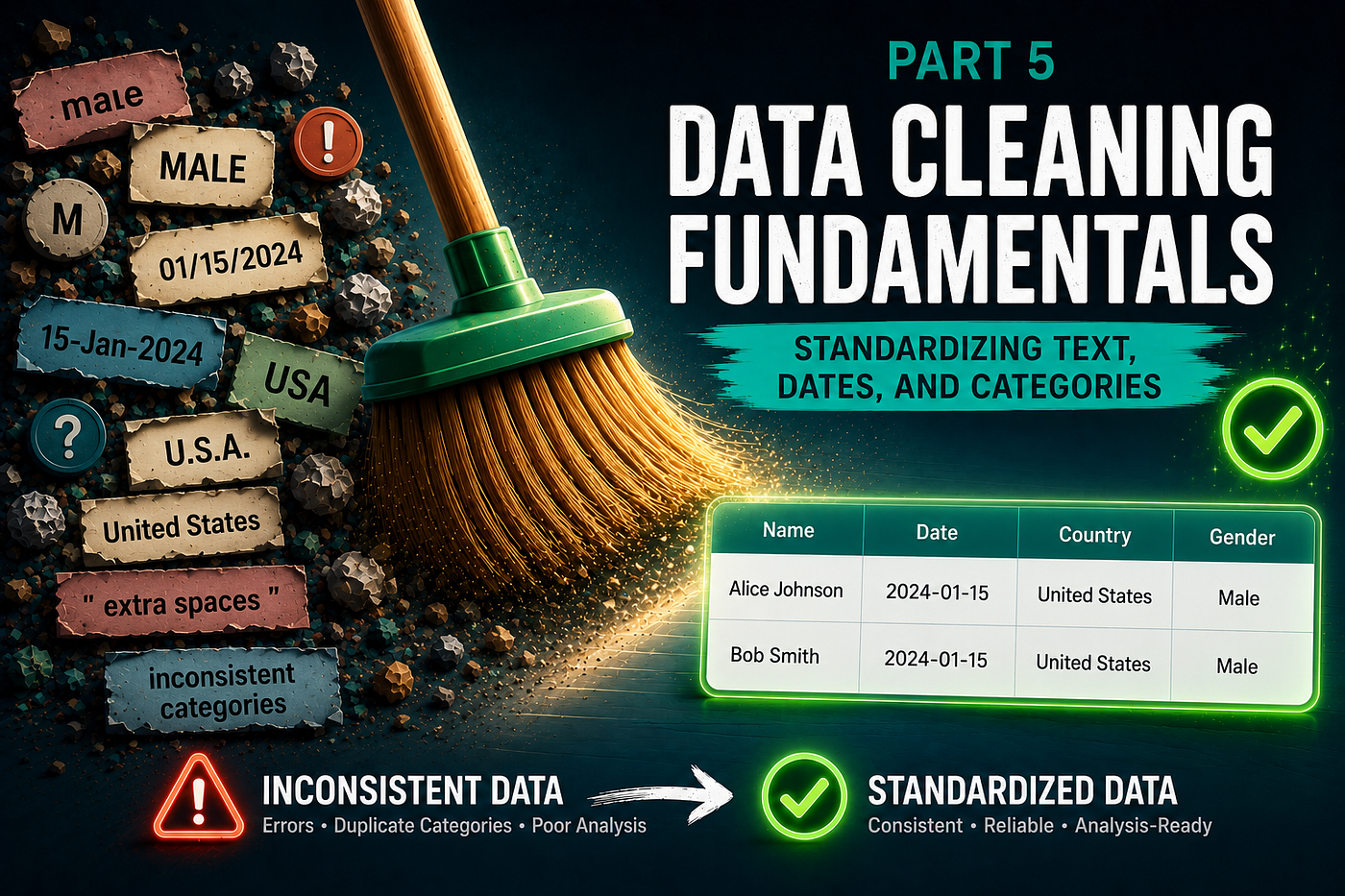
Imagine you’re analyzing customer data and encounter the following values:
Gender
Male
male
MALE
M
m
Although these values represent the same category, a computer treats them as different entries.
Similarly, consider the following date formats:
2024-01-15
15/01/2024
Jan 15, 2024
Or country names:
USA
U.S.A.
United States
To a human, these values clearly refer to the same thing.
To a computer, they are completely different.
This type of inconsistency is extremely common in real-world datasets and can lead to inaccurate analyses, misleading visualizations, and incorrect business decisions.
In this article, we’ll explore how to identify and standardize inconsistent text, dates, and categorical values to create reliable and analysis-ready datasets.
What Is Data Standardization?
Data standardization is the process of converting data into a consistent format.
The goal is to ensure that equivalent values are represented in the same way throughout the dataset.
For example:
Before:
Male
male
MALE
M
After:
Male
Male
Male
Male
Standardization improves:
- Data quality
- Reporting accuracy
- Aggregation results
- Machine learning performance
Why Standardization Matters
Consider a customer dataset:
Gender
Male
male
Female
FEMALE
If we calculate value counts:
df["gender"].value_counts()Output:
Male       1
male       1
Female     1
FEMALE     1
The dataset appears to contain four categories.
In reality, there are only two.
Without standardization, summaries become misleading.
Common Standardization Problems
Inconsistent Capitalization
Examples:
Toronto
toronto
TORONTO
Leading and Trailing Spaces
Examples:
"Toronto"
" Toronto"
"Toronto "
These values look identical but are treated differently.
Abbreviations
Examples:
USA
US
United States
Date Format Variations
Examples:
2024-01-15
15/01/2024
01/15/2024
Inconsistent Categories
Examples:
High
high
HIGH
H
Standardizing Text Data
Let’s begin with text fields.
Example dataset:
import pandas as pd
df = pd.DataFrame({
    "city": [
        "Toronto",
        "toronto",
        "TORONTO",
        " Toronto "
    ]
})
Convert to Lowercase
df["city"] = (
    df["city"]
    .str.lower()
)
Result:
toronto
toronto
toronto
toronto
Convert to Uppercase
df["city"] = (
    df["city"]
    .str.upper()
)
Convert to Title Case
df["city"] = (
    df["city"]
    .str.title()
)
Result:
Toronto
Toronto
Toronto
Toronto
Removing Extra Spaces
A common issue in exported data.
Example:
" Toronto"
"Toronto "
" Toronto "
Remove spaces:
df["city"] = (
    df["city"]
    .str.strip()
)
Result:
Toronto
Toronto
Toronto
Standardizing Categories
Suppose we have:
df["gender"]Output:
Male
male
M
m
Create a mapping dictionary:
gender_map = {
    "male": "Male",
    "m": "Male",
    "female": "Female",
    "f": "Female"
}
Apply mapping:
df["gender"] = (
    df["gender"]
    .str.lower()
    .map(gender_map)
)
Result:
Male
Male
Male
Male
Standardizing Country Names
Before:
USA
U.S.A.
United States
US
Create a mapping:
country_map = {
    "usa": "United States",
    "u.s.a.": "United States",
    "us": "United States",
    "united states": "United States"
}
Apply:
df["country"] = (
    df["country"]
    .str.lower()
    .map(country_map)
)
Standardizing Date Formats
Date inconsistencies are among the most common data quality issues.
Example:
2024-01-15
15/01/2024
Jan 15, 2024
Convert to datetime:
df["date"] = pd.to_datetime(
    df["date"]
)
Format Dates Consistently
df["date"] = (
    df["date"]
    .dt.strftime("%Y-%m-%d")
)
Result:
2024-01-15
2024-01-15
2024-01-15
Validating Standardization
After cleaning, verify the results.
Example:
df["gender"].value_counts()Before:
Male
male
M
m
After:
MaleThe number of categories has been reduced and standardized.
Practical Workflow for Standardization
When working with a new dataset:
Step 1
Inspect categorical values.
df["city"].unique()Step 2
Look for:
- Capitalization issues
- Spacing issues
- Abbreviations
- Typos
Step 3
Standardize formatting.
Examples:
.str.lower()
.str.upper()
.str.title()
.str.strip()
Step 4
Apply category mappings.
.map(mapping_dict)Step 5
Convert dates to a consistent format.
pd.to_datetime()Step 6
Validate results.
.value_counts()
.unique()
Common Mistakes
Ignoring Whitespace
Hidden spaces often create duplicate categories.
Assuming Categories Are Consistent
Always inspect unique values first.
Standardizing Without Documentation
Record all mappings and transformations.
Applying the Wrong Date Format
Always verify date conversions.
Key Takeaways
Data standardization ensures that equivalent values are represented consistently throughout a dataset.
Common issues include:
- Capitalization differences
- Extra spaces
- Abbreviations
- Inconsistent categories
- Multiple date formats
Techniques such as:
.str.lower().str.title().str.strip().map()pd.to_datetime()
can dramatically improve data quality and make datasets easier to analyze.
In the next article of this series, we’ll focus on another common challenge: fixing data types and formatting issues, including how to identify incorrect data types and convert them into forms suitable for analysis.
Keep in Touch
Thanks for reading! This blog is where I explore data science, machine learning, AI, optimization, simulation, decision-making, and interesting mathematical ideas — sharing projects, experiments, and thoughts I discover along the way.
- 🐙 **GitHub**: projects & notebooks
- ✍️ **Medium**: more posts like this
- 💼 **LinkedIn**: let’s connect!
메타데이터
- post_id
- f9bc67d8e342
- slug
- data-cleaning-fundamentals-standardizing-text-dates-and-categories-f9bc67d8e342
- url
- https://medium.com/@bskky001/data-cleaning-fundamentals-standardizing-text-dates-and-categories-f9bc67d8e342
- canonical_url
- https://medium.com/@bskky001/data-cleaning-fundamentals-standardizing-text-dates-and-categories-f9bc67d8e342
- author_url
- https://medium.com/@bskky001
- status
- ok
- fetched_at
- 2026-06-17 12:55:42