Active Directory Enumeration & Attacks — Skills Assessment Part I
In this blog, I walk you through the steps and thought process I follow while solving the skill assessment part 1 for the Active Directory…
Active Directory Enumeration & Attacks — Skills Assessment Part I
In this blog, I walk you through the steps and thought process I follow while solving the skill assessment part 1 for the Active Directory Enumeration & Attacks module from HTB.

TLDR:
- Got a reverse shell via the Web Shell
- Kerberoasted
svc_sqland cracked its password - Used the credentials to pivot into the internal network via Chisel
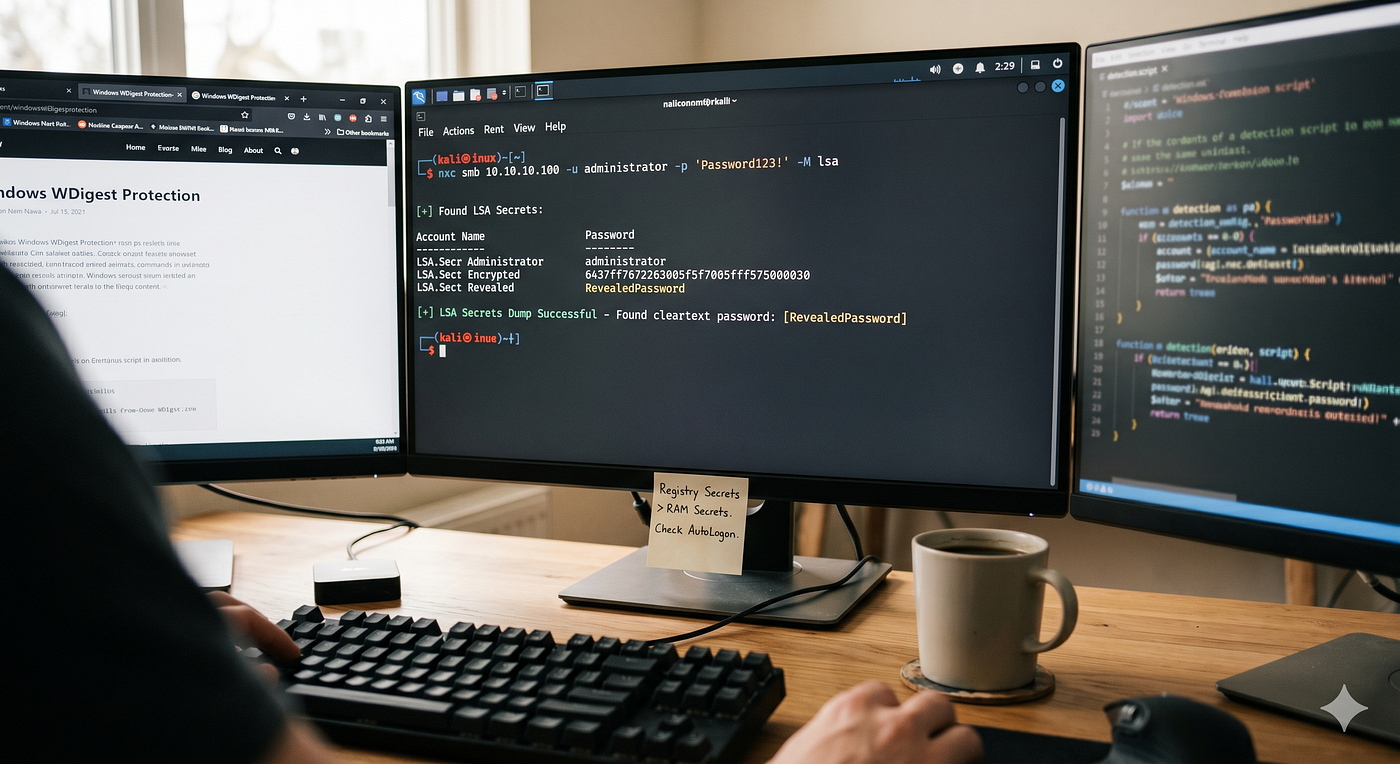
- Dumped cleartext credentials using NetExec’s LSA module
- Performed a DCSync attack to take over the domain
Q1: Submit the contents of the flag.txt file on the administrator Desktop of the web server
As we know from the information provided in the scenario, we have a foothold into the AD environment via a Web Shell, so let’s access it.

The Web Shell
Now, we can utilize the Web Shell to enumerate the files and read the flag.

Reading the flag.
Q2: Kerberoast an account with the SPN MSSQLSvc/SQL01.inlanefreight.local:1433 and submit the account name as your answer
Before answering the question, let’s recall the Kerberoasting attack:
Kerberoasting is a lateral movement/privilege escalation technique in Active Directory environments. This attack targets Service Principal Names (SPN) accounts. SPNs are unique identifiers that Kerberos uses to map a service instance to a service account in whose context the service is running. Domain accounts are often used to run services to overcome the network authentication limitations of built-in accounts such as NT AUTHORITY\LOCAL SERVICE. Any domain user can request a Kerberos ticket for any service account in the same domain. This is also possible across forest trusts if authentication is permitted across the trust boundary. All you need to perform a Kerberoasting attack is an account's cleartext password (or NTLM hash), a shell in the context of a domain user account, or SYSTEM level access on a domain-joined host.
Solution: As you may have noticed, we have landed in a semi-interactive web shell, so I preferred to get a fully interactive shell via a reverse shell. To do so, I created a reverse shell using msfvenom as shown below.

Creating the Reverse Shell using MSFVENOM
Now, we need to transfer that .exe to the target. To do so, I used Python to create a Web Server as below

The Python Server
After transferring the file, we can use the Web Shell to execute it, but before that, we need to set up a listener so we can catch the connection and get the shell.

Setting the listener using MSF
Now we can check the file after we transfer it

The Reverse Shell
Running the Reverse Shell

The Reverse Shell
Now that we have a stable shell, we can use any technique we like to enumerate the Kerberoastable accounts. For me, I used setspn.exe -q */* and got the result, which is the account svc_sql.
Q3: Crack the account’s password. Submit the cleartext value.
To solve this question, I first imported PowerView and used it to get the TGS ticket that is compatible with Hashcat using the following command:
Get-DomainUser -Identity svc_sql | Get-DomainSPNTicket -Format Hashcat
Then I took the output and used it with Hashcat. For an unknown reason, Hashcat was not able to crack the hash even after multiple attempts and ensuring the file was compatible with it. To overcome this issue, I used Rubeus. I transferred it to the target and ran it as shown below, and then I was able to crack the hash using Hashcat.

Using Rubeus to get the hash

Cracking the hash using Hashcat
Q4: Submit the contents of the flag.txt file on the Administrator desktop on MS01
This question came after we found the credentials for the SQL user, so most likely we will be able to use the exact same credentials on MS01. Let’s try that. To do so, I used the compromised web server as a pivot host to redirect our traffic from our attack host (Kali) into the internal network. I used Chisel as shown below:

Using Chisel on the attack host

Running Chisel on the Pivot host
Note: The Chisel file needs to be transferred to the pivot host.
Now, we need to check if the credentials we have will work on the server MS01. To do so, we can use NetExec.

Using NXC to validate the credentials
As shown in the screenshot above, the credentials we have are valid and can be used to access MS01!
To access the host, we can use multiple ways, but I chose to RDP using the command
proxychains xfreerdp /v:MS01 /u:svc_sql /p:lucky7 /dynamic-resolution +clipboard /cert:ignore
Getting the flag from the host MS01
Q5: Find clear-text credentials for another domain user. Submit the username as your answer.
This question is a little tricky; however, the only thing I thought of was credential dumping. For that, I first used Mimikatz, but it returned nothing! I almost lost hope in creds dumping, then I gave it another try using the LSA module from NetExec, and I got the credentials as we can see below.

MimiKatz Output

NXC Output
Why Mimikatz failed to get the password but we succeeded with NXC?
- Mimikatz (
sekurlsa::logonpasswords): This command targets the RAM of thelsass.exeprocess. It looks for users who are currently logged in or have active sessions. On modern Windows (Server 2016/2019+), cleartext passwords are encrypted or disabled in RAM by default (WDigest Protection). This is why you saw(null). - NetExec (
-lsa): This module targets LSA Secrets stored in the Windows Registry hives (SECURITYandSYSTEM). When a machine is set to AutoLogon (like MS01 was fortpetty), Windows doesn't just keep that password in RAM; it writes it into a "secret" area of the registry so it can survive a reboot.
Q6: What attack can this user perform?
To solve this question, I first imported PowerView, as it is very helpful when it comes to user enumeration. As we can see below, after enumerating the user, we can see that they have DCSync permission!

Using PowerView

Enumerating the user permissions
Q7: Take over the domain and submit the contents of the flag.txt file on the Administrator Desktop on DC01
To solve this question, we can use the permission we have to dump the domain admin hash, then either crack it or utilize it for Pass-the-Hash. To do so, I used secretsdump.py from Impacket as shown below.

Dumping the admin hash

Using the admin hash to access the DC

Reading the flag on the DC
메타데이터
- post_id
- fa34434d4c8c
- slug
- active-directory-enumeration-attacks-skills-assessment-part-i-fa34434d4c8c
- url
- https://medium.com/@bisher.cyber/active-directory-enumeration-attacks-skills-assessment-part-i-fa34434d4c8c
- canonical_url
- https://medium.com/@bisher.cyber/active-directory-enumeration-attacks-skills-assessment-part-i-fa34434d4c8c
- author_url
- https://medium.com/@bisher.cyber
- status
- ok
- fetched_at
- 2026-06-20 20:29:01