How to Manage DPI with IronPDF
Managing and Retrieving DPI with IronPDF
How to Manage DPI with IronPDF
Managing and Retrieving DPI with IronPDF
- Setting DPI when Creating PDFs (HTML to PDF)
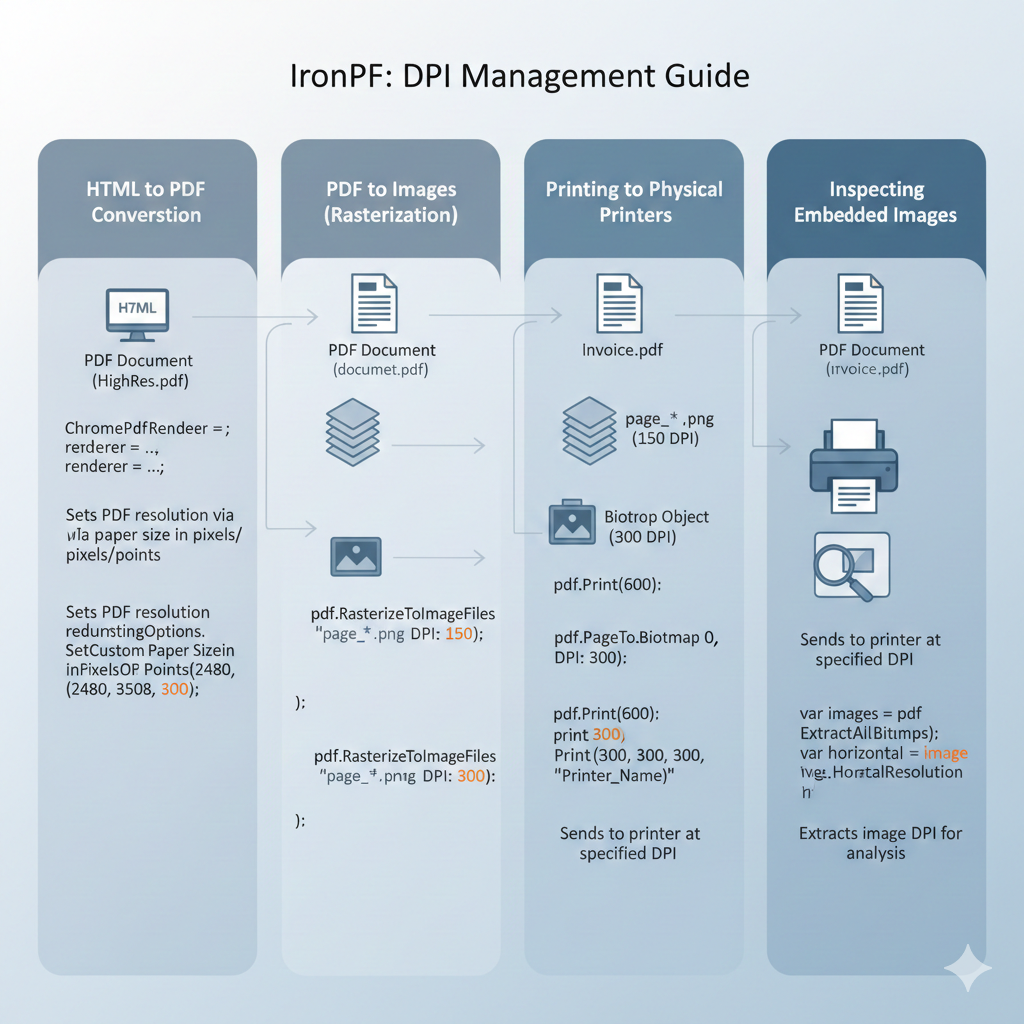
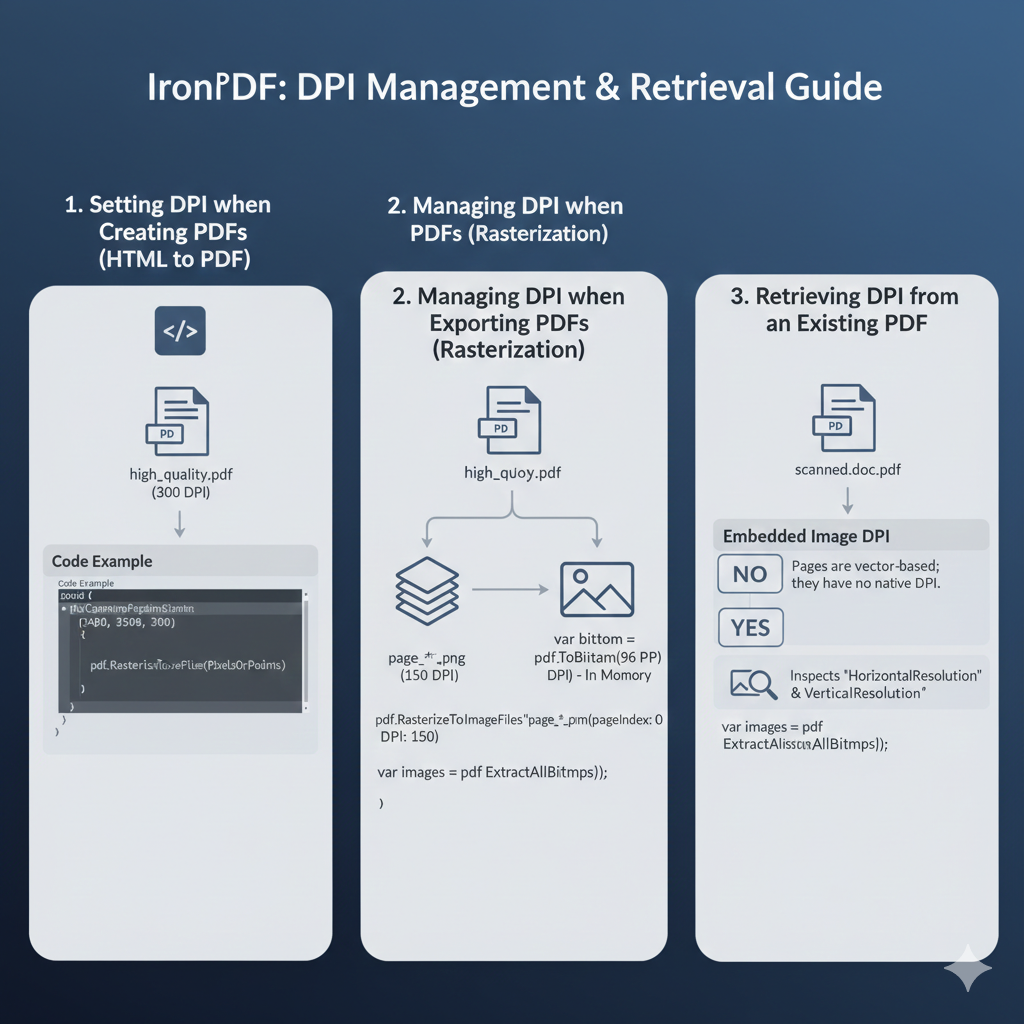
When rendering HTML to PDF, IronPDF defaults to standard screen resolution (typically 96 DPI). To increase the resolution for high-quality print outputs, you must define the DPI context when setting the paper size.
There is no standalone DPI property to set globally for the renderer; instead, you pass the desired DPI when defining the paper size in pixels or points.
Code Example:
using IronPdf;
var renderer = new ChromePdfRenderer();
// Set paper dimensions and force a specific DPI (e.g., 300 for print)
// Arguments: Width, Height, DPI
renderer.RenderingOptions.SetCustomPaperSizeinPixelsOrPoints(2480, 3508, 300);
var pdf = renderer.RenderHtmlAsPdf(“<h1>Print Ready Content</h1>”);
pdf.SaveAs(“high_quality.pdf”);
- Managing DPI when Exporting PDFs (Rasterization)
When converting a PDF document into images (rasterization), DPI is a critical parameter that determines the pixel density and clarity of the output image.
• To Files: Use RasterizeToImageFiles with the DPI parameter.
• To Memory: Use ToBitmap or ToBitmapHighQuality.
Code Example:
using IronPdf;
var pdf = PdfDocument.FromFile(“input.pdf”);
// Rasterize to PNGs at 150 DPI (Balance between size and quality)
pdf.RasterizeToImageFiles(“page_*.png”, DPI: 150);
// Convert specific page to Bitmap in memory at 96 DPI (Standard screen)
var bitmap = pdf.ToBitmap(pageIndex: 0, DPI: 96);
- Retrieving DPI from an Existing PDF
Can I get the DPI of a PDF Page?
No. It is not possible to “get” the DPI of a PDF page itself.
Why? PDF pages are vector-based documents defined by physical dimensions (Inches, Millimeters, or Points), not by pixel resolution.
• The native unit of a PDF is the Point.
• 1 Point = 1/72 of an inch.
• Because vectors (text and shapes) scale infinitely without losing quality, a PDF page does not have a native “resolution” or DPI until it is rasterized (converted to an image) or printed.
Can I get the DPI of Images inside a PDF?
Yes. While the page itself has no DPI, the raster images (photos, scans) embedded within the PDF do have a fixed resolution. You can extract these images to check their quality.
Code Example:
using IronPdf;
using IronSoftware.Drawing;
using System.Linq;
var pdf = PdfDocument.FromFile(“scanned_doc.pdf”);
// 1. Extract all images from the PDF
var images = pdf.ExtractAllBitmaps();
if (images.Any())
{
var firstImage = images.First();
// 2. Check the specific resolution of the embedded asset
// Returns resolution in pixels per inch
double dpiX = firstImage.HorizontalResolution;
double dpiY = firstImage.VerticalResolution;
}
메타데이터
- post_id
- fa3a0fa94d4e
- slug
- how-to-manage-dpi-with-ironpdf-fa3a0fa94d4e
- url
- https://medium.com/@yeminkhaung993/how-to-manage-dpi-with-ironpdf-fa3a0fa94d4e
- canonical_url
- https://medium.com/@yeminkhaung993/how-to-manage-dpi-with-ironpdf-fa3a0fa94d4e
- author_url
- https://medium.com/@yeminkhaung993
- status
- ok
- fetched_at
- 2026-07-27 00:11:27