DAY 18 — Frontend / UI Tools
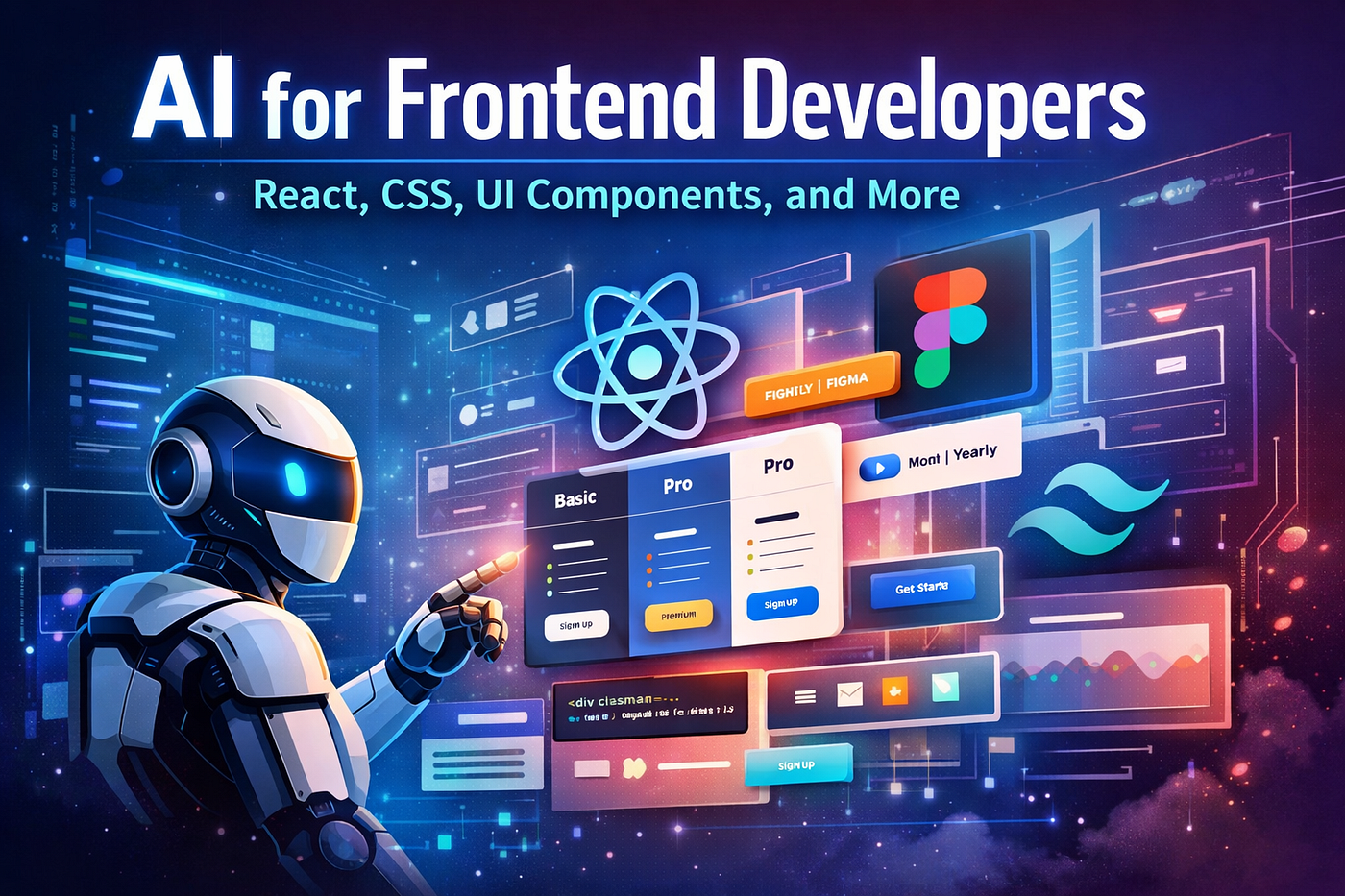
AI for Frontend Developers: React, CSS, UI Components, and More
DAY 18 — Frontend / UI Tools
AI for Frontend Developers: React, CSS, UI Components, and More
From Documentation to Design: Why Frontend Is the Next AI Frontier
On Day 17, we saw how AI is eliminating one of the most hated developer tasks: documentation. Tools like Mintlify and Swimm quietly synced with codebases, auto-updating docs and APIs without human effort.
But once documentation friction disappears, the next bottleneck becomes painfully obvious:
Frontend development is still slow, repetitive, and design–engineering heavy.
Despite years of component libraries, design systems, and frameworks, frontend teams still spend:
- Hours translating Figma designs into React
- Days perfecting CSS edge cases
- Weeks aligning designers and developers
- Endless cycles tweaking layouts, spacing, responsiveness, and states
AI is now stepping directly into this gap.
Day 18 explores how AI is fundamentally changing frontend development, not just by suggesting code — but by:
- Generating production-ready UI
- Converting designs directly into React
- Eliminating boilerplate CSS
- Turning design intent into working components
Welcome to the era where UI becomes a prompt, not a project.
The Old Frontend Workflow (Why It’s Broken)
Before AI, a typical frontend flow looked like this:
- Designer creates UI in Figma
- Developer manually recreates layout in React
- CSS written from scratch (or Tailwind guessed)
- Responsive bugs discovered late
- Pixel mismatch → feedback loop
- Design updates → code rewrite
This workflow has three fundamental problems:
- Translation loss (design ≠ implementation)
- High repetition (every button, card, form)
- Context switching (design tools ↔ code editors)
AI removes all three.
The New AI-First Frontend Workflow
Modern AI-powered frontend looks like this:
- Design (or even idea) → prompt
- AI generates UI components
- Code adheres to framework conventions
- Styles are consistent, responsive, and reusable
- Developers refine logic — not pixels
Let’s break down the tools making this possible.
1. v0.dev — Prompting Your UI into Existence
What is v0.dev?
v0.dev (by Vercel) is an AI UI generator that creates production-ready React components using:
- React
- Tailwind CSS
- shadcn/ui patterns
- Modern accessibility standards
You describe what you want, and it generates how it should be built.
How v0.dev Works
Under the hood, v0.dev:
- Understands UI semantics (forms, tables, dashboards)
- Uses Tailwind utility classes correctly
- Follows React component structure
- Applies layout best practices automatically
Example Prompt:
“Create a responsive pricing page with three tiers, a highlighted pro plan, monthly/yearly toggle, and CTA buttons.”
Output:
- Fully structured JSX
- Tailwind classes
- Mobile-first responsiveness
- Reusable components
No guessing. No trial and error.
Why v0.dev Is a Game Changer
Traditional UI kits give you pieces. v0.dev gives you intent-based UI.
Benefits:
- Zero setup time
- No CSS debugging
- Consistent design patterns
- Works perfectly with Next.js / React stacks
For teams already using Tailwind and Vercel ecosystems, v0.dev feels like autocomplete for UI.
Where v0.dev Fits Best
- Rapid prototyping
- Landing pages
- Admin dashboards
- MVP UI scaffolding
- Design-system-compliant components
2. Locofy — From Design to Code Without Translation Pain
What is Locofy?
Locofy converts Figma and Adobe XD designs into real frontend code:
- React
- Next.js
- Vue
- HTML/CSS
But unlike earlier design-to-code tools, Locofy focuses on:
- Clean component structure
- Reusability
- Developer handoff readines
The Core Problem Locofy Solves
Designers think in:
- Frames
- Auto-layouts
- Constraints
Developers think in:
- Components
- Props
- States
Locofy acts as the bridge between these mental models.
How Locofy Works
- Import Figma design
- Tag components (buttons, cards, lists)
- Define breakpoints and responsiveness
- Generate framework-specific code
The output isn’t throwaway — it’s maintainable.
Why Locofy Is Different from “Export Code” Tools
Old tools produced:
- Inline styles
- Deeply nested divs
- Unreadable CSS
Locofy produces:
- Semantic components
- Clean hierarchy
- Framework-aligned output
- Real-world frontend patterns
Best Use Cases
- Design-heavy teams
- Large UI revamps
- Accelerating handoff
- Reducing design-engineering friction
For organizations with strong design teams, Locofy can cut weeks off delivery cycles.
3. Figma AI → Code: Design Tools Become Developers
The Evolution of Figma
Figma is no longer just a design tool. With AI features, it’s becoming a UI intelligence platform.
What Figma AI Does Today
Figma AI can:
- Generate UI from text prompts
- Auto-complete layouts
- Suggest components
- Rename layers semantically
- Prepare designs for code export
Example:
“Create a mobile onboarding flow for a fintech app.”
Figma generates:
- Screens
- Layouts
- Component structure
This alone removes days of design work.
Figma → Code Is Now AI-Assisted
Instead of manual:
- Component mapping
- Style extraction
- Responsive definitions
AI helps:
- Identify reusable components
- Apply constraints logically
- Prepare code-ready designs
Combined with tools like Locofy, this creates an almost seamless design-to-code pipeline.
Why This Matters for Frontend Developers
Developers no longer start from:
- Blank JSX files
- Guesswork
- Screenshot references
They start from:
- Structured, AI-prepared designs
- Clear component boundaries
- Predictable code generation
4. Tailwind Generators — CSS Without the Pain
Why CSS Is Still Hard
Even with Tailwind:
- Class combinations are hard to remember
- Spacing systems need consistency
- Responsive utilities add complexity
AI solves this instantly.
AI-Powered Tailwind Generators
Modern Tailwind generators can:
- Convert natural language → Tailwind classes
- Generate layouts from descriptions
- Optimize class usage
- Suggest accessibility improvements
Example:
“Centered card with shadow, rounded corners, responsive padding, and hover animation.”
AI returns:
<div class="max-w-md mx-auto bg-white rounded-xl shadow-md p-6 hover:shadow-lg transition">No docs. No trial.
Why This Changes Frontend Velocity
- Junior developers become productive faster
- Senior developers avoid repetitive work
- Design consistency improves
- CSS bugs drop significantly
Tailwind + AI becomes declarative UI design.
How These Tools Work Together (The Real Power)
Individually, these tools are impressive.
Together, they redefine frontend development:
End-to-End AI Frontend Flow
- Idea → Figma AI
- Generate UI screens
- Figma → Locofy
- Convert designs into components
2. v0.dev
- Generate missing UI blocks
3. Tailwind AI
- Polish styles instantly
4. Developer
- Focus on logic, state, performance
Frontend becomes:
Assembly + refinement, not construction.
Impact on Frontend Teams
For Developers
- Less CSS debugging
- Faster feature delivery
- Cleaner codebases
- More focus on UX logic
For Designers
- Less back-and-forth
- Faster iteration
- Clearer ownership
- Real-time feedback
For Businesses
- Faster launches
- Lower costs
- Consistent UI quality
- Easier scaling
Common Concerns (And Reality Check)
“Will AI Replace Frontend Developers?”
No — but it will replace:
- Pixel pushers
- Boilerplate writers
- Manual translators
Frontend developers evolve into:
- UI architects
- Interaction designers
- Performance optimizers
- Accessibility experts
“Is the Code Production-Ready?”
Yes — with caveats:
- AI generates 80–90%
- Humans refine edge cases
- Logic and state still need thinking
AI removes the boring 80%, not the thinking 20%.
What Frontend Developers Must Learn Now
To stay relevant in the AI era:
- Prompting for UI
- Design-system thinking
- Component architecture
- Accessibility fundamentals
- Performance optimization
Knowing how to ask AI becomes as important as knowing React.
Day 18 Summary
On Day 18, we learned:
- AI is transforming frontend from manual to declarative
- v0.dev turns prompts into React UI
- Locofy bridges design and code
- Figma AI accelerates UI creation
- Tailwind generators remove CSS friction
Frontend is no longer about writing UI. It’s about orchestrating UI intelligence.
What’s Coming Next — Day 19 Preview
After building UI effortlessly, the next question is:
How do we make frontend apps faster, smarter, and more optimized automatically?
Day 19 — Mobile Development
“AI Tools for Mobile Devs: Swift, Kotlin, Flutter & React Native AI”
메타데이터
- post_id
- fa4df5f71b11
- slug
- day-18-frontend-ui-tools-fa4df5f71b11
- url
- https://medium.com/@sudhir1977/day-18-frontend-ui-tools-fa4df5f71b11
- canonical_url
- https://medium.com/@sudhir1977/day-18-frontend-ui-tools-fa4df5f71b11
- author_url
- https://medium.com/@sudhir1977
- status
- ok
- fetched_at
- 2026-07-08 21:20:17