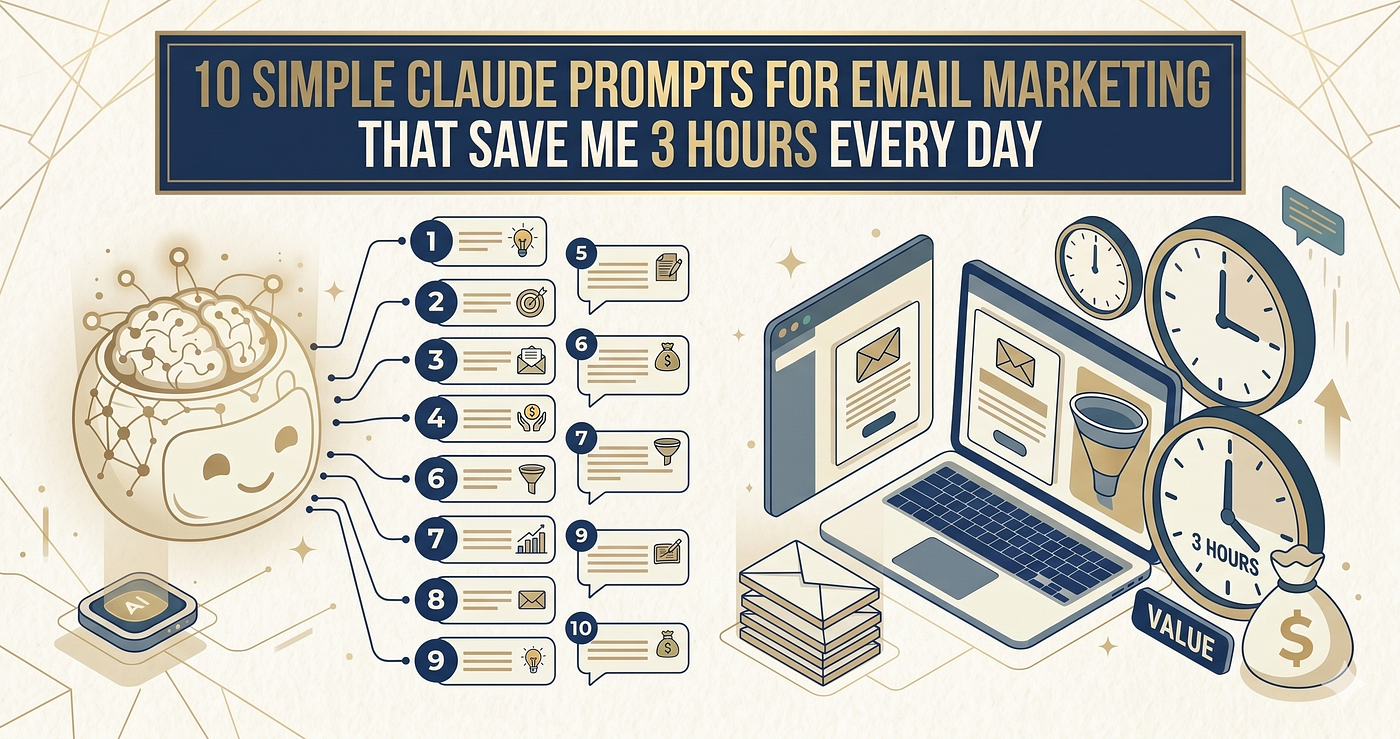
10 Simple Claude Prompts For Email Marketing That Save Me 3 Hours Every Day
Stop Doing It Manually
10 Simple Claude Prompts For Email Marketing That Save Me 3 Hours Every Day
Stop Doing It Manually
Credit- AI
You can Checkout this site For Amazing Content. Click here!
I timed myself last January.
One regular workday. Every task. Every minute.
Email responses: 47 minutes. Meeting prep: 34 minutes. Writing first drafts: 1 hour 20 minutes. Summarizing documents: 28 minutes. Brainstorming alone: 41 minutes.
Total time on tasks Claude could do in seconds: 3 hours 50 minutes.
Nearly half my workday. Gone. On things that weren’t even my actual job.
I wasn’t bad at my work. I was just doing it the hard way.
That same week I built a personal prompt library. 10 prompts. One for almost every repeating task in my day.
Now I run them before I do anything manually.
Most take 30 seconds to set up. Most save 20–40 minutes.
Here they are.
Why Most People Waste Claude’s Potential
They use it like a search engine.
“What is content marketing?”
“Give me some ideas for social media.”
“How do I write a good email?”
Vague question. Vague answer. Back to doing it manually anyway.
The prompts that actually save time are specific. They give Claude your context, your constraints, and your exact output format.
The difference between “help me write an email” and a prompt that produces a send-ready email in your voice on the first try is about 40 words of context.
That’s it.
The 10 Claude Prompts For Easy Work
EMAIL AND COMMUNICATION
The average professional spends 28% of their workday on email.
Most of that time is staring at a draft wondering if it sounds too aggressive or too passive.
These prompts end that.
Prompt 1: The Send-Ready Email
Write a professional email for this situation:
Context: [what happened or what you need] Recipient: [their role and your relationship with them] My goal: [what I want them to do or feel after reading] Tone: [direct/warm/formal/casual] Length: [short: 3–5 sentences / medium: 1–2 paragraphs]
Requirements:
- Subject line included
- No “I hope this email finds you well”
- No “Please don’t hesitate to reach out”
- Get to the point in the first sentence
- End with one clear next step, not multiple options
Prompt 2: The Difficult Conversation Email
Help me write an email addressing a sensitive situation:
Situation: [describe what happened] What I need to communicate: [the core message] What I want to avoid sounding: [defensive/aggressive/passive] Relationship with recipient: [colleague/client/manager/report]
Write an email that:
- Addresses the issue directly without accusation
- Stays solution-focused
- Preserves the relationship
- Doesn’t leave room for misinterpretation
Give me 2 versions: one softer, one more direct. I’ll choose.
Prompt 3: The Follow-Up That Doesn’t Annoy
Write a follow-up email for this situation:
Original ask: [what I asked for] How long ago: [days/weeks] Number of follow-ups already sent: [number] Recipient: [role and context]
Make it:
- Short (under 5 sentences)
- Not apologetic for following up
- Not passive-aggressive
- Easy to reply to with one word if needed
- Include a soft out if they’re no longer interested
Prompt 4: The Meeting Recap Email
Turn these rough notes into a professional meeting recap email:
Notes: [paste your messy notes] Attendees: [names and roles] Date: [date]
Format as:
- 2-sentence summary of what was decided
- Action items with owner and deadline for each
- Next meeting date if applicable
- Any open questions still unresolved
Tone: clear and brief. People should be able to read this in 60 seconds.
Prompt 5: The Inbox Zero Processor
I’m going to paste 5 emails I need to respond to.
For each one give me:
- A 1-sentence summary of what they want
- The urgency level (respond today / this week / can wait)
- A draft response I can send or lightly edit
- Whether this needs a longer conversation or just a quick reply
My name: [name] My role: [role] General tone I use in email: [formal/casual/direct]
Emails: [paste them]
Prompt 6: The Cold Outreach Message
Write a cold outreach message for this situation:
Who I’m reaching out to: [role, company, what they do] Why I’m reaching out: [specific reason, not generic] What I’m offering or asking: [be precise] Platform: [email/LinkedIn/Twitter] My background relevant to this ask: [1–2 sentences]
Requirements:
- Under 100 words
- Mention something specific about them (I’ll fill in the blank: [specific detail])
- One clear ask at the end
- No “I came across your profile and was impressed”
- No “I’d love to pick your brain”
Prompt 7: The Negotiation Email
Help me write an email to negotiate [salary/price/terms]:
What I’m negotiating: [specifics] My current offer or situation: [details] What I want instead: [be specific] My leverage: [why they should agree] My walk-away point: [optional, helps Claude calibrate tone]
Write an email that:
- States my position clearly without apology
- Provides brief reasoning without over-explaining
- Leaves room for counter-offer
- Sounds confident, not desperate
Prompt 8: The Complaint or Escalation Email
Write a complaint or escalation email:
Issue: [what happened, specifically] Who caused it: [company/person/department] What I’ve already tried: [previous attempts to resolve] What I want as resolution: [specific outcome] Tone needed: [firm but professional]
Make it:
- Factual, not emotional
- Chronological (what happened, when)
- Clear on what I expect next and by when
- Serious enough to get action without burning a bridge
Prompt 9: The Decline Without Burning the Bridge
Help me decline this request gracefully:
What I’m declining: [the request] Who asked: [their role and relationship to me] Real reason I’m declining: [honest answer, stays private] What I want to preserve: [the relationship/future opportunity]
Write a response that:
- Declines clearly (no maybe language)
- Doesn’t over-explain or apologize excessively
- Offers an alternative if there is one
- Sounds like a decision, not a rejection
Prompt 10: The Proposal Email
Write a proposal email for this opportunity:
What I’m proposing: [project, service, idea] Who I’m sending it to: [role and context] Their main goal or problem: [what they care about] What I’m offering: [deliverables, timeline, price if applicable] Why me specifically: [one strong reason]
Structure:
- Opening that references their goal, not my offer
- Brief description of what I’m proposing
- 3 bullet points on what they get
- One line on timeline
- Clear next step
- Under 250 words total
The Simple Rule That Makes All 10 Work
Every prompt above follows the same structure.
Context. Constraints. Output format. What to avoid.
That’s it.
When you give Claude those four things, the output is almost always usable on the first try.
When you skip them, you edit for an hour and wonder why AI is overhyped.
It’s not overhyped.
You’re just prompting like it can read your mind.
It can’t read your mind.
It can read your prompt.
Write a better prompt. Get a better result. Every single time.
Pick five prompts from this list that match tasks you did manually this week. Run them. Time the difference. Then decide how many hours you want to keep doing it the hard way.
………………………………………………………………………………
Enjoyed this read? Show some love by giving it a few claps 👏 and sharing it around!
Follow Webjinnee For More!
More great content is coming soon, so feel free to follow me here on Medium to stay updated.
Let me know your thoughts and feedback in the comments below!
Cheers! 🥂
I’m Nitin (Founder of Webjinnee), and I’ll catch you on the next one! ✌️
………………………………………………………………………………
메타데이터
- post_id
- fb44f784cc83
- slug
- 10-simple-claude-prompts-for-email-marketing-that-save-me-3-hours-every-day-fb44f784cc83
- url
- https://medium.com/marketing-matrix/10-simple-claude-prompts-for-email-marketing-that-save-me-3-hours-every-day-fb44f784cc83
- canonical_url
- https://medium.com/marketing-matrix/10-simple-claude-prompts-for-email-marketing-that-save-me-3-hours-every-day-fb44f784cc83
- author_url
- https://medium.com/@webjinneeofficial
- status
- ok
- fetched_at
- 2026-06-13 09:11:36