Creating Math Art with Grok, Firefly Boards & Midjourney
The Beauty of Mathematical Objects
Creating Math Art with Grok, Firefly Boards & Midjourney
The Beauty of Mathematical Objects
Mathematics and art might seem like distant disciplines, but their intersection — Math Art — produces mesmerising visuals that blend logic with creativity. From intricate fractals to elegant geometric patterns, Math Art transforms abstract concepts into tangible beauty. With the rise of AI tools like Adobe Firefly and Midjourney, artists can now explore this fusion with unprecedented ease and flexibility. In this article, we’ll guide you through creating Math Art using prompts crafted by Grok, Adobe Firefly’s Moodboards, and Midjourney’s style references, offering a step-by-step approach to harness these tools for stunning results.
This article is your gateway to creating captivating Math Art without needing advanced mathematical or artistic skills. By leveraging Grok to generate precise prompts and combining Adobe Firefly’s Moodboards with Midjourney’s style capabilities, you’ll learn to produce professional-grade visuals. Whether you’re an educator, artist, or hobbyist, this guide provides practical steps to explore Math Art, enriched with historical context and modern AI techniques, making it accessible and inspiring for all.

AI Image generated with Adobe Firefly Boards
Content in This Article
- Introduction to Math Art
- Getting Started: Use Grok for Prompts
- Step-by-step guides for creating Math Art with Adobe Firefly Boards and Midjourney:
• Using Adobe Firefly Boards to Create Math Art Images
• Using Midjourney to Create Math Art Images
• Harnessing the Beauty of Style References
• Mixing All Together in Adobe Firefly Boards
- Conclusion
Introduction to Math Art
A Bit of History
Math Art has roots in ancient civilisations, where geometry shaped architectural marvels like the Parthenon and Islamic tile patterns. In the 20th century, artists like M.C. Escher brought Math Art to prominence with his mathematically inspired woodcuts, depicting impossible geometries and tessellations. The digital age, with tools like Mathematica and Processing, further expanded Math Art, enabling complex visualisations of fractals, chaos theory, and algorithmic patterns. Today, AI tools like Adobe Firefly and Midjourney democratise this art form, allowing anyone to create intricate designs inspired by mathematical principles.
Types of Math Art
Math Art encompasses various forms, each rooted in mathematical concepts:
- Fractals: Self-similar patterns, like the Mandelbrot set, with infinite complexity.
- Geometric Art: Symmetrical designs, such as tessellations or polyhedra, emphasising shapes and symmetry.
- Algorithmic Art: Images generated through computational processes, like cellular automata.
- Mathematical Curves: Visualisations of equations, such as Lissajous curves or spiral graphs.
- Topological Art: Representations of surfaces and spaces, like Möbius strips or Klein bottles.
These forms provide a rich palette for AI-generated art, blending precision with aesthetic exploration.
Getting Started: Use Grok for Prompts
Selecting the Type of Math Art You Would Like to Create
Before generating prompts, decide which type of Math Art inspires you. Are you drawn to the hypnotic repetition of fractals, the clean lines of geometric patterns, or the abstract flow of algorithmic designs? Your choice will guide the prompts you request from Grok, ensuring the results align with your vision.
Ask Grok to Create Prompts for You
Grok, created by xAI, excels at crafting detailed prompts tailored to your needs. Here are some example prompts I’ve generated for different Math Art types, optimised for Adobe Firefly and Midjourney:
- Fractal Art: “A vibrant Mandelbrot fractal with swirling turquoise and magenta hues, set against a cosmic black background, highly detailed, photorealistic, with a soft glow effect.”

AI Image generated with Grok
Prompt for Midjourney v7
A vibrant Mandelbrot fractal with swirling turquoise and magenta hues, set against a cosmic black background, highly detailed, photorealistic, with a soft glow effect. — chaos 10 — ar 3:4 — v 7 — stylize 1000 — profile orztmew
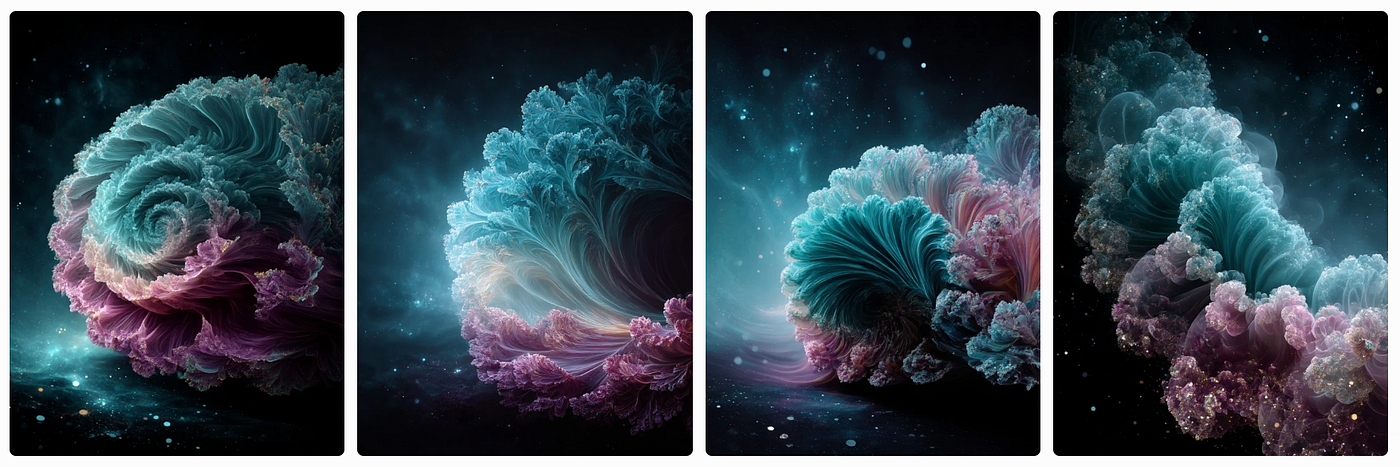
AI Image generated with Midjourney
- Geometric Art: “A tessellated pattern of interlocking hexagons in gold and navy, inspired by Islamic tile art, with sharp edges and a 3D embossed effect, high contrast.”
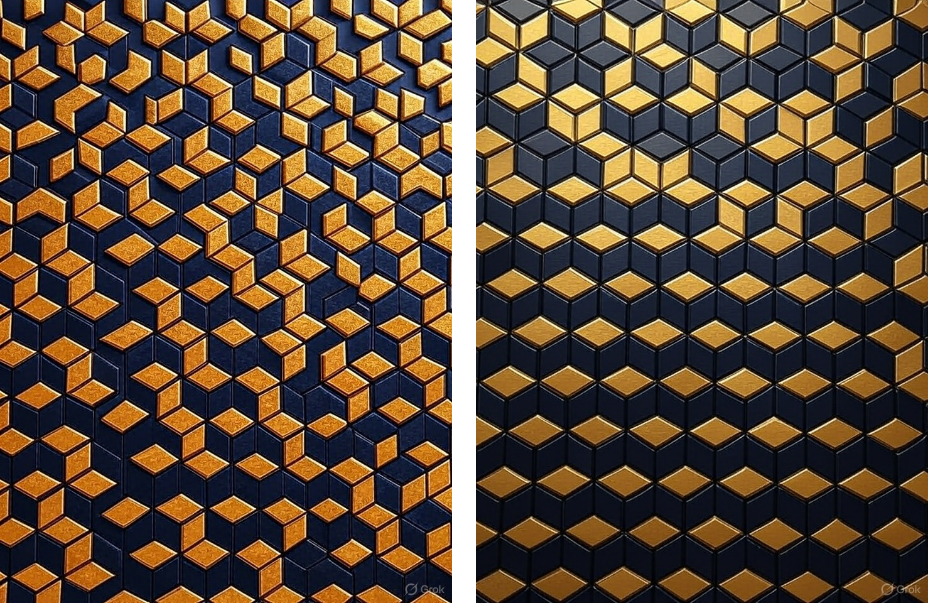
AI Image generated with Grok
Prompt for Midjourney v7
A tessellated pattern of interlocking hexagons in gold and navy, inspired by Islamic tile art, with sharp edges and a 3D embossed effect, high contrast. — chaos 10 — ar 3:4 — v 7 — stylize 1000 — profile orztmew
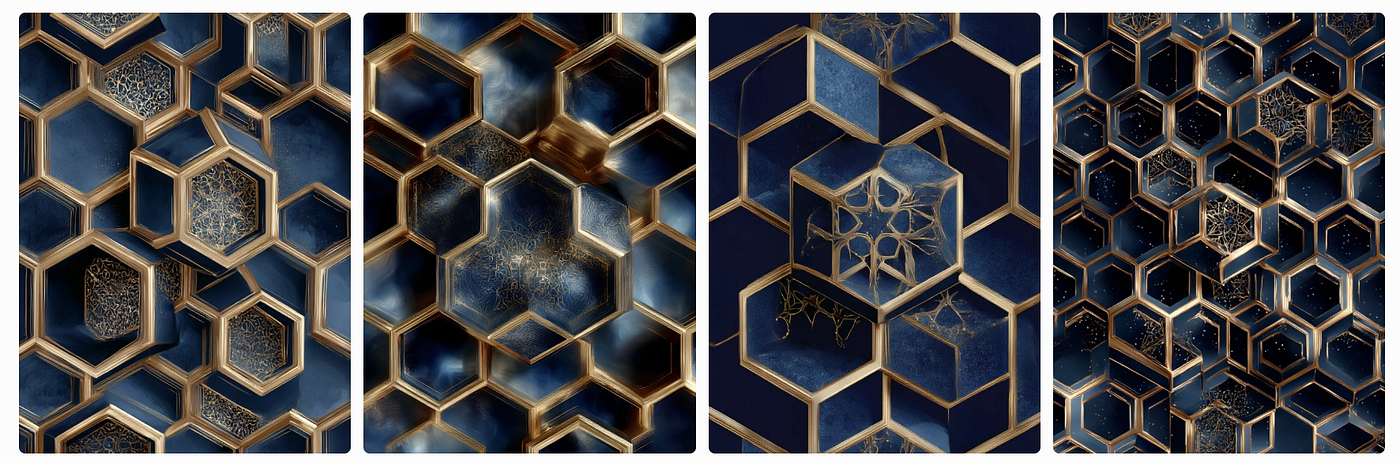
AI Image generated with Midjourney
- Algorithmic Art: “A dynamic cellular automaton grid, evolving in a wave-like pattern, rendered in neon green and purple, with a cyberpunk aesthetic, high resolution.”
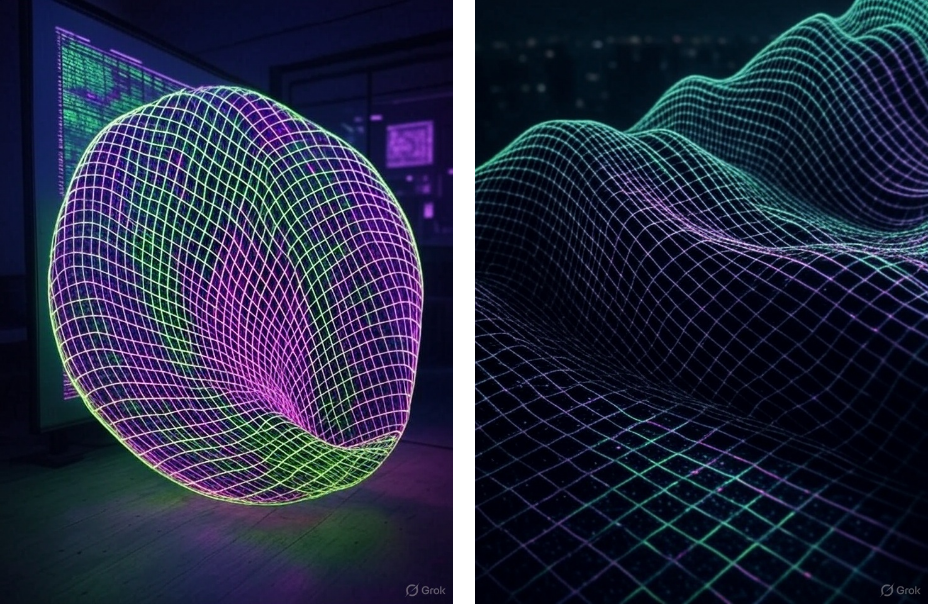
AI Image generated with Grok
Prompt for Midjourney v7
A dynamic cellular automaton grid, evolving in a wave-like pattern, rendered in neon green and purple, with a cyberpunk aesthetic, high resolution. — chaos 10 — ar 3:4 — v 7 — stylize 1000 — profile orztmew
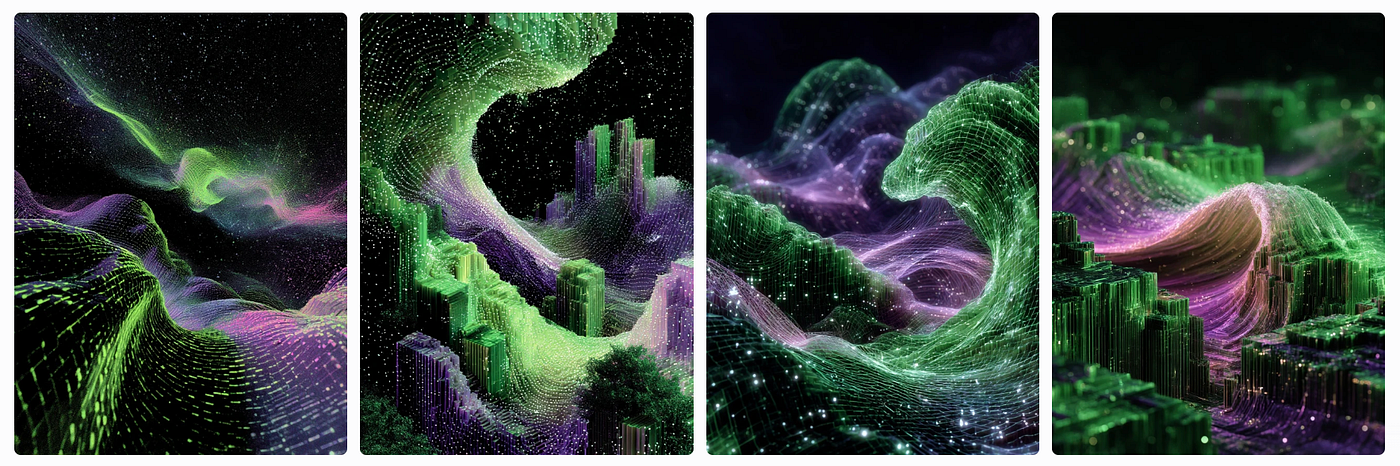
AI Image generated with Midjourney
- Mathematical Curves: “A Lissajous curve spiralling in 3D space, glowing in electric blue and crimson, set against a minimalist white background, with a futuristic metallic texture.”
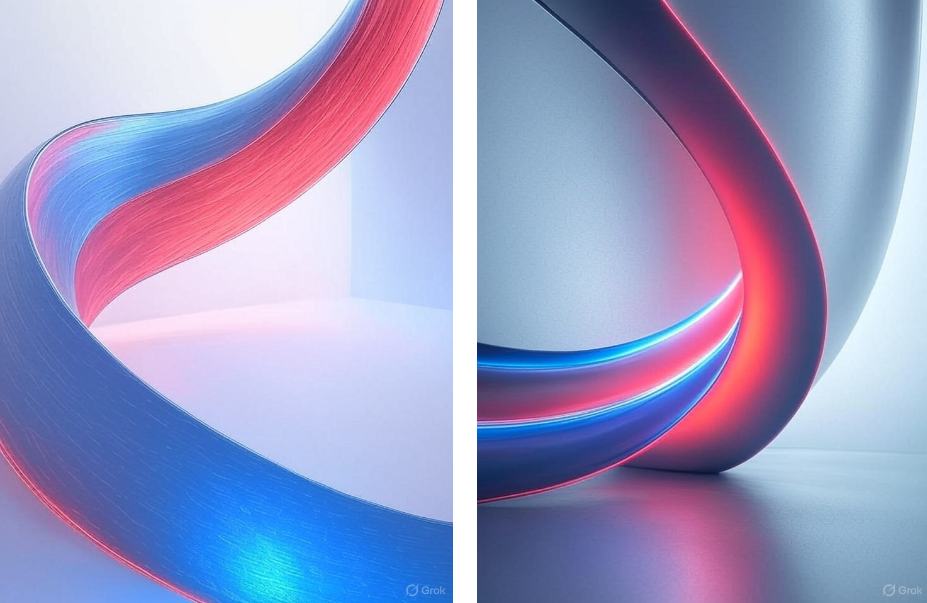
AI Image generated with Grok
Prompt for Midjourney v7
A Lissajous curve spiralling in 3D space, glowing in electric blue and crimson, set against a minimalist white background, with a futuristic metallic texture — chaos 10 — ar 3:4 — v 7 — stylize 1000 — profile orztmew
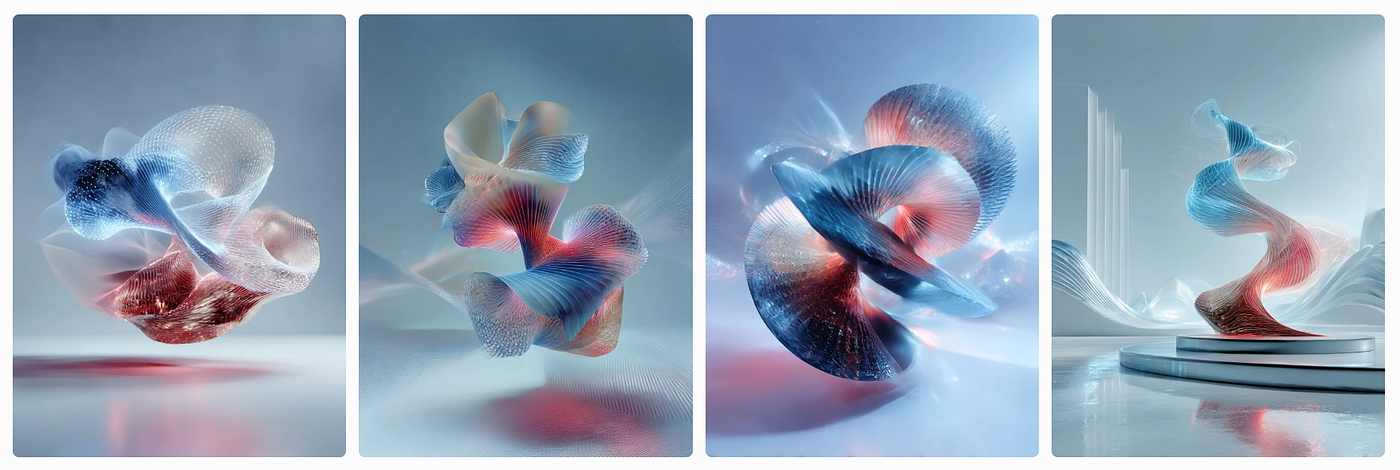
AI Image generated with Midjourney
- Topological Art: “A Möbius strip twisting in a surreal desert landscape, rendered in soft pastels with a dreamlike, painterly style, high detail.”

AI Image generated with Grok
Prompt for Midjourney v7
A Möbius strip twisting in a surreal desert landscape, rendered in soft pastels with a dreamlike, painterly style, high detail. — chaos 10 — ar 3:4 — v 7 — stylize 1000 — profile orztmew

AI Image generated with Midjourney
To generate your own, ask Grok: “Create a prompt for [Math Art type] with [specific colours, mood, or style] for use in Adobe Firefly and Midjourney.” Adjust the prompts to suit your preferences, adding descriptors like “photorealistic,” “minimalist,” or “surreal” for varied results.
Using Adobe Firefly Boards to Create Math Art Images
Adobe Firefly Boards is a powerful tool for ideation and collaboration, allowing you to create Moodboards that combine images, styles, and prompts for cohesive Math Art projects. Here’s a step-by-step guide to using Firefly Boards:

Adobe Firefly Boards
Walkthrough
- Access Firefly Boards: Visit the Adobe Firefly website (firefly.adobe.com) and sign in with your Creative Cloud account. Navigate to the “Boards” section to start a new Moodboard.
2. Create a Moodboard: Click “New Board” and name it (e.g., “Math Art Exploration”). Add a description, such as “Exploring fractal and geometric Math Art with vibrant styles.”
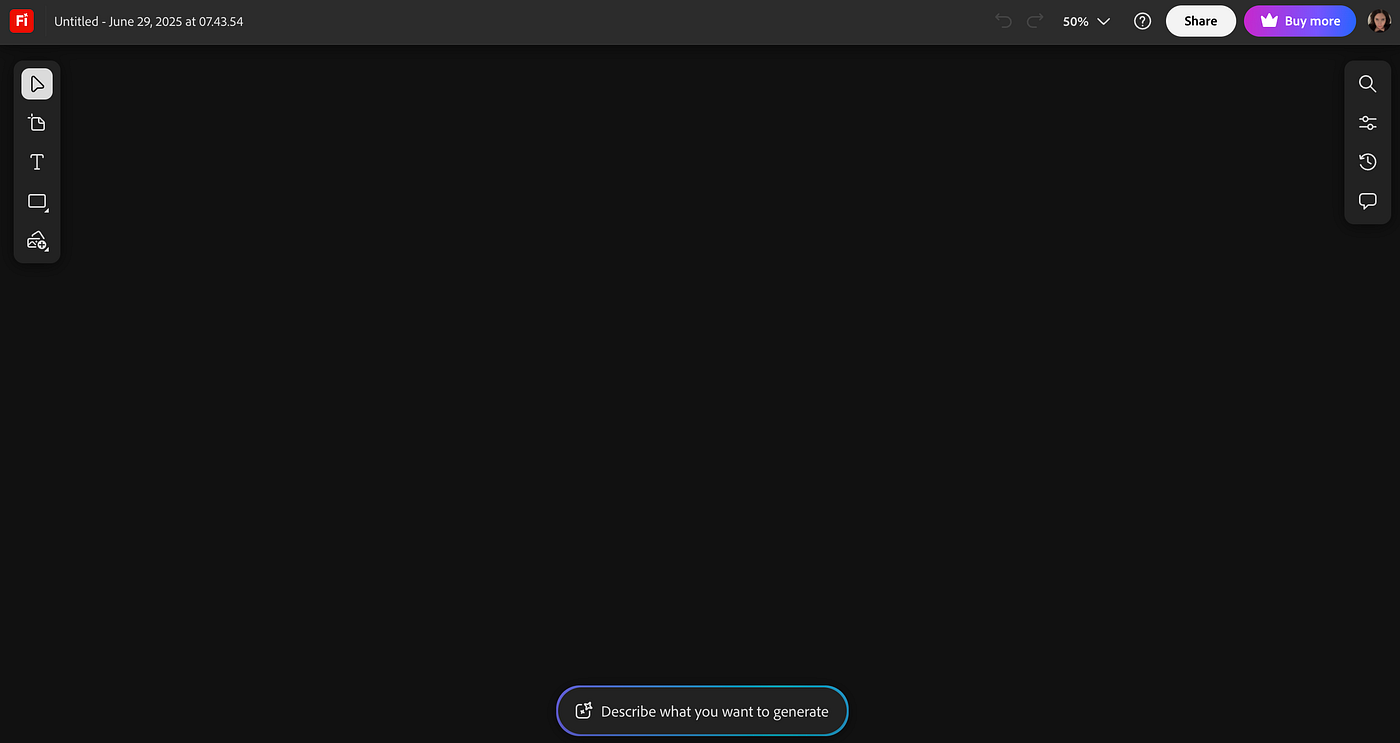
Screenshot of Adobe Firefly Boards
3. Add Prompts and Images: Input a Grok-generated prompt (e.g., the Mandelbrot fractal prompt above) into the Text-to-Image module. Generate initial images and drag the best ones onto your Moodboard.
In this example I added a detailed prompt create by Grok for a 4D tesseract:
Grok Prompt
Render a 4D tesseract (hypercube) projected into 3D space using a perspective projection, with the tesseract dynamically rotating in four-dimensional space. The projection forms a wireframe structure of interconnected cubes, with edges drawn in luminous neon lines (cyan, pink, and violet) that pulse with intensity based on their 4D depth. The vertices are marked by small, glowing white spheres, and the faces of the projected cubes are filled with semi-transparent, iridescent panels that shift colors (blue to green to purple) as the tesseract rotates. The background is a gradient of deep space, with faint mathematical equations (e.g., 4D rotation matrices) floating subtly. Add a time-lapse effect to show the tesseract’s motion over 10 seconds, emphasizing its higher-dimensional nature.
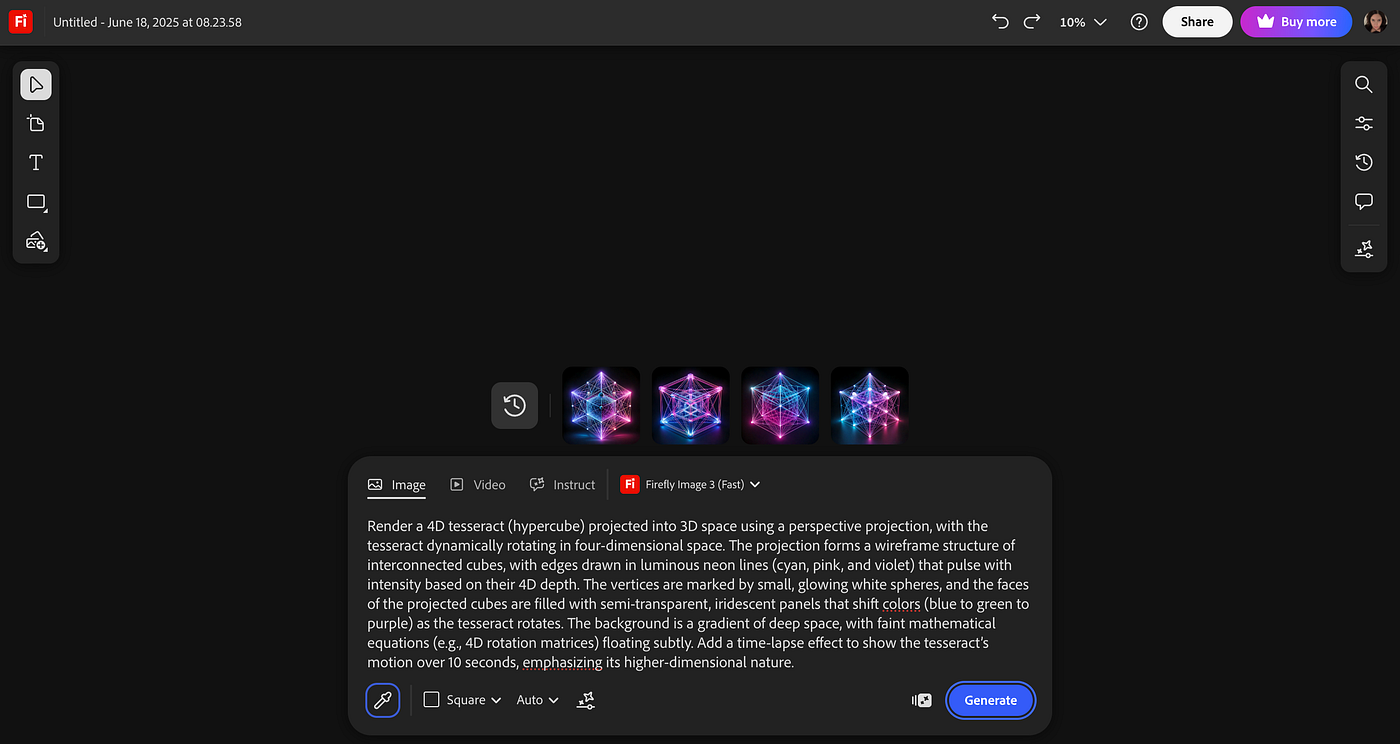
Screenshot of Adobe Firefly Boards
4. Generate images and arrange them in the board: Add the prompt and click Generate, arrange the desired images in the canvas by selecting them and drag them above.
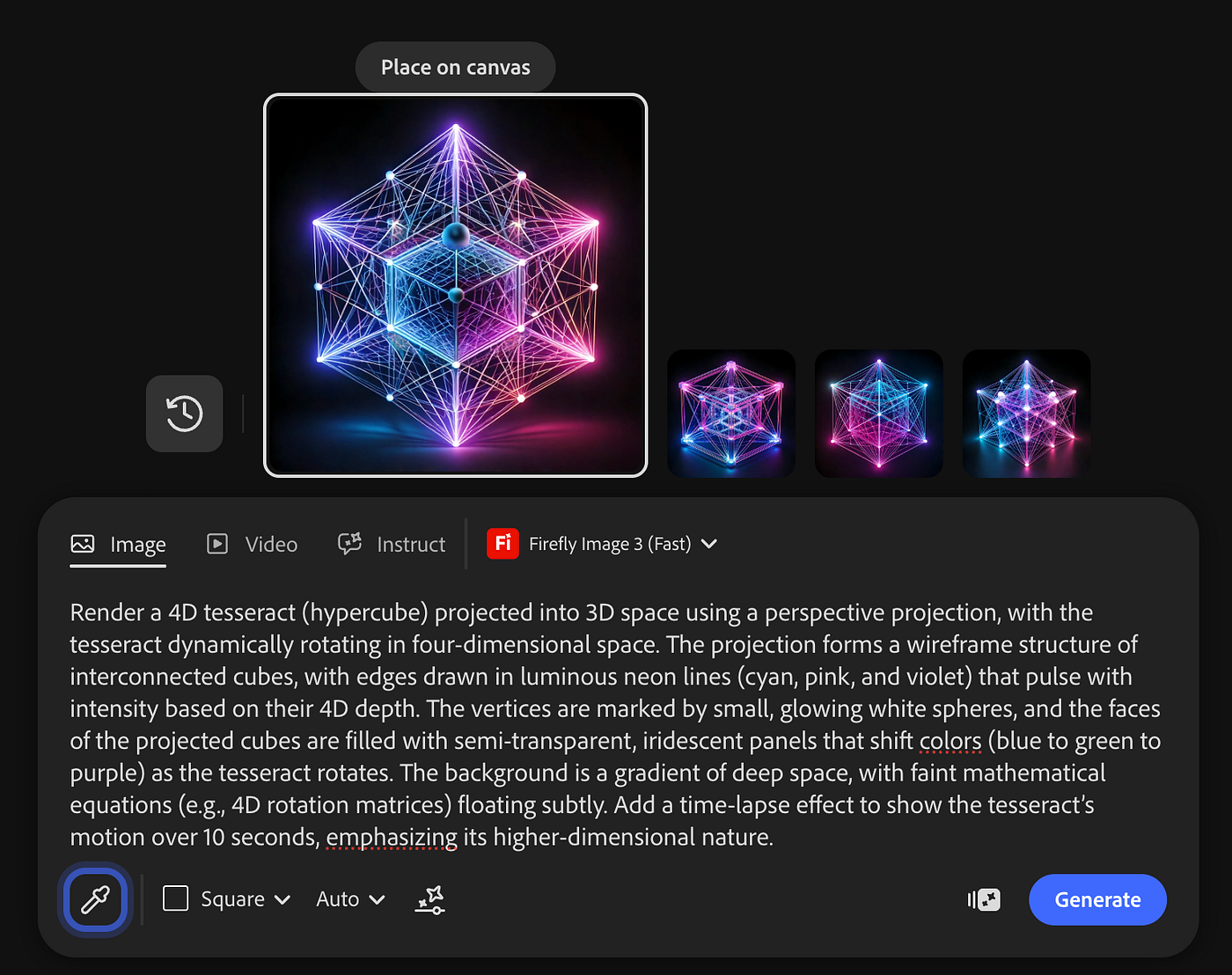
Screenshot of Adobe Firefly Boards
Dragging the image in place. You can adjust the size or rotate them.

Screenshot of Adobe Firefly Boards
Adobe Firefly Boards will show you guidelines to easily snap images in a grid, in case you prefer them tidy.

Screenshot of Adobe Firefly Boards
Continue selecting and dragging the images to the canvas.
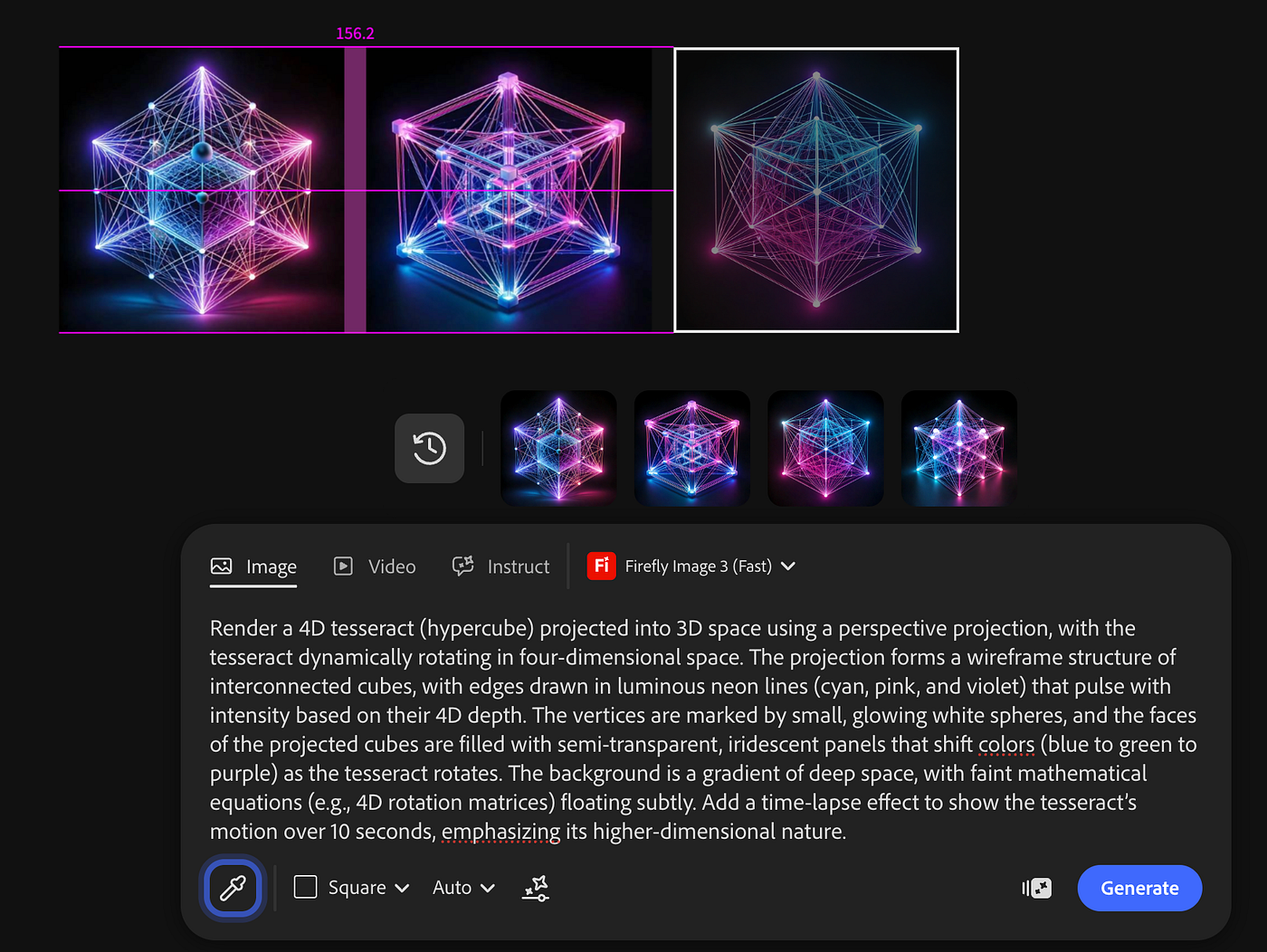
Screenshot of Adobe Firefly Boards
Once you are done with all the images you would like to add, you can deselect everything to see how it looks.

Screenshot of Adobe Firefly Boards
5. Add a board to your images: Select the board tool and drag a board around your images, change the background colour if you please.
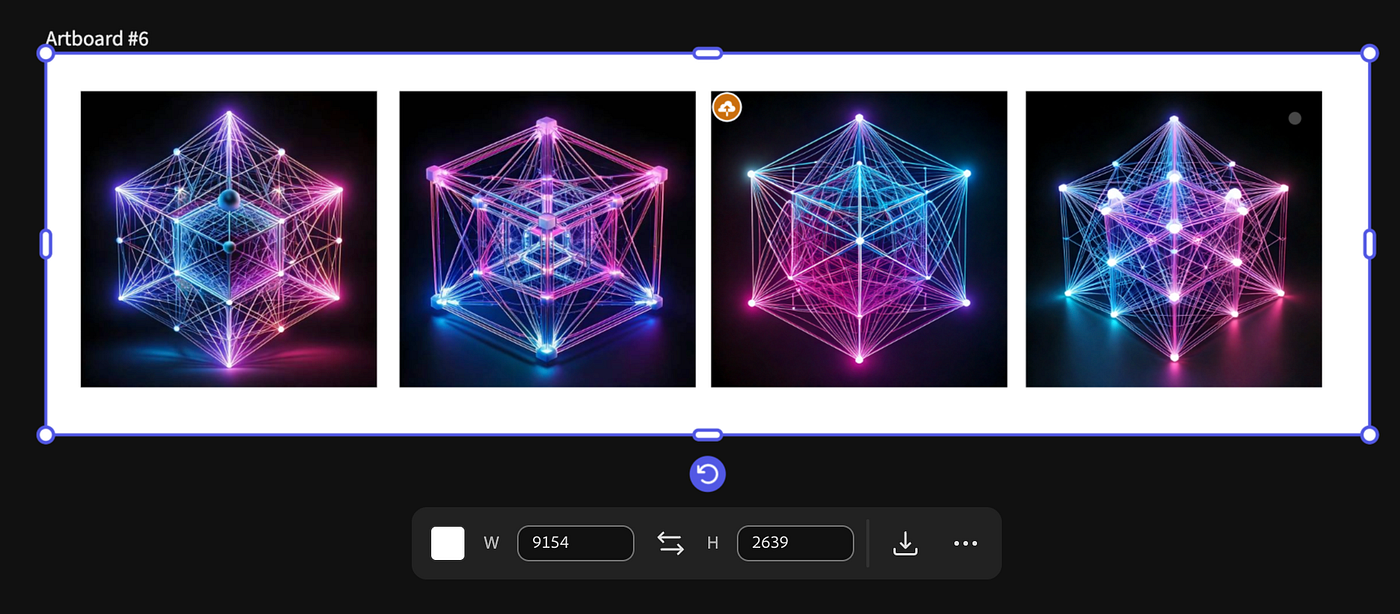
Screenshot of Adobe Firefly Boards
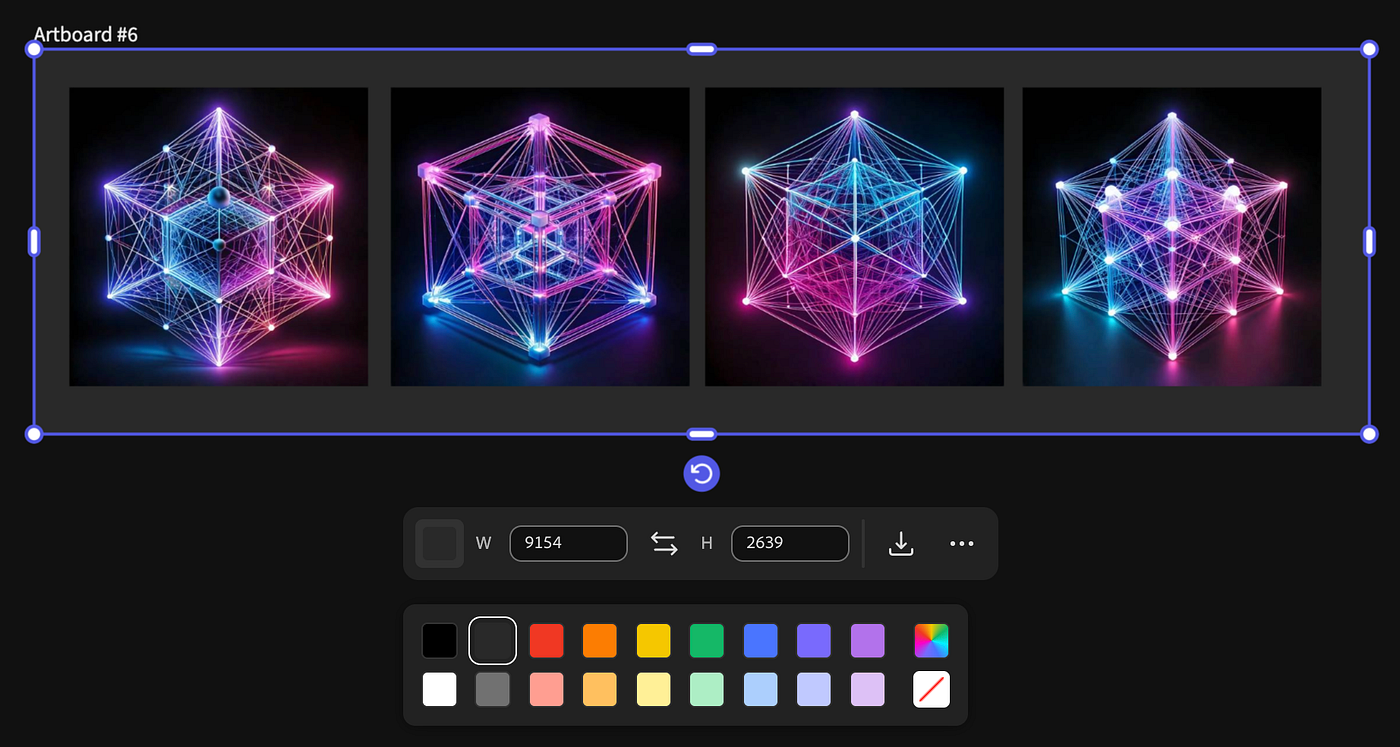
Screenshot of Adobe Firefly Boards
Using Midjourney to Create Math Art Images
Midjourney, accessible via Discord or its web platform (midjourney.com), excels at producing high-quality, artistic Math Art.

AI Image generated with Midjourney
Follow these steps:
- Access Midjourney: Join the Midjourney Discord server or use the web interface. Ensure you have a subscription or free trial credits.
- Enter a Prompt: Use a Grok-generated prompt, such as the 4D tesseract (hypercube) prompt above. Add parameters like — ar 1:1 for aspect ratio or — v 7 for the latest model to enhance quality.
- Generate Images: Submit the prompt, Midjourney will produce four variations.
- Upscale and Save: Select the best variation and upscale it using the “U” buttons in Discord or the web interface. Download the high-resolution image for your project.
Prompt for Midjourney v7
Render a 4D tesseract (hypercube) projected into 3D space using a perspective projection, with the tesseract dynamically rotating in four-dimensional space. The projection forms a wireframe structure of interconnected cubes, with edges drawn in luminous neon lines (cyan, pink, and violet) that pulse with intensity based on their 4D depth. The vertices are marked by small, glowing white spheres, and the faces of the projected cubes are filled with semi-transparent, iridescent panels that shift colors (blue to green to purple) as the tesseract rotates. The background is a gradient of deep space, with faint mathematical equations (e.g., 4D rotation matrices) floating subtly. — v 7 — profile orztmew
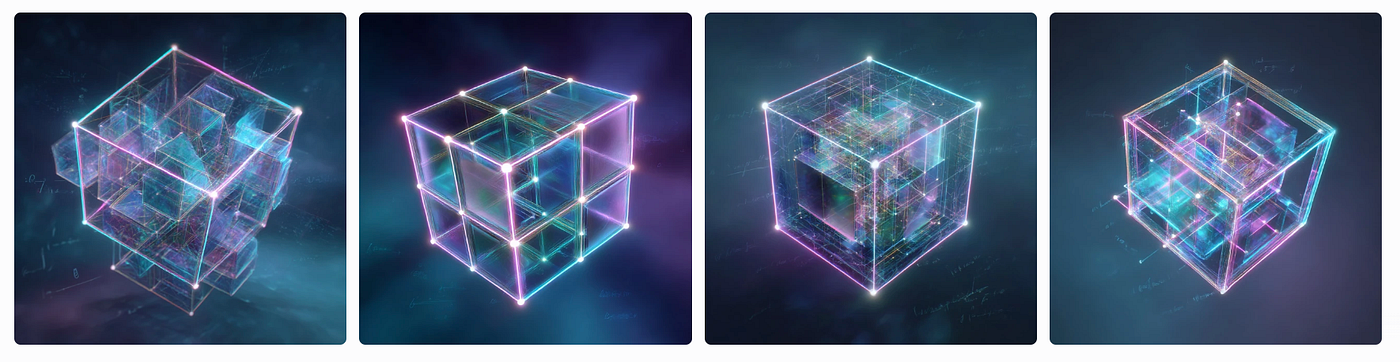
AI Images generated with Midjourney
Midjourney’s strength lies in its ability to produce visually striking, artistic interpretations, making it perfect for bold and creative Math Art.
Harnessing the Beauty of Style References
Style references in both Adobe Firefly and Midjourney allow you to infuse Math Art with unique aesthetics. In Firefly, the Style Reference feature lets you upload an image or choose from a gallery (or an image from your Board in Firefly Boards) to guide the visual style, such as colours, lighting, or texture.

AI Image generated with Midjourney
In Midjourney, the — sref parameter enables similar control. For instance, combining 4D tesseract (hypercube) prompt with a futuristic-style reference image can yield futuristic, neon-lit patterns.
Follow these steps:
- Enter a Prompt: Use a Grok-generated prompt, such as the 4D tesseract (hypercube) prompt above. Add parameters like — ar 3:4 for aspect ratio or — v 7 for the latest model to enhance quality.
- Refine with Style References: Use Midjourney’s — sref parameter to apply a style reference. Adjust the style weight with — sw 0–1000 (e.g., — sw 500 for balanced influence). Use — sv 4 if you are using the previous model of Reference Styles.
In this case we are going to use the following style reference:
— sref 2492624321

Prompt for Midjourney v7
Render a 4D tesseract (hypercube) projected into 3D space using a perspective projection, with the tesseract dynamically rotating in four-dimensional space. The projection forms a wireframe structure of interconnected cubes, with edges drawn in luminous neon lines (cyan, pink, and violet) that pulse with intensity based on their 4D depth. The vertices are marked by small, glowing white spheres, and the faces of the projected cubes are filled with semi-transparent, iridescent panels that shift colors (blue to green to purple) as the tesseract rotates. The background is a gradient of deep space, with faint mathematical equations (e.g., 4D rotation matrices) floating subtly. — ar 3:4 — sref 2492624321 — sv 4 — sw 1000 — v 7 — stylize 1000 — profile 8j4a5xo

AI Image generated with Midjourney
Mixing All Together in Adobe Firefly Boards
To create truly unique Math Art, combine outputs from Firefly and Midjourney in a Firefly Boards:
- Import Midjourney Images: Upload high-resolution images generated with Midjourney to your Firefly Boards.

Screenshot of Adobe Firefly Boards
2. Blend Styles: Add Firefly-generated images using different prompts or style references. For example, pair a Midjourney tesseract with a Firefly image using the Midjourney image as a Style and the Firefly Image as Composition.
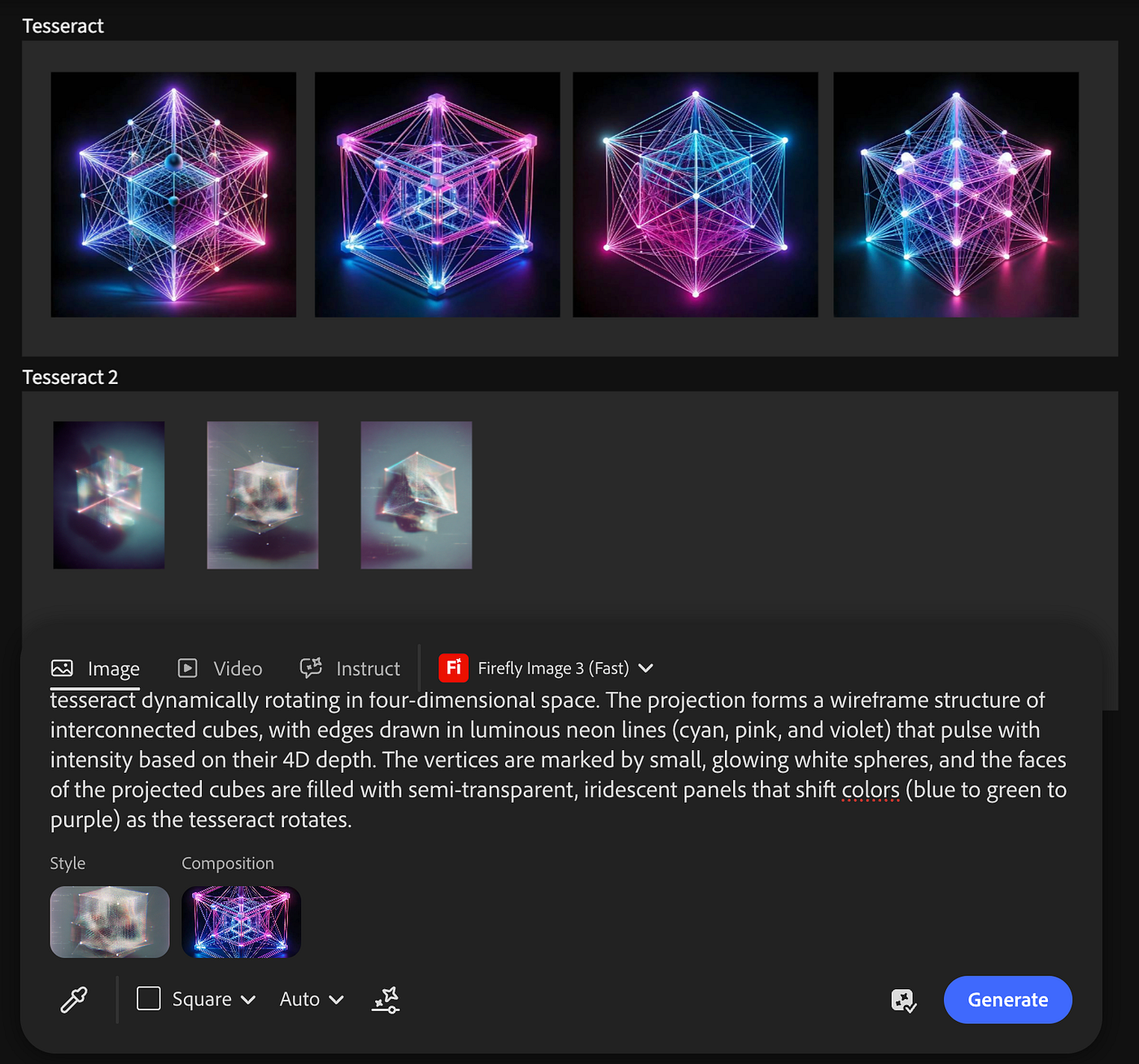
Screenshot of Adobe Firefly Boards
3. Iterate and Compare: Use the Firefly Boards to arrange images side by side, experimenting with new prompts that combine elements from both tools (In this case I used the same prompt).
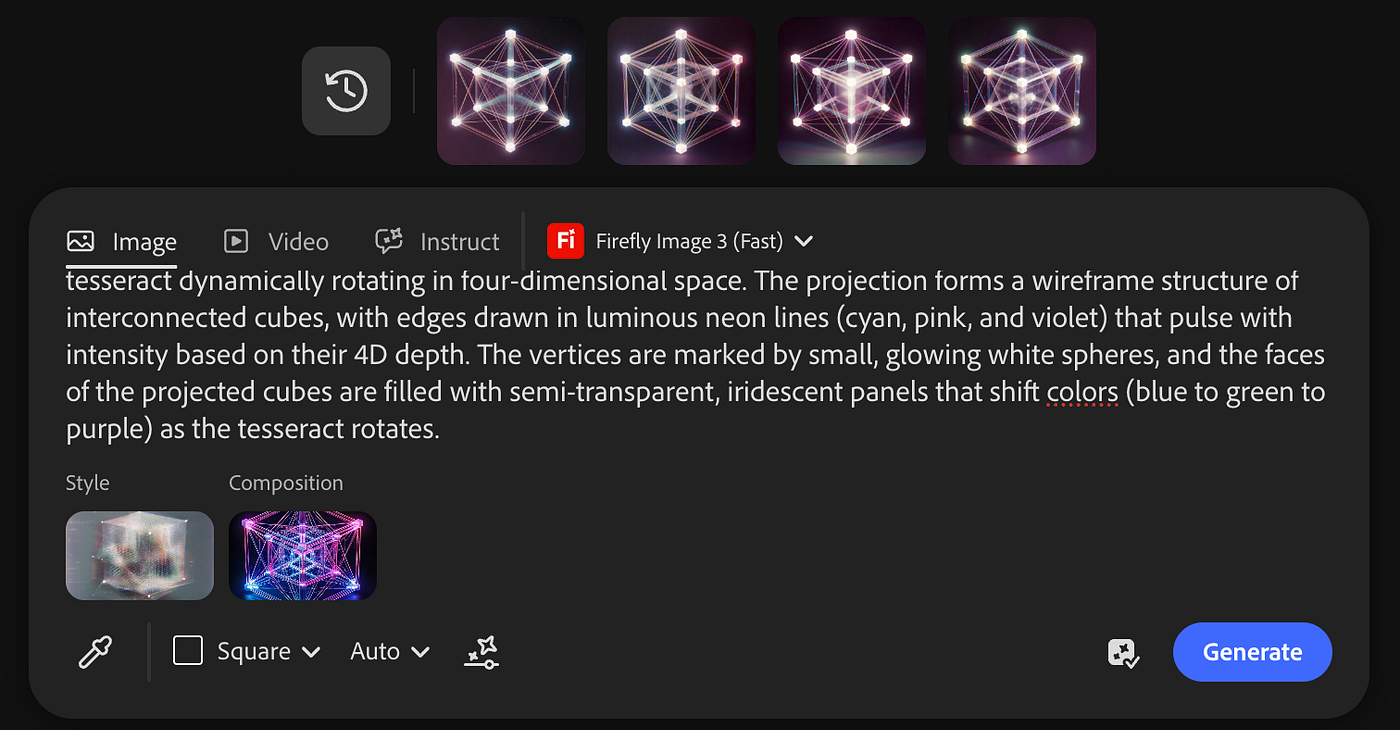
Screenshot of Adobe Firefly Boards
4. Finalise Your Artwork: Select the best combinations and refine them in Firefly’s Text-to-Image module or export to Photoshop for detailed edits.
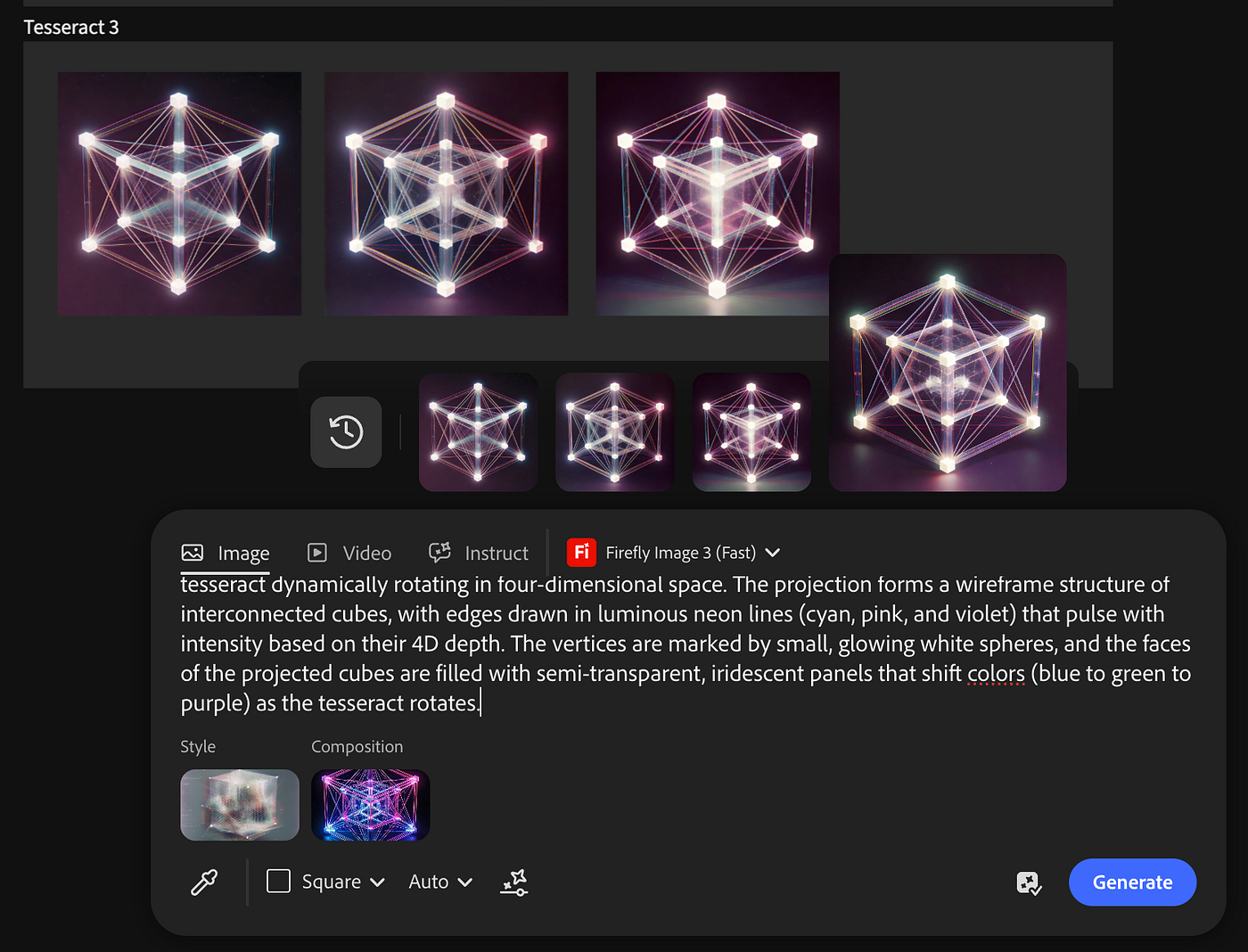
Screenshot of Adobe Firefly Boards
Firefly Boards streamlines the creative process by letting you visualise and iterate on Math Art concepts in one place, making it ideal for experimenting with multiple styles.
Conclusion
Math Art bridges the analytical and the aesthetic, and AI tools like Adobe Firefly and Midjourney make it easier than ever to explore this fascinating domain. By using Grok to craft tailored prompts, Adobe Firefly Boards to organise and mix styles, and Midjourney’s style references to add artistic flair, you can create stunning visuals that capture the beauty of mathematics. Whether you’re inspired by fractals, geometry, or algorithms, these tools empower you to push creative boundaries. Start experimenting today, and let Math Art transform your creative journey!
I hope you enjoyed this article.
Text revised by Grok.
AI Image generated with Adobe Firefly Boards

I publish daily prompts in X with different subjects and styles. Feel free to follow me on X.

This story is published on Generative AI. Connect with us on LinkedIn and follow Zeniteq to stay in the loop with the latest AI stories.
Subscribe to our newsletter and YouTube channel to stay updated with the latest news and updates on generative AI. Let’s shape the future of AI together!

메타데이터
- post_id
- fb62fec2af97
- slug
- creating-math-art-with-grok-firefly-boards-midjourney-fb62fec2af97
- url
- https://generativeai.pub/creating-math-art-with-grok-firefly-boards-midjourney-fb62fec2af97
- canonical_url
- https://generativeai.pub/creating-math-art-with-grok-firefly-boards-midjourney-fb62fec2af97
- author_url
- https://medium.com/@carolletta
- status
- ok
- fetched_at
- 2026-08-04 03:44:19