Did You Notice? Gartic Phone Just Got a Major Update
Gartic Phone turned five a few months ago, and let’s just say… It’s going through some changes.
Did You Notice? Gartic Phone Just Got a Major Update
Gartic Phone turned five a few months ago, and let’s just say… It’s going through some changes.
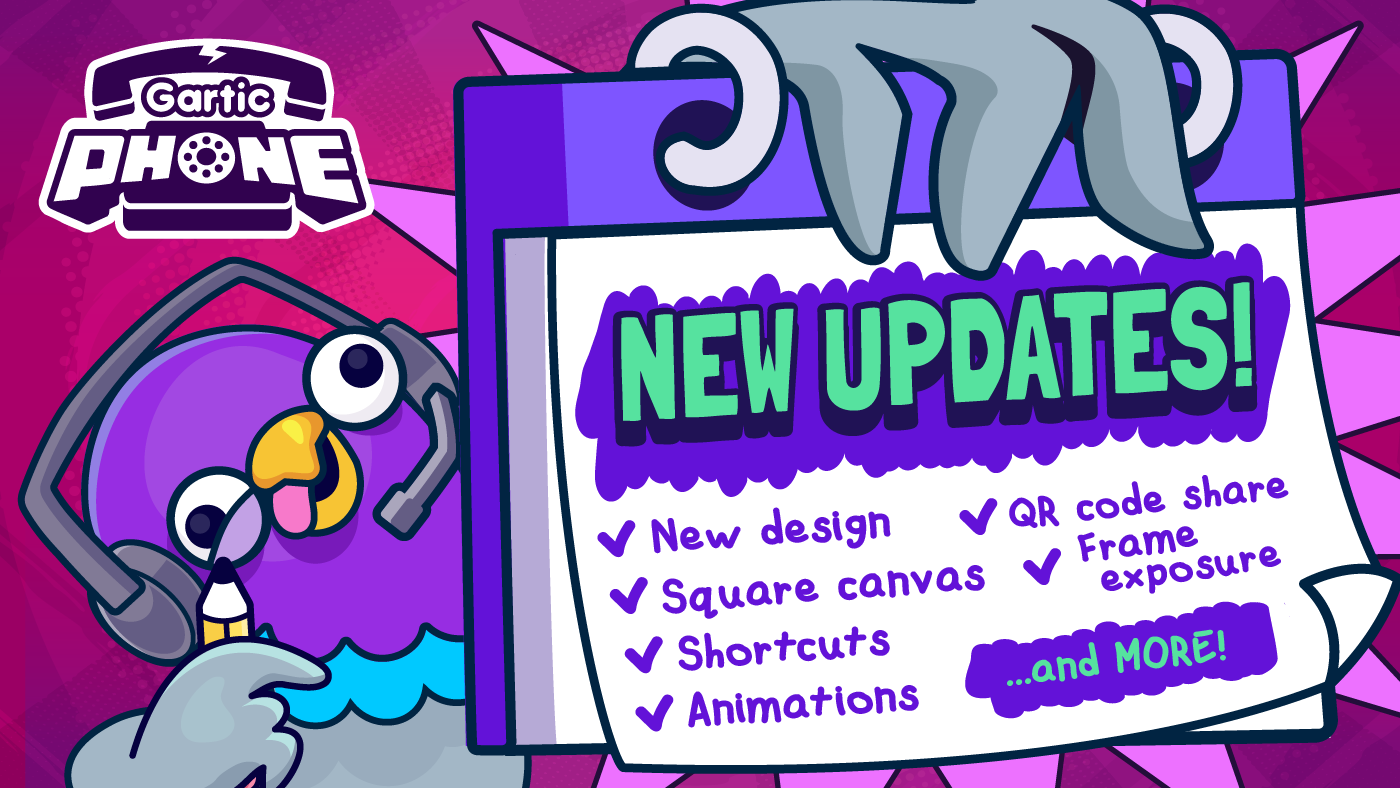
Jokes aside, we felt it was time for our beloved telephone game to get an update.
In this post we detail everything that’s new, but you cal also check this video to learn more about it
Layout
A subtle makeover, it was about time for a modern look. But don’t worry, all features are still there.

We sprinkled in a bit of Gartic magic with fresh animations, screen transitions, and a smoother visual across the game. Even our traditional 3, 2, 1 countdown got a little makeover.
Album GIFs got some love, too! From now on, they’ll come wrapped in a brand-new frame. Check it out!

New canvas format
At the bottom of the Custom Settings tab, you’ll find a new feature called “Canvas format.” It allows you to switch between a standard and a square canvas. The square canvas can be especially useful when posting your drawings on social media or creating content for them.

Which one you prefer: Standard or Square?
If you choose the square canvas, this is how your drawing page should look:

Frame exposure
For those who love creating animations in Gartic Phone, this new feature gives more control over timing for smoother results. The host can now choose the exposure of each frame, which is basically how long it is displayed: 0x, 1x, 2x, or 3x.

- 0x: removes the drawing from the final animation
- 1x: the default hold
- 2x: doubles the display time of that frame
- 3x: triples the display time of that frame
This makes it easier to emphasize certain moments, smooth out movements, or remove frames that interrupt the flow.
All existing animation settings remain unchanged, so any frame adjustments you make can still be combined with them for even greater flexibility.

Drawing process replay
Ever wished you could rewatch the drawing process and catch all those little details in your fellow artists’ creations? Now you can.
After the usual drawing exhibition, a player will pop up. Just hit play to watch it again, with speed options like 1x, 0.5x, and 0.1x if you want to slow things down and take a closer look.
And the best part? You don’t have to be the host; everyone can use it.

Rewatch any drawing: the masterpieces… and the questionable ones too
Also…
Larger Drawing Reproduction
In the album exhibition, you can now collapse the player list and expand the album view. That means bigger drawings on your screen, so you won’t miss a single detail!
Just click the icon in the upper right corner (the one next to the sound settings) to collapse the player list and expand the album view.

Changes in Custom Settings
Tired of losing your settings when switching tabs? That’s no longer a problem. When switching between the Custom Settings and Presets tabs, your selected custom options will remain. You’ll see the Presets list with no game mode selected, but don’t worry. After all, you are not playing a preset, right?
You’ll only lose the settings if you switch to a preset game mode. But, as always, that only happens after a confirmation.
And speaking of Custom Settings… now we have…
Fixed Settings!
Some setting options no longer need to be changed every time you switch game modes. For example, Moderation is now considered a fixed setting. If you enable it in the Custom Settings tab, it will stay on for all game modes until you manually turn it off.

The Canvas format is also fixed. If you prefer always playing with a square canvas, you only need to choose it once when creating the room.
If the host selects a preset mode and only adjusts those two fixed settings, the preset will remain highlighted when returning to the preset tab, as its core settings were not changed.
Hover to reproduce in Moderation
Some users try to bypass moderation by “hiding” inappropriate drawings. Now, moderators can preview a drawing’s playback by hovering over it and prevent it from appearing in the album exhibition.

New room sharing option: QR Code
Faster access and easier sharing. Now, players can join a room by scanning the code with their smartphone’s camera. If you are using Gartic Phone in a classroom or work environment, for example, this update will certainly make your life easier.

More Shortcuts
Every tool now has a shortcut to speed up your workflow. But notice that they’ll only work if the tool is available on the game you’re playing.

We got you a cheat sheet, but you don’t need to memorize it. All shortcuts are now visible when you hover over a tool icon. The only hidden ones are Grid and Zoom. But it’s no secret: press “G” to toggle the Grid options, and “+” and “-” to zoom in and out.

More avatars, of course!
If Gartic Phone has a new look, it’s only fair that players get one too. We’ve added 10 new avatar options for you to choose from and refresh your style while playing. We know everyone has their favorites, but who wouldn’t want to try the coolest Capybara? Or a Banana detective?
Take a look and see if you find your new favorite.

Gartic Phone now has 61 avatar options, yay!
News
Beyond our Discord server, our Medium page is where we share news, updates, tutorials, and more. To make it easier to stay informed, we’ve added a shortcut on the homepage so you can keep up with all the latest updates.

No more excuses to miss our updates. By the way, have you followed our publication yet?
And more+
To give you more control over your game settings, we’ve added new options between the existing limits for players and rounds. You can now set the game to a maximum of 40 players and up to 15 rounds, offering more flexibility when customizing your sessions.
Aaaand that’s a wrap! We hope you enjoy the new features. Please let us know what you think, and if you face any issues, contact us at team@gartic.com.
메타데이터
- post_id
- fba6a8d1dfc7
- slug
- did-you-notice-gartic-phone-just-got-a-major-update-fba6a8d1dfc7
- url
- https://medium.com/gartic/did-you-notice-gartic-phone-just-got-a-major-update-fba6a8d1dfc7
- canonical_url
- https://medium.com/gartic/did-you-notice-gartic-phone-just-got-a-major-update-fba6a8d1dfc7
- author_url
- https://medium.com/@marina.leroy
- status
- ok
- fetched_at
- 2026-06-10 08:17:25