CloudFormation Humbled Me — But It Also Made Me Better
I thought CloudFormation would simply be about writing a template, running a command, and watching AWS create the resources for me.
CloudFormation Humbled Me — But It Also Made Me Better
I thought CloudFormation would simply be about writing a template, running a command, and watching AWS create the resources for me.
I was wrong.
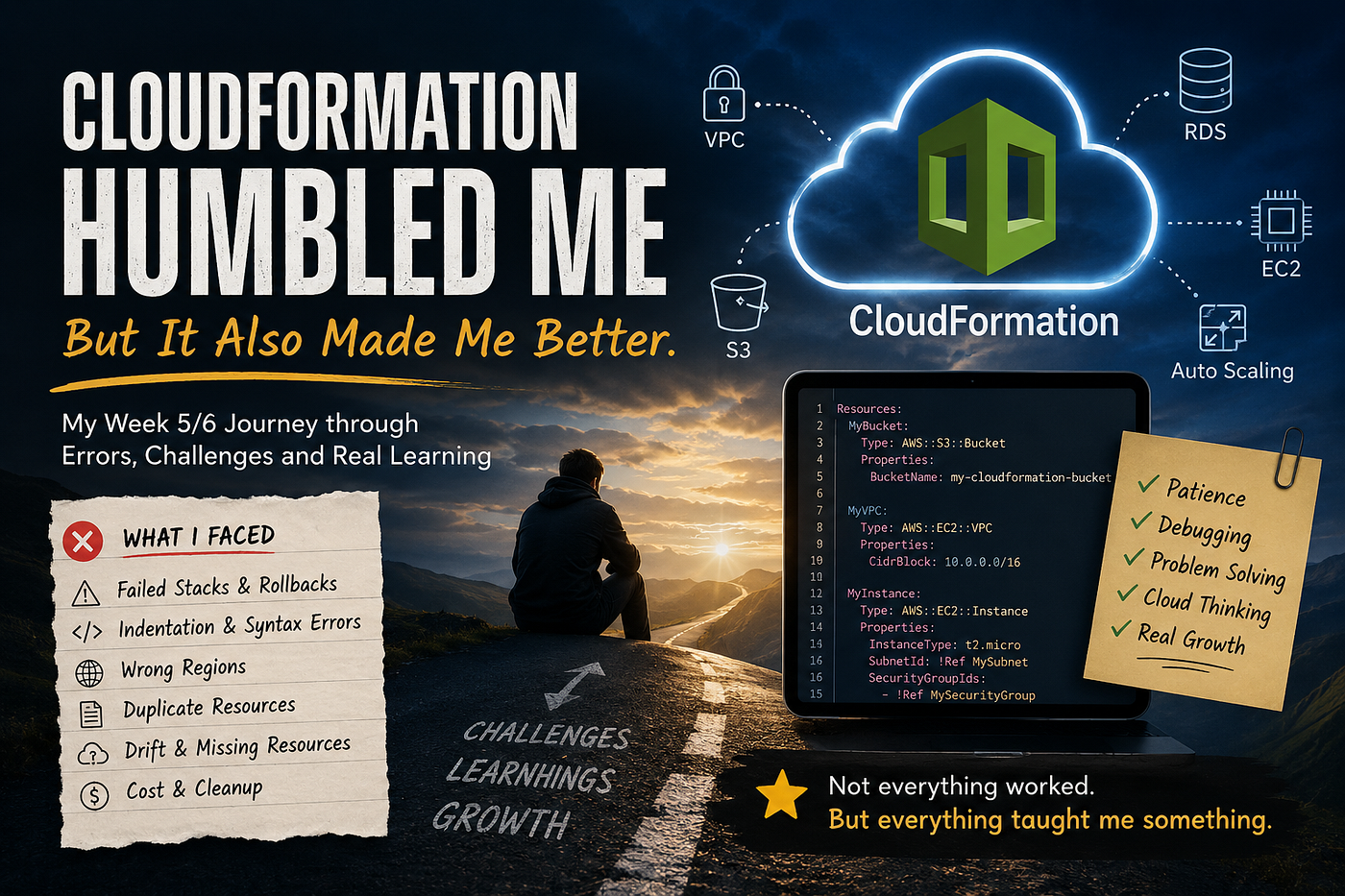
These past two weeks, Week 5 and Week 6 of my cloud engineering journey, were some of the most challenging weeks I have had so far. I faced failed stacks, rollback errors, wrong regions, indentation issues, duplicate resources, confusing terminal messages, and moments where I honestly felt completely stuck.
CloudFormation did not just test my AWS knowledge.
It tested my patience.
At the beginning, I thought I understood the services because I had already worked with them in the AWS console. I knew what a VPC was. I had learned about subnets, route tables, Internet Gateways, NAT Gateways, S3, RDS, EC2, and Auto Scaling Groups. But CloudFormation made me realize that understanding a service in the console is very different from defining that service through code.
AWS CloudFormation is used to create and manage AWS infrastructure in a repeatable way using templates and stacks. In simple words, instead of clicking through the console each time, you describe your infrastructure in a template, and CloudFormation builds it for you. That sounds simple, but once I started writing my own YAML templates, I quickly learned how strict Infrastructure as Code can be.
One small indentation mistake can break the whole template.
One wrong logical ID can stop a resource from creating.
One duplicated property can confuse the deployment.
One wrong region can make it look like nothing worked.
At first, every error felt personal. When I saw ROLLBACK_COMPLETE or CREATE_FAILED, I felt like I had failed too. I would stare at the terminal and wonder why something so small was stopping the entire stack.
But slowly, I started to understand something important: CloudFormation errors are not just failures. They are clues.
Stack Events Became My Teacher

One of the biggest lessons I learned was how important stack events are.
Before this, when a stack failed, I mostly looked at the final status. If it said failed, I felt stuck. But then I learned that stack events tell the story of what actually happened during the deployment. They show which resource started creating, which resource failed, and what reason AWS gave for that failure.
That changed everything for me.
Instead of guessing, I started reading the events carefully. I started looking for the first failed resource, not just the final stack status. I started asking, “What exactly failed?” instead of “Why is everything broken?”
That small shift made troubleshooting feel less scary.
I learned that a failed deployment is not the end of the process. Sometimes, it is the beginning of actually understanding the infrastructure.
The S3 Mistake That Taught Me About Regions
One of my early mistakes was with S3.
I created a stack, but when I checked the console, I could not find the bucket. For a moment, I thought the deployment did not work. Later, I realized I had created the stack in one AWS region but was checking another region in the console.
That mistake was frustrating, but it taught me a lesson I will not forget: always check your region.
In AWS, the region matters. If you deploy in us-east-1 but check us-west-1, it can look like your resource disappeared. The resource may exist, but you are simply looking in the wrong place.
It was a small mistake, but it helped me understand why real cloud engineers need to be careful with details.
The VPC Challenge Was Not Easy
The VPC part was even harder.
Working with VPCs in CloudFormation made me realize how many resources depend on each other. A subnet needs a VPC. A route table needs routes. An Internet Gateway must be attached to the VPC. A NAT Gateway needs to be in a public subnet. Private subnets need the correct route table. Security groups need the correct inbound and outbound rules.
When I was using the console, I could follow the screen step by step. But in CloudFormation, I had to define the relationships myself.
That was challenging.
At one point, I created multiple similar VPCs while practicing. I ended up looking at my AWS account and wondering which VPC was the correct one and which ones I needed to delete. That was stressful because I did not want to delete the wrong thing, but I also did not want to leave extra resources running and possibly create costs.
That experience taught me that naming is not a small thing. Clear names help you understand your environment. When everything looks similar, good naming can save you from confusion.
The Drift Moment
One of the most confusing moments was when CloudFormation showed that a VPC resource was part of my stack, but when I clicked the physical ID, AWS said the VPC did not exist.
At first, that made no sense.
Then I learned about drift.
CloudFormation drift happens when the real resources in your AWS account no longer match what CloudFormation expects from the template. This can happen when resources are changed or deleted manually outside of CloudFormation. AWS explains that drift detection helps identify when a stack’s actual configuration differs from its expected configuration.
That was a big “aha” moment for me.
CloudFormation is not just a live list of everything in my account. It remembers what it created and what it expects to manage. If I manually delete something from the console, CloudFormation may still have a record of it in the stack.
That taught me an important rule: if CloudFormation created it, I should usually update or delete it through CloudFormation.
RDS Made Me Think About Cost
But the biggest thing RDS taught me was cost awareness.
When you are learning, it is easy to create resources for practice and forget that they are real AWS resources. An RDS instance is not just a line in a template. It is an actual database instance that can keep running and keep costing money if you do not delete it.
That made cleanup feel serious.
I learned that cloud engineering is not only about creating resources. It is also about knowing how to safely delete them, check that they are gone, and make sure you are not paying for something you no longer need.
Auto Scaling Group Was the Real Test
The Auto Scaling Group template was one of the hardest parts for me.
I had to deal with launch settings, security groups, subnets, load balancer connections, and references between resources. Sometimes I fixed one error and another one appeared. Sometimes the issue was not even the service itself — it was the YAML formatting, the indentation, or a small typo.
That was frustrating.
But it also helped me grow.
I started using commands like validate-template, create-stack, update-stack, describe-stacks, describe-stack-events, and delete-stack. I started becoming more comfortable with the AWS CLI instead of only relying on the console.
That felt like progress.
Even when the stack failed, I was learning how to investigate it. I was learning how to read the message, trace the failed resource, fix the template, and try again.
Copying Worked, But Debugging Taught Me More
One honest lesson from these two weeks is that copying the corrected template sometimes worked faster than typing everything manually.
But when I typed it myself, I made mistakes.
At first, that made me feel discouraged. I wondered if I really understood what I was doing. But now I see it differently. Typing the template exposed the parts I did not fully understand yet. Copying helped me see what a working version looked like, but debugging helped me understand why it worked.
That is where the real learning happened.
CloudFormation taught me that I do not need to memorize every single line. But I do need to understand the structure, the relationships, and the logic behind the resources.
What Week 5/6 Really Taught Me

These two weeks were not smooth.
They were messy.
They were frustrating.
They were full of errors, confusion, deleting, redeploying, checking, fixing, and trying again.
But I also enjoyed them.
There is something exciting about finally seeing CREATE_COMPLETE after many failed attempts. There is something powerful about reading an error message that once looked impossible and suddenly understanding what it means.
CloudFormation taught me patience. It taught me attention to detail. It taught me that infrastructure has relationships. It taught me that cleanup matters. It taught me that troubleshooting is not a side skill — it is one of the main skills.
My biggest takeaway is this:
Cloud engineering is not about everything working the first time.
It is about knowing how to investigate when it does not.
Week 5 and Week 6 humbled me, but they also made me better. They helped me understand AWS infrastructure in a deeper way. Not because everything went perfectly, but because I had to work through the problems.
And that is what made the journey real.
메타데이터
- post_id
- fbaace4ef7ec
- slug
- cloudformation-humbled-me-but-it-also-made-me-better-fbaace4ef7ec
- url
- https://medium.com/@fatumaabdo14/cloudformation-humbled-me-but-it-also-made-me-better-fbaace4ef7ec
- canonical_url
- https://medium.com/@fatumaabdo14/cloudformation-humbled-me-but-it-also-made-me-better-fbaace4ef7ec
- author_url
- https://medium.com/@fatumaabdo14
- status
- ok
- fetched_at
- 2026-07-09 05:26:43




