Generate secure SSH key pairs easily
This article shows the steps for generating SSH key pairs, and perform a key-based authentication with a one line command.
Generate secure SSH key pairs easily
[embed]A one line command for generating a key pair and adding the public key to the remote server, command below
ssh-keygen -b 4096 -N "<your-passphrase>" -f test.key && ssh-copy-id -i test.key.pub <user>@<RemoteHostnameOrIP>This article shows the steps for generating SSH key pairs, and perform a key-based authentication.
If you have VMs in your homelab and you want to manage them using a key pair, or using Ansible to manage many nodes with key pairs instead of passwords, among many other use cases.
I performed the demonstration with two Linux VMs, one Ubuntu and one Debian but this applies to every Unix based system. This can also be done from PowerShell in a Windows 10 or newer version using the built-in OpenSSH client
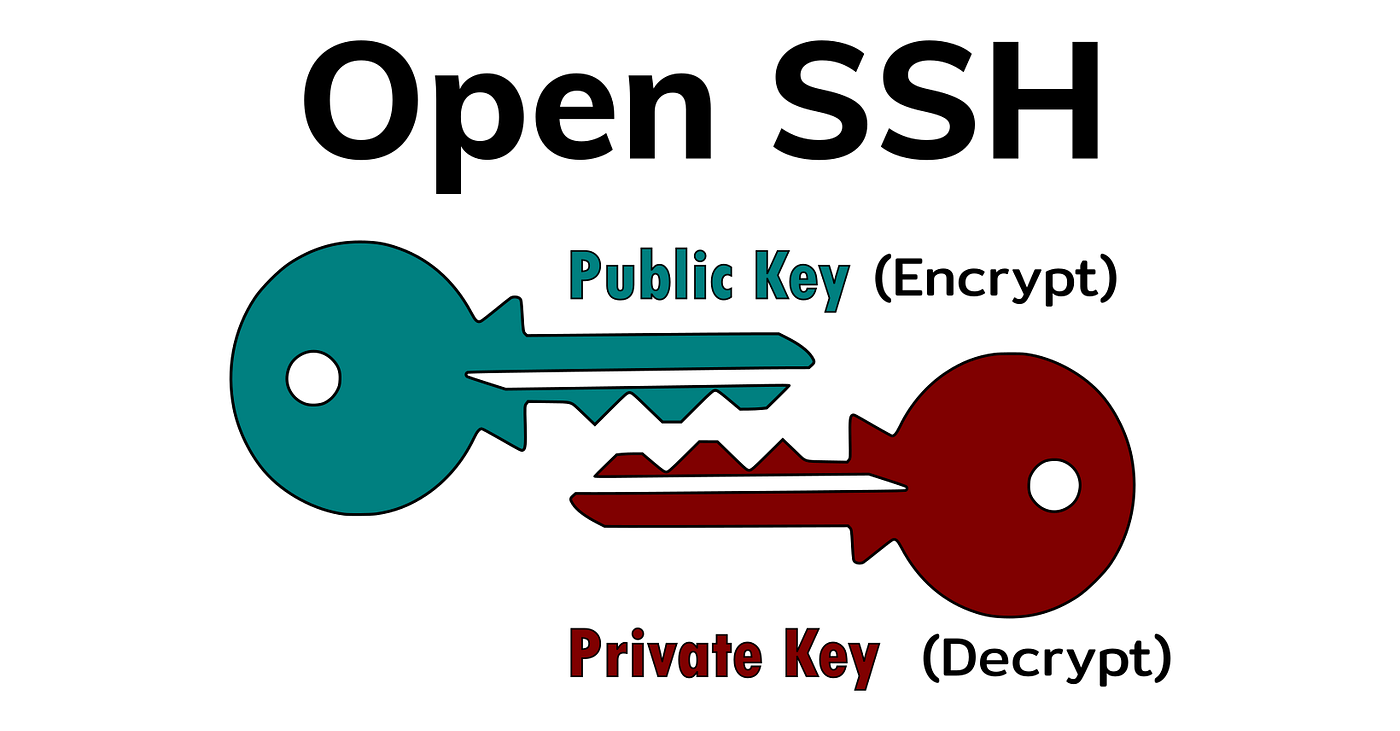
Steps:
1- Create the key with ssh-keygen -b 4096, this uses a 4096 bits size key instead of the default 3072
2- Add a passphrase, you could add this passphrase to an SSH agent in case you do not want to type it every time you are using the key pair, you could also leave it blank but that makes the authentication less secure.

Local server in the left, target server we want to SSH into using key-based authentication in the right
3- Copy the public key to the remote host ssh-copy-id <user>@<RemoteHostnameOrIP>, this command will send the public key to the ~/.ssh/authorized_keys file of the <user> specified, it even manages creating the file and directory in case it was not there.

ssh-copy-id <user>@<RemoteHostnameOrIP> and SSH connection
In case you want to disable the password authentication in the remote host:
1- Go to remote host and change PasswordAuthentication to no, this can be done in the file /etc/ssh/sshd_config but it is a best practice to do it under a .conf file in the directory/etc/ssh/sshd_config.d/ , in the second image below you I did with command sudo sed -i s/yes/no/ /etc/ssh/sshd_config.d/50-cloud-init.conf

Checking the sshd config for both servers

Changing the PasswordAuthentication
2- Restart sshd service to apply the changes systemctl restart sshd

You will not be able to SSH in to the server with the password
Additional notes:
- A
~\.ssh\configfile can be created to manage different connections - There are many other features that makes the connection more secure, some examples: allowing only certain IP addresses to reach the server using a SSH whitelist or iptables, adding some restrictions under the authorized_keys file, among other best practices.
- If using Cloud virtual machines it is more secure to use the SSM Agent in AWS or Azure Bastion, no port is exposed for SSH.
메타데이터
- post_id
- fbaaea6cb160
- slug
- generate-secure-ssh-key-pairs-easily-fbaaea6cb160
- url
- https://medium.com/@damscarlos/generate-secure-ssh-key-pairs-easily-fbaaea6cb160
- canonical_url
- https://medium.com/@damscarlos/generate-secure-ssh-key-pairs-easily-fbaaea6cb160
- author_url
- https://medium.com/@damscarlos
- status
- ok
- fetched_at
- 2026-08-06 00:06:51



