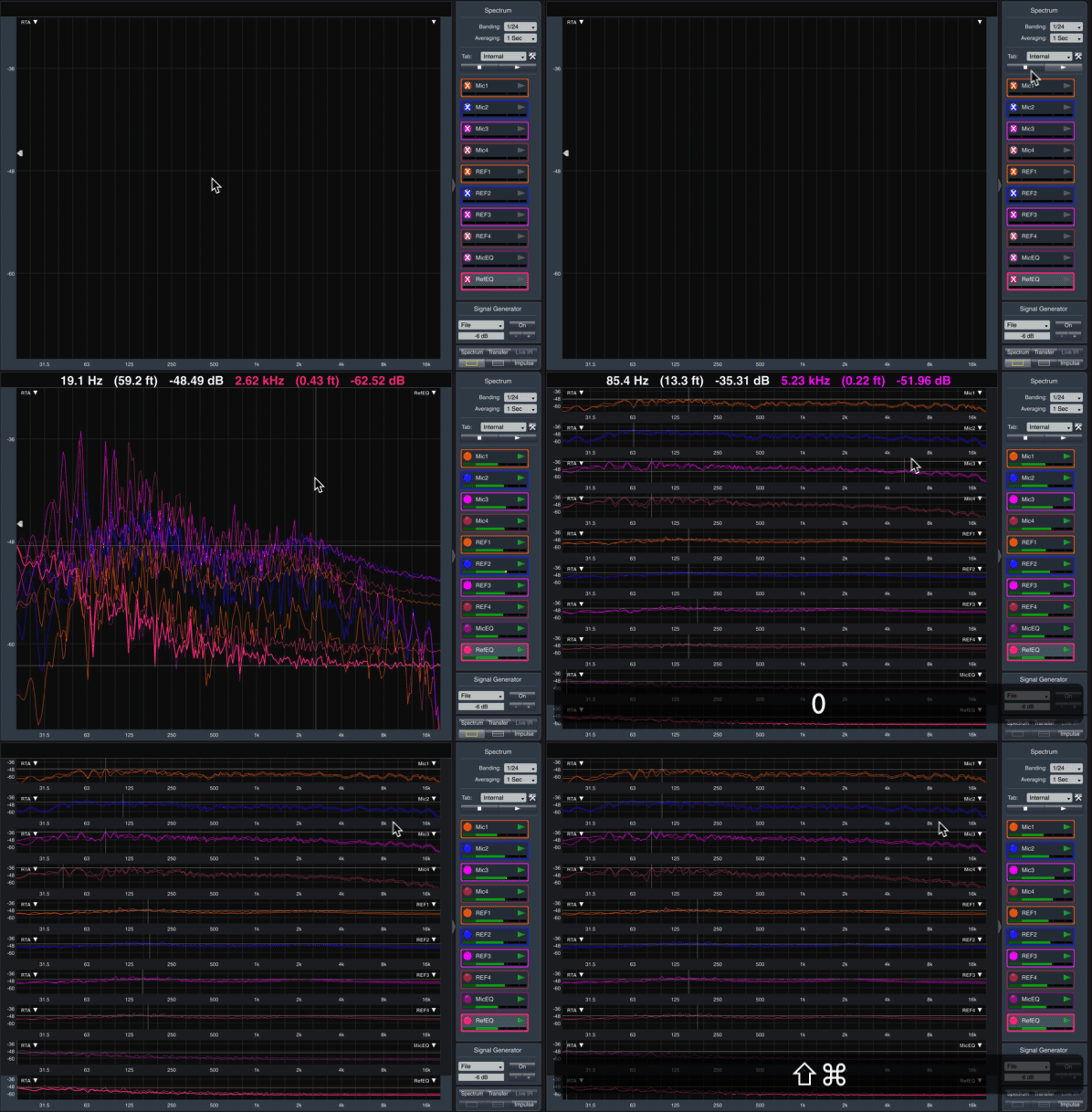
3-Step Configuration Hack to Get up and Running Fast with Smaart v8 Beta
I know you want to use the new beta version of Smaart, but you haven’t found time, yet. This 3-step hack will have you up and running in…
3-Step Configuration Hack to Get up and Running Fast with Smaart v8 Beta
I know you want to use the new beta version of Smaart, but you haven’t found time, yet. This 3-step hack will have you up and running in about 5 minutes.
Steps
- In Smaart v8, Config > Manage Configurations > Current Config > Save As.
- In Finder, ⇧⌘G then ~/Documents/Smaart v8/Config and copy the config file you just saved.
- ⇧⌘G then ~/Documents/Smaart v8/Beta Config and paste it.
- In Smaart v8 Beta, Config > Manage Configurations > Stored Configs > Recall.
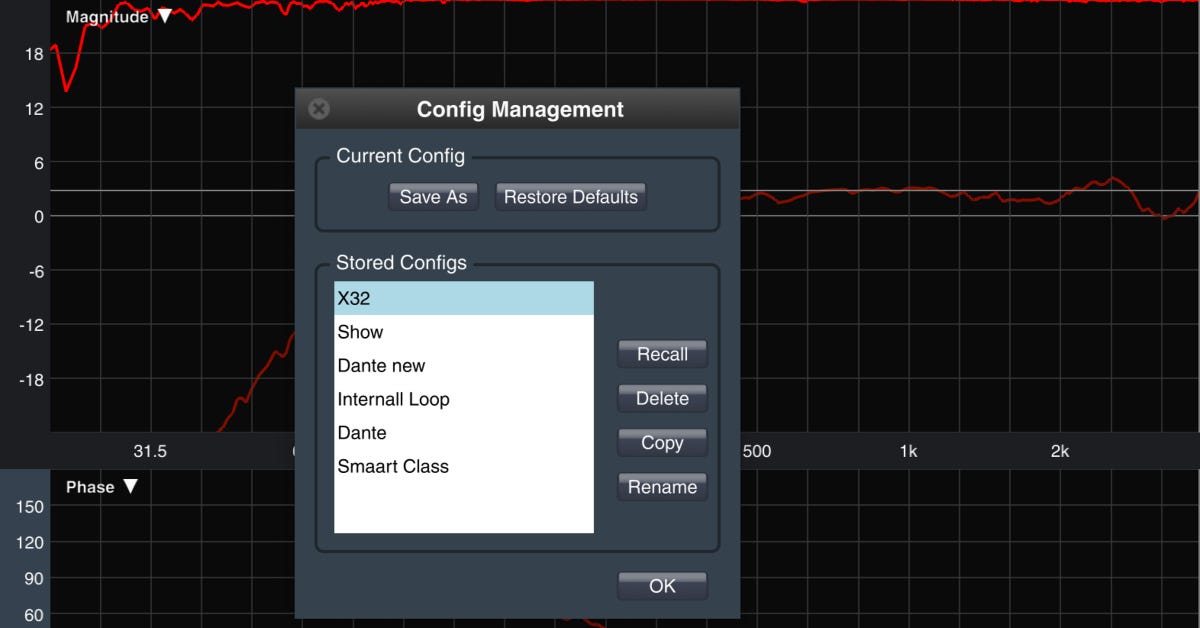
Now all of the settings you worked for years to customize will be imported and you can start working immediately instead of starting from scratch.
Download the Smaart beta here.
Bonus tip: If you’re ever struggling with Smaart and you just can’t find the problem, save your current config then try Restore Defaults in Config Management. You’ll have to rebuild everything from scratch, but it might be faster then going through every little setting until you find the problem. If it doesn’t fix the problem, you can always restore your saved configuration.
Have you worked with the configurations manager? Have you discovered any helpful hacks?
Originally published at https://www.sounddesignlive.com on July 15, 2019.
메타데이터
- post_id
- fbb306287d6a
- slug
- 3-step-configuration-hack-to-get-up-and-running-fast-with-smaart-v8-beta-fbb306287d6a
- url
- https://medium.com/@nathandofrango/3-step-configuration-hack-to-get-up-and-running-fast-with-smaart-v8-beta-fbb306287d6a
- canonical_url
- https://medium.com/@nathandofrango/3-step-configuration-hack-to-get-up-and-running-fast-with-smaart-v8-beta-fbb306287d6a
- author_url
- https://medium.com/@nathandofrango
- status
- ok
- fetched_at
- 2026-07-29 14:54:16