Stop Waiting for App Store Approvals! How to Update Your Flutter App Instantly using Shorebird 2026
We’ve all been there: You finally push your Flutter app to the Google Play Store or Apple App Store. You celebrate, grab a coffee, and…
Stop Waiting for App Store Approvals! How to Update Your Flutter App Instantly using Shorebird 2026
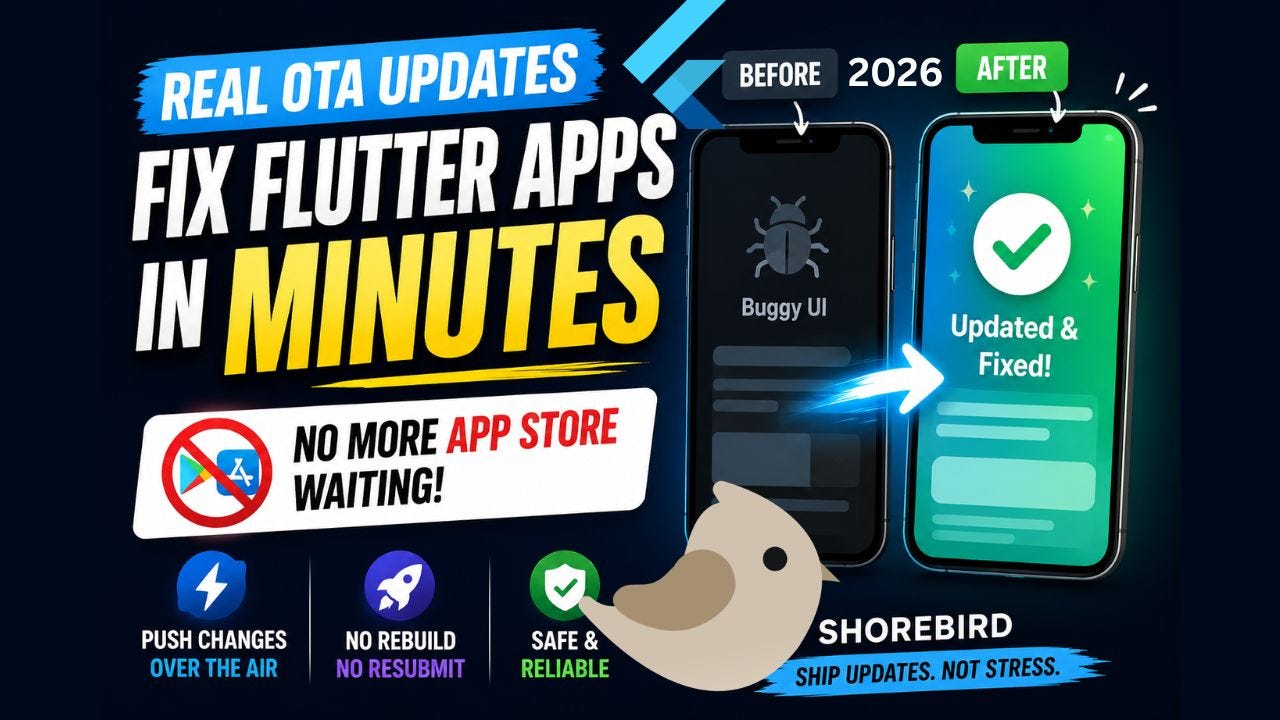
Shorebird Flutter tutorial
[embed]Flutter shorebird OTA (over the air) code push
We’ve all been there: You finally push your Flutter app to the Google Play Store or Apple App Store. You celebrate, grab a coffee, and then… panic sets in. You spot a tiny UI bug, or worse, a crash that breaks the app.
Historically, this meant fixing the bug, creating a new build, uploading it, and praying to the App Store gods for a quick review, a process that can take days.
But what if you could push that fix in minutes, directly to your users’ devices, without ever touching the App Store? Enter Over-The-Air (OTA) updates with Shorebird.
Step 1: Install Shorebird and Login 🛠️
First things first, head over to the Shorebird website and sign up [00:13]. Once you’re in the dashboard, you need to install the Shorebird CLI on your system.
Grab the install command for your specific OS (Windows, Mac OS, or Linux) and paste it straight into your terminal [00:32]. Make sure to add it to your environment variables so you can access the shorebird command from anywhere!
Once installed, simply run shorebird login in your terminal [01:15]. This will pop open your browser, authenticate your account, and magically link your system to Shorebird.
Step 2: Initialize Shorebird in Your Flutter Project 🐣
Now comes the exciting part, connecting your app! Open up the terminal of your existing Flutter project and run shorebird init [01:49]. This single command preps your entire app for instant OTA updates.
Pro Tip: For testing this out, the default Flutter Counter App works perfectly!
Step 3: Create a Release Build 📦
To see the magic in action, you have to build your app through Shorebird. Head over to the official docs or run the Shorebird Android release command [02:18]. This generates a Shorebird-enabled APK and AAB file.
If you were pushing to production, you’d upload the .aab file to the Play Store. But for testing, just grab that .apk and install it directly on your device.
Step 4: Make a Change and Push the Patch! 🪄
Your app is installed. It looks great. Let’s say it has the classic default purple background. Let’s change the Dart code to make the background color Amber [04:02].
Instead of rebuilding the APK and reinstalling it, you just need to run the patch command: shorebird patch android --release-version 1.0.0+1 [03:22]
Important: Make sure you use the same version number that you used when creating the original release; otherwise, the patch won’t apply!
Step 5: Watch the Magic Happen ✨
Once the patch pushes successfully, simply open your app. Without downloading a new update from the Play Store, and without reinstalling the APK, your app’s background will automatically update to Amber in real-time [04:53]!
Want to change it to pink? Just update the code, run the patch command again, and watch your app transform right before your eyes.
Final Thoughts 💡
OTA updates are an absolute game-changer for Flutter developers. No more gatekeeping cool features behind slow review times. No more stressing over emergency hotfixes.
By integrating Shorebird into your workflow, you can drastically improve your deployment speeds and make shipping apps feel fast, modern, and fun again. Go ahead and add “OTA Updates” to your developer CV!
If you loved this guide, be sure to watch King Rittik’s full tutorial, drop a like, and share it with your Flutter friends who are still waiting on App Store approvals!
👉 Watch the full video here: https://www.youtube.com/watch?v=fgYpi-iyP_U
메타데이터
- post_id
- fbc8992fcb67
- slug
- stop-waiting-for-app-store-approvals-how-to-update-your-flutter-app-instantly-using-shorebird-2026-fbc8992fcb67
- url
- https://medium.com/@kingrittik/stop-waiting-for-app-store-approvals-how-to-update-your-flutter-app-instantly-using-shorebird-2026-fbc8992fcb67
- canonical_url
- https://medium.com/@kingrittik/stop-waiting-for-app-store-approvals-how-to-update-your-flutter-app-instantly-using-shorebird-2026-fbc8992fcb67
- author_url
- https://medium.com/@kingrittik
- status
- ok
- fetched_at
- 2026-06-12 18:14:10


