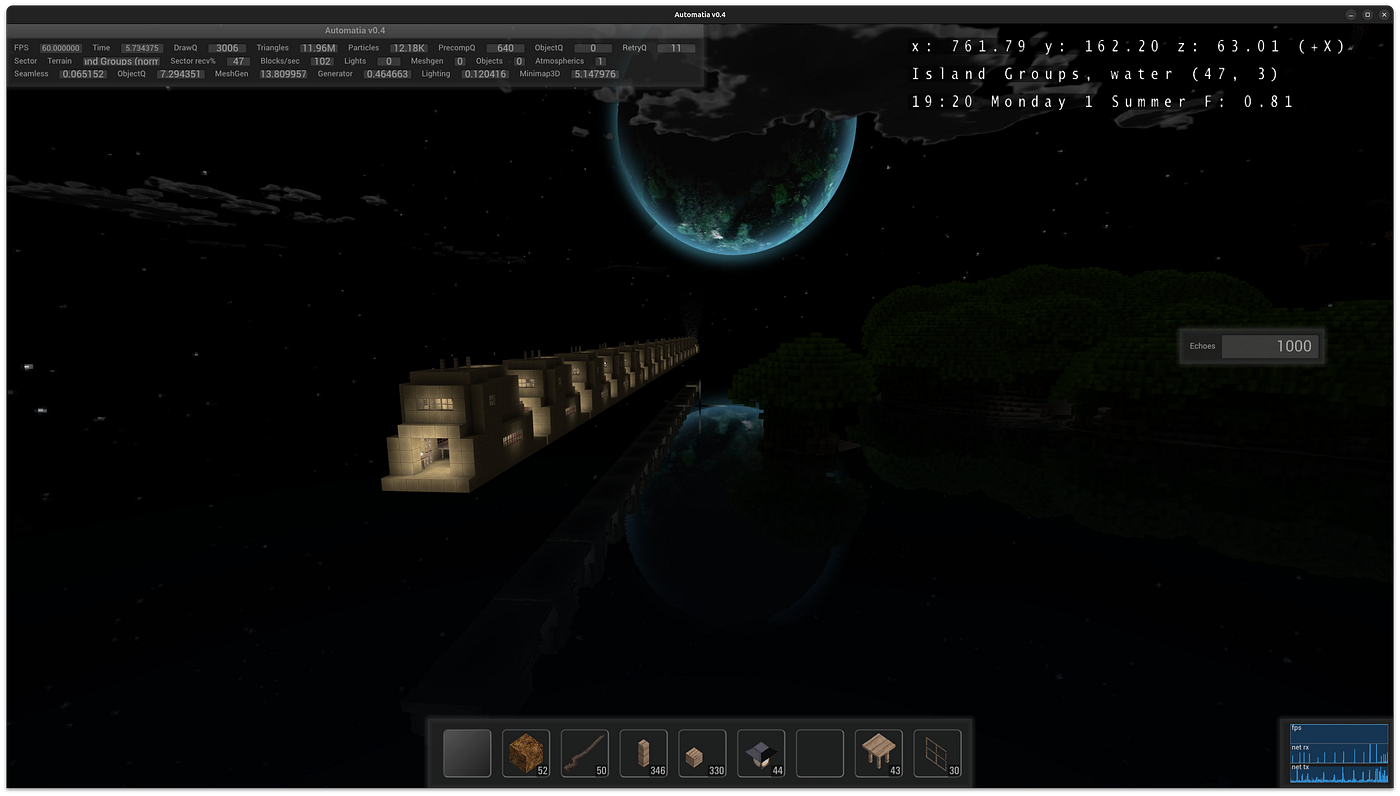
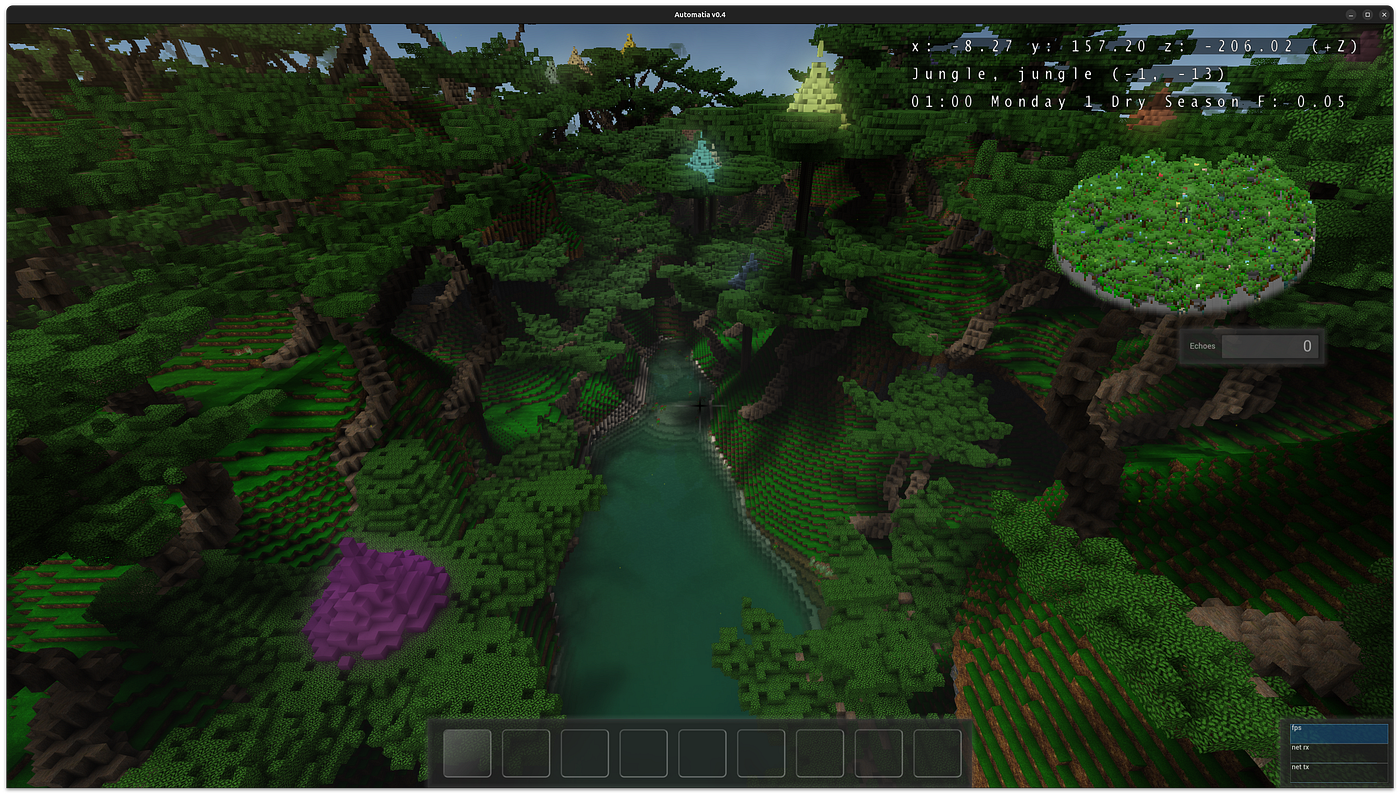
Automatia, update 2
On minimaps, shadows and whatever else I can think of
Automatia, update 2
On minimaps, shadows and whatever else I can think of
Previously. I just implemented a 3D minimap in my game, and it was hard. I must have been unaware at just the sheer amount of data in my game.
Minimap 3D
The 3D minimap is just a colored voxel density grid of the clients current area. That is, what the client (the player, you) can see.
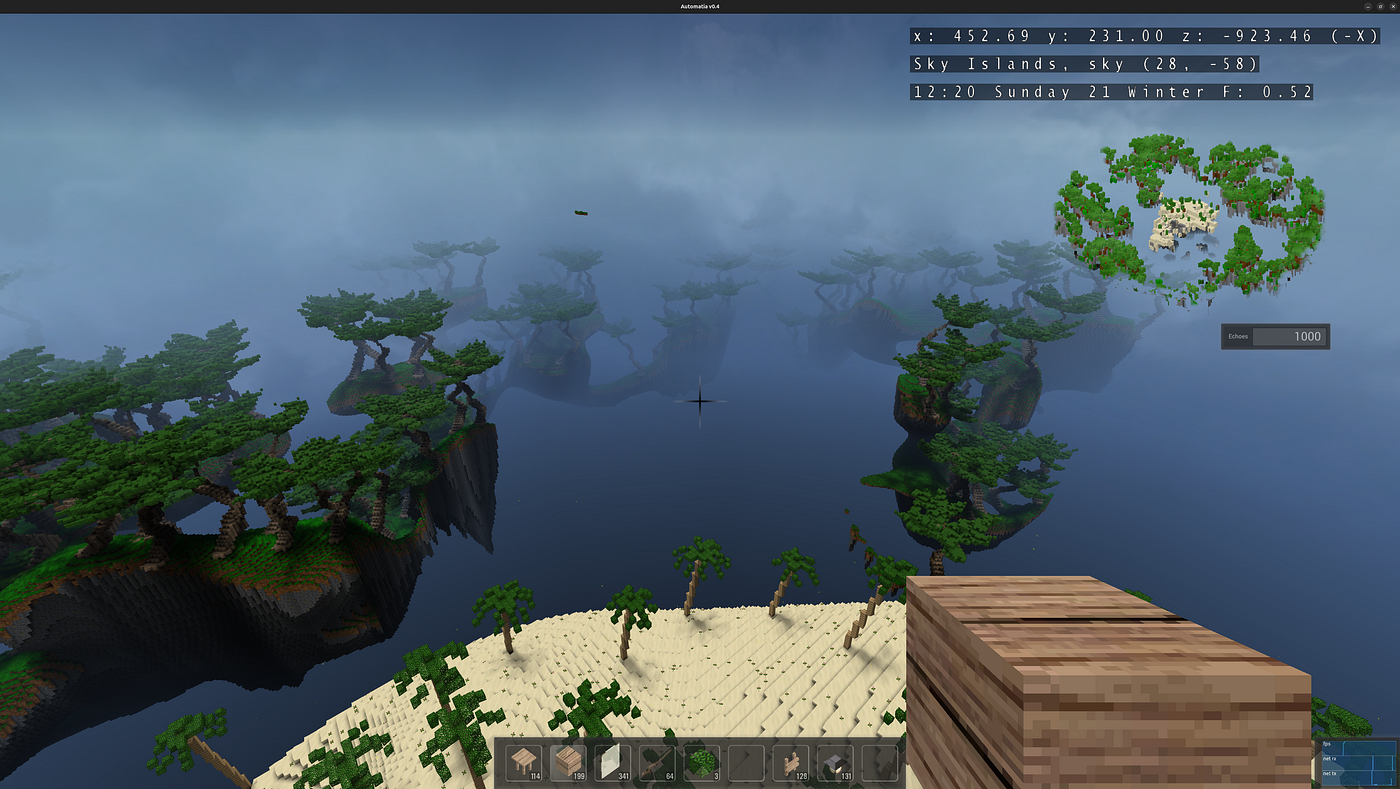
The skyway is quite 3D
Centered and enlarged minimap:
[embed]
The minimap is a simple voxel volume where same-colored values in the Y-columns can be merged. Just enough to get the processing under 2ms on the rendering thread. This operations is technically a spike in the frametime because .. and just as I wrote this I realized that I could just generate the mesh anywhere, and then upload it on the render thread. Now that it’s two hours later and I’ve done that, there are no problems. Thanks!
I have timings for various things, and there are spikes from the 3D minimap mesh generation that reaches 8ms for the default mesh, so getting it out of the rendering thread was important. The entire budget for a frame is 16.6ms for 60 FPS, and half that for 120 FPS which is becoming more and more common.

Despite my attempts, it’s still a significant 5.37% cost at 2x2 voxels per sector
[embed]The volume reflects the world around the player
The client has a local coordinate system where the player repeatedly returns to the center after world transitions, which happen automatically after traversing a given length of terrain. Everything is moved backward and the backmost terrain is moved to the front and cleared. Terrain data is stored in fixed-size arrays. This method makes accessing any voxel O(1), but makes all the surrounding “tech” to make it work very complicated. For example, in order to generate the minimap mesh on the physics thread, we need to know the world xyz the mesh was created for, and in the render thread we need to know the world xyz the player snapshot was for, calculate the difference, and present a smooth moving mini-voxelmap without any jumps. The result is that any system that needs/reads blocks, which is nearly all of them, are lightning fast.
One thing I’ve thought about is to store an average color of each tile in the tile database. Maybe it can be used to colorize the minimap with more realistic colors. Currently each block can have a separate minimap color, which means that it’s possible to get all colors correct, but it’s a chore and a half. And I’ve also thought about adding a 3D marker for where the player is. While the player is in the center, if you’re below ground or something is towering over you, it can be hard to see.

The minimap voxel volume without crossfading
The volume does have caves and such, but not sure how to visualize that when down under.
Graphically the minimap is still a bit primitive, however we could apply screenspace AO by comparing normals to give it dark patches in corners. It would require writing to two outputs when drawing it, and on the final GUI render we would sample the normal map multiple times to estimate visible corners. It’s a poor mans method, if anything.
We can also count the number of vertices appearing in the same place as we generate the mesh, however outer edges will have up to 4 contributors, so it’s not apparent to me that it’s a path forward. Since the Y-level partitioning is very granular, perhaps simply shading lower vertices darker could be a graphical upgrade. So, that’s what I tried:

The extra shading helped.

Top-right, same location.
The extra shading, even if wrong, improved the visuals. Merging same-colored faces downwards saved this feature for mountains.

Fun fact: You can set the tilt in the settings. 70 degrees shown makes everything taller.

After optimizations, it’s now reduced to 3.9%, which is fair OK

The final version with markers
I decided to make it circular, saving some iterations and I added markers. Not sure if they should be visible in the world yet, as I find them cluttery in other games I’ve played. The minimap mesh generally finishes in less than a millisecond now, so I think that concludes the 3D minimap for now.
Shadows
I also experimented with shadow rays that affect the terrain:

Shadows cast from sun direction applied to voxel volume
This is a feature I’ve had before, back in 2015. I added it back in a lesser form to make it less of a 3dsmax feature and more of a live-game feature. We need to have a lot of processing power to work with, and to do that we need to not cast rays until there’s nothing left! Somehow the shadows looks chefs kiss with just one ray per location and some smoothing. Good enough that I think I’ll keep the feature, and make it default enabled, but with a low ray length.

A shadow cast from a single column
While real-time shadows are awesome and give that grass that extra oomph, it’s just not for me. Not my jam. Perhaps I’m hoping that doing things differently will yield something special.
The shadow rays are a client-only feature, and since it spans multiple sectors of the world, it needs to happen in the physics thread and cannot be done in a background thread. It only needs to happen for visible non-dark areas. The DDA traversal algorithm was used, and since the sun only uses 2 axes (X, Y) it’s only a 2D traversal, further simplifying it. As always, the massive amount of data complicates things, but because it’s only a single ray that often exits early, I was able to run it comfortably on my machine with a 512 length ray.

Some really long shadows are possible
The caveat is that the terrain is visibly regenerated over time every time the server sends a daytime update (30 secs in this case). However, it’s a non-issue for me and the feature can be disabled if you don’t want the extra churn for the photos. The ray length could be a run-time option with a slider in the GUI, so you’d turn it on for those photo sessions. Maybe?
One graphical glitch remaining is that at the start the client doesn’t have all the terrain ready, as there is a dance with the server. So there will be hard cutoffs as the ray enters a not-yet-ready sector. Not sure how to deal with that yet. A sufficiently low ray length could be employed at startup, and it would also help making the startup faster. The ‘true’ ray length could be restored at the first server daytime update.
Startup
[embed]
The client starts instantly, which is necessary to iterate fast.
In order to achieve this, everything has to wait. Everything has a priority, and if something else is higher up, then that’s what’s going to happen earlier. The rendering thread also has a rudimentary mechanism to tell the pipeline to slow down, if there’s a queue of terrain going to the GPU.
Auto-spawning entities
"autospawn": [{
   "world": "std",
   "blocks": ["grass_block"],
   "chance": 0.025,
   "distance_from_players_min": 16,
   "distance_from_players_max": 128,
   "light_min": 2,
   "light_max": 15,
   "light_realtime": true,
   "attributes": [{
     "key": "colors",
     "value": [
       [1.0, 1.0, 0.0],
       [0.0, 1.0, 0.0],
       [0.0, 0.0, 1.0],
       [1.0, 0.5, 0.0],
       [0.5, 0.25, 0.0]
     ]
   }]
}]
There are now more and more NPCs that can be spawned, and more worlds, more blocks etc. So there needed to be a system where you could specify where an entity can spawn. The above is for a frog, and most of the above is the constraints. World has to be ‘std’, block has to be ‘grass_block’ etc. Attributes is an engine-wide JSON-like data structure that in this case is passed to the spawn function. It can choose to use ‘colors’ (or not).

At first I created a wand that lets me mass-create hogs
Using this method, I was able to create a new Hog NPC by just focusing on the model and logic, and less on the setup. I did use a wand at first, which was cool, but the auto-spawning is quite fast. Of course, one can test more specific things with the wand.
Next up
Last time I made a solemn promise to work on terrains to make them hardened against resets. That didn’t happen. I guess I should resume that work, although it is mostly done. What’s left is making sure that terrain color can be modulated purely from JSON or a script function.
I think one thing that I really want to explore further is the ability to set waypoints. I like adding game functionality through blocks first and foremost, but I haven’t made up my mind yet. A waystone makes a lot of sense.
Thanks for reading!
-gonzo
메타데이터
- post_id
- fbe54004d50e
- slug
- automatia-update-2-fbe54004d50e
- url
- https://medium.com/@fwsgonzo/automatia-update-2-fbe54004d50e
- canonical_url
- https://medium.com/@fwsgonzo/automatia-update-2-fbe54004d50e
- author_url
- https://medium.com/@fwsgonzo
- status
- ok
- fetched_at
- 2026-06-20 20:29:01