Vue in React Style
Starting from new year, 2019. I started using new front-end framework, Vue, in my daily work.
Vue in React Style
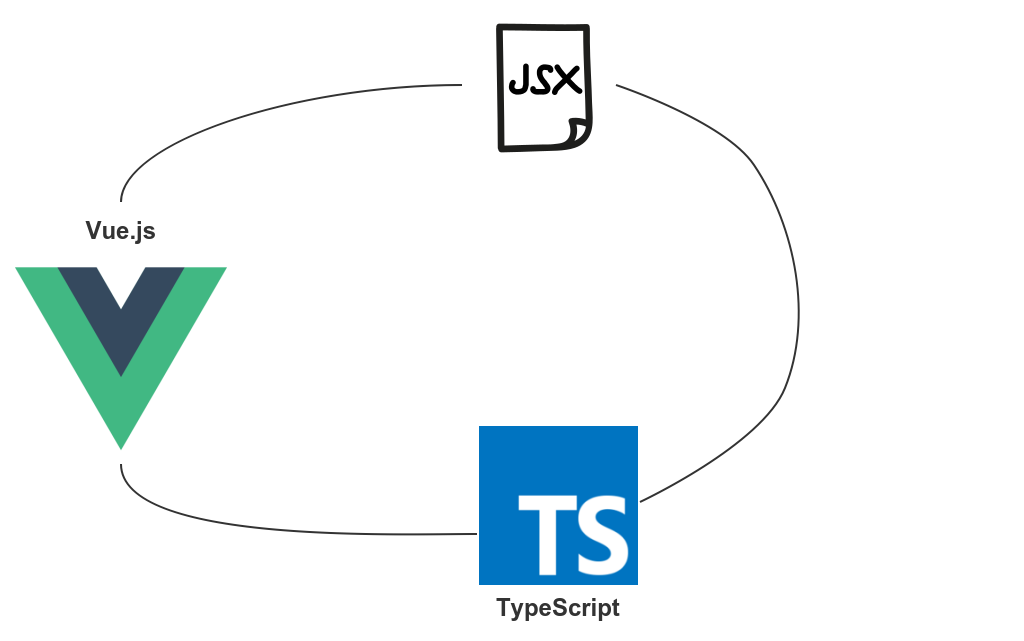
Starting from new year, 2019. I started using new front-end framework, Vue, in my daily work.
React and Vue, they have something in common. But most of them are quite different. I have been working with React for 3+ years. To be honest, It was weird while coding in Vue first time.
Let me summaries differences between Vue and React during my first month working experience.
I. No need manually trigger re-render.
As you know, Vue is two-way-binding. When data is changed, view will be automatically re-render. But in React, we need invoke setState() to make re-render. I didn’t no get used to it. Always feel that missed something. Even now after one month working…
II. JSX
Vue recommends using templates to build your HTML in the vast majority of cases. There are situations however, where you really need the full programmatic power of JavaScript. That’s where you can use the render function, a closer-to-the-compiler alternative to templates. (https://vuejs.org/v2/guide/render-function.html)
Vue’s render function takes one argument, createElement. Like
Vue.component('example-app', {
  render: function (createElement) {
    return createElement(
      'div',   // tag name
      children // array of children
    )
  }
})
This is pretty like React.createElement() , almost the same.
React.createElement(
  type,
  [props],
  [...children]
)
Why not use JSX in Vue? Fortunately, one babel plugin is provided officially, babel-plugin-transform-vue-jsx. It is straight forward.
Pros: Make React developer’s life easier
Cons: Some event handlers cannot be used, like v-on:keyup.enter
III. ES6 Class
In React, class syntax is easy. But not for Vue. Vue is template driven, remember?
If you want to use class, another dependency is need, vue-class-component. It is also maintained officially. With JSX, we can get rid of tamplate. Using JS only to develop Vue components.
Render function, Life hook etc. Most things are supported in class syntax. Very close to React style. It is friendly to developer who worked on React previously.
IV. Event Handler
If you worked on React before, you will start to thinking in React style when applied JSX and Class in Vue. And that will lead you to wrong way. Event handler bring me trouble at very beginning.
Let us see two code segments. React first, then Vue using vue-class-component and JSX.
class Parent extends React.Component {
  onChange = () => {
    console.log('parent onchange');
  };
  render() {
    return (
      <Child onChange={this.onChange} />
    );
  }
}
class Child extends React.Component {
propTypes = {
onChange: PropTypes.func
};
onChange = () => {
this.props.onChange();
};
render() {
return (
<div onClick={this.onChange} />
);
}
}Parent pass function as child props. Inside child, invoke this function. Actually, function reference passed through props.
@Component
class Parent extends Vue {
  onChange() {
    console.log('parent onchange');
  }
  render(h) {
    return (
      <Child onChange={this.onChange} />
    );
  }
}
@Component
class Child extends Vue {
onChange() {
this.$emit('change');
}
render(h) {
return (
<div onClick={this.onChange} />
);
}
}For Vue, Parent not pass function reference through props. It just writing in this way. After transpiling, Parent becomes
render(createElement) {
  const self = this;
  return createElement(Child, {
    on: {
      change: self.onChange
    }
  });
}
Now it is more clear. Child component has an event listener that listen to change event. Corresponding handler is Parent’s onChange() method. Child emits change event to notify Parent.
V. Vue.nextTick
The usage description in official doc, defer the callback to be executed after the next DOM update cycle. Use it immediately after you’ve changed some data to wait for the DOM update.
// modify data
vm.msg = 'Hello'
// DOM not updated yet
Vue.nextTick(function () {
  // DOM updated
})
It is very similar to setState callback.
this.setState({ msg: 'Hello' }, () => {
  // DOM updated
})
메타데이터
- post_id
- fc2eae4581d6
- slug
- vue-in-react-style-fc2eae4581d6
- url
- https://medium.com/@wanpy/vue-in-react-style-fc2eae4581d6
- canonical_url
- https://medium.com/@wanpy/vue-in-react-style-fc2eae4581d6
- author_url
- https://medium.com/@wanpy
- status
- ok
- fetched_at
- 2026-06-13 00:25:45





