🐳 Ditch Docker Desktop: A Clean Lima + Docker Setup on macOS
If you’re developing on macOS and feel like Docker Desktop is eating too much RAM (or just want more control), there’s a better way.
🐳 Ditch Docker Desktop: A Clean Lima + Docker Setup on macOS
If you’re developing on macOS and feel like Docker Desktop is eating too much RAM (or just want more control), there’s a better way.
I recently switched to Lima + Docker CLI, and honestly — it’s faster, lighter, and way more flexible.
Here’s a complete guide to get you up and running.
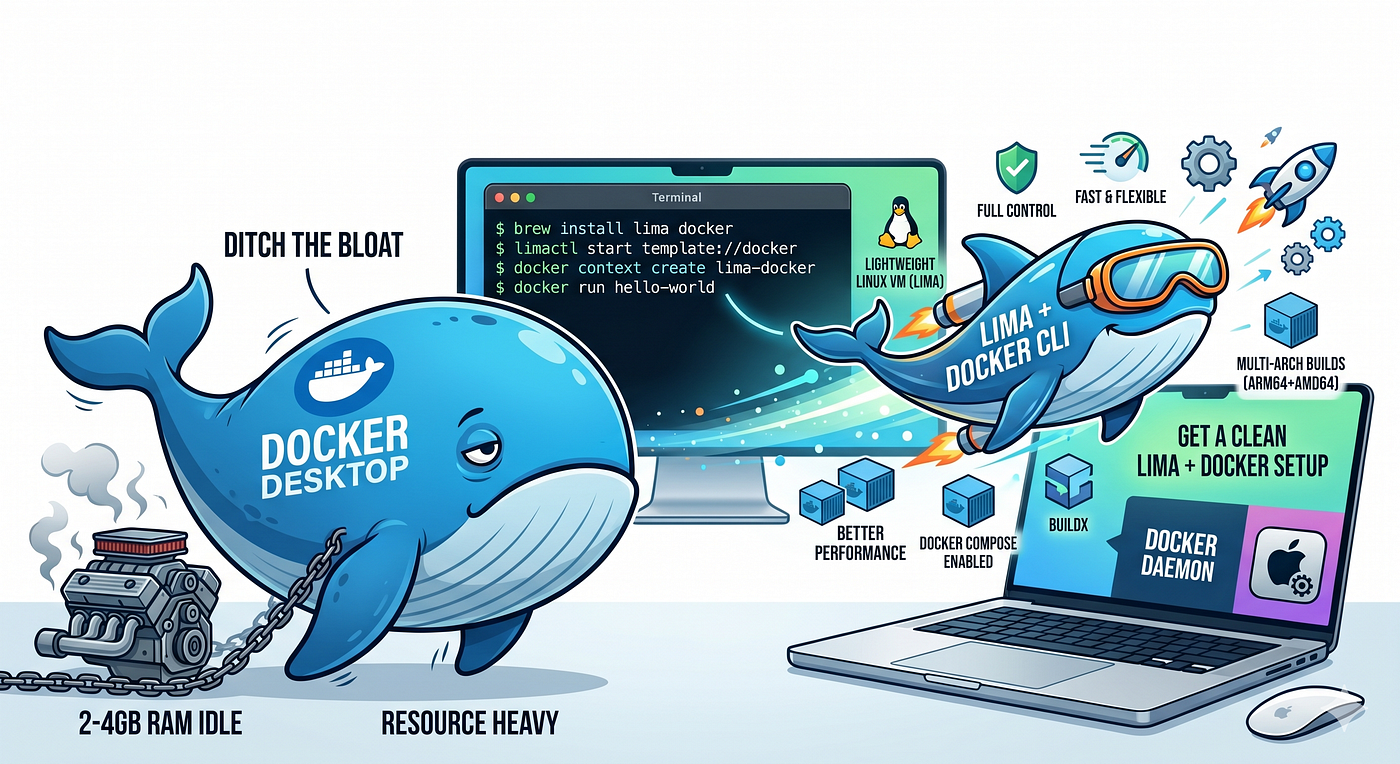
🤔 Why move away from Docker Desktop?
Docker Desktop is convenient, but:
- It’s resource-heavy (often 2–4GB idle)
- It abstracts too much (harder to debug)
- Licensing concerns for some teams
👉 With Lima, you get:
- A lightweight Linux VM
- Full control over Docker setup
- Better performance on Apple Silicon
🧭 What you’ll achieve
By the end, you’ll have:
- Docker CLI running on macOS
- Docker daemon inside Lima VM
- Multi-arch builds (arm64 + amd64)
- Docker Compose working
- No Docker Desktop needed
🚀 Step 1: Install prerequisites
brew install lima docker docker-buildx docker-compose docker-compose-switch⚙️ Step 2: Start Lima Docker VM
limactl start template://docker (or docker-rootful)This template does a lot for you:
- Creates the VM
- Installs Docker
- Configures networking
🔍 Step 3: Verify Lima
limactl listYou should see your VM running.
🔌 Step 4: Connect Docker CLI → Lima
docker context create lima-docker \
  --docker "host=unix:///Users/$USER/.lima/docker/sock/docker.sock"
docker context use lima-dockerNow your macOS Docker CLI talks to the Lima VM.
🏗️ Step 5: Enable buildx
mkdir -p ~/.docker/cli-pluginsln -sf $(brew --prefix)/opt/docker-buildx/bin/docker-buildx \
~/.docker/cli-plugins/docker-buildxVerify:
docker buildx version🔁 Step 6: Create a multi-arch builder
docker buildx create \
  --name multiarch \
  --use \
  --driver docker-container \
  --bootstrap
🌍 Step 7: Enable multi-arch builds (QEMU)
docker run --privileged --rm tonistiigi/binfmt --install allThis allows you to build amd64 images on Apple Silicon.
🧩 Step 8: Enable Docker Compose
mkdir -p ~/.docker/cli-pluginsln -sf $(brew --prefix)/opt/docker-compose/bin/docker-compose \
~/.docker/cli-plugins/docker-composeVerify:
docker compose version🧪 Step 9: Test your setup
docker run hello-world
docker ps
If this works — you’re done 🎉
⚠️ Important notes
- Use
--load→ for local builds (single architecture) - Use
--push→ for multi-arch builds - Avoid
--no-cacheunless debugging - BuildKit (
buildx) runs in its own container (separate cache)
⚡ Bonus: Dev vs Production builds
Local dev (fast):
docker buildx build --platform linux/arm64 --load .Production (multi-arch):
docker buildx build --platform linux/arm64,linux/amd64 --push .🏁 Final thoughts
Switching to Lima gives you:
- 🔥 Better performance
- 🧠 More control
- 💻 Cleaner setup
You essentially get a DIY Docker Desktop — but lighter and faster.
If you’re serious about optimizing your dev environment on macOS, this setup is absolutely worth it.
💬 Curious — are you using Docker Desktop, Colima, or Lima? Would love to hear your setup 👇
메타데이터
- post_id
- fc314857ec75
- slug
- ditch-docker-desktop-a-clean-lima-docker-setup-on-macos-fc314857ec75
- url
- https://medium.com/@pankajredekar/ditch-docker-desktop-a-clean-lima-docker-setup-on-macos-fc314857ec75
- canonical_url
- https://medium.com/@pankajredekar/ditch-docker-desktop-a-clean-lima-docker-setup-on-macos-fc314857ec75
- author_url
- https://medium.com/@pankajredekar
- status
- ok
- fetched_at
- 2026-06-20 20:29:01


