Is 512GB Enough For A Laptop? Storage Considerations
Is 512GB Enough For A Laptop? Storage Considerations
Discover if 512GB is the ideal storage for you! Explore digital habits, future needs, and clever solutions to keep your laptop perfectly organized.
Is 512GB Enough for a Laptop? Storage Considerations
When it comes to choosing a laptop, one of the most pressing questions you might have is about storage. With so many options available, you may wonder if 512GB is enough for your needs. The answer to this question isn’t as straightforward as it might seem. Like the age-old debate about pineapple on pizza, opinions on storage capacity can run the gamut from fervent support to vehement opposition. But fear not! You’re about to embark on a little journey through the digital storage landscape, which will help you figure out if 512GB is enough for you.

https://www.casenixx.com/collections/custom-macbook-air-pro-laptop-case
Understanding Storage Needs
Before we delve into the nitty-gritty of 512GB storage, it helps to understand your own digital habits. It’s essential to take a moment to reflect on the types of activities you plan to perform on your laptop. Are you a casual browser, a dedicated gamer, a creative enthusiast, or a hardcore data collector? Each of these personas will have different storage needs. A casual browser might find their storage needs far less demanding than a content creator regularly dealing with large media files. So, take a moment and consider how you use your laptop before diving into the world of gigabytes and terabytes.
How Much Does 512GB Actually Hold?
Now that you’ve given some thought to your personal use case, let’s get down to brass tacks. How much data can 512GB actually store? To put this into perspective, here are some everyday examples:
- Photos: A typical JPEG photo might average around 5MB. So, 512GB can store approximately 100,000 photos. It sounds like a lot, right? Just imagine a virtual cloud filled with snaps of your favorite moments!
- Music: The average MP3 file is about 4MB. That means you could fit approximately 128,000 songs in your digital library. That’s a rather impressive collection, which would certainly keep the party going for ages.
- Movies: Consider the average movie file size, which can range from 1GB to 3GB. In the 512GB world, you could store around 100 to 200 movies. So, binge-watching weekends just got a lot more fun!
As you can see, 512GB can accommodate a significant amount of data. However, keep in mind that as technology advances, file sizes grow. High-definition videos, professional-grade images, and extensive music collections may soon start nipping at your heels, reminding you of just how fast those gigabytes can disappear.
[embed]
The Impact of Applications and Software
While it’s easy to focus solely on your media, let’s not forget about the applications and software that contribute to storage consumption. Whether it’s your operating system, productivity suites, graphic design tools, or a myriad of games, these bits and bytes add up quickly. A typical operating system can take upwards of 20GB or more, while productivity programs like Microsoft Office may require an additional 2GB to 5GB.
If you’re into gaming, prepare for your favorite titles to make a splash in your storage. Major games can hog anywhere from 40GB to over 100GB of space — yikes! Suddenly, that seemingly generous 512GB can dwindle faster than you can say “game over.” When you consider all these factors, it becomes more apparent that understanding your software requirements is as crucial as tracking your media collection.
Cloud Storage and External Drives
If that 512GB isn’t looking so generous after doing the math, don’t panic just yet. Modern technology has embraced cloud storage options like Dropbox, Google Drive, and OneDrive that allow you to store files remotely. This could alleviate some of the pressure on your laptop’s physical storage. Plus, cloud storage is increasingly affordable and convenient — perfect for backing up your precious memories and documents.
However, always keep in mind that while cloud storage expands your options, it also requires a stable internet connection and may involve data privacy considerations. Are you comfortable with your files floating around in digital ether? Weigh these options carefully, and consider your comfort level with remote storage.
The Future of Storage Needs
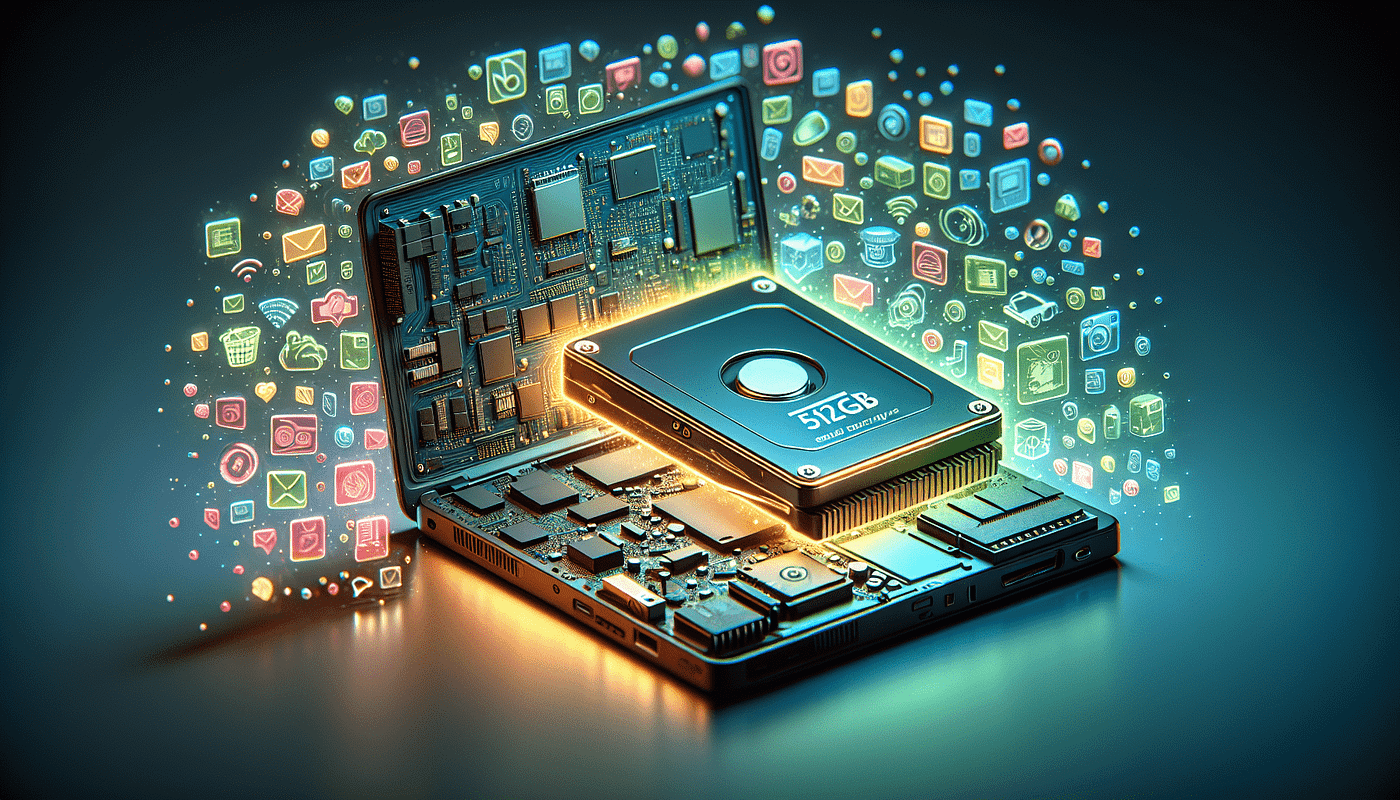
Let’s gaze into the crystal ball for a moment. In the near future, as technology continues to evolve, file sizes will likely increase proportionately. High-resolution videos, 3D models, and advanced software will keep marching into our digital lives, taking up more space with every stride. As your work or hobbies grow, you may find the 512GB option becoming less inviting.
Just picture it: You start as a casual user, but then your passion for photography turns you into a digital hoarder of high-resolution files. Or you take up gaming and discover an entire universe of downloadable content. Before you know it, that once-ample storage is a distant memory. It’s essential to keep an eye on how your digital lifestyle evolves, especially when committing to a storage limit.
Budget Considerations
Let’s be frank; budget plays a significant role in many purchasing decisions. Laptops come in various shapes and sizes, with price tags that can make your wallet wince. The allure of a laptop with 512GB of storage may be hard to resist, but are you getting the best value for your money? Understanding storage capacity is just one part of the puzzle.
Think about it this way: If you think you may need more space down the line, consider that investing in a laptop with larger storage could save you the hassle of upgrading or relying too heavily on external drives or cloud storage. Conversely, if you’re budgeting and plan to store most of your data elsewhere, the 512GB model might fit the bill. Understanding your budget while balancing your storage needs could be the key to a satisfying purchase.
Performance and Speed
An often-overlooked issue when considering storage is performance. Many laptops utilize Solid State Drives (SSDs) instead of traditional Hard Disk Drives (HDDs), which can significantly affect speed, responsiveness, and overall user experience. Even if you settle on a 512GB SSD, the speed benefits can optimize your system performance, giving you quicker access to files and a snappy operating system.
On the contrast, HDDs may offer larger storage capacities for the price but generally operate at slower speeds. While they may be fine for archiving data or working with less intensive programs, it’s essential to assess what activities you plan to pursue. Investing in an SSD may be worth the initial expense when it translates into speed and efficiency.
Personal Data Management
At this point, you may be wondering how to manage your data within the confines of your storage. Developing an organized system of file management can help you maintain the balance in your storage ecosystem. Create folders for various categories — work files, personal documents, photos, and more. Regularly deleting or archiving files you no longer need will help ensure that your laptop remains clutter-free and your storage space more manageable.
This proactive approach can make it simpler to assess how much space you truly use and how much you really need. Knowing which files take up the most space allows you to make informed decisions about downloads and data storage. After all, nobody wants their laptop yelling at them about low disk space like a disgruntled toddler throwing a tantrum, right?
The Alternative: Upgradable Storage
Even if you decide on a laptop with 512GB of storage, keep an eye out for options that allow for upgrades. Some laptops come with easily accessible slots for adding more storage in the future. If upgrading internal storage isn’t feasible, USB drives or external drives can step in and save the day.
Think of them as your proverbial Swiss Army knife for storage needs. They come in handy when you need to transport large files, back up crucial data, or temporarily offload some of that digital clutter.
Real-Life Scenarios
Here are two real-life scenarios that illustrate how storage needs might vary.
Scenario 1: The Casual User You’re a social media enthusiast, mostly engaged in browsing Instagram, catching up on emails, and streaming Netflix shows. Your daily activities don’t require you to download a ton of large files, making 512GB a sweet spot for you. You can store all your photos, music, and essential applications without breaking a sweat!
Scenario 2: The Digital Creator You love creating videos, podcasting, or design work. You often work with software like Adobe Creative Suite, and your files are large and frequent. In this scenario, you’ll likely find 512GB makes you feel like a teapot about to spill over. In this case, investing in a laptop with a larger capacity — or developing a method to effectively manage space, like a cloud solution — might be necessary.
Conclusion: So, Is 512GB Enough for You?
Ultimately, the answer to the big question — “Is 512GB enough for a laptop?” — lies within you. Consider your digital habits, future needs, and performance requirements. The world of data storage is vast, and your comfort level varies. No one solution fits all, so take the time to evaluate your needs before making a decision.
Whether you opt for a 512GB device, choose to invest in external solutions, or indulge in something grander, make it a point to align your tech with your lifestyle. Remember, your laptop is your trusty companion in the digital realm, and it deserves no less than what works for you.
If you found this article helpful, please clap for it, leave a comment with your thoughts or questions, and subscribe to our Medium newsletter for more updates on tech, lifestyle, and everything in between! Your voice matters, and I look forward to hearing from you!
메타데이터
- post_id
- fcb791df8ecb
- slug
- is-512gb-enough-for-a-laptop-storage-considerations-fcb791df8ecb
- url
- https://medium.com/@casenixx_81838/is-512gb-enough-for-a-laptop-storage-considerations-fcb791df8ecb
- canonical_url
- https://medium.com/@casenixx_81838/is-512gb-enough-for-a-laptop-storage-considerations-fcb791df8ecb
- author_url
- https://medium.com/@casenixx_81838
- status
- ok
- fetched_at
- 2026-06-26 12:24:55