Debugging Docker Networking: Why Your App Needs to Listen on 0.0.0.0, Not localhost
Recently, I was helped by a coolify community member in untangling a Docker networking issue while running a Node.js backend on Coolify…
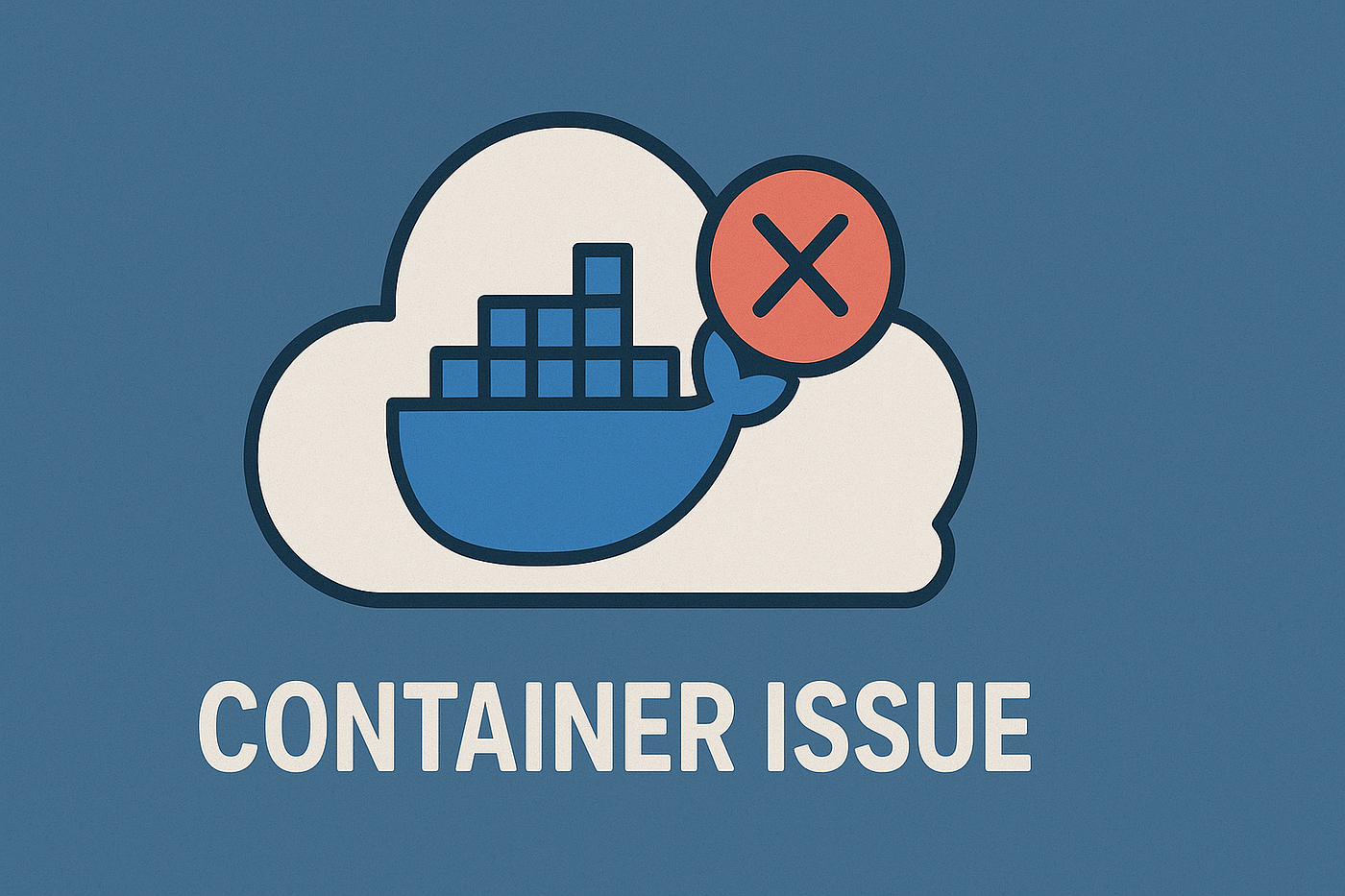
Docker container issue
Debugging Docker Networking: Why Your App Needs to Listen on 0.0.0.0, Not localhost
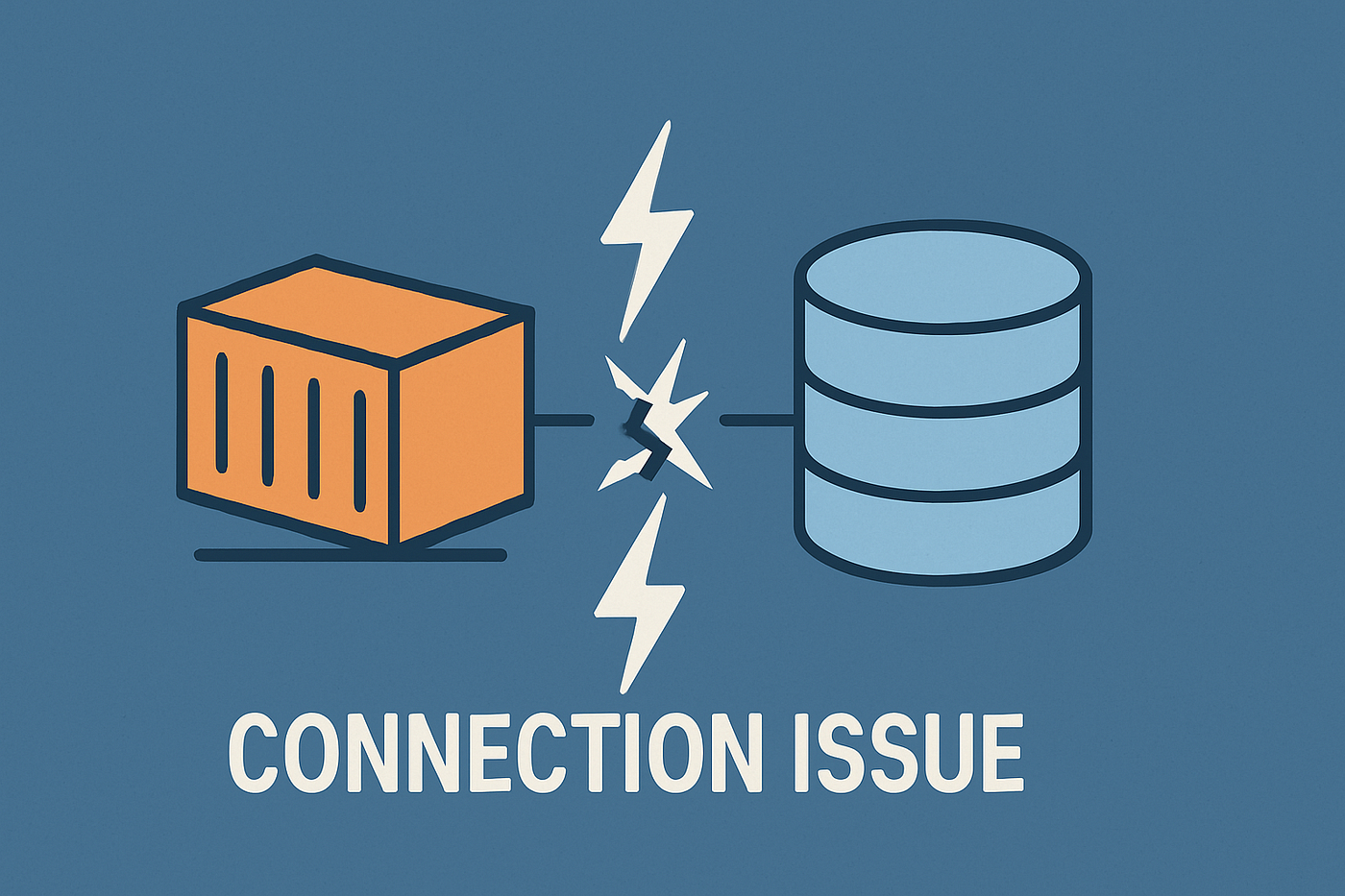
Recently, I was helped by a coolify community member in untangling a Docker networking issue while running a Node.js backend on Coolify. The problem looked typical at first glance: the backend was deployed, port 3000 was exposed, health checks passed, but every API call—whether from a browser or a curl inside the server—resulted in a 502 Bad Gateway or "connection refused."
This wasn't just about misconfigured proxies or firewalls. The root cause was a classic Docker networking gotcha that bites even experienced devs.
The Symptom
- Coolify exposes port 3000 from the container.
- Traefik and Caddy are set up as reverse proxies, with all the right labels and configs.
- Health checks pass, but actual API calls fail with 502 errors and refused connections.
I shared the full container label dump and the Docker network inspect output. Everything looked fine on the surface.
The Real Problem: How Docker Networking Works
Let's clarify how Docker handles networking:
- Each container has its own isolated network namespace.
- When you run an app inside a container and bind it to
localhostor127.0.0.1, it’s only accessible from inside the container. - Other containers, proxies (like Traefik or Caddy), or even the host itself can’t connect to ports bound to
localhostinside the container. - Docker creates a virtual network (like
coolify) that connects containers and the host. To expose your app to this network, it must listen on all interfaces—i.e.,0.0.0.0.
If your app binds to localhost, it won’t be reachable by Traefik, Caddy, or any other service outside the container, even if the port is exposed.
How We Diagnosed
Our back-and-forth went like this:
Cinzya: "To what network is your backend listening inside the container?”
Me: "I haven’t configured any network. It’s just a Node.js app deployed by Coolify."
Cinzya: "Some apps let you set a hostname on startup. By default, many bind only to localhost, which blocks external access. Try making it listen on
0.0.0.0."
Me: "I haven’t set a hostname. Fastify must use its default."
Me: "Updated it to
0.0.0.0"
I updated the Fastify server config to bind to 0.0.0.0 instead of 127.0.0.1 or localhost. The deployment finished, and suddenly everything worked; APIs were accessible, and the 502 errors disappeared.
Why Does 0.0.0.0 Matter?
**localhost (127.0.0.1)**: Only accessible from inside the container.**0.0.0.0**: Listens on all available interfaces, making the service reachable from the Docker network, the host, and any proxies.
When running apps in Docker especially behind reverse proxies always bind your server to 0.0.0.0. Otherwise, it’s invisible to everything outside the container.
Takeaways
- Default app configs often bind to localhost. That’s fine for local development, but fatal in containers.
- Bind to 0.0.0.0 to make your service visible to other containers, proxies, and the host.
- Docker’s virtual networks are powerful but unforgiving about interface binding.
This debug session was a quick reminder: small details in network configuration make all the difference. Next time you hit a 502 gateway or refused connection in Docker, check which interface your app is listening on first.
메타데이터
- post_id
- fd3dffdc95ae
- slug
- debugging-docker-networking-why-your-app-needs-to-listen-on-0-0-0-0-not-localhost-fd3dffdc95ae
- url
- https://medium.com/@mikr13/debugging-docker-networking-why-your-app-needs-to-listen-on-0-0-0-0-not-localhost-fd3dffdc95ae
- canonical_url
- https://medium.com/@mikr13/debugging-docker-networking-why-your-app-needs-to-listen-on-0-0-0-0-not-localhost-fd3dffdc95ae
- author_url
- https://medium.com/@mikr13
- status
- ok
- fetched_at
- 2026-06-25 16:53:31