app v0.13 is Officially Released!
A Cross-Platform Package Management Assistant
app v0.13 is Officially Released!
A Cross-Platform Package Management Assistant
This past Christmas, I went down the rabbit hole of solving one of my longest standing problems of not being able to have reproducible builds of workstations, servers, VMs, docker containers, and LXD containers without reluctantly fumbling around with time consuming solutions such as Ansible or maintaining a large amount of NAS destroying images with Clonezilla and Virtualization tools.
This project was sort of meant to be something that I thought to be very niche and that only I and maybe at most a couple of other people would care about at all. Well, it turns out, the response was, while far from jumping off the charts, much more than I expected. The more I continued to work on the project, the more I noticed it was gaining a bit more attention from people with various backgrounds. I also felt quite fortunate that it attracted an individual whom actually had the ability and willingness to contribute as well. app was definitely made better because of him. Shout out to Richard Frevrier at GOLE TECH!
Meanwhile, app has come a long ways. It now supports:
- Linux
- Mac
- FreeBSD
and the following package managers
- apt, 3rd party repos, & downloaded .deb
- dnf, 3rd party repos, & downloaded .rpm
- pacman
- yay
- zypper, 3rd party repos, & downloaded .rpm
- pkg
- Homebrew
- Flatpak & 3rd party repos
- Snap
- AppImage (Not really a package manager per se… I know)
- go
- pip
- cargo
Sorry, Windows users. It might be a while before I can get around to scoop and chocolatey but for the time being, if you are already on the WSL train, app should work just fine for you within the confines of WSL environments.
With that said, between Richard and Jackson (a close homelaber friend of mine), I realized making it accessible was probably a bit more important than I originally thought. After all, not everyone using app are developers and chances are, they would rather not have to install all the dev dependencies just to use it. So as I came to a state I was comfortable to take a break from feature hacking, I temporarily shifted my focus to making it easier to install and update app.
As a result of that, out came v0.12 but being the amateur that I am 😅️, v0.12 on FreeBSD and macos had some breakage. So I immediate fixed those show stopping issues and released v0.13.
Among fixes big and small all over the place in v0.13, perhaps what’s notable is that you can now install app with just a single command in the terminal:
bash <(curl -sL https://hkdb.github.io/app/getapp.sh)
Installing app v0.13 live in action
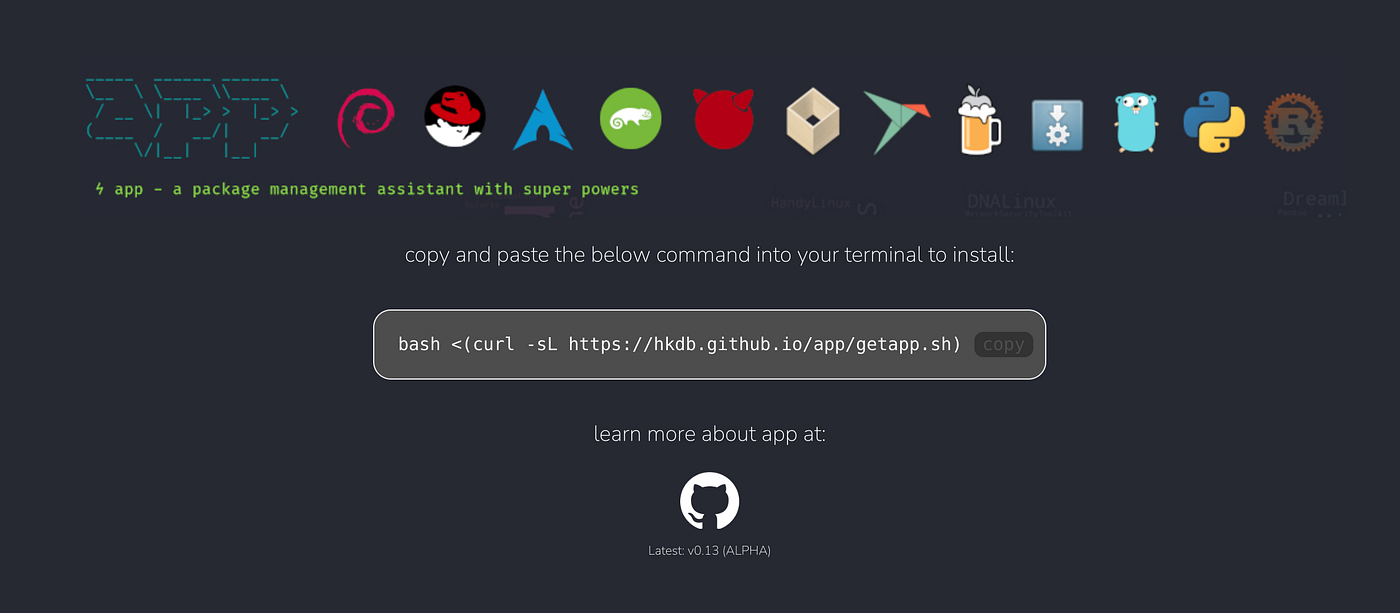
If you forget the line, no worries! There’s now even a quick and dirty landing page that you can go to to copy and paste that command into the terminal:
I also took Richard’s recommendation into consideration and made it so that all the user has to do to upgrade app to the latest release is to run the following command:
app -m app update
Updating app from v0.12 to v0.13 live in action
It does feel nice to be this easy. It also had a nice side benefit of being able to reuse some of this new code to redo the lack luster “compile to install” scripts I had in the repo all along. I hope both the current contributors and user-base will feel the same.
Have you had a chance to try app yet? Let me know what you think!
메타데이터
- post_id
- fd7ca6fd1aa2
- slug
- app-v0-13-is-officially-released-fd7ca6fd1aa2
- url
- https://medium.com/@hkdb/app-v0-13-is-officially-released-fd7ca6fd1aa2
- canonical_url
- https://medium.com/@hkdb/app-v0-13-is-officially-released-fd7ca6fd1aa2
- author_url
- https://medium.com/@hkdb
- status
- ok
- fetched_at
- 2026-06-09 21:21:26