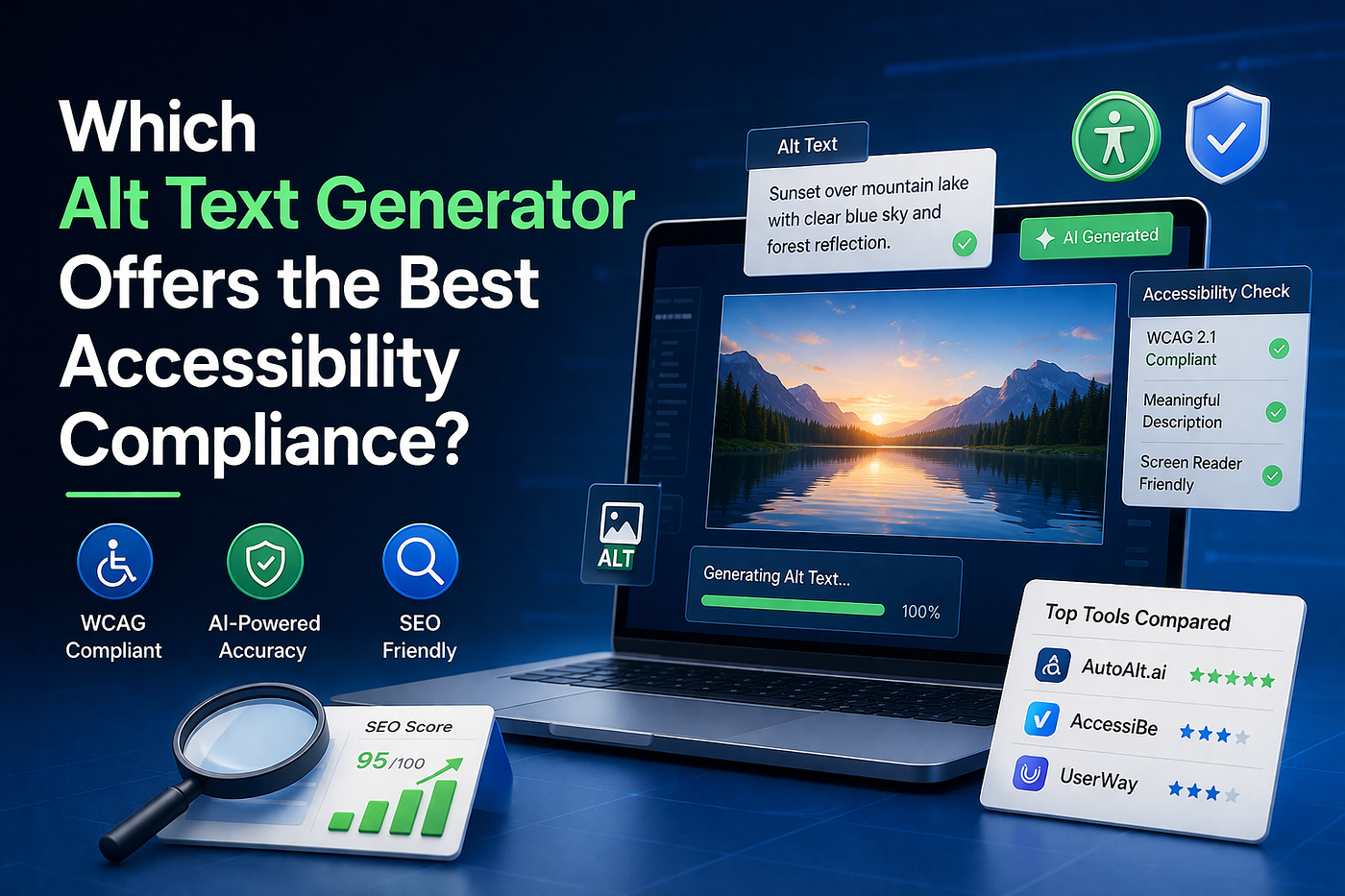
Which Alt Text Generator Offers the Best Accessibility Compliance?
In today’s digital landscape, accessibility is no longer optional — it’s essential. Websites that fail to meet accessibility standards risk…
Which Alt Text Generator Offers the Best Accessibility Compliance?
In today’s digital landscape, accessibility is no longer optional — it’s essential. Websites that fail to meet accessibility standards risk losing users, damaging their brand reputation, and even facing legal consequences. One of the most overlooked yet critical elements of accessibility is alt text for images.
But writing alt text manually for hundreds or thousands of images is time-consuming. That’s where AI-powered tools come in.
Why Accessibility Compliance Matters for Modern Websites
Web accessibility ensures that people with disabilities, including visual impairments, can interact with digital content effectively. A key part of this is providing meaningful descriptions for images through alt text.
Global standards like the WCAG, developed by the World Wide Web Consortium, define how websites should be structured for accessibility.
Why alt text matters:
- Helps screen readers describe images to visually impaired users
- Improves overall user experience
- Supports search engine understanding of images
- Plays a role in SEO rankings
What Is an Alt Text Generator?
An **ai alt text generator** is a tool — often powered by AI — that automatically creates descriptions for images. Instead of manually writing alt attributes for every image, these tools analyze visuals and generate relevant text.
Manual vs AI-generated alt text:

What Makes an Alt Text Generator Truly “Compliant”?
Not all tools are created equal. Just generating text is not enough — the quality and accuracy of that text determine whether it meets accessibility standards.
1. Accuracy and Context Understanding
A compliant tool must describe images meaningfully. For example:
- ❌ “Image of object”
- ✅ “Stainless steel tactile indicator installed on a pedestrian walkway”
2. Alignment with WCAG Guidelines
A good tool should follow best practices like:
- Describing informative images clearly
- Ignoring purely decorative images
- Avoiding redundant or misleading descriptions
3. SEO Optimization Capabilities
Alt text should also support SEO. That means:
- Including relevant keywords naturally
- Avoiding keyword stuffing
- Enhancing image search visibility
4. Automation and Scalability
For large websites, scalability is critical. A good **alt text generator** should:
- Handle bulk image processing
- Integrate with CMS platforms
- Work seamlessly across pages
Top Alt Text Generators Compared for Accessibility Compliance
Let’s compare some of the most popular tools available today:
AutoAlt.ai
Overview: An AI-powered tool designed specifically to generate accurate, SEO-friendly, and accessibility-compliant alt text.
Key strengths:
- Advanced AI image recognition
- Context-aware descriptions
- Built for both SEO and accessibility
- Scalable automation for large websites
Best for: Businesses, SEO professionals, and agencies looking for a reliable long-term solution.
AccessiBe
Overview: A popular accessibility widget that automatically adjusts website elements.
Limitations:
- Focuses more on UI adjustments than image descriptions
- Less control over alt text quality
- May not fully meet strict accessibility standards
Best for: Quick fixes rather than deep accessibility optimization.
UserWay
Overview: Another widget-based solution that improves accessibility features.
Limitations:
- Limited focus on image-specific optimization
- Less detailed alt text generation
- Not ideal for SEO-driven content
Best for: Basic accessibility improvements.
Which Alt Text Generator Is Best for Accessibility Compliance?
When it comes to true accessibility compliance, not all tools deliver the same results.
Widget-based tools like AccessiBe and UserWay provide surface-level improvements. They may help with general accessibility features, but they often fall short in generating high-quality, context-rich alt text.
On the other hand, AutoAlt.ai stands out because it focuses directly on:
- Accurate image descriptions
- WCAG-aligned output
- SEO-friendly content
- Automation at scale
Use Cases: Who Should Use an AI Alt Text Generator?
eCommerce Websites
Thousands of product images make manual alt text impractical. AI tools automate the process efficiently.
Blogs and Content Websites
Alt text improves both accessibility and SEO, helping content rank better in search engines.
Agencies and Developers
Managing multiple client websites becomes easier with automated alt text solutions.
Common Mistakes to Avoid When Using Alt Text Generators
Even with AI tools, mistakes can happen. Avoid these:
- Using generic descriptions
- Ignoring image context
- Overloading keywords
- Relying only on accessibility widgets
The Future of Accessibility: AI + Automation
As accessibility regulations become stricter, automation will play a bigger role in compliance.
AI is transforming how websites handle accessibility by:
- Reducing manual workload
- Improving accuracy
- Scaling compliance across large platforms
Final Thoughts
Choosing the right alt text generator isn’t just about automation — it’s about ensuring accuracy, meeting WCAG compliance, and scaling efficiently across your website. If your goal is to improve accessibility, stay compliant with standards, and boost SEO performance, investing in a reliable AI-powered solution can make a real difference.
메타데이터
- post_id
- fe326cf23ec4
- slug
- which-alt-text-generator-offers-the-best-accessibility-compliance-fe326cf23ec4
- url
- https://medium.com/@autoaltai1/which-alt-text-generator-offers-the-best-accessibility-compliance-fe326cf23ec4
- canonical_url
- https://medium.com/@autoaltai1/which-alt-text-generator-offers-the-best-accessibility-compliance-fe326cf23ec4
- author_url
- https://medium.com/@autoaltai1
- status
- ok
- fetched_at
- 2026-07-09 20:42:47


