What happens when a long-time Android user switches to an iPhone?
“Oh brother, I have sinned”, I told myself, a day after switching to an iPhone. I have been an Android power user for almost a decade now…
What happens when a long-time Android user switches to an iPhone?
“Oh brother, I have sinned”, I told myself, a day after switching to an iPhone. I have been an Android power user for almost a decade now, so switching to an iPhone did feel like I was betraying someone or something, I don’t know what, though.
As a tech enthusiast, I was always fascinated by iOS. People said the apps are better, it is relatively smooth, and has fewer bugs than Android. When I finally got a chance, I switched to an iPhone. Now I have been using it for about two months, specifically the iPhone 14 Pro, and I have thoughts to share, like really badly. So, let the thought sharing begin.
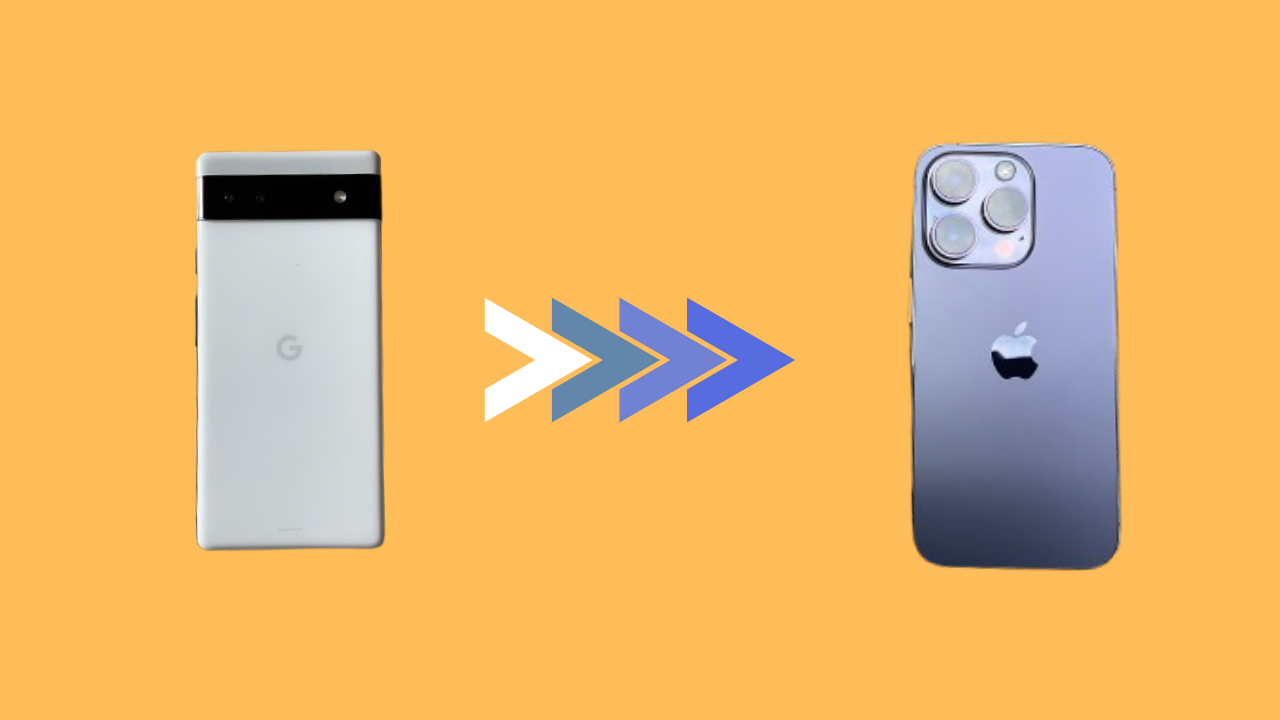
Also, for context, I was using a Pixel 6a previously before switching to the iPhone 14 Pro.
The Good
Let me start on a good note by stating all the positives I found on the iPhone.
The animations The first thing I noticed on the iPhone was how smooth the animations felt. They were as smooth as an Airbus A350 taking off. As silky as a Kanchipuram Saree. I was impressed. I didn't mind the slight delay in opening and closing the apps as I was mesmerised by those animations.

iOS animations
The apps are indeed better Then I went on to install all the apps and noticed that, barring a few, all the apps were designed better for iOS. From UI to haptic feedback on in-app actions, they were simply better in so many aspects. Why this discrimination, developers?
The ecosystem Well, you have to hand it to Apple for building an impeccable ecosystem. I was using a Mac alongside for work, and the way it integrated with the iPhone was remarkable. I could get all my phone notifications on the Mac. I could copy and paste anything from my iPhone to my MacBook effortlessly. Heck, I could even access my iPhone wirelessly on my Mac with the iPhone mirroring feature — that was simply lovely.

iPhone Mirroring feature in action
The performance Since I was coming from an upper midrange Android phone to a flagship iPhone, I was bound to notice a jump in performance. Though it wasn’t massive, I did feel the iPhone performed better. It held more apps in the background, and for longer. Switching between the apps was also smoother. And, the games ran way better. Thanks to the better optimisation.
It is also important to note that if you are switching from a modern Android flagship to a modern iPhone, you might not notice the difference in performance. The flagship Android processors, both Mediatek and Snapdragon, have caught up with Apple’s A series chips on performance in the last couple of years.
Well, those were pretty much the only good aspects I found using the iPhone.
Now, let’s move on to the evil side, shall we?
The Bad
There were several things I disliked when I started using the iPhone. Some of them, I got used to with time, while some of them were completely diabolical because they were very basic features that I cursed Apple so hard for not providing.
The keyboard and clipboard Every time I typed something on the iPhone, my blood pressure went up by a point. The keyboard is so bad and isn’t customizable at all. You can’t even adjust the height of the keyboard. Come on, Apple, that’s basic. Not everyone has the same-sized hands. My typing speed was severely affected by this, and I am starting to believe this is the reason why my crush stopped replying to me on time.
Another important feature missing from the default keyboard is the clipboard. I would always save important links on my clipboard on my Android, but with iPhone, I had to switch between apps to copy them again and again and again. It was so frustrating.
I did try out third-party keyboards to try and fix some of these issues. Like, Microsoft SwiftKey did give me a clipboard, but I didn’t like the typing experience on it, and its autocorrect was horrendous. I usually prefer the default keyboard on phones.
Apple, please fix your keyboard.

Apple’s Keybadboard
Nooootifications The notifications are still a huge issue on iOS. They drop like a stack of dead mosquitoes in your notification centre. Even when I set the Notification Grouping by App in the settings, it still sometimes doesn’t group by app. Why is my iPhone not obeying my command? Is it the sign of machines revolting back and taking over the world? Maybe.
In these couple of months, I have missed more notifications on the iPhone than I did in a decade with Android. Apple has a lot of work to do in this regard.

A notification mess
Customizations I know the customisation options have gotten better on the iPhone with iOS 18. But it still isn’t enough, at least for me. Sure, there are no restrictions on placing the icons now, but you can’t change the size of the icons, and the number of icons you can fit on a screen is fixed. That bothered me a little as I like my icons a little smaller.
However, one thing going for it is the lock screen widgets, which are still not available on most Android phones. But I anyway only added a weather widget, which is defaultly present on Android lock screens. So, it didn’t prove as a necessary feature for me.
Not just the homescreen and lockscreen customisations, iOS also lacks other customisation options like a more robust per-app notification customisation, better clock and alarm customisation, among other things.
AI Apple/Android/Artificial Intelligence, whatever your full-form of AI may be, but I sure missed using it, especially the advanced Gemini (we all know how terrible Siri is) and AI photo editing features. I know I am using an iPhone without Apple Intelligence, but I seriously can’t fathom the thought that Apple completely skipped giving AI features to its flagship phone from just a couple of years ago. Meanwhile, even midrange Androids from three years ago have some AI features being added through updates.
Even the iPhones that do support Apple Intelligence have it half-baked. Apple still hasn’t delivered all the features that it promised during the launch. All you have are writing tools and an “advanced” emoji maker. It seems like Apple is falling behind in the AI race by a mile.
Apart from these, there were little things that annoyed me, like iOS completely halting background processes once you exit an app, such as an upload on WhatsApp or Google Drive. iOS 18 being buggier than Android 15. These, in fact, severely hindered my iPhone usage experience.
The verdict: Will I stick to iOS or switch back to Android? Well, this decision was easier than I thought. The Bad of using the iPhone surely outweighed the Good for me, and therefore, I am switching back to Android. I will come back when iOS fixes its notification system and improves the keyboard.
I will miss the iOS app experience, but it’s only marginally better and not a huge deal, and I hope the Android devs wake up and catch up. But for now, bye bye iOS.
메타데이터
- post_id
- feca2a5e9401
- slug
- what-happens-when-a-long-time-android-user-switches-to-an-iphone-feca2a5e9401
- url
- https://medium.com/@parvezkm25/what-happens-when-a-long-time-android-user-switches-to-an-iphone-feca2a5e9401
- canonical_url
- https://medium.com/@parvezkm25/what-happens-when-a-long-time-android-user-switches-to-an-iphone-feca2a5e9401
- author_url
- https://medium.com/@parvezkm25
- status
- ok
- fetched_at
- 2026-08-17 14:41:59