SwiftUI Activity Indicator 👇
I am assuming that you are aware with in UIActivityIndicatorView UIKit framework. Here, I will explain same activity indicator view by…
SwiftUI Activity Indicator 👇
I am assuming that you are aware with in UIActivityIndicatorView UIKit framework. Here, I will explain same activity indicator view by SwiftUI framework.
Get Started
I hope, you have some basic knowledge on SwiftUI framework. So I am starting with activity indicator code.
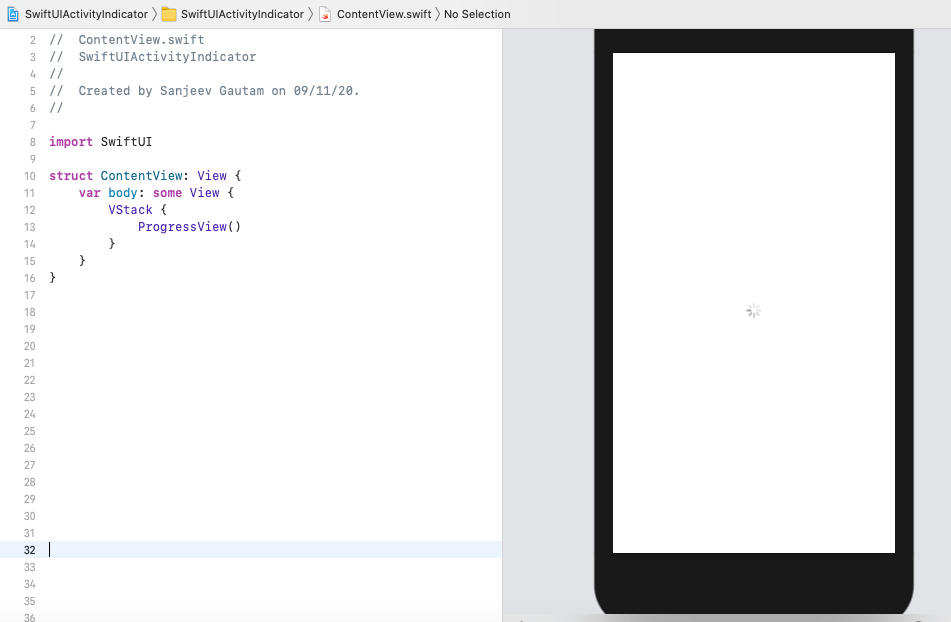
In SwiftUI, there is ‘ProgressView’ view to draw activity loader. You can see in the below image. Now, I will play with its properties to make it more attractive.
In Depth
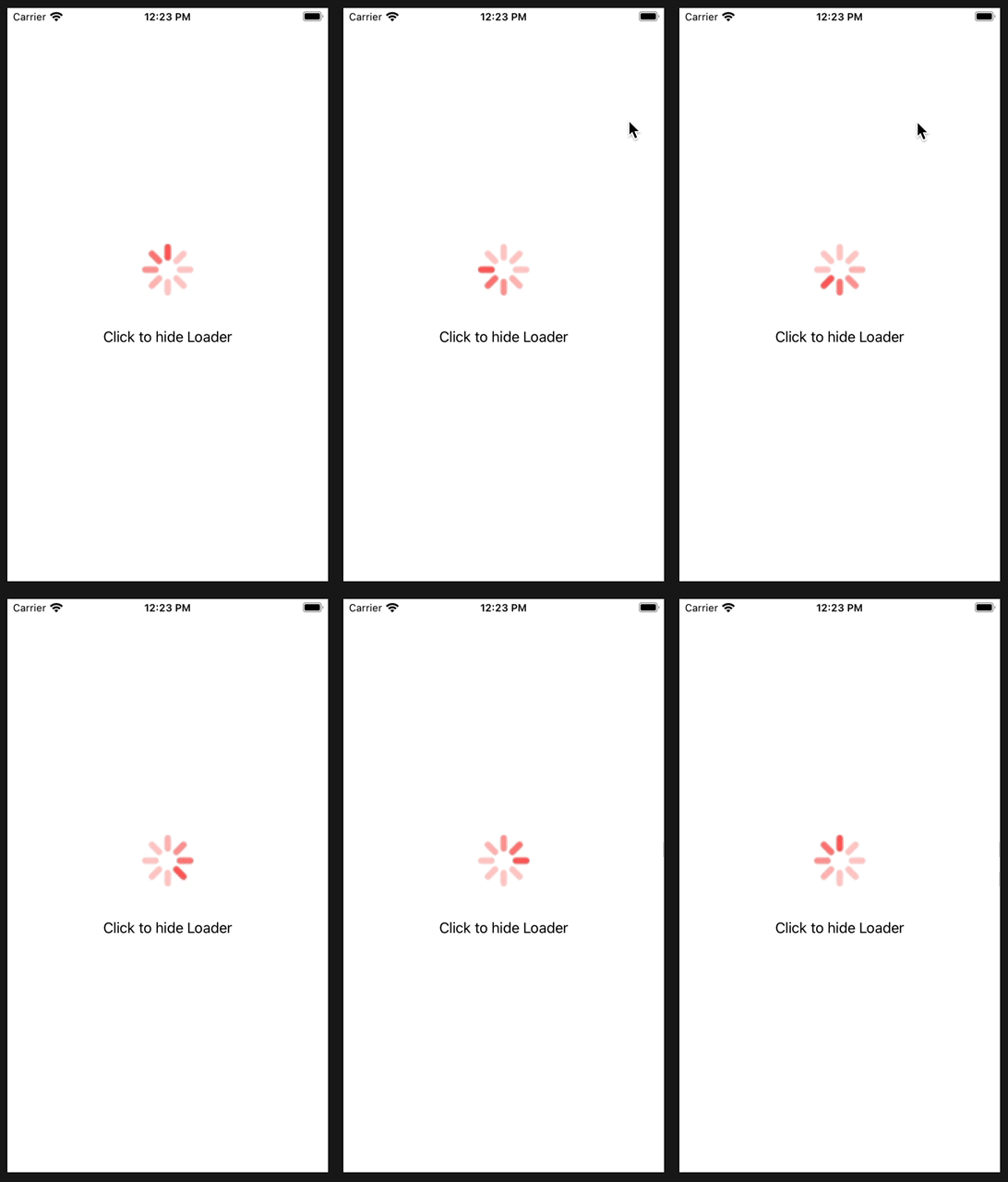
Now, I will draw simple activity indicator as you have seen in the top gif image.
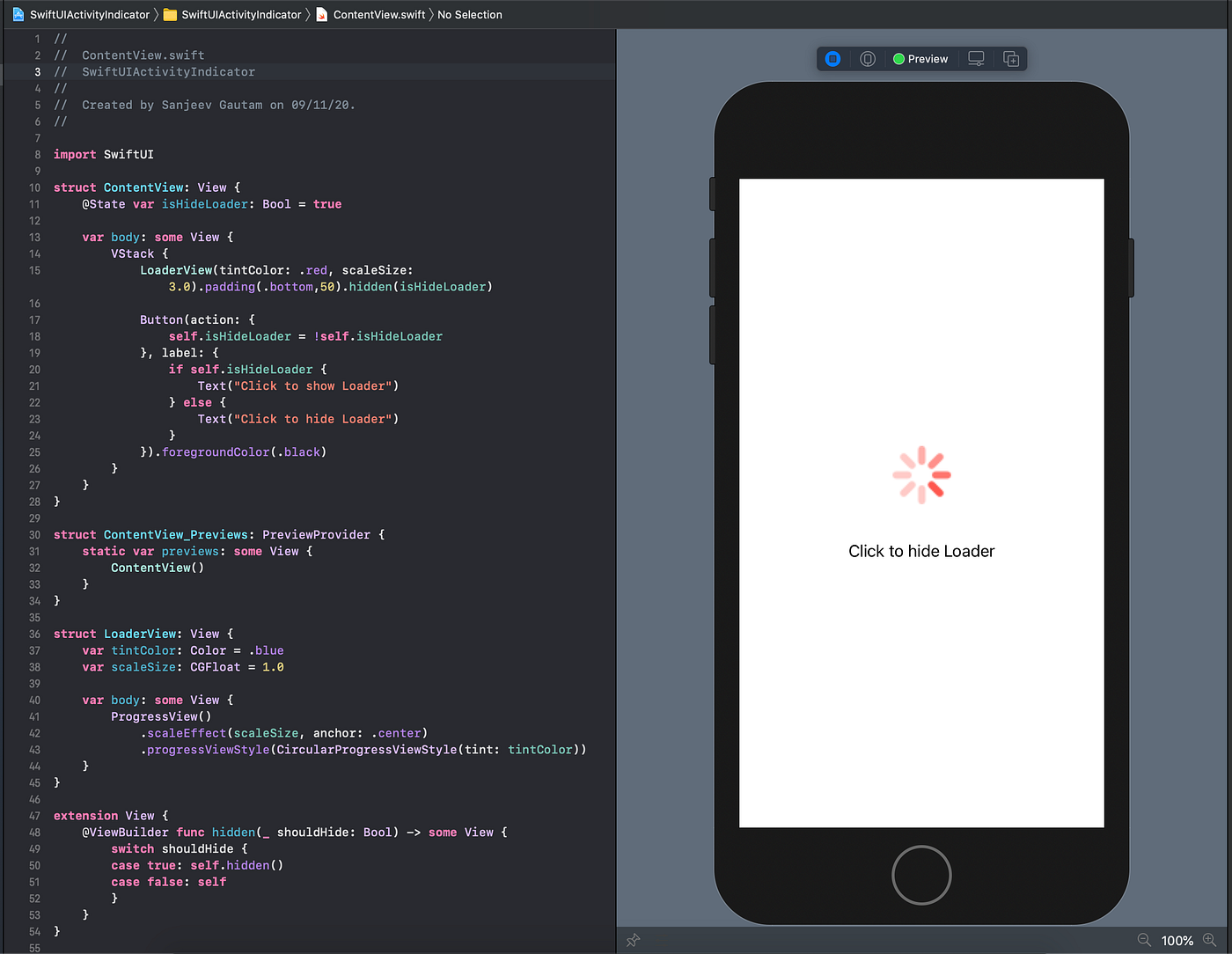
- First created a View which returns the ‘ProgressView’ and takes two parameters — tintColor & scaleSize. Where tintColor is the activity indicator color and scaleSize is to set the size of indicator. Here setting the ‘ProgressView’ style as ‘CircularProgressViewStyle’ with tintColor.
- Then, in the body of ContentView, vertically, I added this LoaderView with a button. This button has action to show/hide the activity loader and simultaneously changing the text of button.
- I also done some other stuff. e.g. Created a View extension to show/hide a view in a smooth manner. Added some padding between LoaderView & Button.
That’s done 👏
Here is link of full source code: https://github.com/sanjeevworkstation/SwiftUIActivityIndicator
Thank You. Happy coding! 👍
메타데이터
- post_id
- fedafb45bbaf
- slug
- swiftui-activity-indicator-fedafb45bbaf
- url
- https://medium.com/@theblueprototype/swiftui-activity-indicator-fedafb45bbaf
- canonical_url
- https://medium.com/@theblueprototype/swiftui-activity-indicator-fedafb45bbaf
- author_url
- https://medium.com/@theblueprototype
- status
- ok
- fetched_at
- 2026-08-04 14:06:59




