bash Install & Config
macOS switched to zsh as it’s default shell starting with Catalina, but I still prefer to use bash.
bash Install & Config
macOS switched to zsh as it’s default shell starting with Catalina, but I still prefer to use bash. Now that I had MacPorts installed, I wanted to install the latest version of bash and make it my default shell.
Installing the newest version of bash was easy with MacPorts.

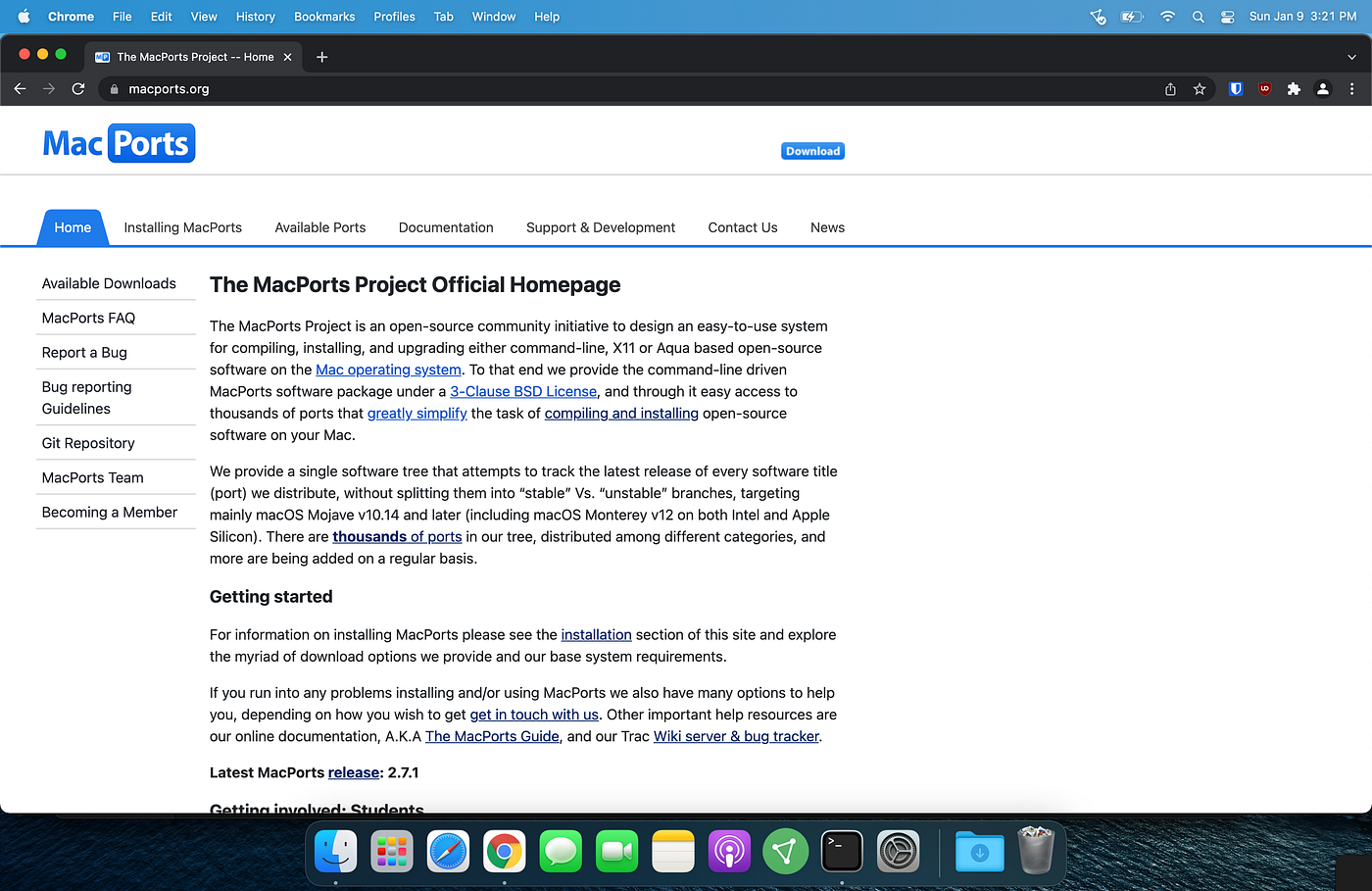
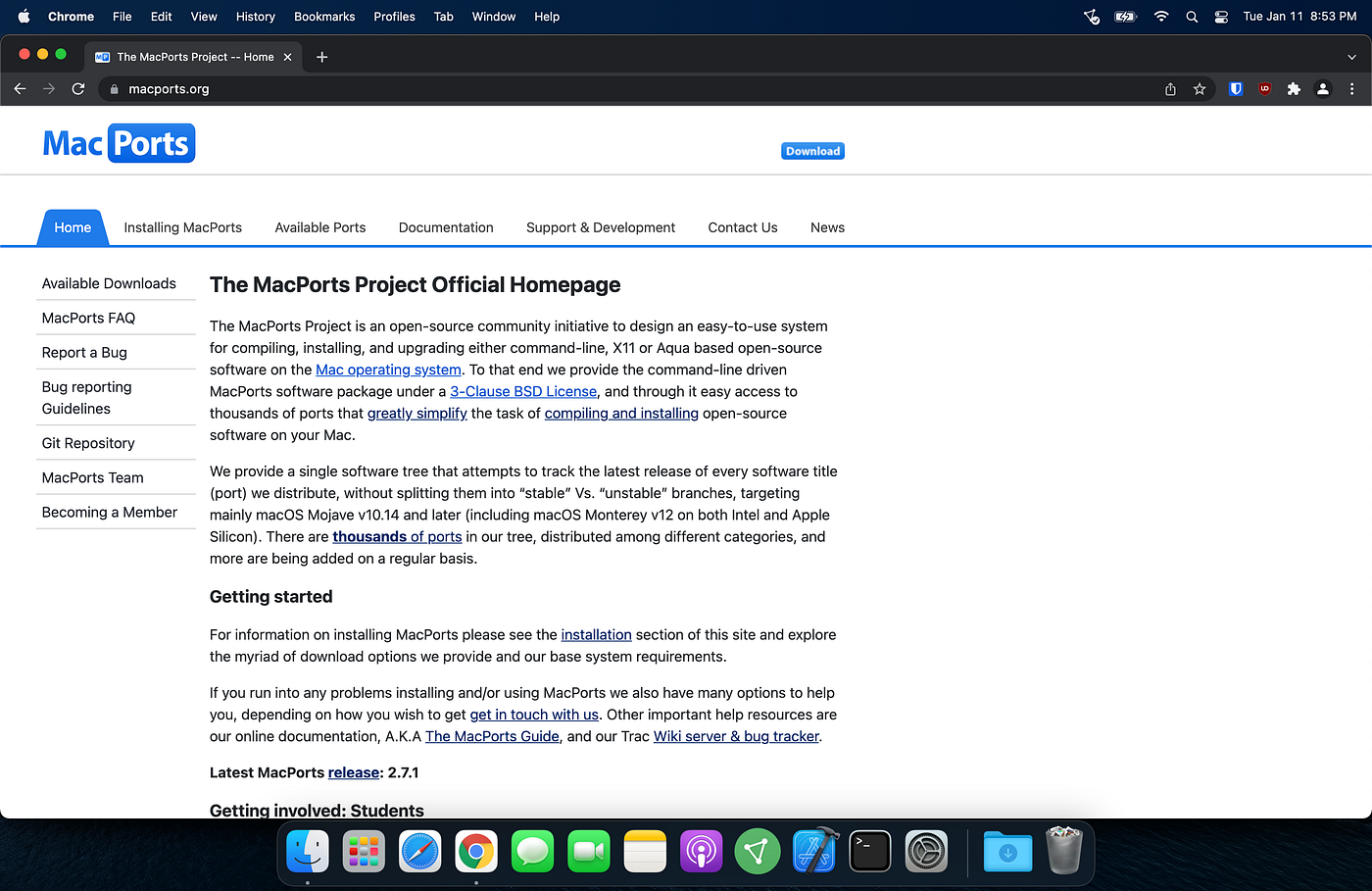
MacPorts homepage

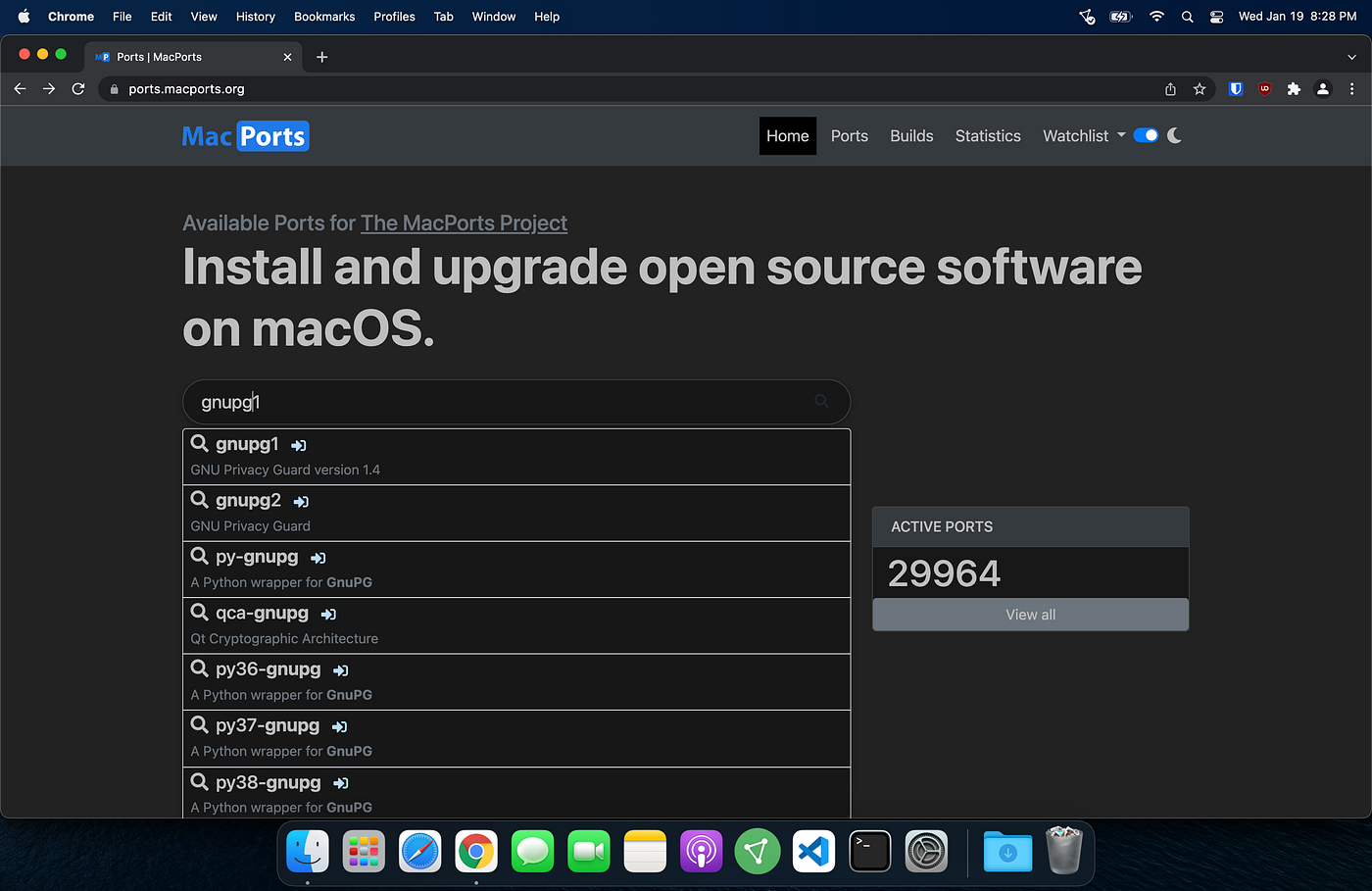
MacPorts Available Ports page

Search results for bash

MacPorts bash page
To install bash using MacPorts, I needed to switch to my admin account using the ‘substitute user’ or ‘su’ command.

Switched to admin account

Ran install command
There were 6 dependencies that also needed to be installed.

Install output

bash version 5.1.16 installed
To set the newly installed version of bash (opt/local/bin/bash) as the default shell, I needed to add it to the /etc/shells file.

Editing /etc/shells
Once added to /etc/shells, I ran the ‘change shells’ or ‘chsh’ command to set /opt/local/bin/bash as my default shell.

Ran chsh command
To customize my bash prompt, I needed to create a .bashrc file.

Created .bashrc file
The syntax for customizing your prompt in the .bashrc file can be confusing, so I used a .bashrc generator.

Pasted output from .bashrc generator

Customized bash prompt
When installing MacPorts, /opt/local/ was added to the $PATH variable of my zsh profile, but now I also needed to add it to the $PATH variable of my bash profile.
To do this, I just copied what MacPorts had written to my .zprofile file and pasted it to my .bash_profile.

Contents of .zprofile that was pasted to .bash_profile

Confirmed .bash_profile contained $PATH variable information

Bash with custom prompt
I now had the most up-to-date version of bash set to be my default shell.
What’s your favorite shell to use? Is learning and getting familiar with zsh worth it? Let me know by responding to this post, or you can email me at cypherbean@protonmail.com.
메타데이터
- post_id
- fef989bc4587
- slug
- bash-install-config-fef989bc4587
- url
- https://medium.com/@cypherbean/bash-install-config-fef989bc4587
- canonical_url
- https://medium.com/@cypherbean/bash-install-config-fef989bc4587
- author_url
- https://medium.com/@cypherbean
- status
- ok
- fetched_at
- 2026-07-28 19:11:52